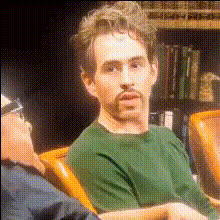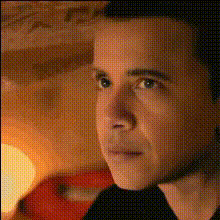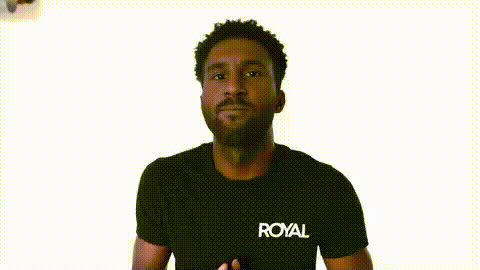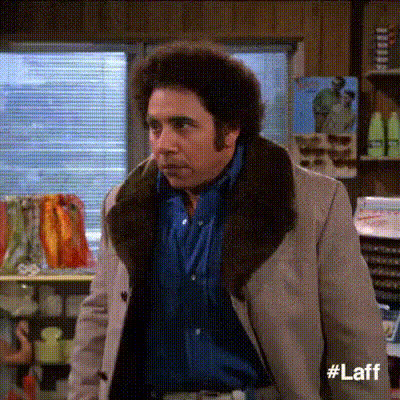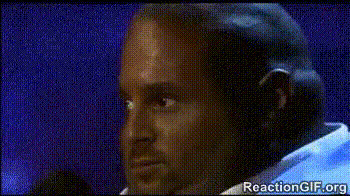
Chris Brander Shocked Expression
Overview
Step into the world of comedy with the Chris Brander Shocked Expression template. This Video Face Swap tool allows you to apply Chris Brander's iconic wide-eyed, jaw-dropped look to your own videos. Ideal for creating entertaining pranks and funny memes, this template brings customizable humor at your fingertips.
What It Does
The Chris Brander Shocked Expression template takes any video footage you have and applies the hilarious shocked expression of Chris Brander to one of the faces in your video. Utilize the power of Face Swap technology to ensure smooth and adjustable overlays that fit perfectly with the motion and angle of faces.
Compatible with a variety of file formats, the resulting video can be used for a wide range of humorous contexts like digital pranks or social media content creation. This template seamlessly integrates with AI Image Editor, allowing further creative enhancements post-production.
Who It's For
This template is designed for anyone looking to create engaging and humorous content, from casual social media users to professional content creators and marketers. Whether you’re a meme enthusiast wanting to amplify your social media feed, or a marketer aiming to incorporate humor into your advertising strategy, this tool provides a unique way to engage your audience.
This also applies to video creators needing to freshen up their TikTok videos, Instagram reels, or YouTube Shorts with a humorous twist.
Summary
The Chris Brander Shocked Expression Video Face Swap template is an innovative tool that allows you to apply a humorous shocked expression onto faces in your videos. This tool is perfect for creating lighthearted content, enhancing your digital storytelling, and engaging audiences with humor-driven projects. It integrates well with other AI tools on Magic Hour, such as AI Meme Generator and Video-to-Video.
How To
Choose Your Template

Customize Your Video

Generate Your Video

Use Cases
Social Media Content
- Create funny TikToks or Instagram Reels.
- Share relatable memes on Facebook or Twitter.
Digital Marketing
- Design campaigns targeting younger audiences.
- Use in video ads to grab attention.
Prank and Entertainment Videos
- Craft hilarious prank videos.
- Produce entertainment pieces for YouTube.
Best Practices
Select Clear Footage
Make sure the faces in your video are easily recognizable for a more accurate face swap.Experiment with Settings
Utilize the customization options to adjust facial expressions for a more natural fit.Combine with Other Tools
Enhance your video further by using the AI Image Editor for color adjustments or the AI Meme Generator for adding captions.