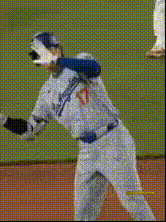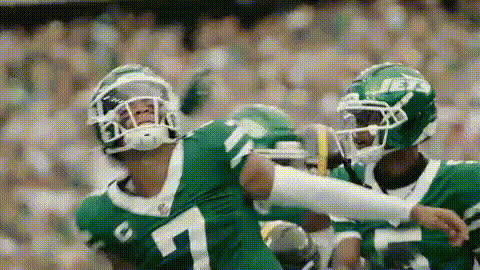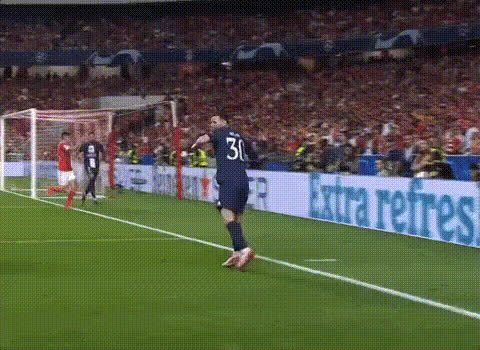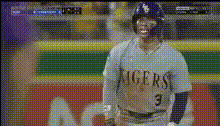
Baseball Player On Field
Overview
Step up your video editing game with the Baseball Player On Field video template. This transformative tool allows you to create captivating sports videos by swapping faces seamlessly with players on the field, giving your highlights an exciting and personalized twist. Whether for fun or a unique presentation, this tool delivers engaging content every time.
What It Does
The Baseball Player On Field template is part of our Video Face Swap suite, specifically designed to integrate user faces onto baseball players in video clips. By utilizing advanced AI, this tool retains natural motion and facial expressions, ensuring your creations look authentic and professional. The template supports common formats for easy sharing across platforms.
Who It's For
This template is perfect for sports enthusiasts, social media influencers, and content creators looking to add personal flair to their videos. It's also an excellent addition for coaches and teams wanting to create dynamic and personalized team highlights. For more tools geared towards sports content, check out our AI GIF Generator and AI Video Extender.
Summary
Utilizing the Baseball Player On Field template allows you to transform ordinary footage into engaging content with just a few clicks. Dive into the world of creative sports edits and explore endless possibilities. For those looking to enhance their videos even further, our AI Voice Changer can add an extra layer of customization with voiceovers.
How To
Choose Your Template

Customize Your Input

Generate Your Video

Use Cases
Fan Highlights
Personalized Team Videos
Social Media Content
Best Practices
Choose High-Quality Videos
For the best results, ensure that the videos you use are of high resolution. This maintains visual clarity after swapping faces.Align Faces Accurately
Take the time to align faces correctly with the player's position for a realistic swap. This step is crucial for better integration.Preview Before Finalizing
Always preview the swap before rendering the final version to check for any discrepancies or areas needing adjustment.