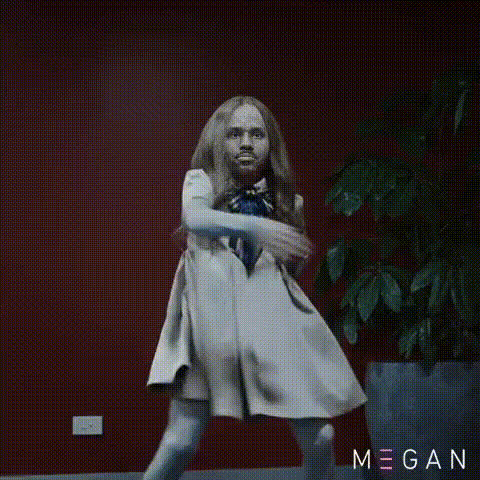
Template preview

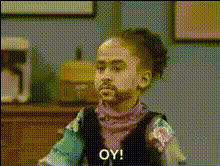
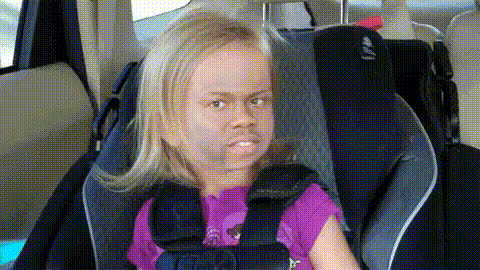
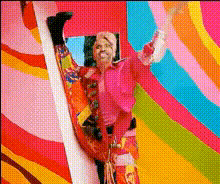
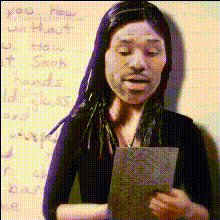
Barbie Movie Reaction Gif

Video Face Swap
1 clip
0 uses

Any aspect ratio

Tags

transformations

Overview

Use the Barbie Movie Reaction Gif template to create entertaining reaction gifs by swapping faces into your favorite Barbie movie scenes. This Video Face Swap template is specifically designed to help you craft hilarious memes and share them across social media or messaging apps.

What It Does

The Barbie Movie Reaction Gif template uses advanced AI to swap faces into predefined movie scenes, turning them into customized reaction gifs. This tool is perfect for injecting personal flair into meme creation or creating unique, sharable content for your social media presence.

Who It's For

This template is ideal for meme enthusiasts, social media managers, and creative marketers looking to engage their audience with lighthearted and relatable content. It suits anyone who uses GIFs as a medium for communication or branding.

Summary

Transform Barbie movie moments into personalized reaction gifs with the Video Face Swap template. Elevate your social media game and capture attention by creating humorous and relatable content with ease. Also, explore our AI Image Editor for additional customization options.

How-To

    01

    Choose Your Template

    Begin by selecting the Barbie Movie Reaction Gif from the templates section. Navigate to Face Swap Templates to find it easily.
    02

    Customize Your Content

    Upload images of the faces you want to swap into the video's scenes. Ensure the quality is good for optimal results.
    03

    Generate Your Gif

    Click 'Generate' to create your customized reaction gif. Once processed, download the gif in your preferred format for easy sharing.

Use Cases

📱

Social Media Engagement

Boost interaction on platforms like Twitter and Instagram with unique reaction gifs.
💡

Marketing Campaigns

Add a fun twist to marketing materials by incorporating personalized movie snippets.
😂

Personal Messaging

Enhance your chats with friends by sharing homemade, humorous gifs.

Best Practices

  • Select High-Quality Images

    For the best face swap results, use high-resolution images where the faces are clearly visible.
  • Explore Creative Themes

    Try different scenes or faces to discover surprising and entertaining combinations.
  • Optimize for Sharing

    Ensure the final gif is optimized for online platforms by checking file size and format requirements.

Frequently asked questions

The generated gifs can be downloaded in standard GIF format for easy sharing across platforms.

Yes, you can upload images directly from your phone, as long as they are in standard image formats like JPEG or PNG.

There is no limit, but multiple swaps may take additional processing time depending on the system's queue.

No experience is necessary. The template is designed to be user-friendly and intuitive, even for beginners.

More Like This

17
Barbieheimer
Barbara Palvins Face
Comedic Reaction Gif
Funny Face Reaction 1
4
Funny Face Reaction 1
Funny Girl Reaction Face
2
Funny Girl Reaction Face
Little Girl Reaction Face
Barbie Edit
Barbie Movie Promotional Frame
Comedy Movie Reaction Gif
Funny Face Reaction
Funny Face Reaction
Girl Dancing With Doll Face
thats-a-shame-reaction-gif

Face Swap Video