Baby Holding Pen
Overview
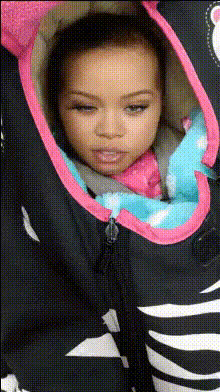
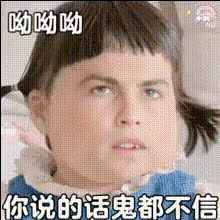
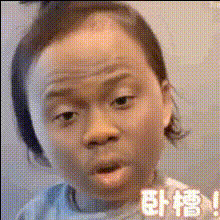
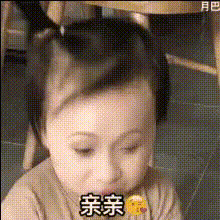
The Baby Holding Pen template offers a unique twist on the Video Face Swap by placing your face into amusing scenarios where a baby holds a pen, creating memorable and hilarious content. This tool makes it easy to create entertaining videos that engage your audience in fun and creative ways.
What It Does
This template uses advanced face swap technology to replace the faces in existing video clips with your chosen face. Perfect for creating comedic clips or sharing fun moments with friends, it's a go-to tool for social media influencers and content creators looking to spice up their video content with dynamic transformations.
Who It's For
The Baby Holding Pen template is ideal for anyone looking to experiment with video content. Whether you're a content creator on social media, a marketing professional seeking creative ad content, or just someone wanting to create a humorous video, this template suits a variety of needs. It aligns well with people who enjoy using the AI GIF Generator or the AI Meme Generator for their projects.
Summary
Creating engaging and comedic videos is simple with the Baby Holding Pen template. Its face swap capabilities ensure that videos remain both entertaining and easy to produce, making it a valuable tool for projects requiring a humorous touch. If you enjoy mixing realistic video effects, you might also explore our AI Face Editor and AI Video Generator.
How To
Create hilarious face swap videos quickly and easily with the Baby Holding Pen template using these steps.

Customize Your Video

Generate Your Video

Use Cases
Social Media Content
- Entertain your followers
- Promote brand awareness with humor
Marketing Videos
- Catch audience attention easily
- Enhance storytelling with humor
Personal Projects
- Create memorable keepsakes
- Share laughter with loved ones
Best Practices
Choose Clear Videos
Ensure the original video has good lighting and face visibility for optimal swap results.Precise Face Selection
Select high-quality images with clear features to enhance the face swap effect.Review and Edit
Use the AI Video Editor to make additional adjustments after generating the face swap.