Angry Little Girl (2)
Overview
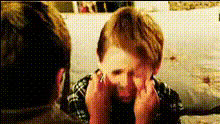
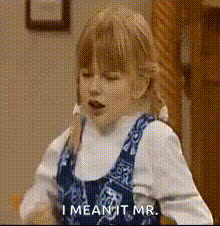
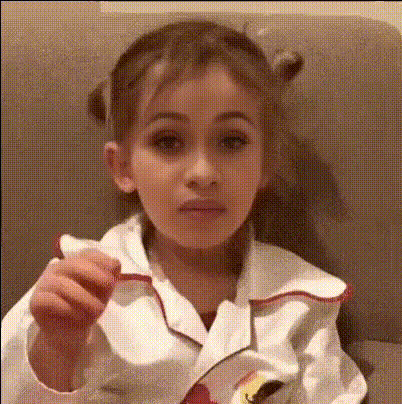
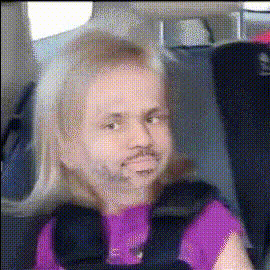
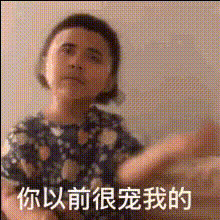
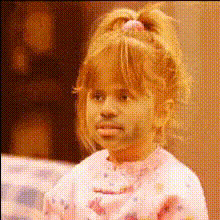
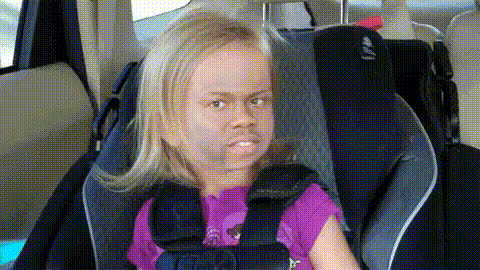
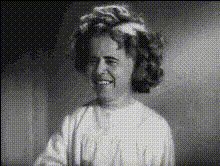
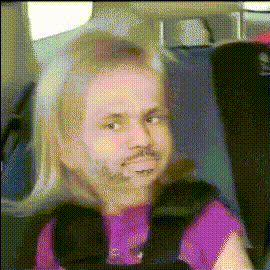
The "Angry Little Girl (2)" template brings your creative ideas to life through Video Face Swapping. This tool is designed to let you playfully transform faces in video clips, focusing especially on replacing faces with those of animated characters. This makes it perfect for adding a touch of comedy and surprise to your videos.
What It Does
The "Angry Little Girl" Video Face Swap template allows users to swap faces in videos with animated expressions. It's suitable for creating engaging and humorous content by placing a new face over an existing one. Ideal for memes and light-hearted videos, this template leverages advanced face swapping technology for seamless integration and realistic expressions. Explore other Video Face Swap tools for more options.
Who It's For
This template is perfect for content creators, comedians, and meme designers looking to add humor and unique twists to their videos. It's especially beneficial for social media influencers who want to increase engagement and viral potential. Additionally, it can be a valuable tool for marketing teams interested in creating engaging Social Media Ads.
Summary
With "Angry Little Girl (2)," you can effortlessly create funny, engaging videos by swapping faces in scenes. Utilize the template's potential to generate content that captures audience attention and grows your online presence. Learn more about related tools like the AI Image Editor and AI GIF Generator for diversified content creation.
How-To

Customize

Generate

Use Cases
Social Media Engagement
- Create shareable videos for platforms like TikTok and Instagram
- Engage your audience with humorous and surprising content
Meme Creation
- Develop trendy memes that capture public interest
- Increase the likelihood of going viral with well-crafted videos
Marketing Campaigns
- Boost social media ad performance
- Attract more attention through unique promotional content
Best Practices
Face Alignment
Ensure the new face is well-aligned with the original face for optimal results. Misaligned faces may look unnatural.Expression Calibration
Take advantage of expression calibration tools to make swapped faces appear more realistic and match the video's tone.Test Different Scenarios
Experiment with various face images to see which generates the most engaging content for your audience.