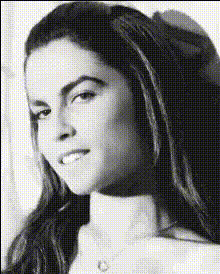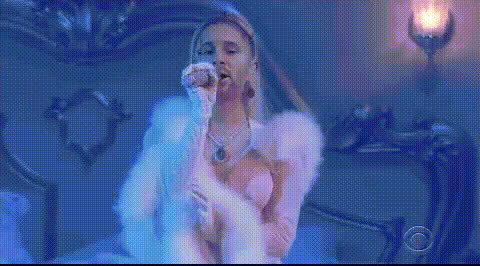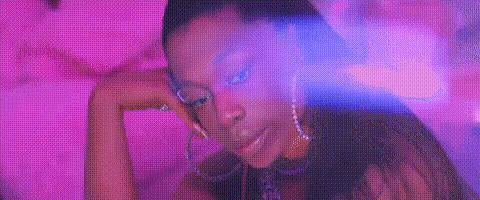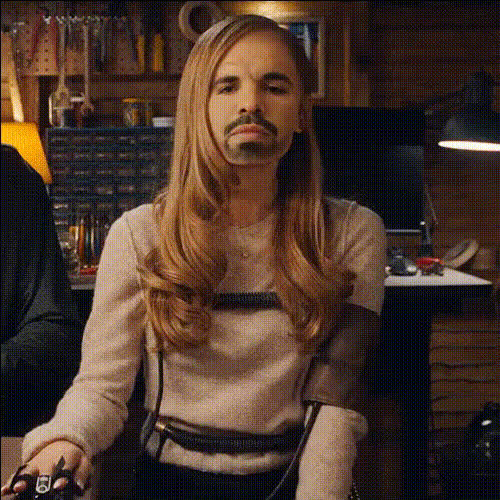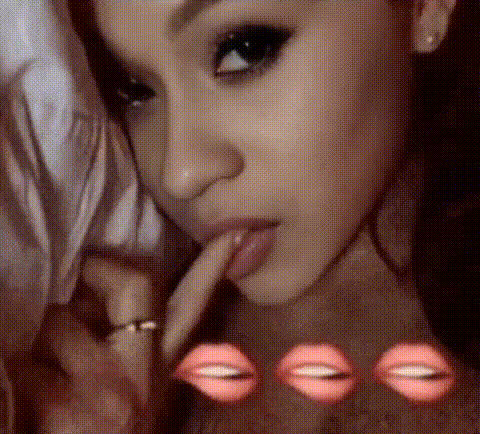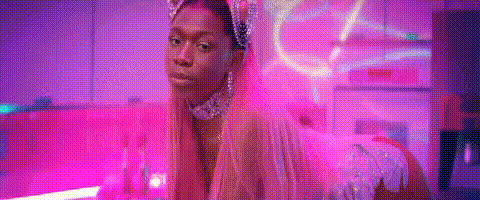
Ariana Grande Close Up 1
Overview
Bring a touch of stardom to your videos with the Ariana Grande Close Up video face swap template. This tool allows you to seamlessly blend your face onto Ariana Grande's in a video, delivering celebrity-inspired content that stands out. From social media posts to fun personal projects, this template makes it easy to create eye-catching videos.
You can explore other exciting options in our Face Swap suite to customize content further, or delve into the Image to Video products for similarly transformative effects.
What It Does
The Ariana Grande Close Up template primarily focuses on executing a precise video face swap, allowing you to overlay your face onto Ariana Grande's in close-up scenarios. This transformative process supports popular video formats and ensures the swapped face integrates naturally into the original video dynamics.
Our technology is supported by robust AI models to deliver realistic results seamlessly. Further refine your video with the AI Image Editor for a polished final look.
Who It's For
Whether you're a content creator yearning for something extraordinary or a fan looking to have fun with celebrity style, this template is designed for you. Video editors and social media enthusiasts can leverage this tool to engage audiences effectively. It also caters to digital marketers seeking to add a unique touch to their campaigns.
For professionals working within the entertainment sphere, consider pairing this with the AI Image Generator to expand your content offerings.
Summary
With the Ariana Grande Close Up face swap template, creating celebrity-inspired videos is both exciting and accessible. This tool is ideal for bringing your creative visions to life, whether for personal enjoyment or professional purposes. By using this template, you ensure high-quality, realistic face swapping capable of leaving a lasting impression.
Explore more creative possibilities with products like AI Video Generator for dynamic and engaging video projects.
How to Use
Choose the Template

Customize Your Inputs

Generate Your Video

Use Cases
Social Media Content
Personal Projects
Marketing Campaigns
Best Practices
Ensure High-Quality Inputs
Use videos with good lighting and clear facial visibility for the best swapping results.Fine-Tune Alignments
Adjust facial positioning carefully to make the swap look natural and enhance realism.Review Before Finalizing
Always check the preview to ensure the swap looks accurate before downloading the final output.