Ariana Grande Thinking
Overview
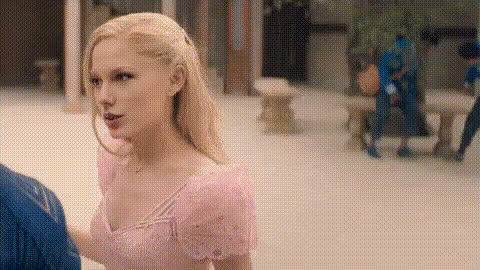
Transform any regular video into a comedic or entertaining masterpiece with the Ariana Grande Thinking Video Face Swap template. Easily swap your face onto the iconic pop star's, creating shareable content that is perfect for social media and personal entertainment.
What It Does
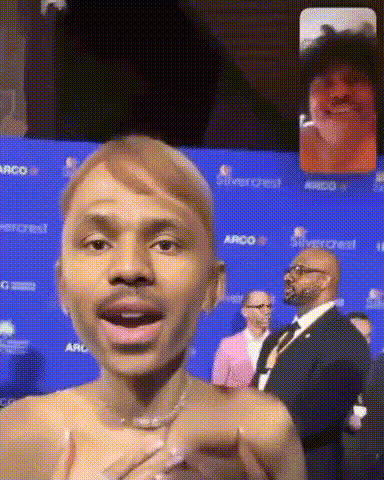
The Video Face Swap with the Ariana Grande template offers a unique opportunity to replace the face in the original video with your own. This template leverages advanced face-swapping technology to maintain realistic facial expressions and movements. Pair it with the Body Swap or AI Voice Changer for added effect.
Who It's For
This template is perfect for creators seeking to make humorous, eye-catching clips for platforms like TikTok or Instagram. Whether you're a meme creator, influencer, or just someone who enjoys quirky video edits, this tool provides a playful way to transform your content. Explore other templates like Face Swap and AI Talking Photo to further your creative projects.
Summary
With the Ariana Grande Thinking template, you can make your videos more engaging and entertaining. Utilize this tool to substitute your face in a professionally-crafted video, making your audience laugh while increasing your viewership. See how it complements tools like AI Image Generator to further enhance your creations.
How To
Choose Your Template

Customize the Experience

Generate and Share

Use Cases
Social Media Comedy
- Craft posts that engage followers
- Share with friends for laughs
- Participate in trending challenges
Personal Entertainment
- Make family and friends laugh
- Create personalized greetings or messages
- Enhance video diaries or vlogs
Marketing Content
- Craft unique ads
- Enhance event promos
- Create brand-related memes
Best Practices
Choose Clear Photos
For effective swaps, use high-resolution images with clear, unobstructed views of your face.Adjust Lighting
Ensure your uploaded photo matches the lighting of the target video for more realistic swaps.Review and Adjust
Play around with different expressions and angles to see what works best for your particular project.