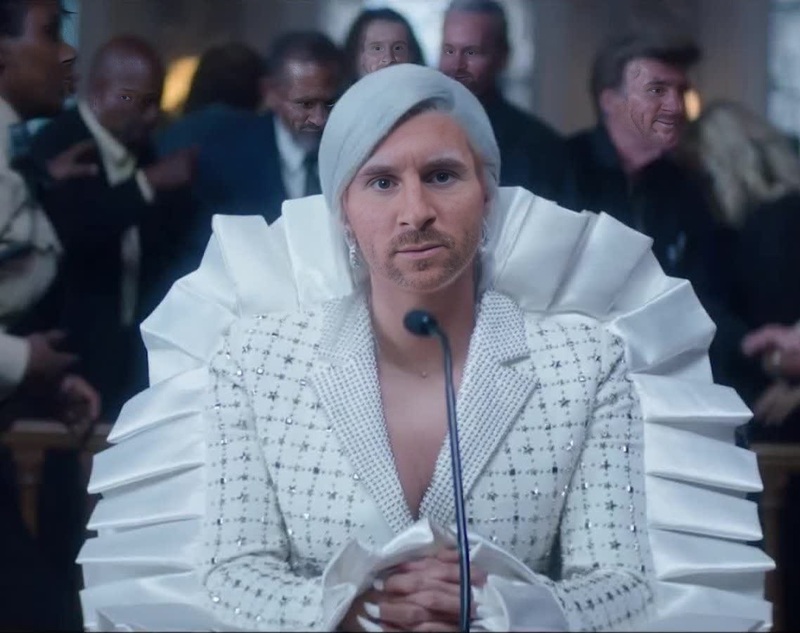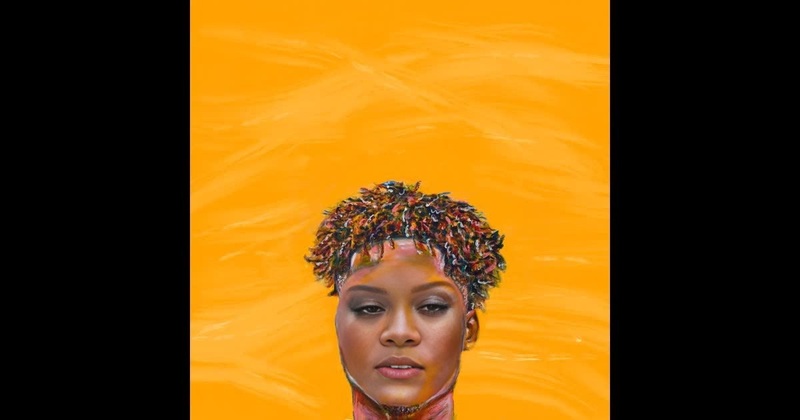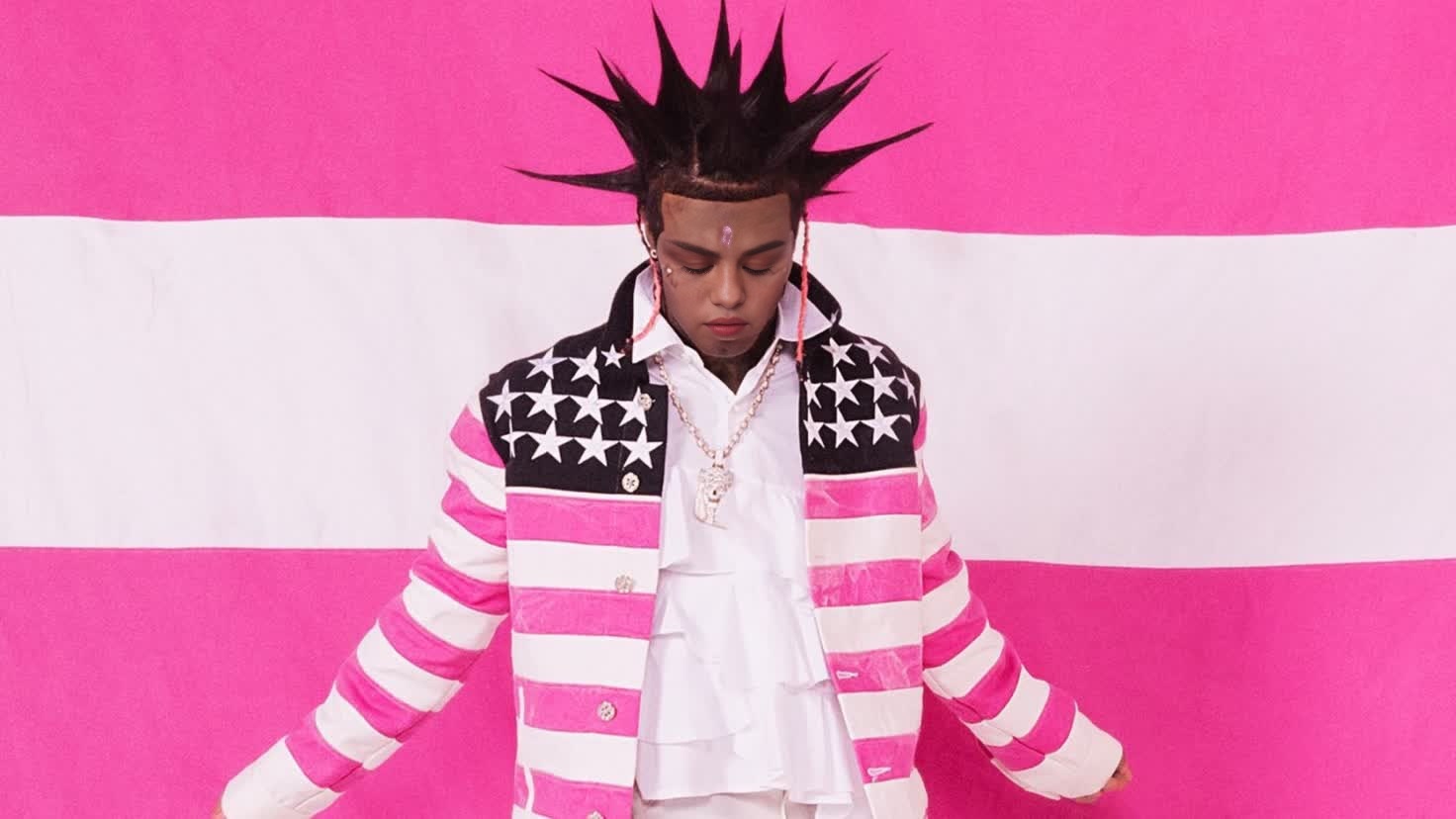
Lil Uzi Vert Pink Tape Press Portrait
- Image
- 1472 × 828 px
Any aspect ratio
Overview
Elevate your video content with the Lil Uzi Vert Pink Tape Press Portrait template. This Video Face Swap tool lets you bring hip-hop flair to your projects by integrating Lil Uzi Vert's distinctive style into your visual narratives. Whether you're producing a music video or creating social media content, this template offers a dynamic transformation to mesmerize your audience.
What It Does
The Lil Uzi Vert Pink Tape template enables creators to swap the faces in their videos with a high-quality representation of Lil Uzi Vert. It's perfect for adding a unique twist to videos, creating mashups, or even generating themed content. This face swap template maintains the original video's expressions and motions, providing a seamless and professional output.
For advanced modifications and additional styling, check out our AI Video Generator and Video-to-Video tools.
Who It's For
This template is ideal for content creators, social media influencers, and digital marketers looking for innovative ways to engage their audience. If you're involved in video production or simply a fan of creative transformations, this tool can help spice up your content. Artists can also benefit from using this template for experimental ad concepts or product demo videos with a music edge.
Summary
Experience a radical shift in your video content by leveraging the Lil Uzi Vert Pink Tape template. This Video Face Swap tool is designed to give your videos a captivating twist, while ensuring that the integrity of movements and expressions are retained. It's your key to producing remarkable, themed visual projects that resonate with audiences and fans of hip-hop culture.
Further refine your videos using our AI Image Editor for precise adjustments and enhancements.
How-To
Choose the Template

Customize Your Video

Generate Your Video

Use Cases
Music Video Production
- Boost artistic flair
- Create unique mashups
Social Media Content
- Viral potential
- Increase engagement rates
Promotional Materials
- Eye-catching visual
- Cultural relevance
Fan Videos
- Customized fan experiences
- Expanded artist reach
Cinematic Experiments
- Innovative storytelling
- Enhanced visual effects
Event Highlights
- Memorable highlights
- Unique event coverage
Best Practices
Select High-Resolution Videos
Ensure your source video is of high resolution to maintain quality and detail in the final output.Adjust Lighting Settings
Explore the lighting dynamics in both the target video and the template for the best face alignment results.Preview Before Finalizing
Always preview the face swap results to ensure proper alignment and blending before generating the final video.