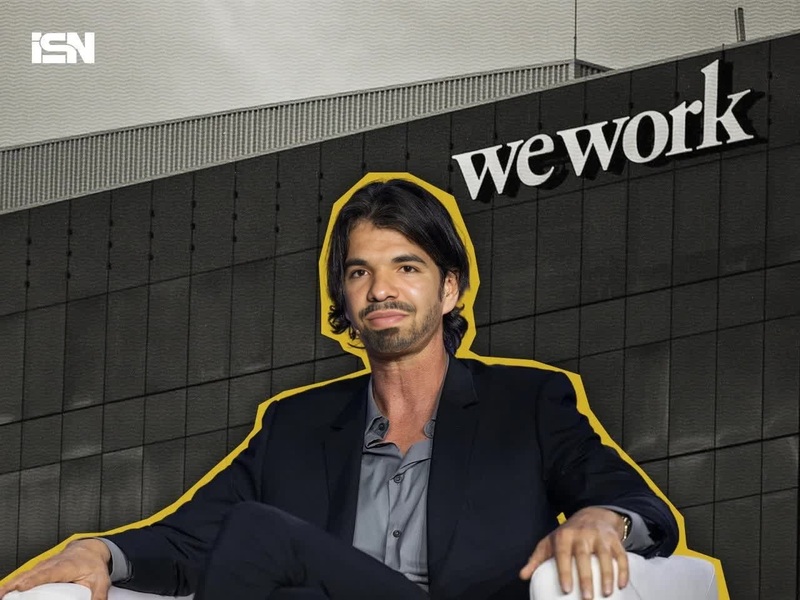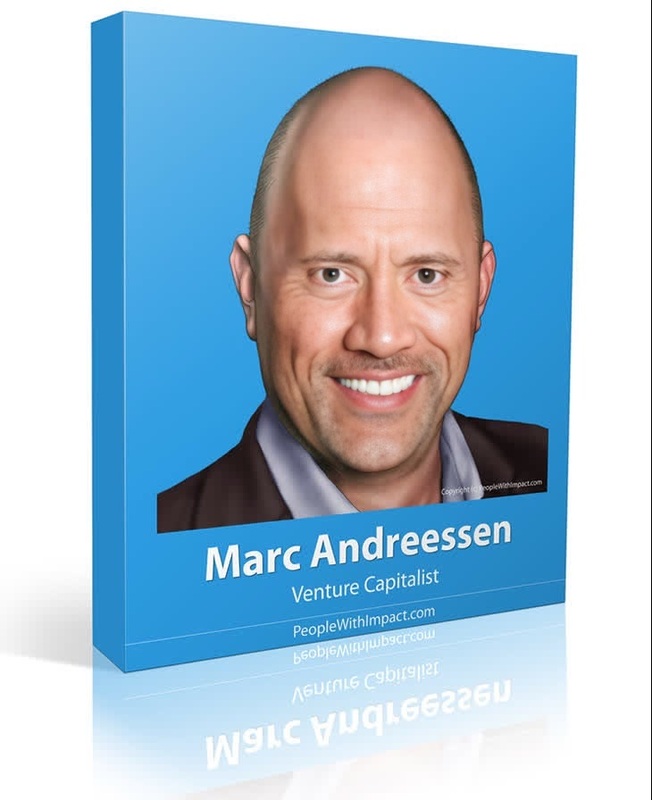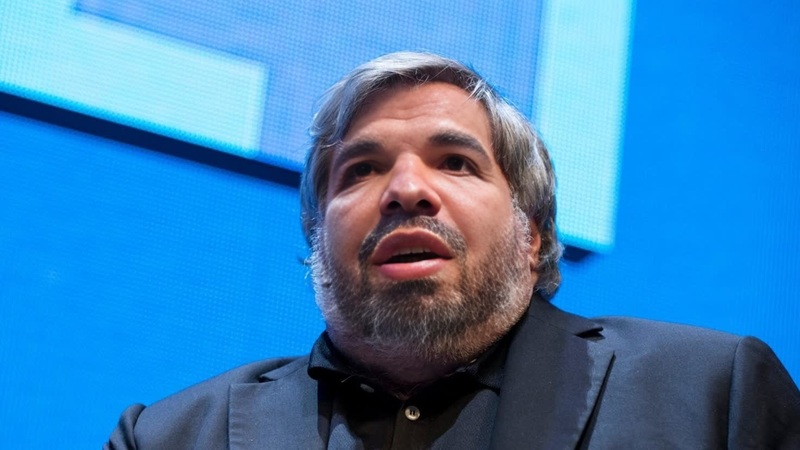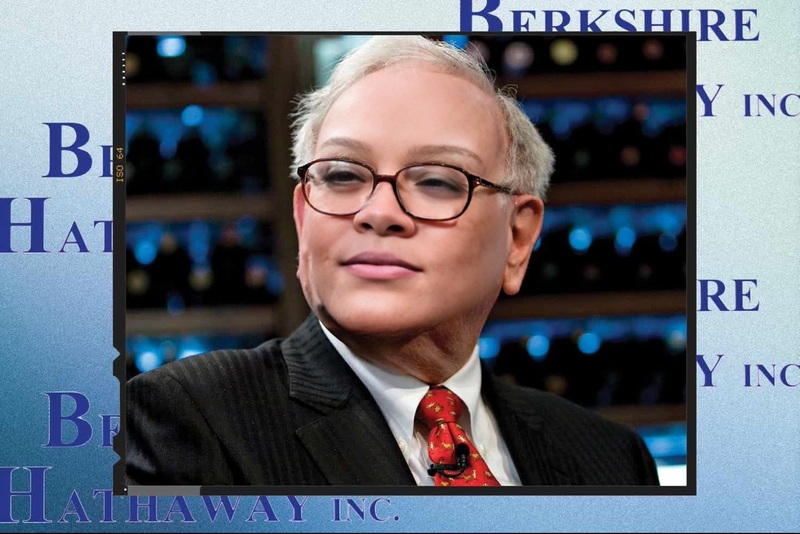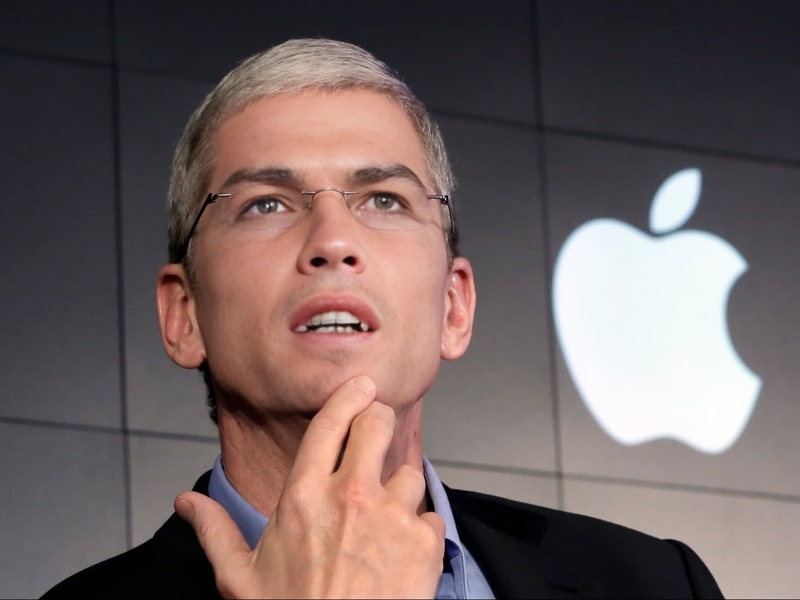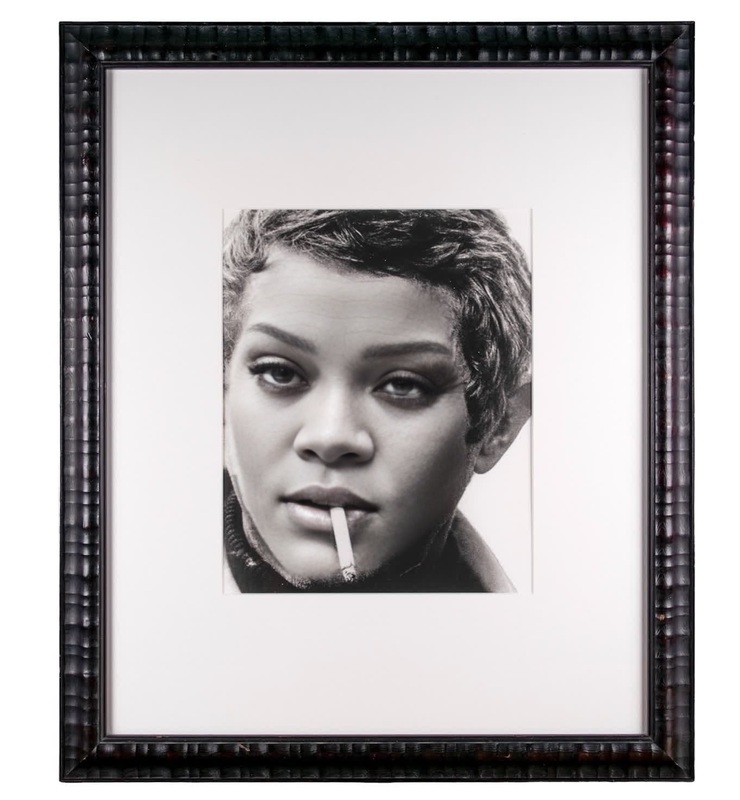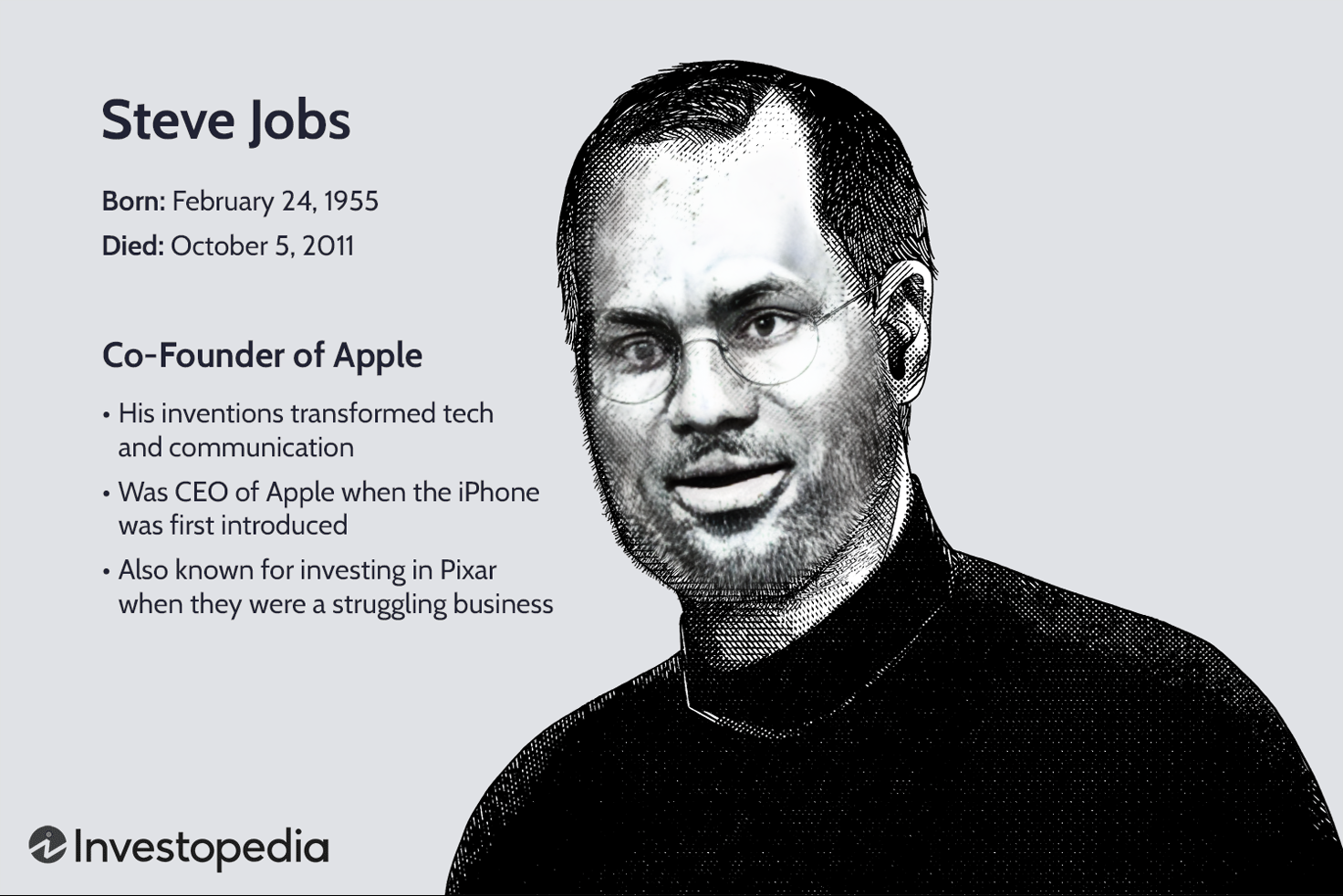
Steve Jobs Apple Founder Archival Press Portrait
- Image
- 1472 × 982 px
Any aspect ratio
Overview
The Steve Jobs Apple Founder Archival Press Portrait template lets you embark on a creative journey by swapping your face with that of the iconic tech visionary, Steve Jobs. This video face swap tool is ideal for those looking to infuse their projects with a touch of innovation and historical significance. Opt for this template to bring a tech-themed narrative to life.
What It Does
By using the Video Face Swap functionality, this template overlays your face onto archival footage of Steve Jobs. The result is a seamless integration that preserves the style and essence of the original video, while allowing you to step into the shoes of the Apple founder. This creates a powerful storytelling medium for tech enthusiasts and content creators alike.
Who It's For
This template is perfect for tech enthusiasts, content creators, educators, and marketers who want to incorporate historical figures into their storytelling. It's especially suited for those developing educational content, tech-themed campaigns, or engaging social media experiences that require a recognizable persona.
Summary
Step into the shoes of one of tech history's most influential figures with the Steve Jobs Apple Founder Archival Press Portrait template. Use it to craft engaging content that resonates with audiences and adds depth to your tech-focused narratives. Explore the full potential by leveraging it with tools like the AI Video Generator and AI Talking Photo.
How-To
Choose Your Template

Customize Your Inputs

Generate Your Video

Use Cases
Tech-Themed Campaigns
- Highlight product launches with a historic twist
- Develop engaging tech ads
Educational Content
- Bring tech history to life in presentations
- Create immersive educational videos
Creative Storytelling
- Build captivating video essays
- Enhance biographical storytelling
Best Practices
Use High-Quality Images
For best results, upload images that are clear and well-lit to ensure the face swap appears natural and realistic.Contextual Storytelling
Position your narrative within a larger storyline for greater impact. Consider combining with Text to Video tools to add context.Edit for Clarity
After generating your video, review and edit if needed to maintain narrative clarity and focus.