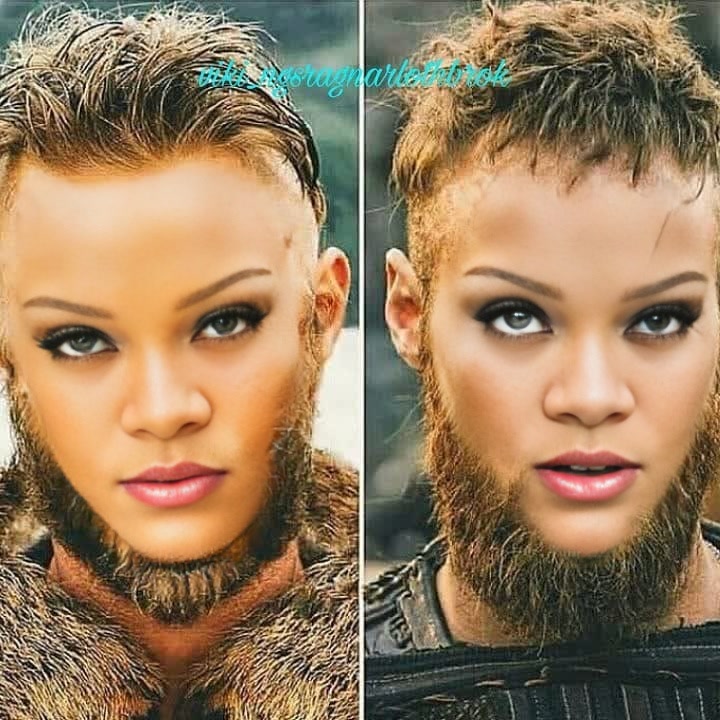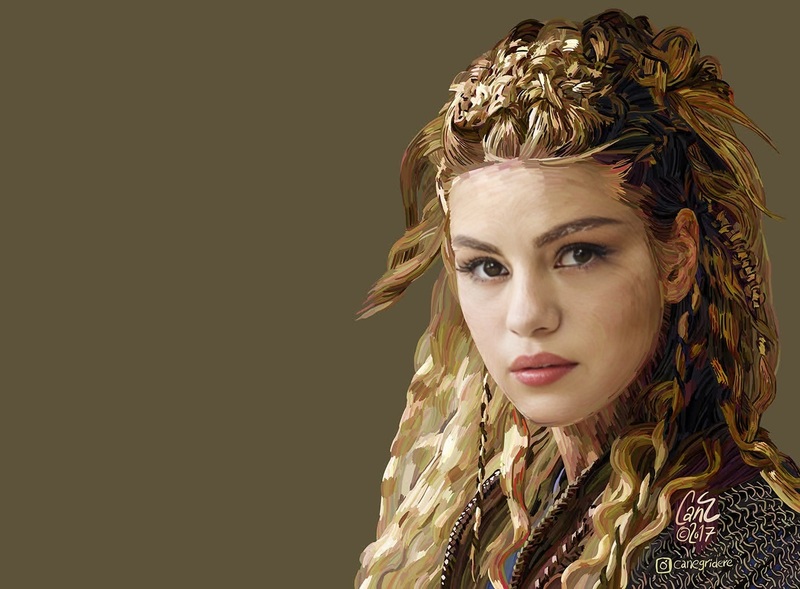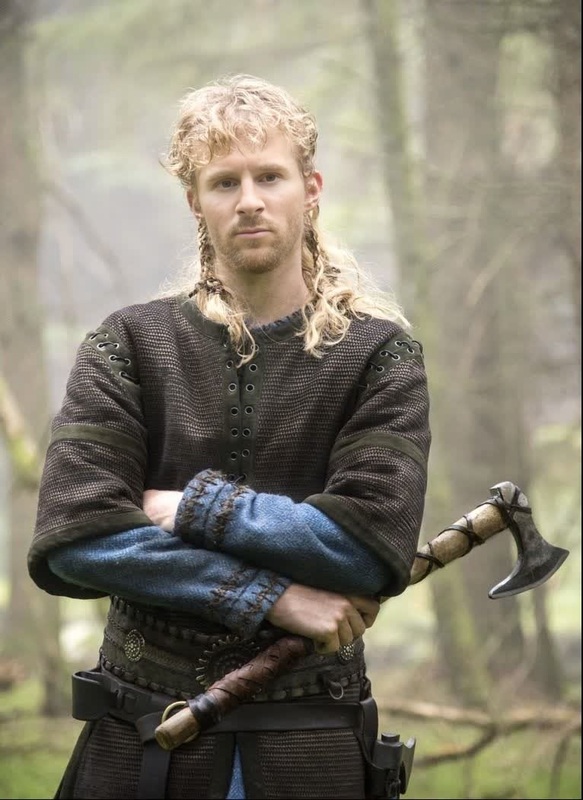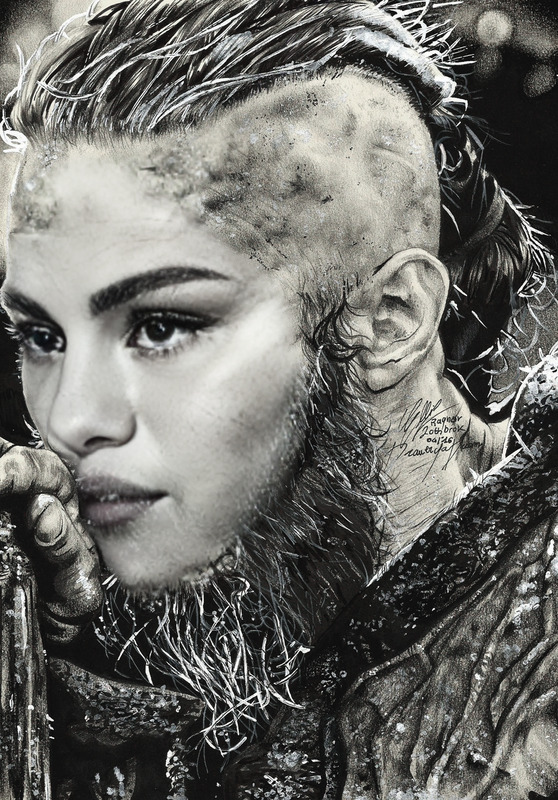
Rollo Vikings Portrait
- Image
- 500 × 750 px
Any aspect ratio
Overview
The Rollo Vikings Portrait template brings the thrill of the Viking era to life by allowing users to swap faces with historical figures in interactive videos. This Video Face Swap template relies on precision AI to ensure seamless integration, perfect for creating engaging content that transports viewers back in time.
What It Does
This template uses advanced AI to map your facial features onto a Viking character's portrait, providing an authentic transformation experience. The process is quick and accessible, making it ideal for social media posts or personal entertainment.
For further enhancements, consider using our AI Image Editor to refine backgrounds or add additional effects post-processing.
Who It's For
This template is perfect for history enthusiasts, content creators, and educators looking to add a historical twist to their projects. Whether you're crafting educational material or seeking fresh social media content, this tool is designed to captivate your audience.
It can also be a great tool for creative agencies working on themed projects or historical reenactments, amplifying engagement through personalization.
Summary
With the Rollo Vikings Portrait template, users can easily swap their faces with iconic Viking figures, resulting in compelling videos suitable for various contexts. Supported by our robust Image to Video technology, it offers users the flexibility and creativity to craft dynamic content that stands out.
How To
Choose the Rollo Vikings Portrait Template

Customize Your Viking Video

Generate Your Viking Transformation

Use Cases
Historical Education
- Personalized history lessons
- Interactive learning modules
Social Media Content
- Create standout TikToks or Reels
- Boost engagement with audience-interactive posts
Creative Campaigns
- Themed video advertisements
- Event promotions with a historical twist
Best Practices
Choose High-Resolution Images
Opt for high-quality, well-lit images to ensure accurate face mapping results and maintain video clarity.Mind the Background
Use the AI Background Changer to adjust your video’s background, creating a consistent theme.Experiment with Angles
Try different facial angles and expressions to see which works best for your desired effect, adding diversity to your content.