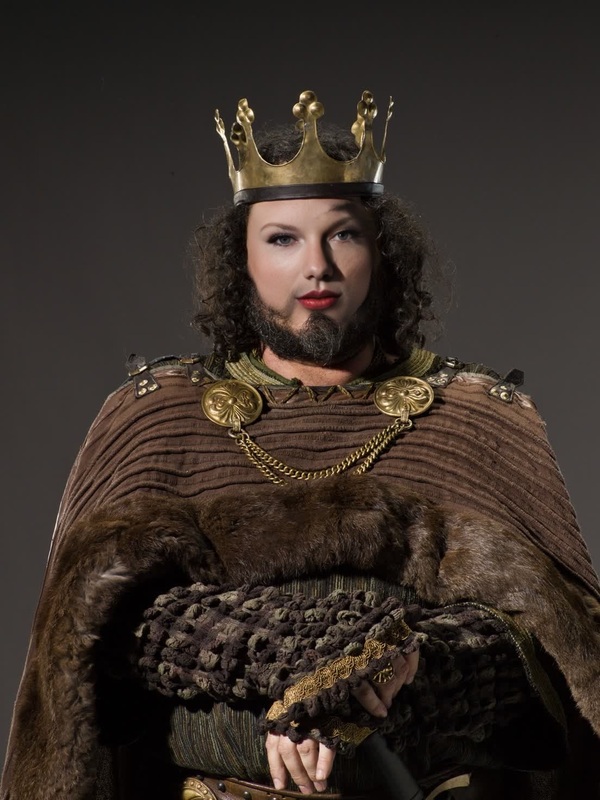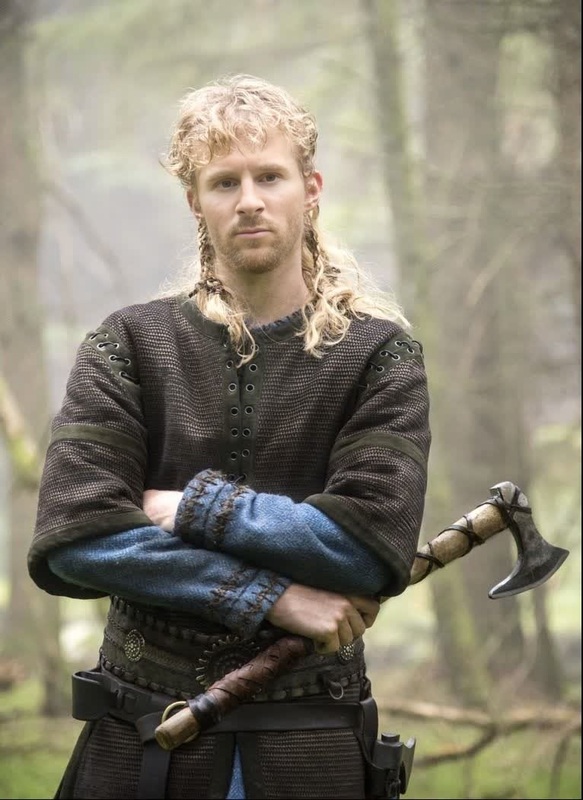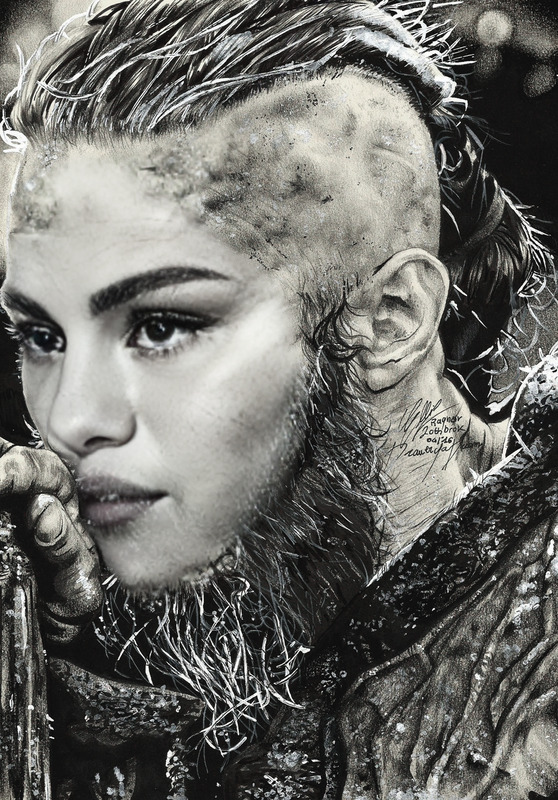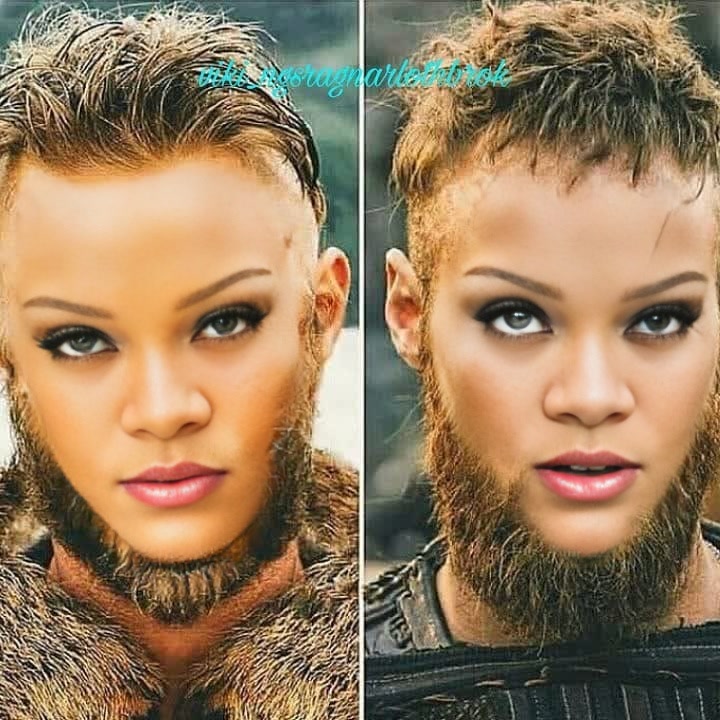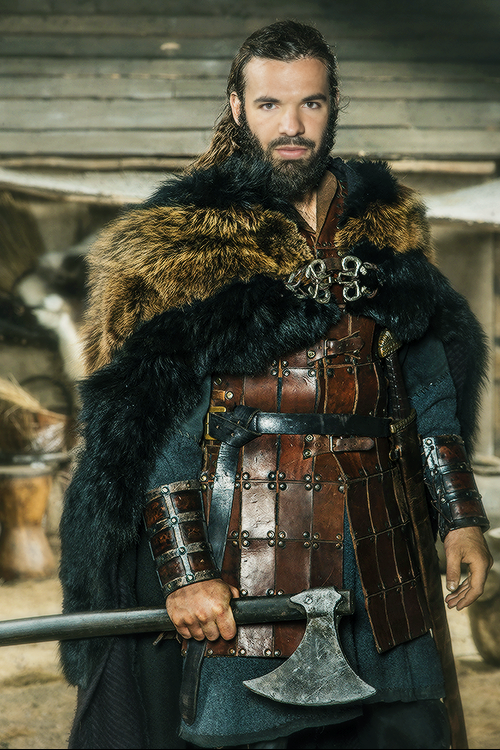
Harald Finehair Vikings Portrait
- Image
- 640 × 640 px
Any aspect ratio
Overview
The Harald Finehair Vikings Portrait template allows you to insert yourself or your characters into the enthralling world of Vikings. Utilizing advanced Video Face Swap technology, this template offers an authentic medieval transformation. Perfect for video creators aiming for dramatic transformations, this template augments any project with a touch of historical warrior elegance.
What It Does
This template provides a detailed Viking-themed face swap, integrating your face into Harald Finehair's iconic portrait. Creating a seamless blend with the original video, it effectively maintains the nuances of historical textures and color tones. The output is an engaging video that brings the legendary Viking leader's character to life.
Who It's For
Ideal for content creators, history enthusiasts, or event producers, this template serves anyone looking to bring a bold medieval theme into their content. Whether you're producing educational content, historical documentaries, or fun social media clips, this face swap tool provides a versatile solution.
Summary
Incorporating the Harald Finehair Vikings Portrait template into your work is a surefire way to elevate your content's visual appeal. Merging your video with a historical theme offers a fresh and engaging storytelling method, making your projects stand out. This tool integrates smoothly with other features like the AI Image Editor for enhanced post-processing.
How-To
Choose the Template

Customize Your Inputs

Generate and Export

Use Cases
Historical Reenactments
Educational Content
Social Media Campaigns
Best Practices
Ensure Good Lighting
For best results, record your original video with clear lighting to ensure the face swap aligns smoothly and looks natural.Match Facial Expressions
Attempt to mimic similar facial expressions to the Harald Finehair template to enhance realism.Utilize Editing Tools
After generating the face swap, use tools like the AI Image Editor to fine-tune details and achieve the perfect look.