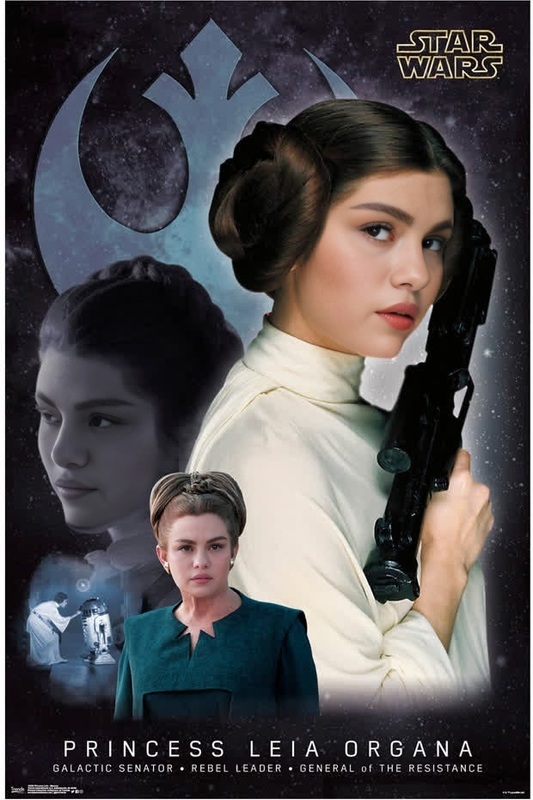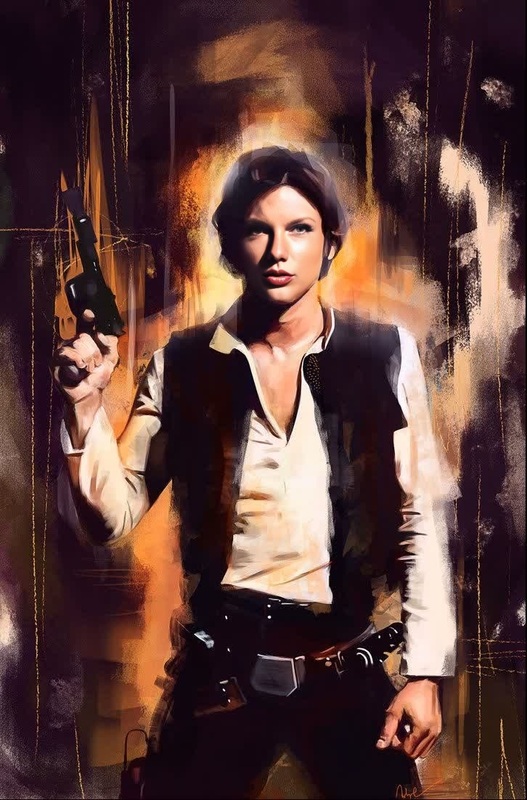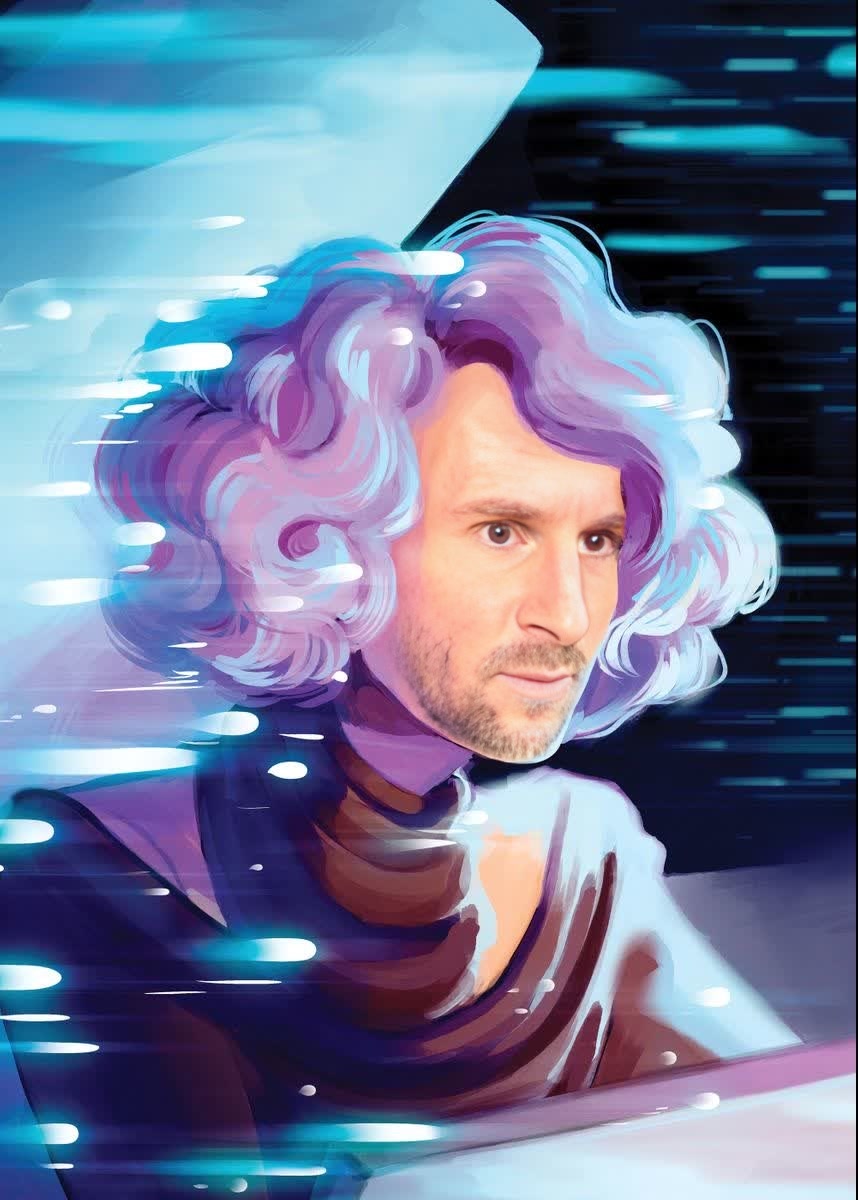
Vice Admiral Holdo Star Wars
- Image
- 858 × 1200 px
Any aspect ratio
Overview
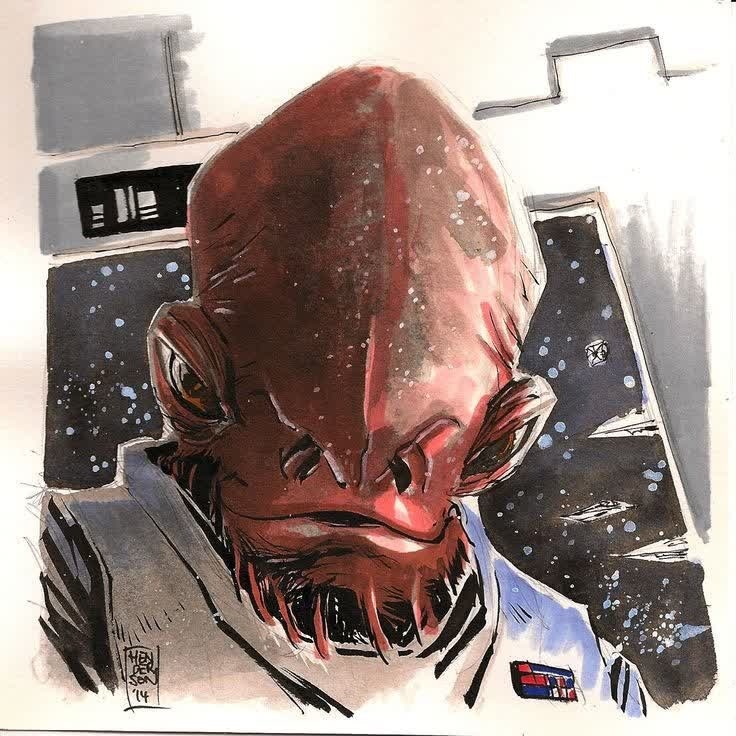
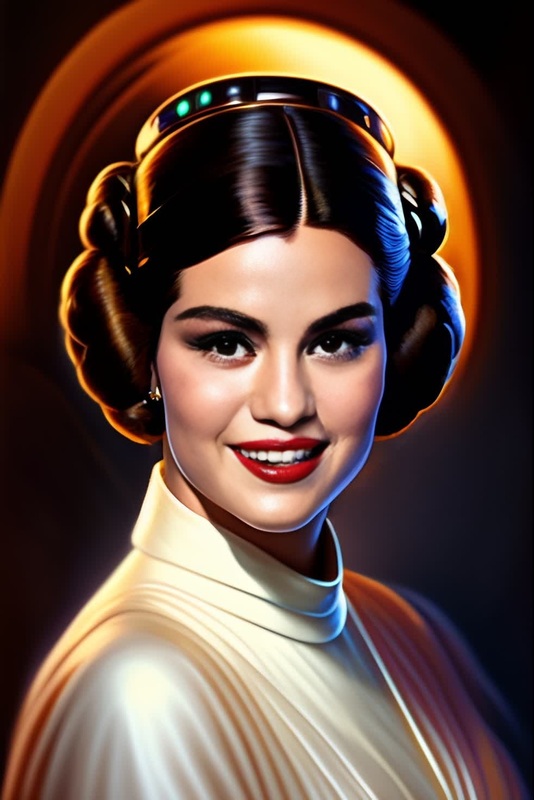
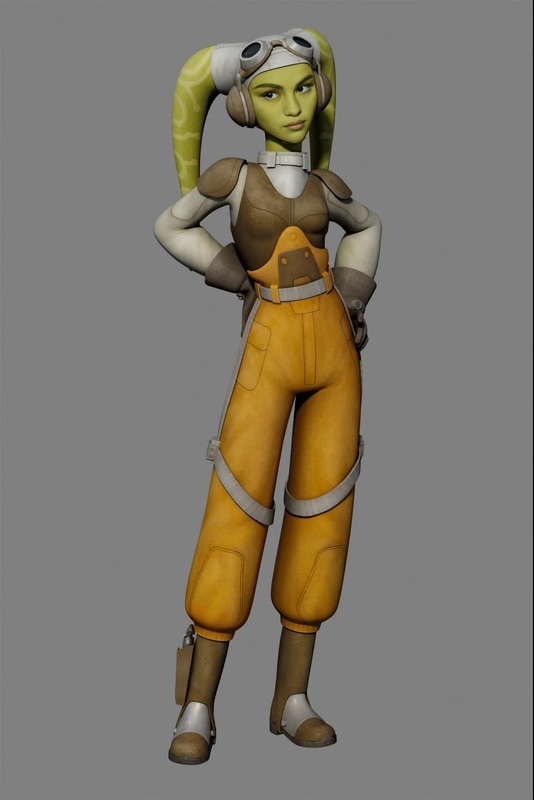
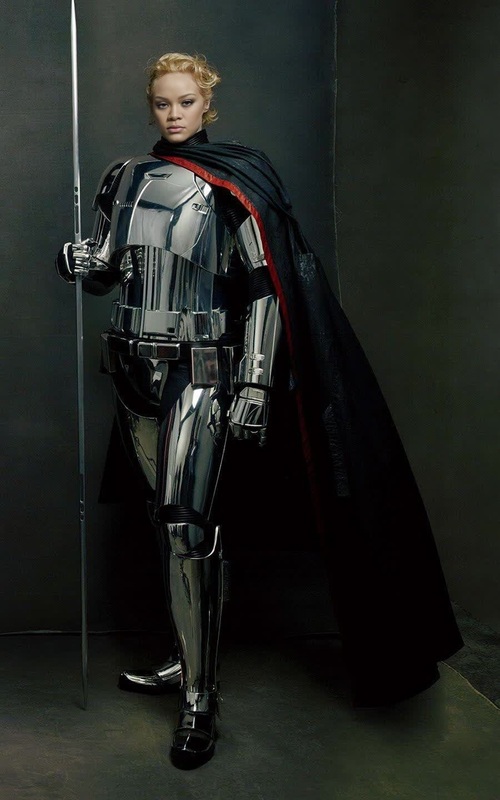
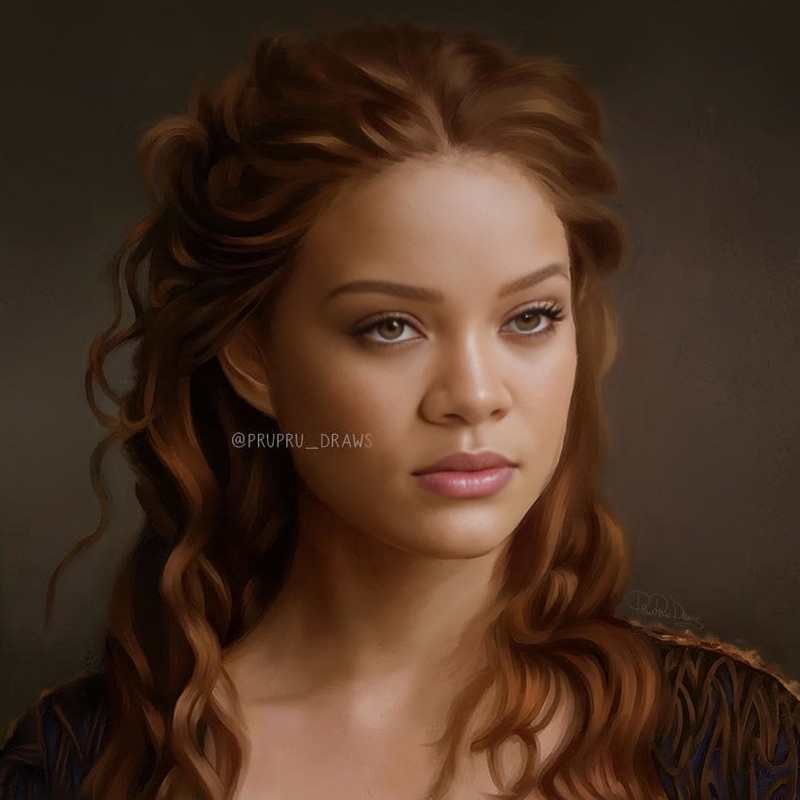
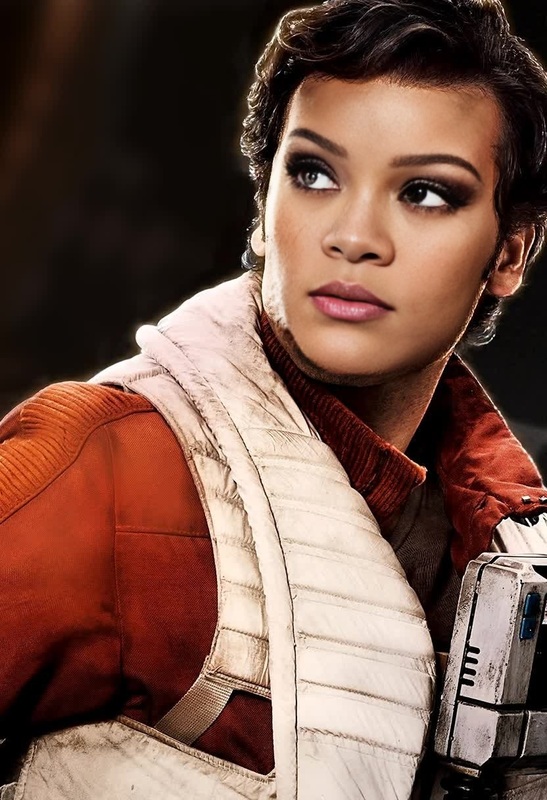
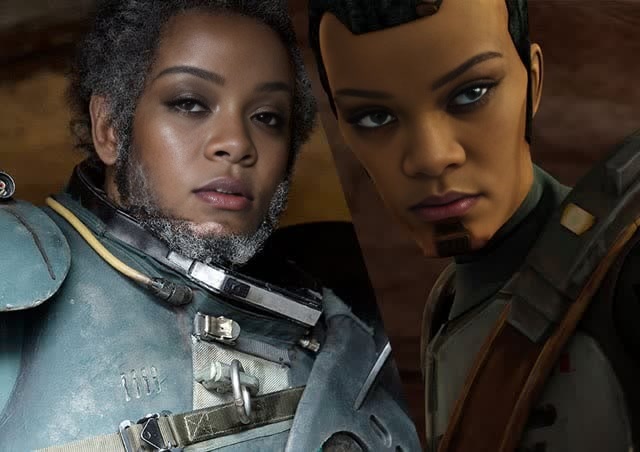
Bring your creative visions to life with the Vice Admiral Holdo Star Wars video face swap template. This tool allows you to personalize iconic scenes by swapping faces with Vice Admiral Holdo. Whether you're a Star Wars fan or just looking for a unique way to engage audiences, this tool offers you the flexibility to create something memorable.
What it Does
The template transforms scenes from the Star Wars universe by allowing users to swap faces with Vice Admiral Holdo. This capability leverages advanced AI, similar to our AI Face Editor, to seamlessly replace faces in videos, retaining expressions and emotions. The result is a custom video that maintains the cinematic quality and feel of the original footage.
Who it's For
This template is ideal for content creators, Star Wars enthusiasts, and social media marketers. Whether you're creating content for social media ads or just want to amuse friends with a personal touch on classic scenes, this tool is designed to help you stand out. Educators and entertainers alike can use this to craft humorous or engaging narratives.
Summary
The Vice Admiral Holdo Star Wars video face swap template provides an innovative way to connect with your audience. By incorporating elements from the Star Wars universe into your videos, the tool offers a blend of nostalgia and personalization. For those interested in exploring more video transformation options, check out our Video-to-Video tools that can enhance your creative projects.
How To
Choose Your Template

Customize Your Inputs

Generate Your Video

Use Cases
Social Media Engagement
- Boost audience interaction
- Highlight user involvement in popular scenes
Fan Tribute Videos
- Celebrate iconic characters
- Showcase fan creativity
Marketing Campaigns
- Create buzz for product launches
- Engage with innovative ad campaigns
Best Practices
Choose High-Quality Source Footage
Start with clear, well-lit videos to make the face swap look authentic.Pay Attention to Face Angles
Ensure the angles and expressions of the original footage match those of the face you're swapping in.Utilize Appropriate Editing Tools
After swapping faces, use tools like the AI Image Editor to fine-tune the video aesthetics.