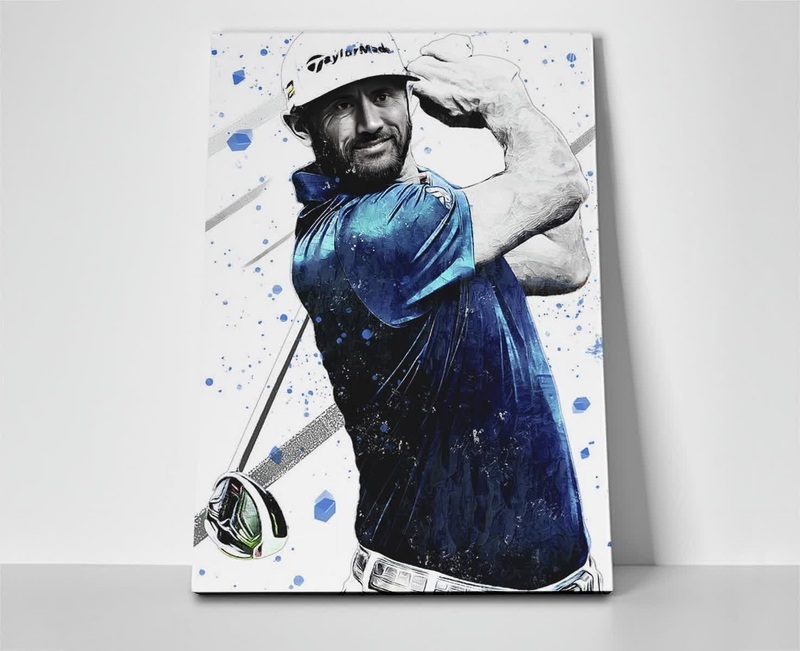
Tiger Woods Golf Press Portrait
- Image
- 800 × 640 px
Any aspect ratio
Overview
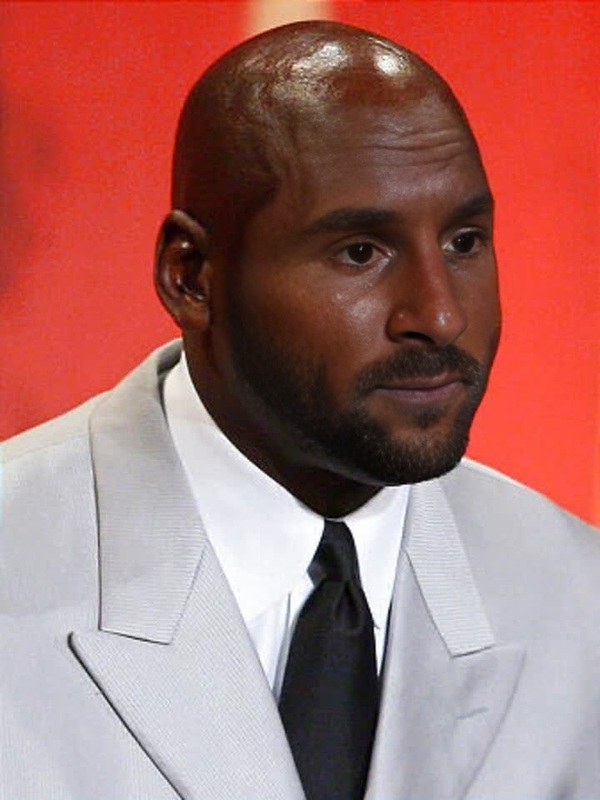
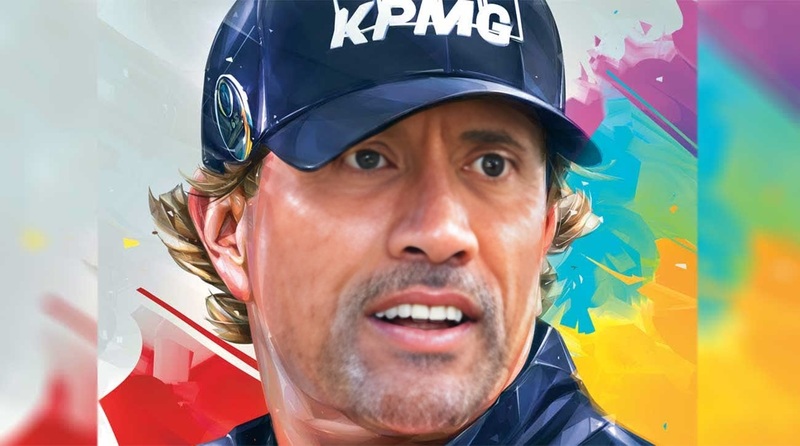
Step into the shoes of a legend with the Tiger Woods Golf Press Portrait template. This Video Face Swap tool allows you to transform your photo into a professional golfer’s press moment, delivering a fun and immersive experience where you appear at a sporting press conference alongside the iconic Tiger Woods.
What It Does
The template takes advantage of advanced video face-swapping technology to place your face onto Tiger Woods’ body in a dynamic press conference setting. This makes it ideal for social media fun and creative presentation pieces. Use our AI Image Editor for any pre-editing needs before utilizing the face swap feature.
Who It’s For
This template is perfect for sports enthusiasts, content creators, and fans who wish to see themselves in the public eye like their idol. It's also a great fit for anyone looking to create unique and eye-catching content for their social media platforms.
Summary
Utilize the Tiger Woods Golf Press Portrait template to give your photos a legendary twist. With its easy-to-use interface, this template is suited for both amateur and professional creators aiming to produce stunning face swap videos. To further enhance your video, consider trying the AI GIF Generator for creative outputs.
How to Use the Template
Choose Your Template

Customize Your Inputs

Generate and Download

Use Cases
Social Media Content
- Post unique video reels
- Challenge friends to create similar videos
Fan Creations
- Celebrate his achievements in style
- Generate content for fan pages
Event Promotions
- Add a recognizable face to promo videos
- Draw attention with creative marketing
Best Practices
Use High-Quality Images
Ensure the photo used for face swapping is of high resolution to achieve better results.Proper Lighting
Make sure your face photo is well-lit to match the lighting of the video.Experiment with Angles
Try uploading different photos to find the angle that works best with the template.
Frequently asked questions
More Like This