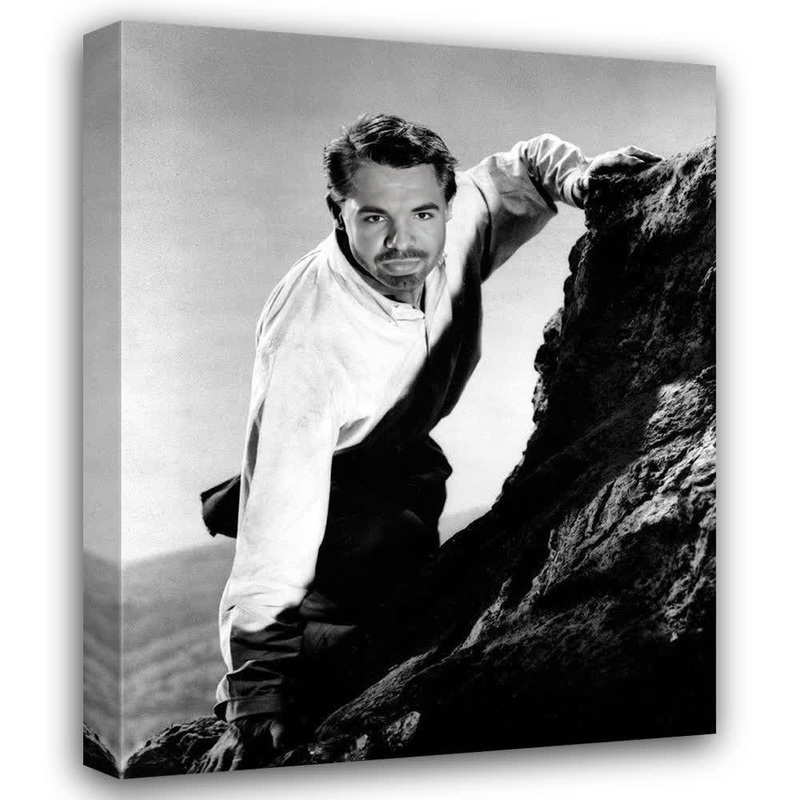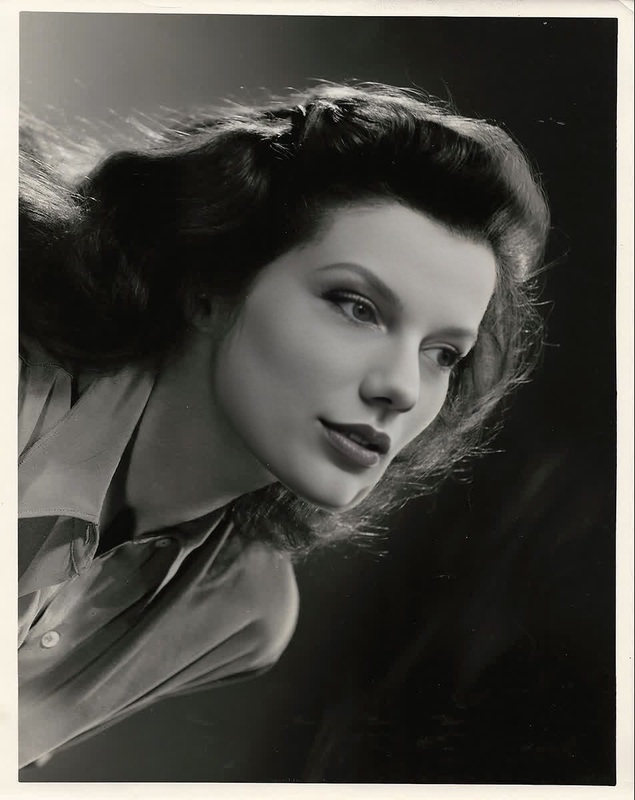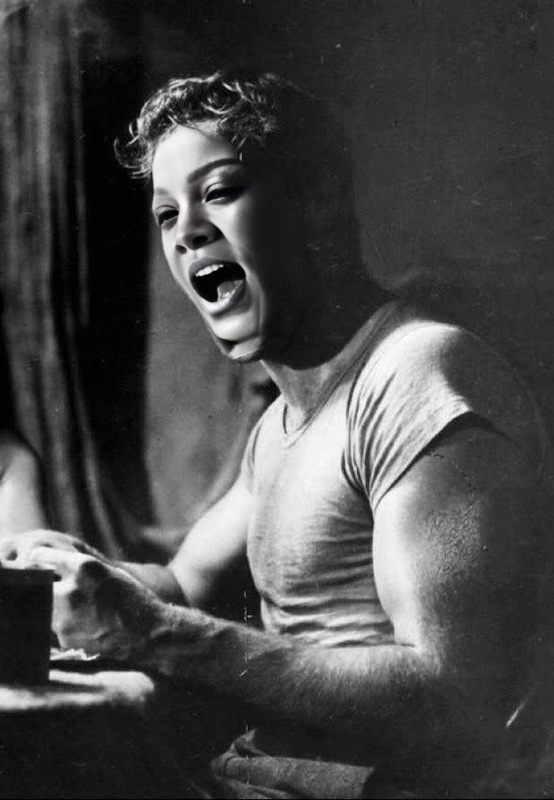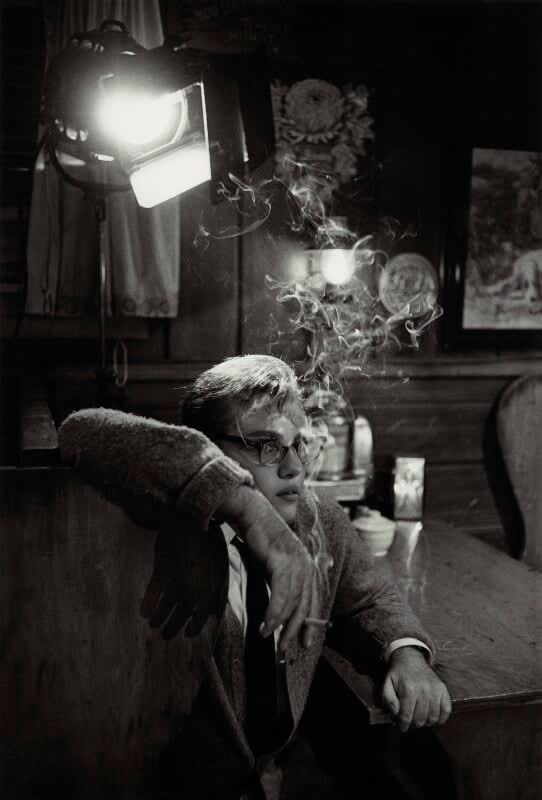
Richard Burton WhoS Afraid Of Virginia Woolf Studio Portrait
- Image
- 542 × 800 px
Any aspect ratio
Overview
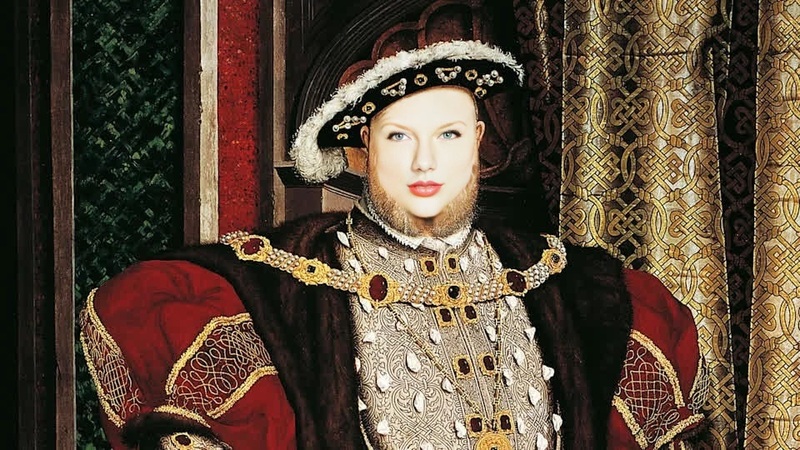
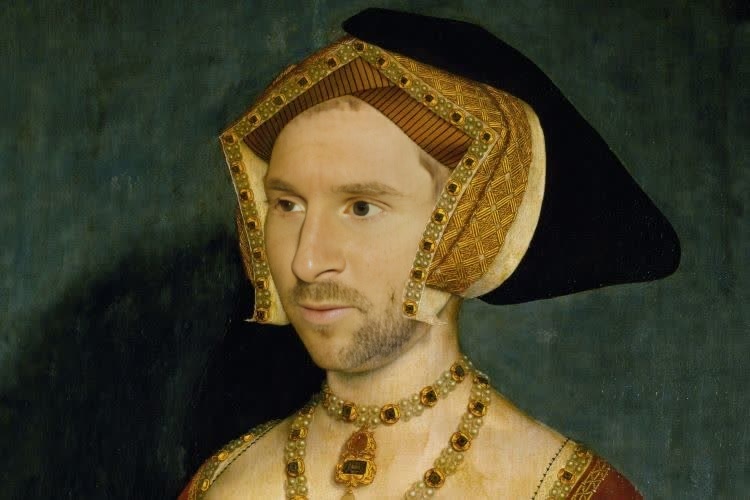
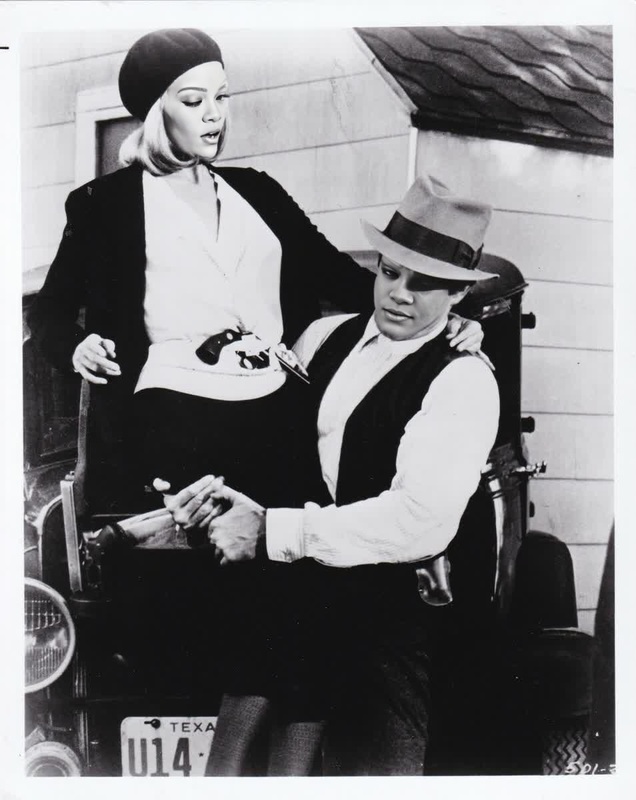
Built for fans of cinematic drama, the Richard Burton Who's Afraid of Virginia Woolf Studio Portrait template lets you recreate iconic moments by swapping faces in videos. Utilize this Video Face Swap template to bring an exciting twist to your content, channeling the intensity of Richard Burton’s performance.
What It Does
This template excels in swapping faces within videos, integrating Richard Burton's visage from the classic film, Who's Afraid of Virginia Woolf. Perfect for filmmakers, video editors, or content creators looking to add a unique flair, it's a quick and versatile tool for effective character transformations. To enhance even further, consider pairing it with our AI Video Generator for a more dynamic output.
Who It's For
Ideal for film aficionados, creators of parody content, and anyone wanting to experiment with video transformations. Educators utilizing learning courses and marketers producing social media ads will find this tool particularly useful for engaging students and viewers with something novel and entertaining.
Summary
With the Richard Burton template, dive into the art of character-driven content. This tool is part of a suite of transformative options including the Body Swap and Full Body Generator, offering creative solutions across diverse projects, from marketing to education.
How To
Choose Template

Customize Input

Generate Video

Use Cases
Parody and Comedic Videos
Social Media Campaigns
Best Practices
Choose High-Quality Source Material
Ensure the original videos are of high resolution for the best swap accuracy and quality.Fine-Tune Facial Alignment
Use available customization features to align facial features closely with Richard Burton's image for seamless integration.Optimize Lighting and Angles
Select scenes with consistent lighting for smoother facial transitions and realistic swaps.
Frequently asked questions
More Like This