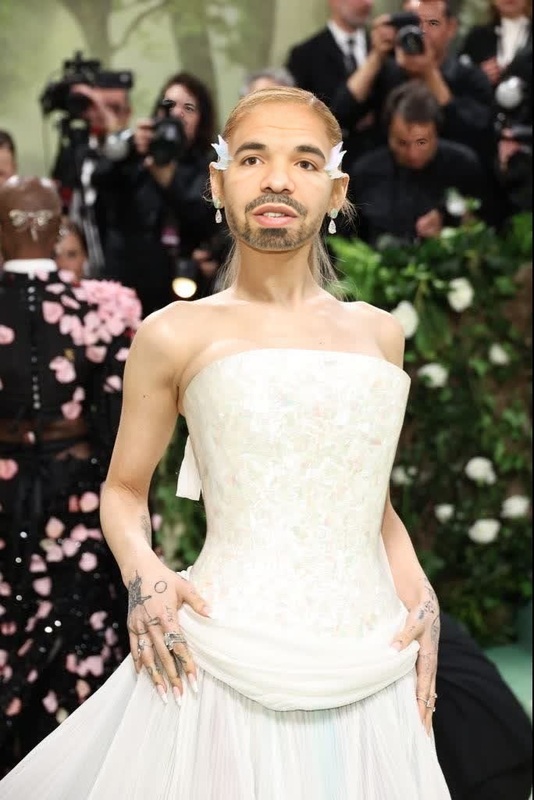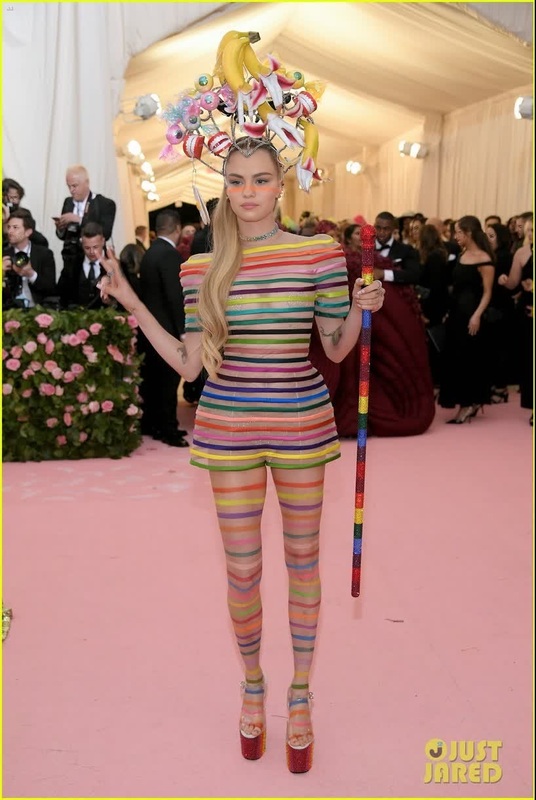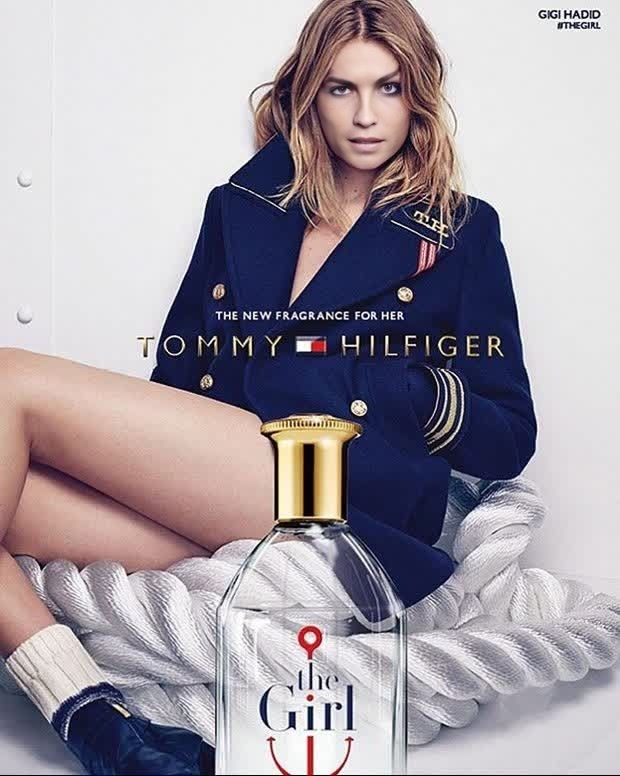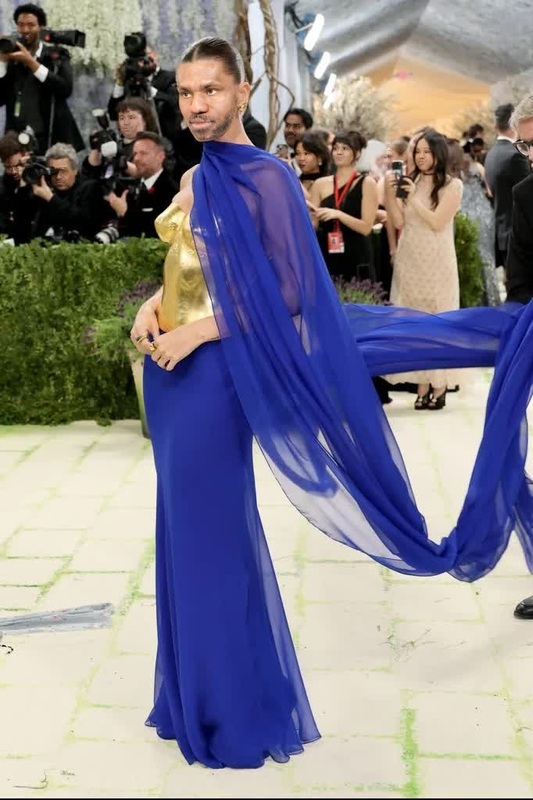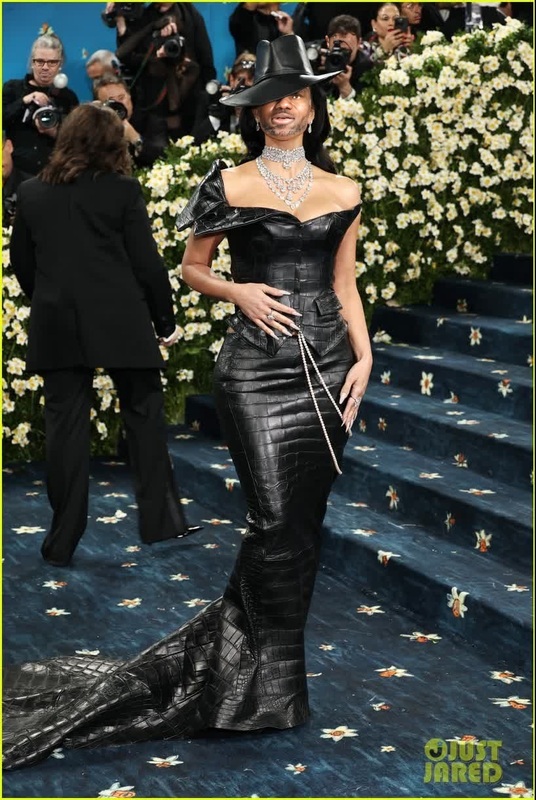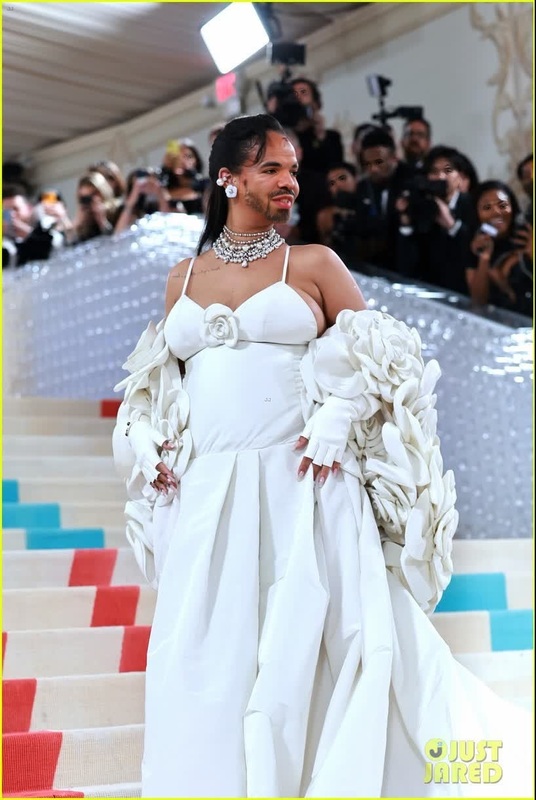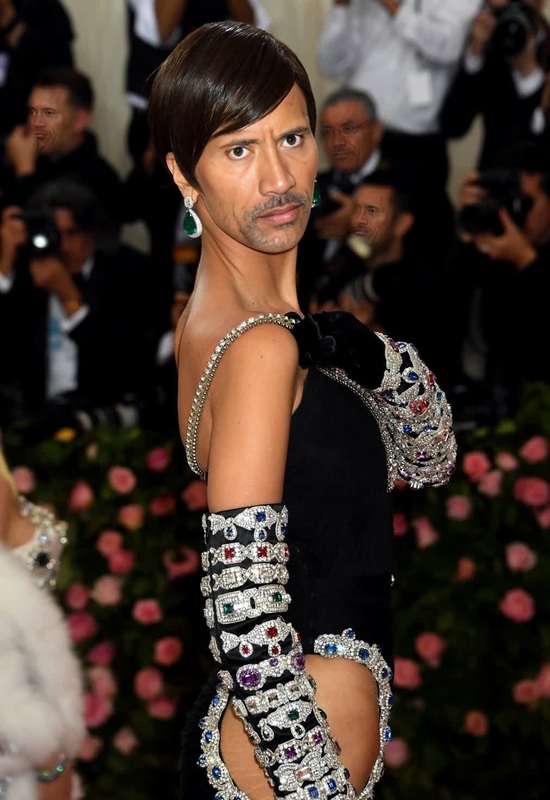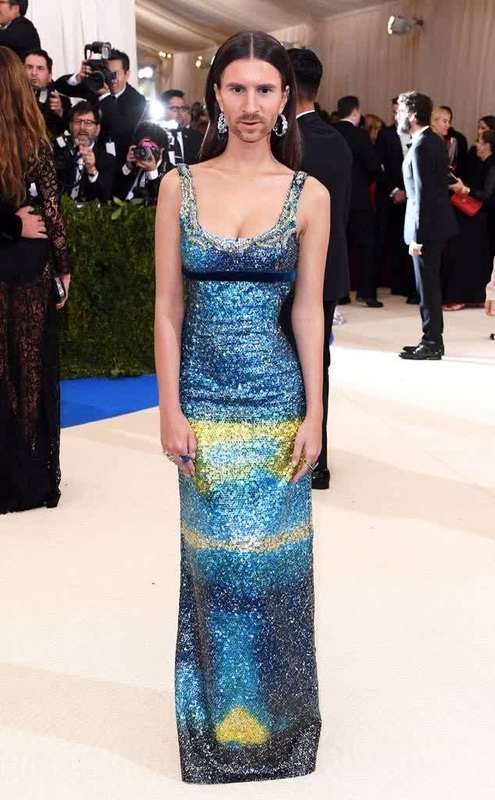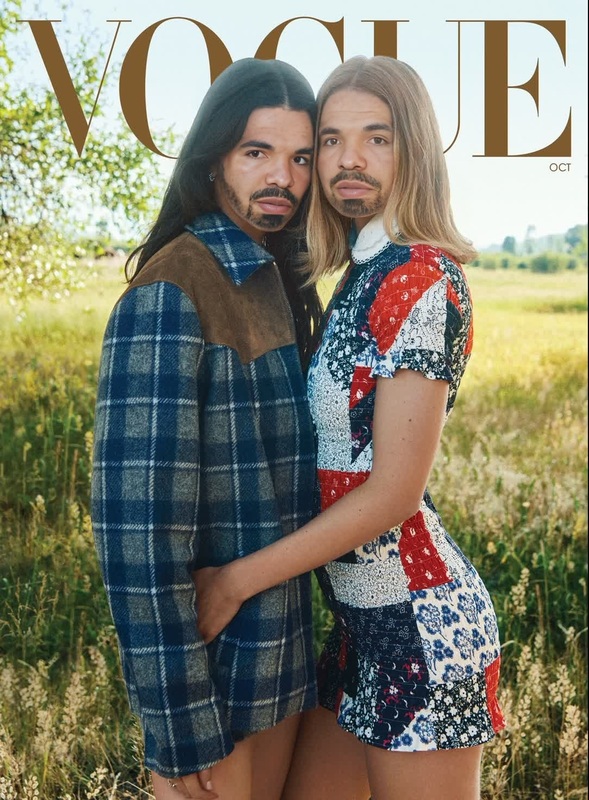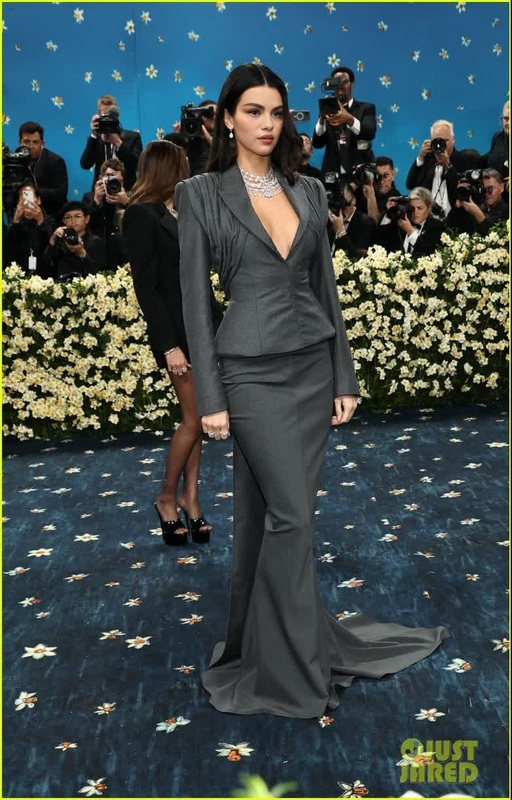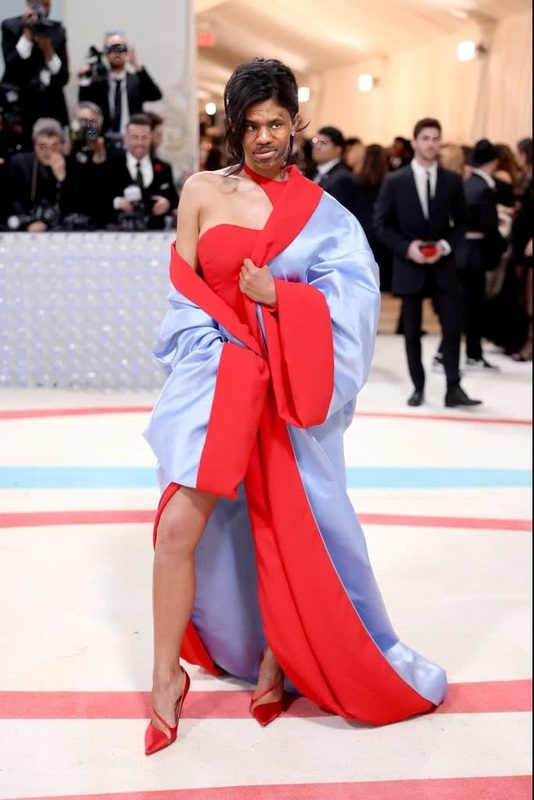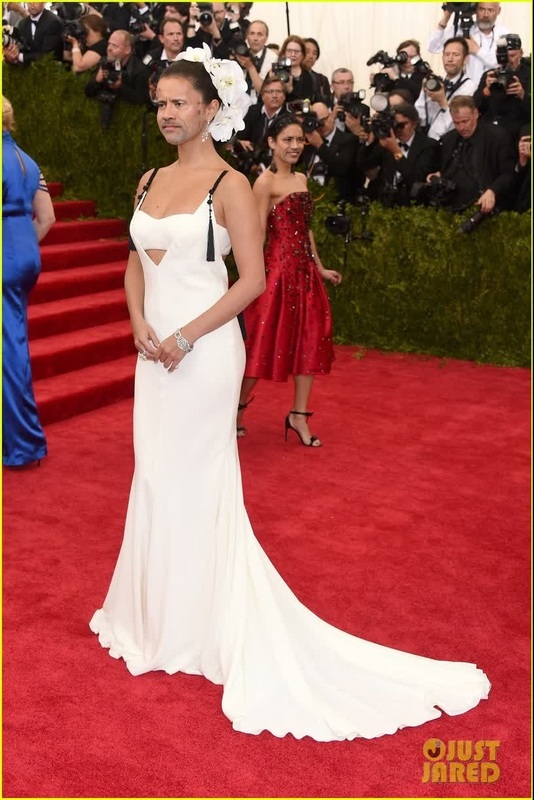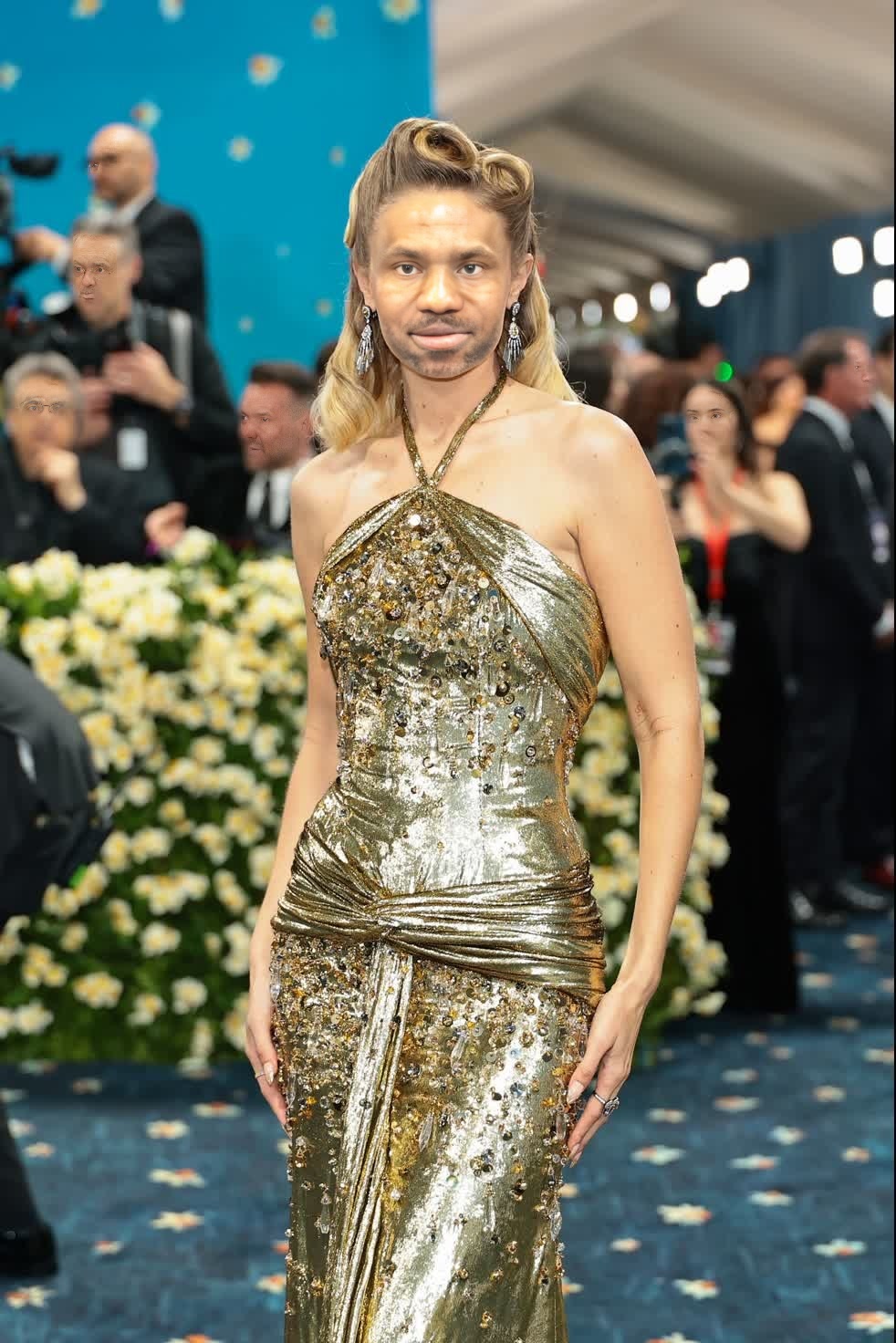
Gigi Hadid Met Gala Arrival Portrait
- Image
- 982 × 1472 px
Any aspect ratio
Overview
Unveil your creative potential with the "Gigi Hadid Met Gala Arrival Portrait" template. This video face swap tool allows you to seamlessly overlay Gigi Hadid's iconic look onto your video projects, perfect for all aspiring creators seeking an edge in their content.
Using this template, you'll have access to a professional-grade tool to transform ordinary footage into extraordinary visual experiences. Elevate any promotional, personal, or professional project with the allure of celebrity glamour.
What It Does
The "Gigi Hadid Met Gala Arrival Portrait" template empowers users by enabling a video face swap. By integrating it with footage, you can transpose Gigi Hadid's renowned Met Gala look onto any selected individual.
This technique is perfect for creating diverse content, from social media highlights to professional masterpieces. For similar transformative tools, explore the Face Swap or AI Face Editor products.
Who It's For
This template is tailored for video enthusiasts, marketers, and creatives in search of innovation. Whether you're crafting eye-catching marketing content or personal projects, this tool provides a unique edge.
Additionally, media professionals looking to produce content with a celebrity appeal will find great value here, alongside our AI Video Generator and Video Face Swap products.
Summary
By utilizing the "Gigi Hadid Met Gala Arrival Portrait" template, you're investing in a tool that leverages the latest in AI video technologies. Transform any video project with the elegance and intrigue of celebrity face swaps.
For an expanded toolset ideal for transforming visuals, head over to our AI Image Editor page. Each tool is designed to enhance your creative projects and elevate your video content portfolio.
How-To
Choose Template

Customize Inputs

Generate Video

Use Cases
Social Media Content
Marketing Campaigns
Video Production
Entertainment
Best Practices
High-Quality Source Material
Use high-resolution videos for the best face swap results. This ensures a seamless appearance and avoids any pixelation.Lighting Consistency
Maintain similar lighting between the original footage and the reference image to achieve a natural look.Experiment with Angles
Test different angles and perspectives to find the most authentic looking swap.