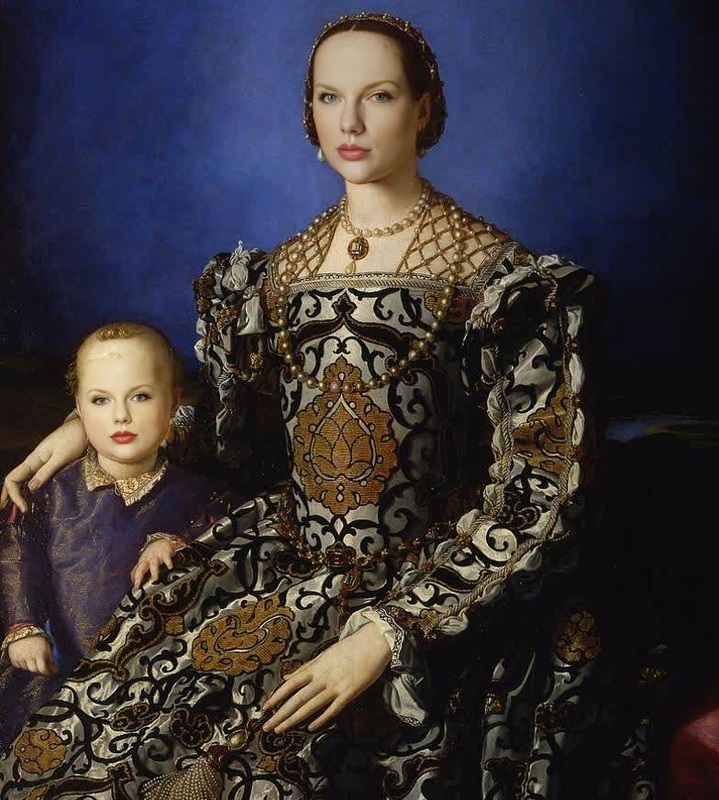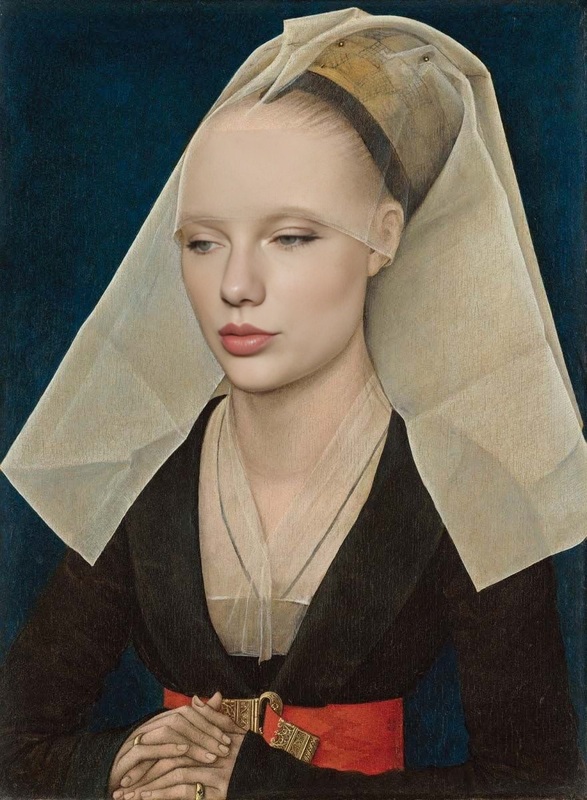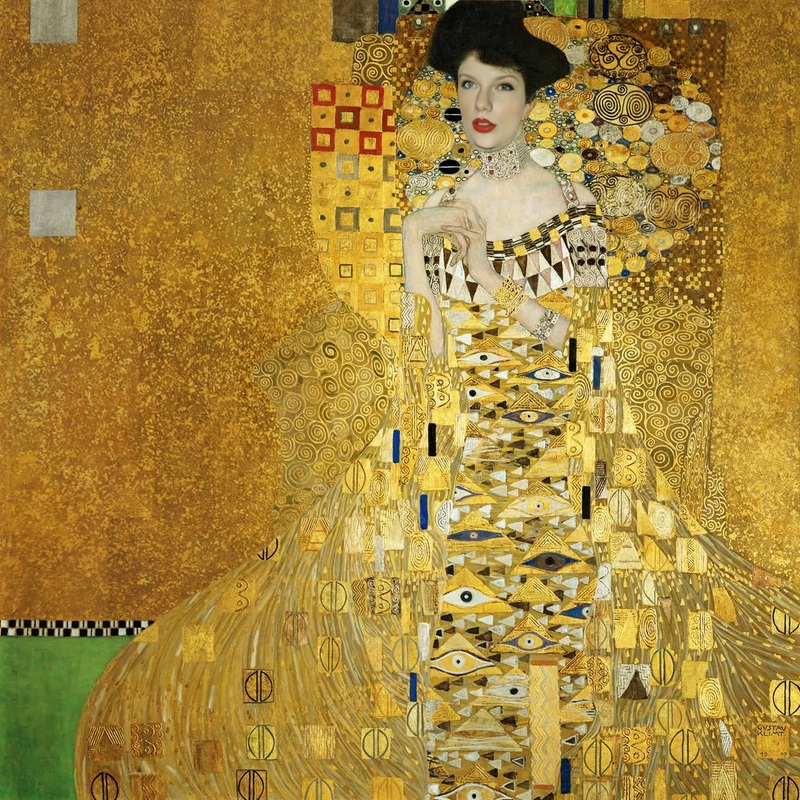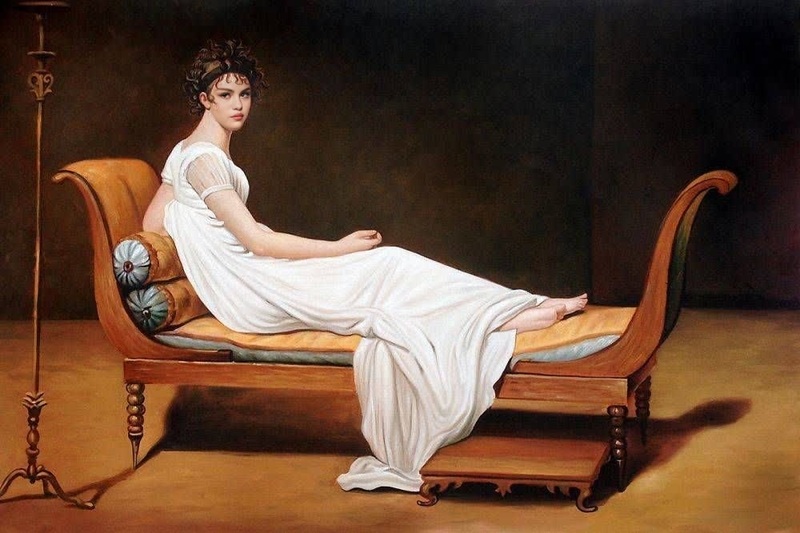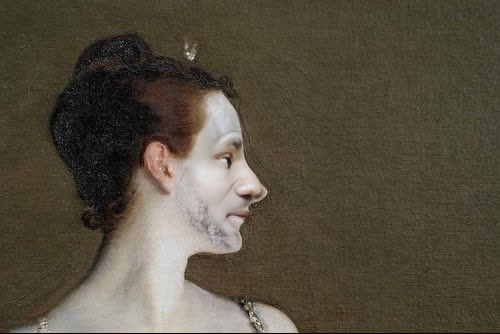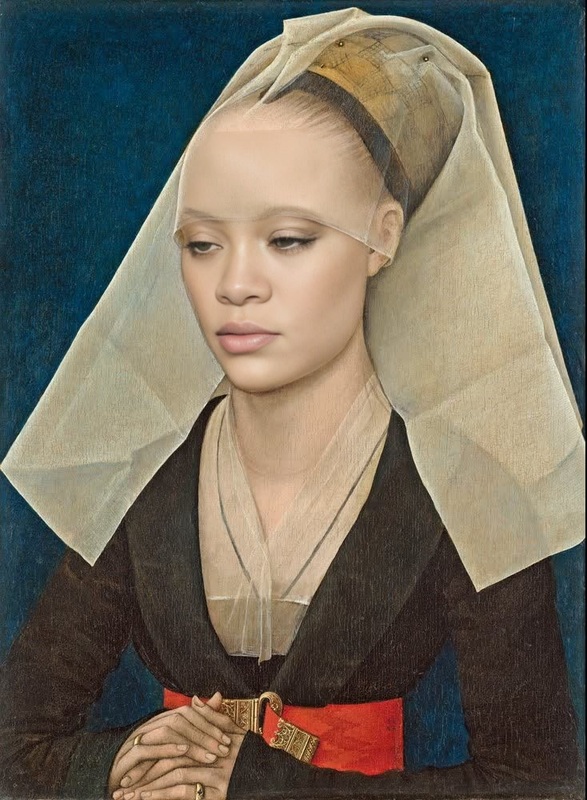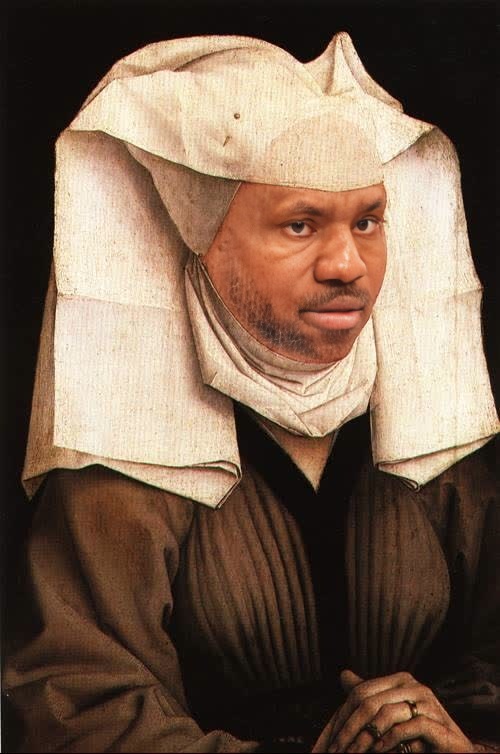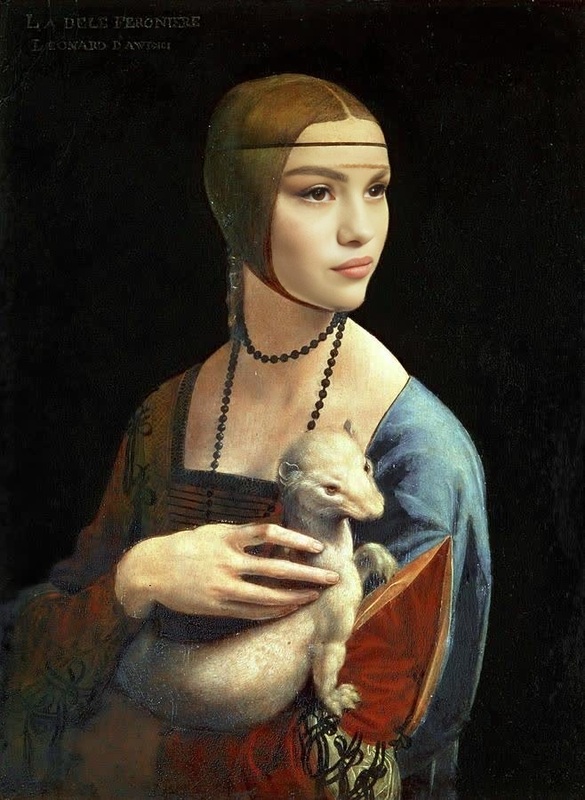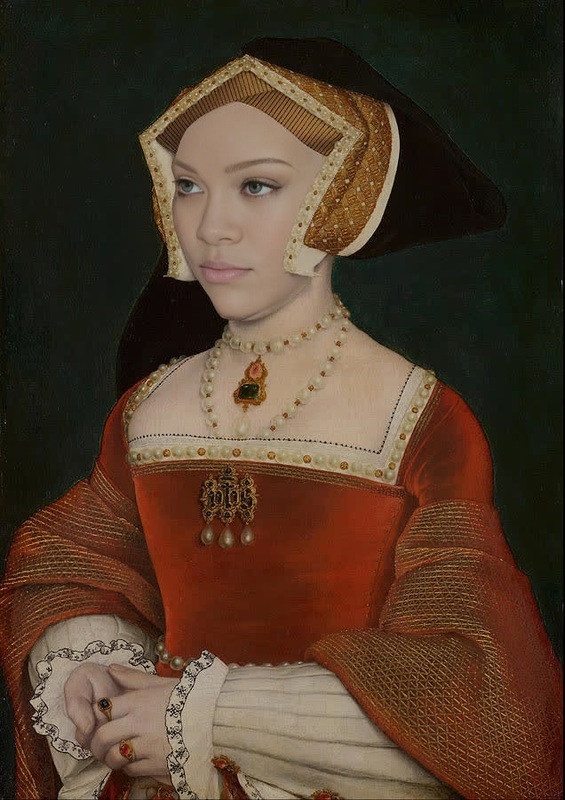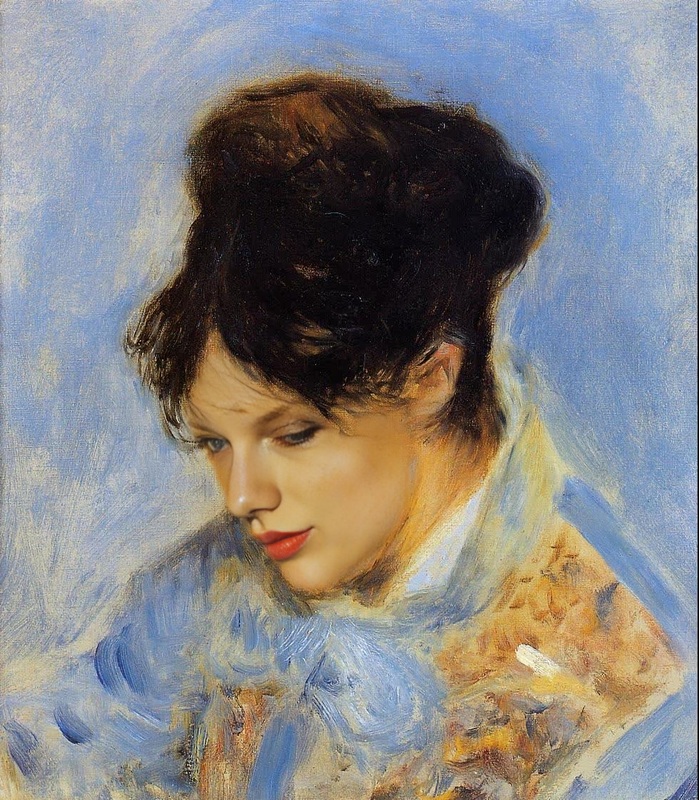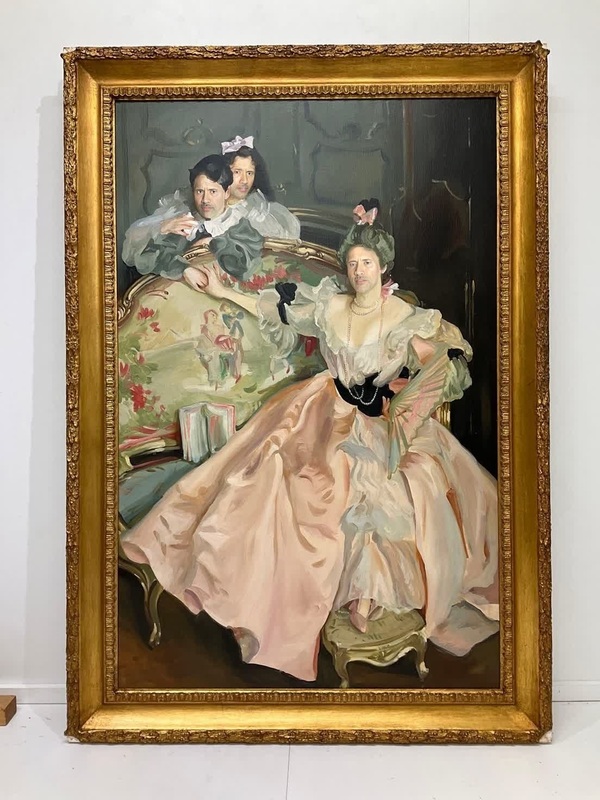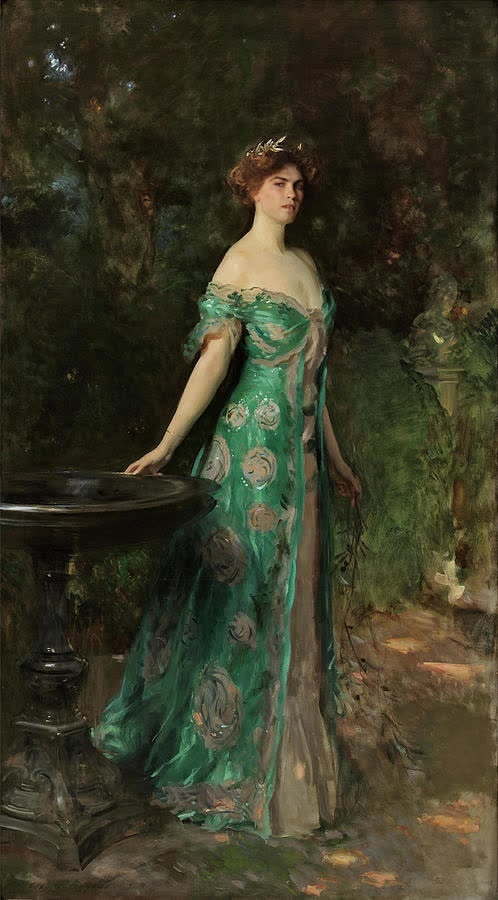
Portrait Of Millicent Duchess Of Sutherland Sargent Painting

Portrait Of Millicent Duchess Of Sutherland Sargent Painting

face-swap

1 clip
5 uses

Any aspect ratio

Tags

transformations

Bring Any Face into Your Video with AI Face Swap (Template Remix Guide)

Use this template to instantly replace the face in any video with another face using AI Face Swap. It’s built on Magic Hour’s production-grade Face Swap technology, so you get realistic, frame-by-frame facial replacement without manual masking, rotoscoping, or keyframing.

This page explains:

  • What this Face Swap template does
  • How to remix it in Magic Hour and make your own version
  • Practical use cases for creators, marketers, and product teams
  • Related Magic Hour tools you can combine with Face Swap for more advanced workflows

What This Template Does

This template uses the Face Swap Video workflow to:

  • Take a source video (the “body” and motion)
  • Take a face image or video (the identity you want to insert)
  • Generate a new video where the subject’s face is realistically replaced with your chosen face

It handles:

  • Head turns, expressions, blinking, and lip motion
  • Lighting and color consistency
  • Multiple frames per second for smooth, production-ready output

Under the hood, it uses deep-learning–based face reenactment and blending, similar in principle to modern deepfake and face reenactment research (e.g., Wav2Lip, StyleGAN-based identity modeling, and diffusion-style inpainting), but packaged in a creator-friendly workflow.


How to Remix This Template in Magic Hour

You don’t need to start from scratch—use this template as a base and adjust it for your specific project.

Step 1: Open the Face Swap Video Creator

  1. Go to Face Swap Video.
  2. Log in or create a Magic Hour account if needed.

This template is essentially a pre-configured project using that workflow. Remixing equals: using the same Face Swap pipeline with your own assets.


Step 2: Prepare High-Quality Inputs

For best results, use:

  • Source video (target body):

    • Clear view of the subject’s head and face
    • Minimal motion blur
    • Stable lighting and resolution
  • Face image / clip (source identity):

    • Sharp, front-facing or near-front-facing
    • Good lighting, no heavy filters
    • Neutral or slightly expressive face is usually safest

If your face image is low-res or noisy, you can improve it first with:


Step 3: Plug Your Assets into the Template

Once you’re in Face Swap Video:

  1. Upload your source video (the person whose body and motion you want to keep).
  2. Upload your source face (the person whose identity you want to transfer).
  3. Preview and generate your swapped-face video.

You’ve effectively “remixed” this template: same underlying pipeline, different assets and creative goal.


Common Use Cases for This Template

This template is optimized for practical, high-impact workflows that busy teams care about:

1. Content Localization & Creator Cloning

  • Creators & YouTubers: Create region-specific intros and promos by swapping your face into locally shot content.
  • Marketers: Produce localized product explainers by combining:

2. Ad Creative and A/B Testing

  • Quickly test how different on-screen talent (diverse faces, demographics, styles) perform in your performance ads—without reshooting.
  • Combine with:

3. Product Demos & App Walkthroughs

  • Swap a spokesperson’s face onto multiple demo recordings to keep brand consistency.
  • Use Auto Subtitle Generator for subtitles and Text-to-Video to prototype explainer segments that you then “cast” with Face Swap.

4. Character Content & Storytelling

5. Prototyping for Product & UX Teams

  • Validate ideas like “personalized onboarding videos,” “AI hosts,” or “face-based user avatars” by:
    • Generating sample faces with AI Face Generator or Avatar Generator
    • Swapping them into existing demo footage using this template
    • Iterating quickly before investing in custom production

Advanced Workflows: Combining Tools with This Template

Because this template is built on Face Swap Video, you can chain it with other Magic Hour tools to build powerful “pipelines”:

  1. Image → Video → Face Swap

  2. Face Swap + Lip Sync + Voice

    • Start from this template (face swap)
    • Sync lip movement to any audio track with Lip Sync
    • Generate or clone voice with AI Voice Generator or AI Voice Cloner
      Result: a fully “casted” and speaking digital persona from mostly AI assets.
  3. Stylized Content with Face Consistency


Quality & Realism Tips

To get strong, production-ready results when remixing:

  • Use clean, well-lit references
    High-quality inputs dramatically reduce artifacts. If needed, enhance your images with Unblur Image or Old Photo Restoration.

  • Match POV and lighting where possible
    Faces captured from similar angles and lighting conditions will blend more seamlessly with the source video.

  • Maintain identity consistency across assets
    If you’re generating multiple shots or scenes:

  • Scale up final outputs when needed
    For publishing to YouTube, TikTok, or paid channels, upscale with Video Upscaler or enhance stills with AI Image Upscaler.


Ethics, Safety & Legal Considerations

Face swap technology is powerful and should be used responsibly. When remixing this template:

  • Obtain consent from the people whose faces you use, especially for commercial projects.
  • Avoid impersonation and misinformation, including political, medical, or financial content that could mislead viewers.
  • Respect copyrights and likeness rights in your country or region. For brand or celebrity likenesses, consult legal counsel if you’re unsure.
  • Be transparent with collaborators, clients, and audiences when synthetic media is involved, particularly in sensitive or high-stakes contexts.

Major AI ethics guidelines (e.g., from the OECD and various research institutions) emphasize transparency, consent, and accountability in synthetic media—this template is designed for legitimate creative, commercial, and experimental use, not deception.


How to Start Remixing This Template Now

  1. Open Face Swap Video.
  2. Upload your source video and source face.
  3. Generate and iterate until the output matches your creative or product goal.
  4. Optionally chain with:

This template gives you a fast, reliable baseline. Remix it with your own assets, then extend it with other Magic Hour tools to build end-to-end AI video workflows tailored to your team and product.

More Like This

Insufficient credits