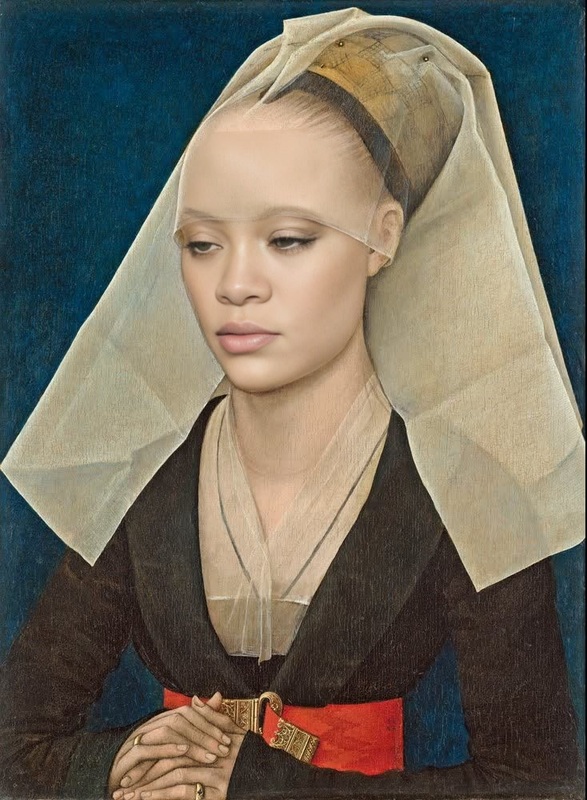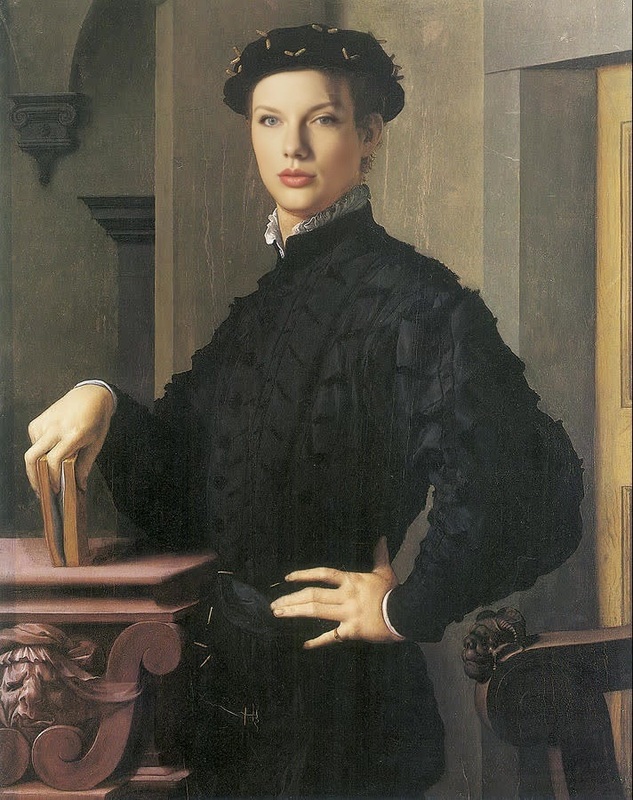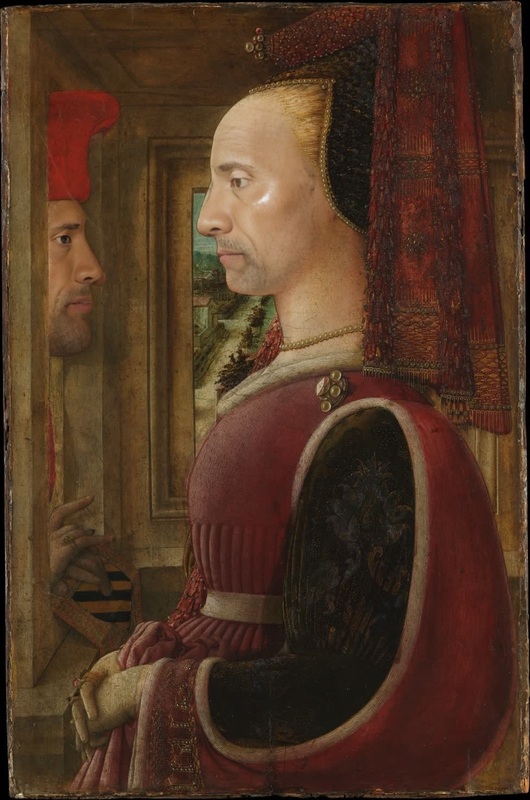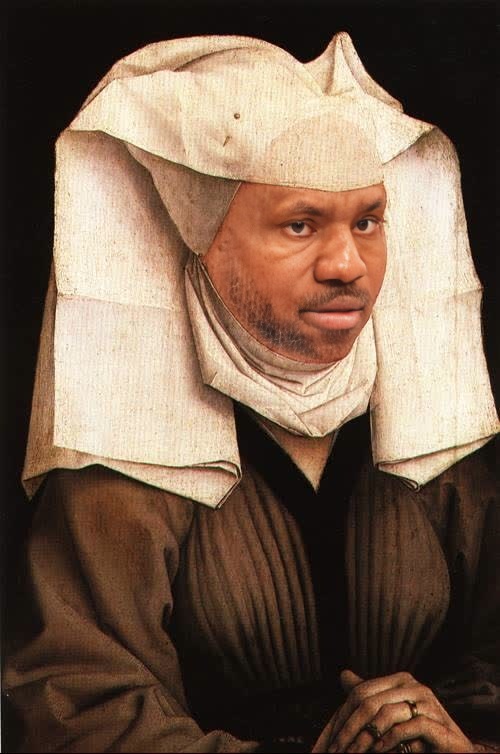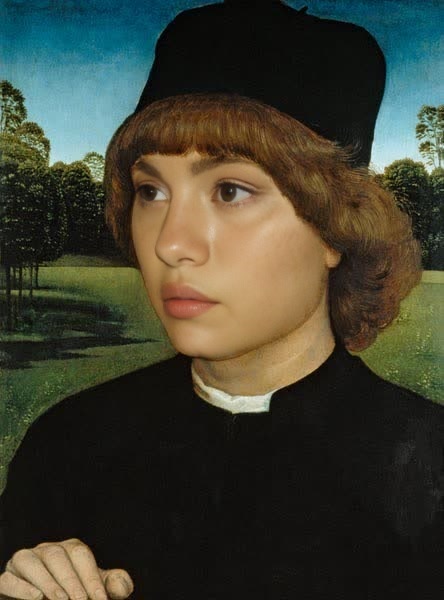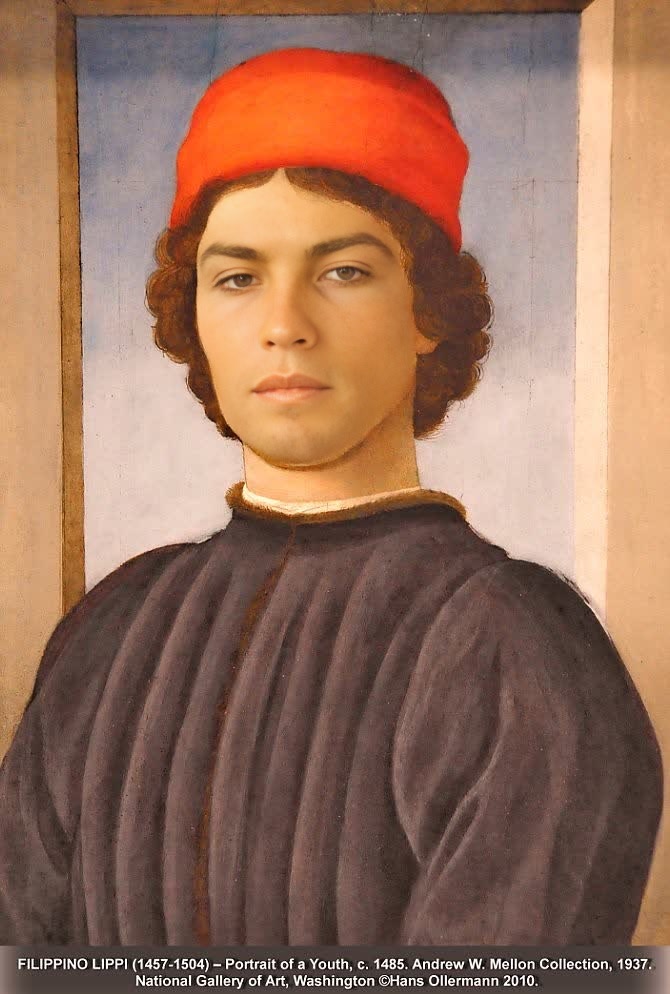
Portrait Of A Youth Filippino Lippi Oil Painting
- Image
- 670 × 994 px
Any aspect ratio
Overview
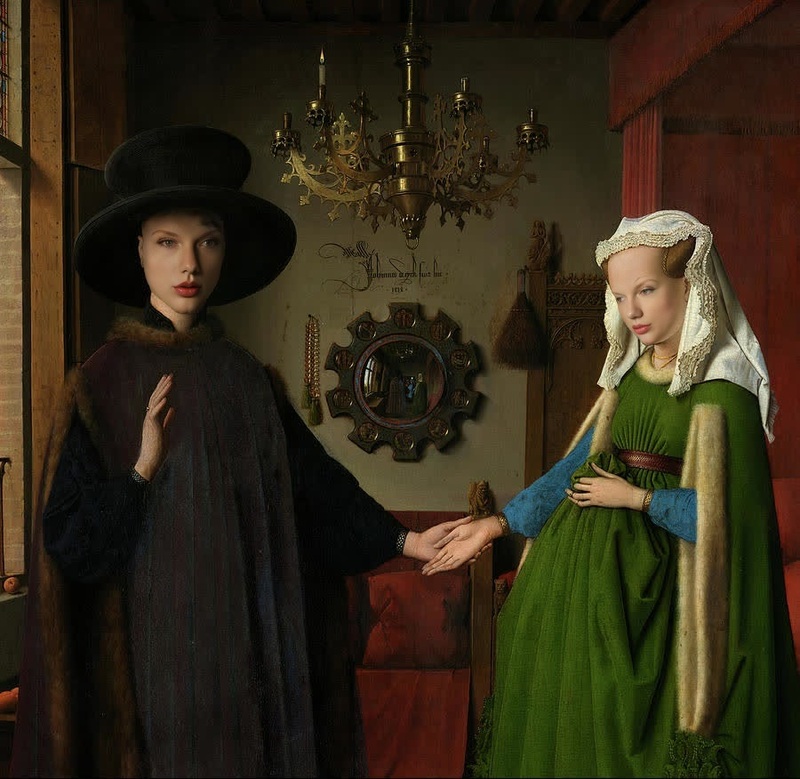
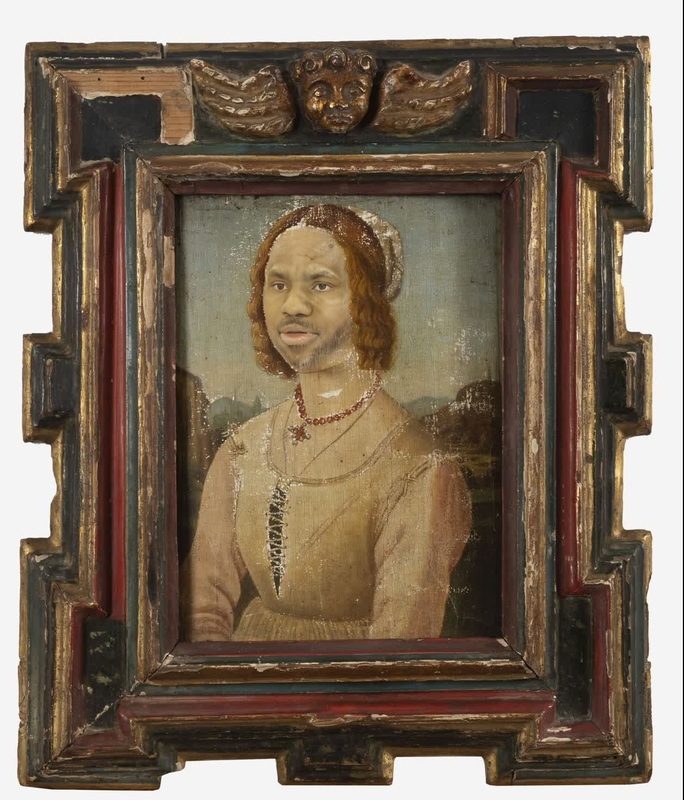
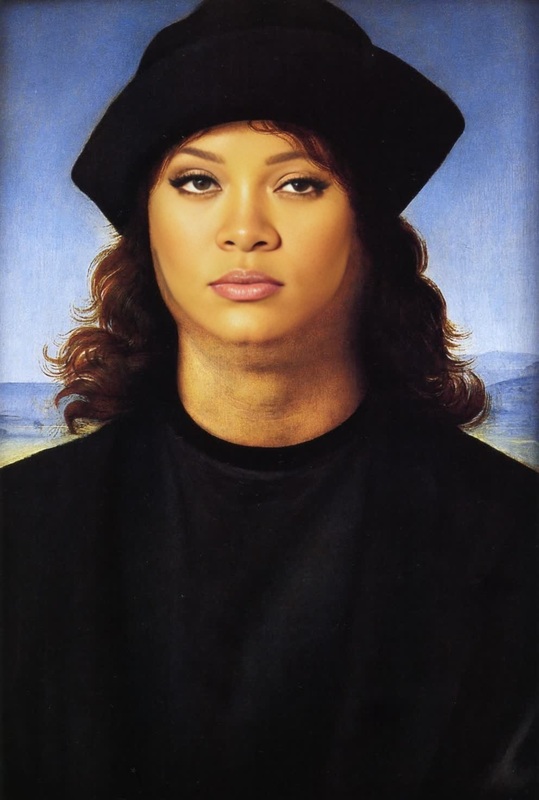
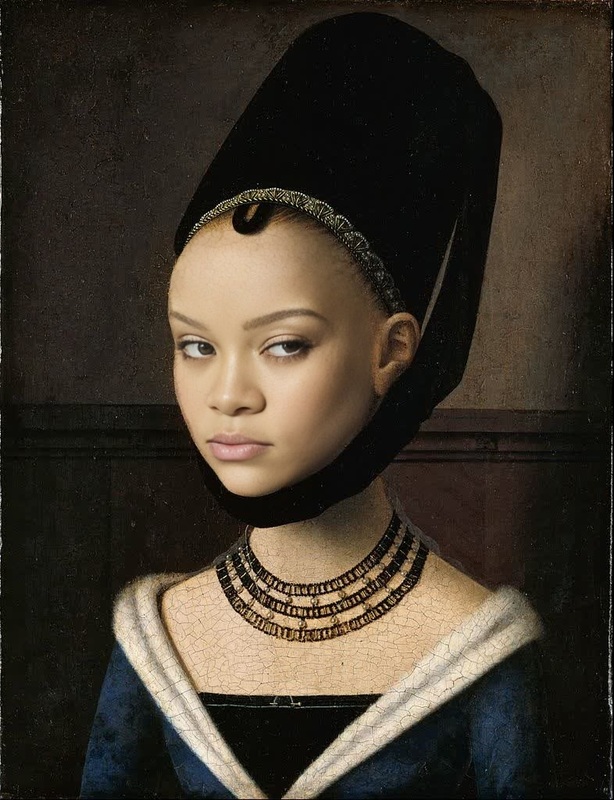
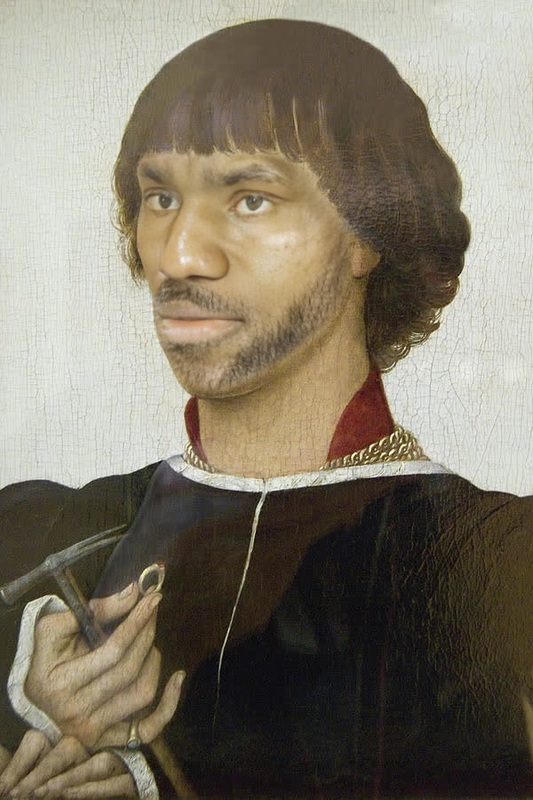
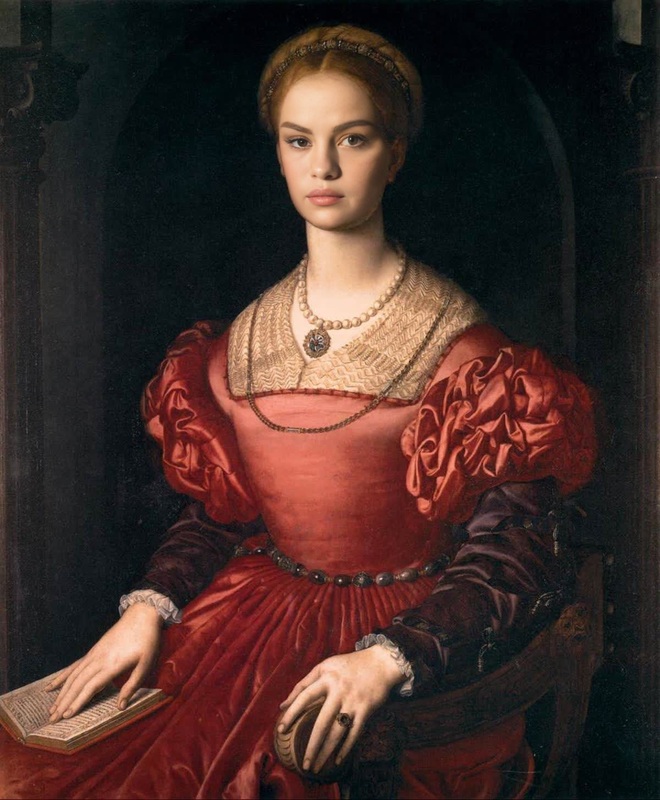
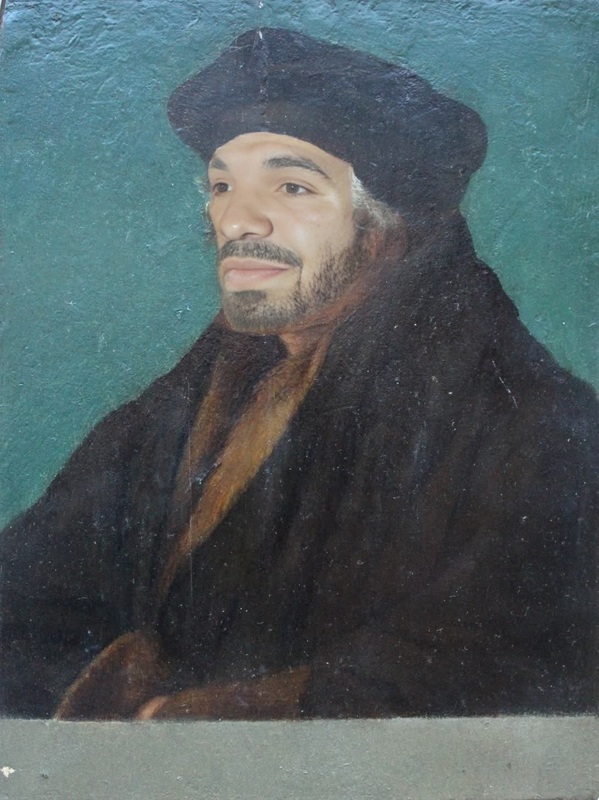
Experience the era of Renaissance art by transforming your portraits with the Portrait of a Youth by Filippino Lippi Video Face Swap template. This innovative tool merges the timeless style of Filippino Lippi with modern photography, allowing you to integrate your face into a classic masterpiece. Perfect for art enthusiasts, educators, and creatives seeking a unique and artistic touch.
What It Does
The Video Face Swap capability of this template allows you to replace a face in the famous painting with your own. Using advanced facial recognition and alignment technology, it seamlessly blends your image into the painting, maintaining the original art style. Designed to produce stunning, high-quality video results, this tool is effective for a variety of purposes, including art education, personal use, and creative projects.
Who It's For
This template is ideal for art teachers looking to engage students with interactive projects or marketing professionals in the art industry. It's also perfect for social media influencers and content creators who want to produce creative meme videos or historical-themed digital content. Whether you're an artist, educator, or content creator, this tool meets the creative needs of diverse audiences.
Summary
Bring the elegance of Renaissance art to your portraits with the Video Face Swap based on Filippino Lippi's work. Not only does it offer a unique visual transformation, but it also maintains the historical and aesthetic integrity of classic art. It's an engaging tool for anyone looking to blend modern technology with historical creativity in their visual projects.
How to Use
Choose the Template

Customize Your Input

Generate Your Video

Use Cases
Art Education
- Interactive history lessons
- Art appreciation classes
Social Media Content
- Daily posts with a twist
- Themed content series
Marketing Campaigns
- Promotional videos
- Ad campaigns
Best Practices
Align Faces Correctly
Ensure your uploaded photo aligns well with the original portrait to maintain the look and feel of the Renaissance style.Use High-Resolution Images
For the best quality results, upload high-resolution images that capture facial details clearly.Preview Before Finalizing
Use the preview feature to make adjustments before generating the final video, ensuring optimal integration into the artwork.
Frequently asked questions
More Like This