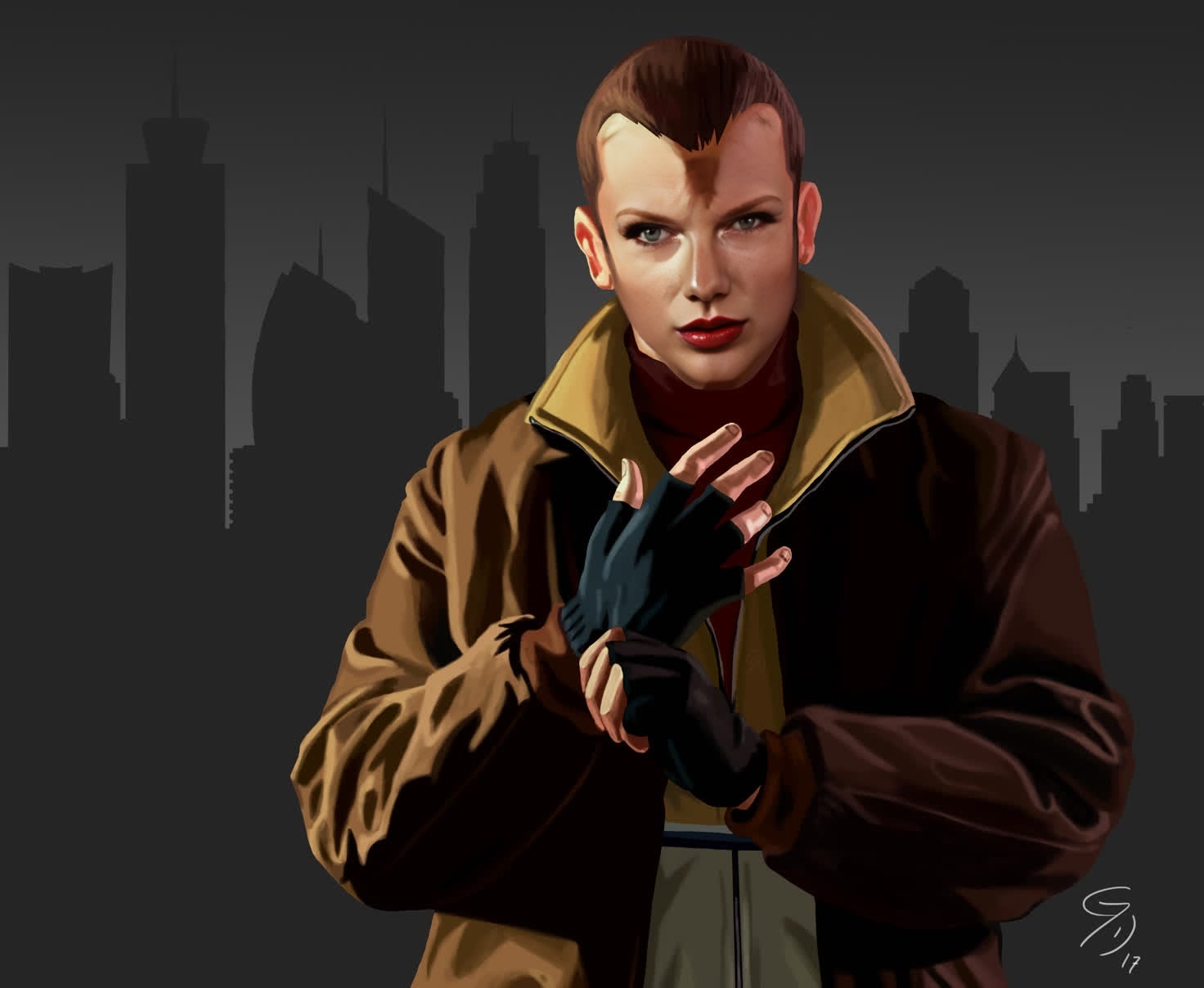
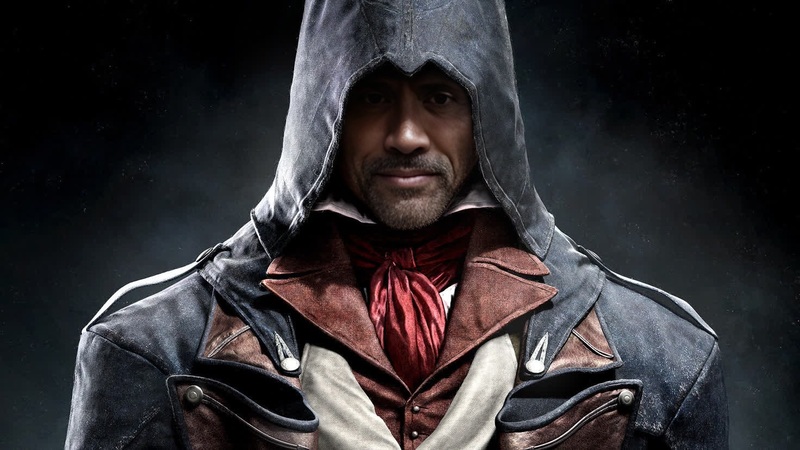
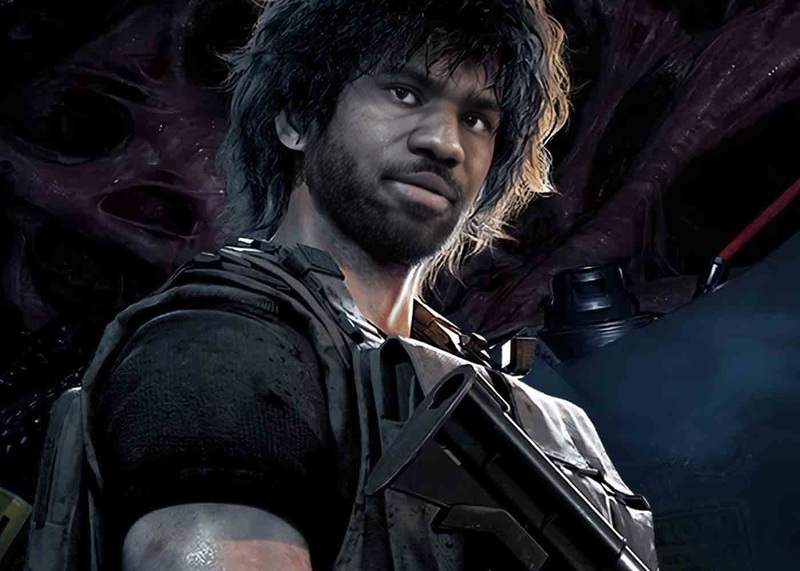
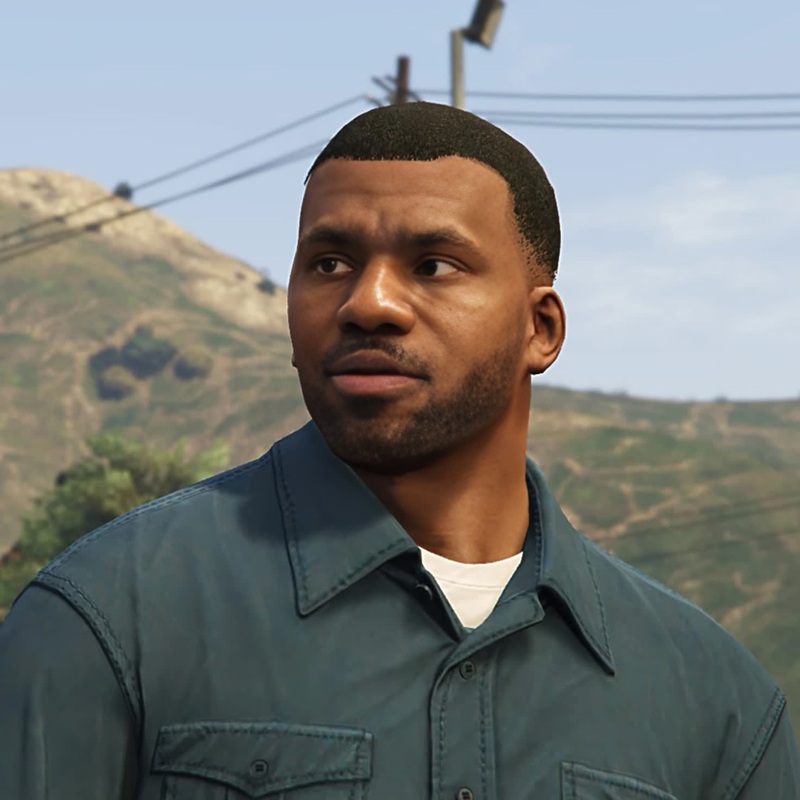
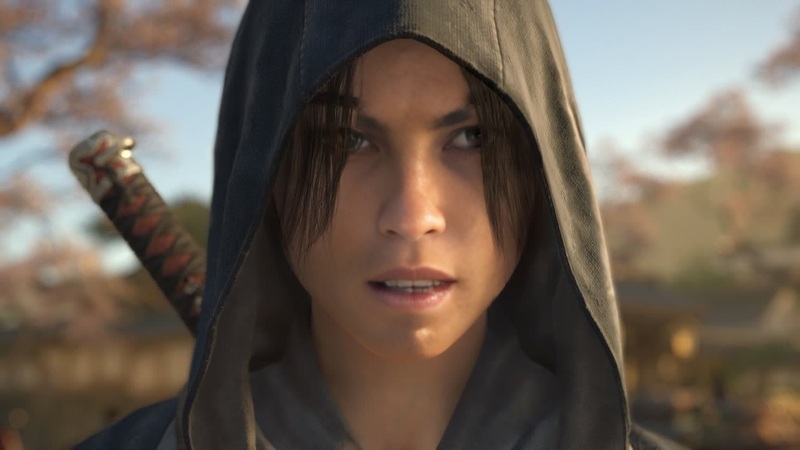
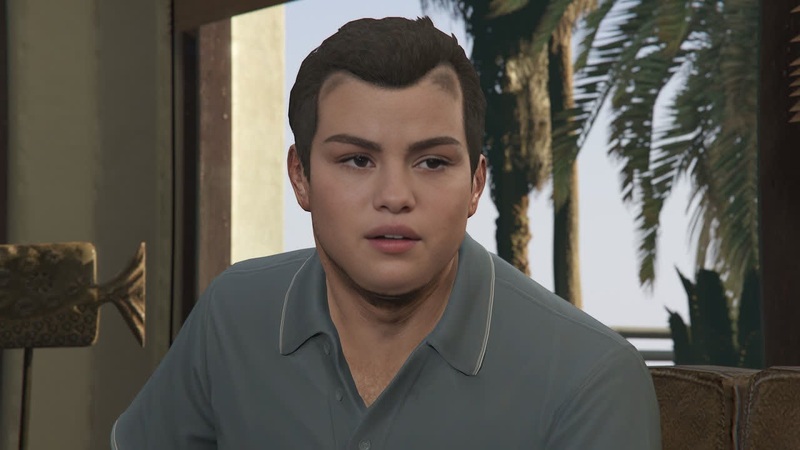
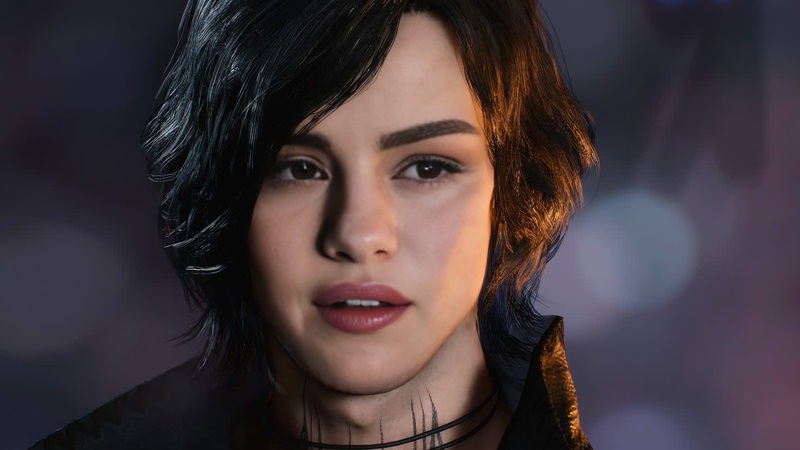
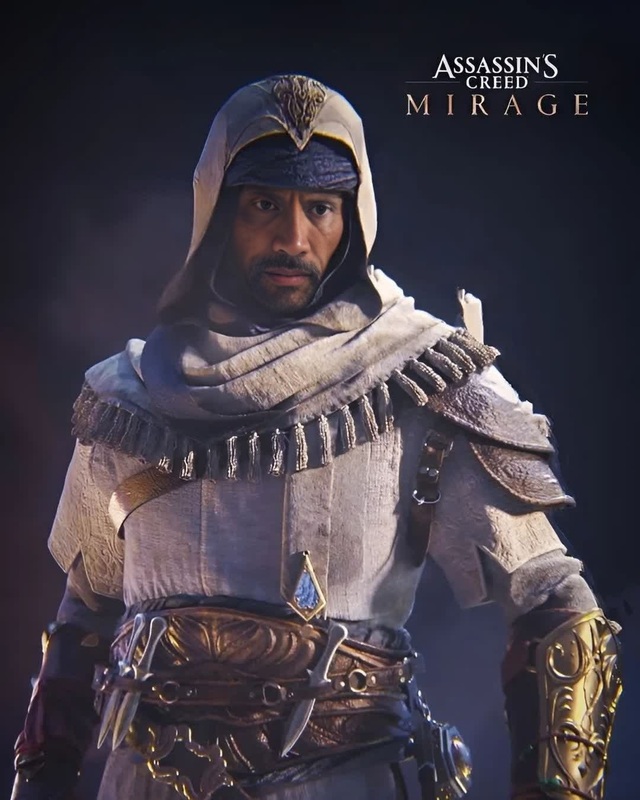
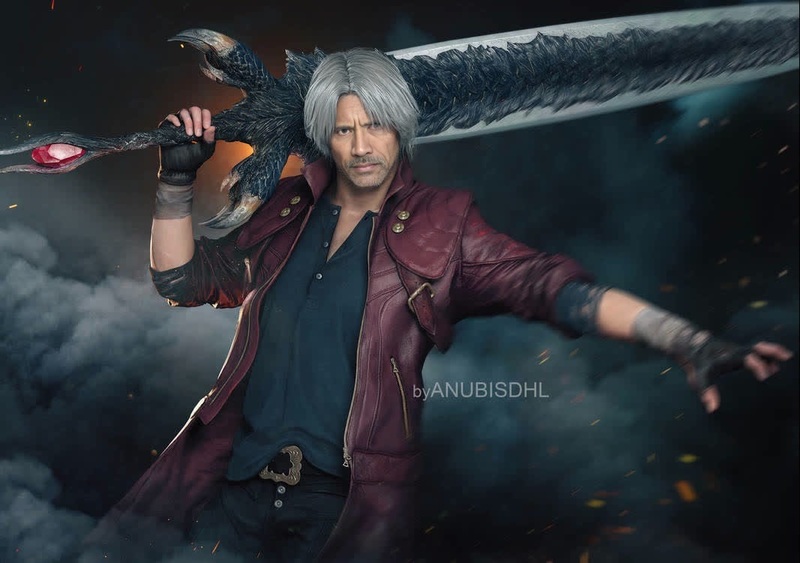
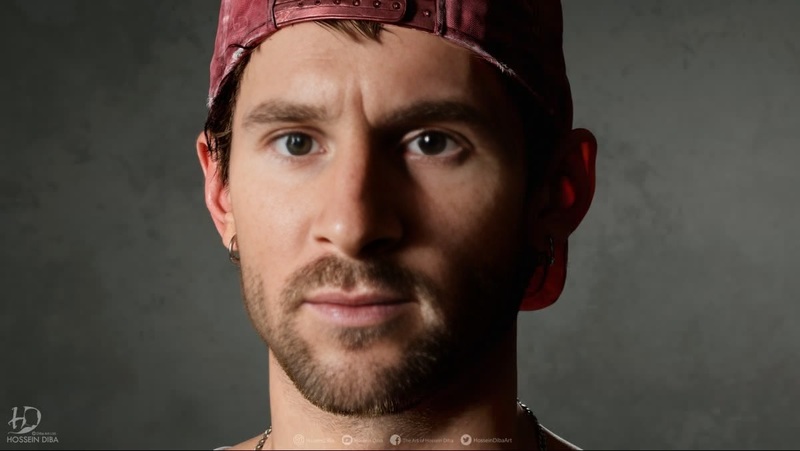
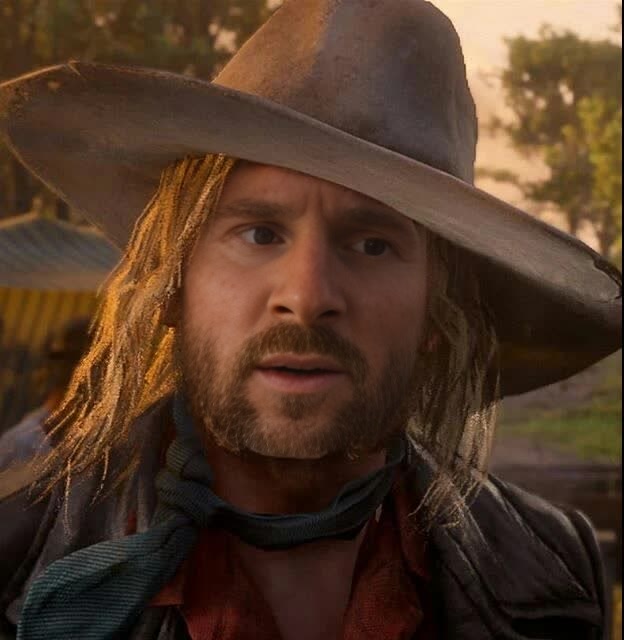
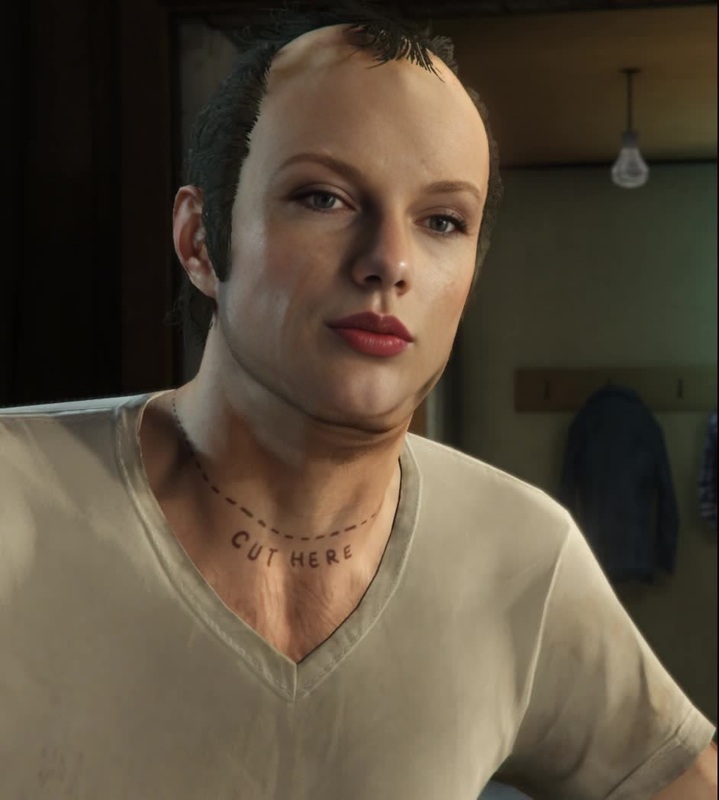
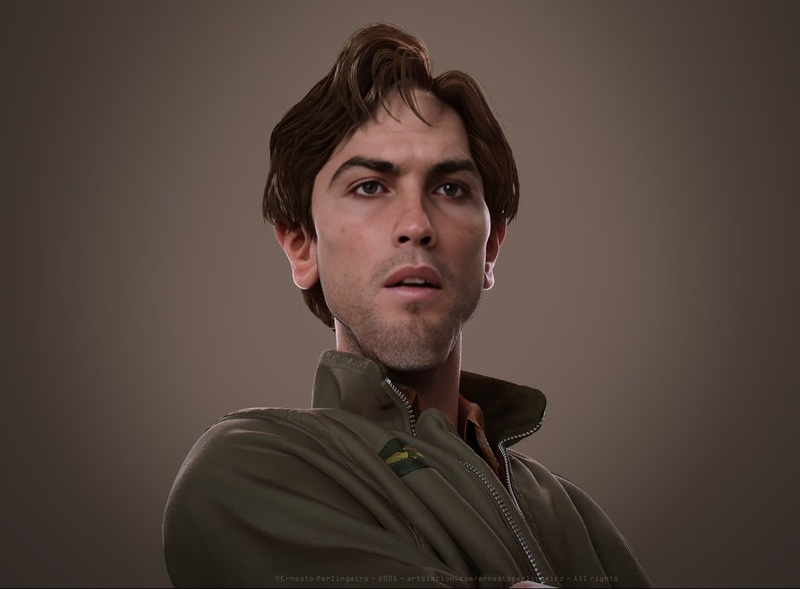
Transform any video to integrate with the world of GTA IV by utilizing the Niko Bellic Photorealistic Portrait template. This Video Face Swap tool provides a unique way to create lifelike images of Niko Bellic in your footage, ensuring every detail is captured with precision. It's a perfect match for fans and creators who want to seamlessly blend characters into the game's universe.
What It Does
This template performs an advanced face swap, replacing faces in your video with a photorealistic rendering of Niko Bellic from GTA IV. The tool uses precise algorithms to ensure the facial expressions and contexts are kept intact, making sure the swap looks as realistic as possible. You can pair this with our Face Swap Video capabilities for broader applications.
Who It's For
The Niko Bellic Photorealistic Portrait tool is ideal for game enthusiasts, video creators, and fans of the GTA franchise who wish to add authenticity to their projects. This could also be highly beneficial for content creators looking to engage audiences with unique and interactive video elements. If you're creating content involving various character transformations, check out our Character Replace product for complementary tools.
Summary
By using the Niko Bellic Gta IV Photorealistic Portrait template, creators can elevate the interactivity of their videos by integrating a beloved character into their productions. This template not only aligns with the needs of gaming enthusiasts but also serves as a useful tool in AI Video Generator projects.
How To
Implement the Niko Bellic Gta IV Photorealistic Portrait template with these steps.
01
Choose Your Template
Navigate to the Video Face Swap section in our template library, then select the Niko Bellic Gta IV Photorealistic Portrait template.
02
Customize Your Content
Upload your video file where you want Niko's face to appear. Make precise adjustments to positioning and scaling for an optimal swap.
03
Generate Your Video
Click 'Generate' to render the final video. Once processed, you'll be able to download the completed file ready for use.
Use Cases
Explore various applications of the Niko Bellic Gta IV Photorealistic Portrait template.
🎮
Game-centric Content
Engage your audience with gameplay footage featuring Niko Bellic, offering a fresh perspective.
Enhanced game walkthroughs
Engaging game trailer development
Interactive fan videos
📱
Social Media Buzz
Create viral content by featuring the iconic Niko Bellic in relatable or humorous scenarios.
Meme creation
Short social media skits
Engaging Instagram Reels
Best Practices
Maximize the impact of your face-swapped videos with these best practices.
Ensure Good Lighting
High-quality lighting in your original video ensures the face swap maintains realism and visual integrity.
Match Expression
Choose source footage where expressions match those of Niko Bellic for a seamless transformation.
Consider Background
Select video backgrounds that enhance or fit within the GTA universe for cohesive storytelling.
Related Tools
Consider using these complementary Magic Hour products for an enriched experience.