Nacho Varga Better Call Saul
- Image
- 900 × 564 px
Any aspect ratio
Overview
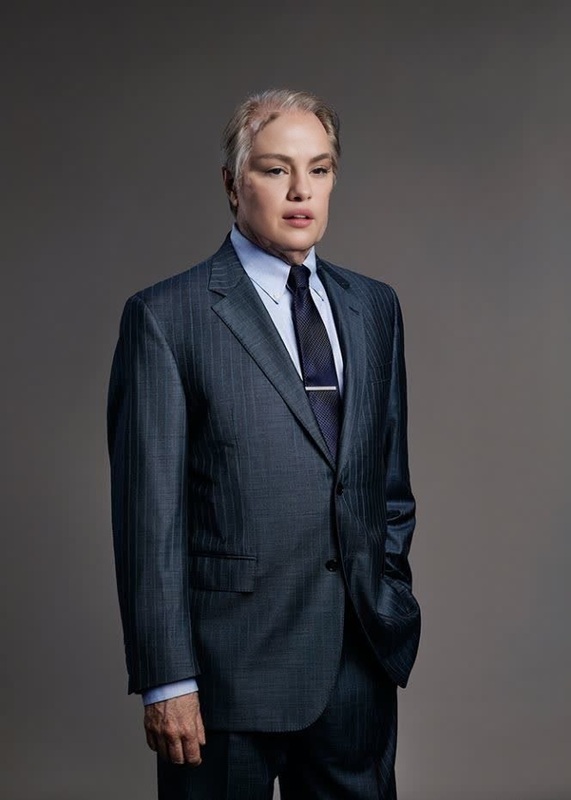
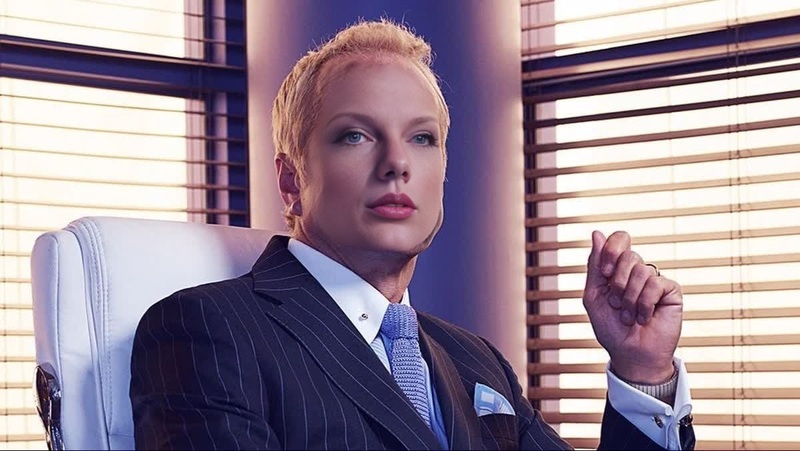
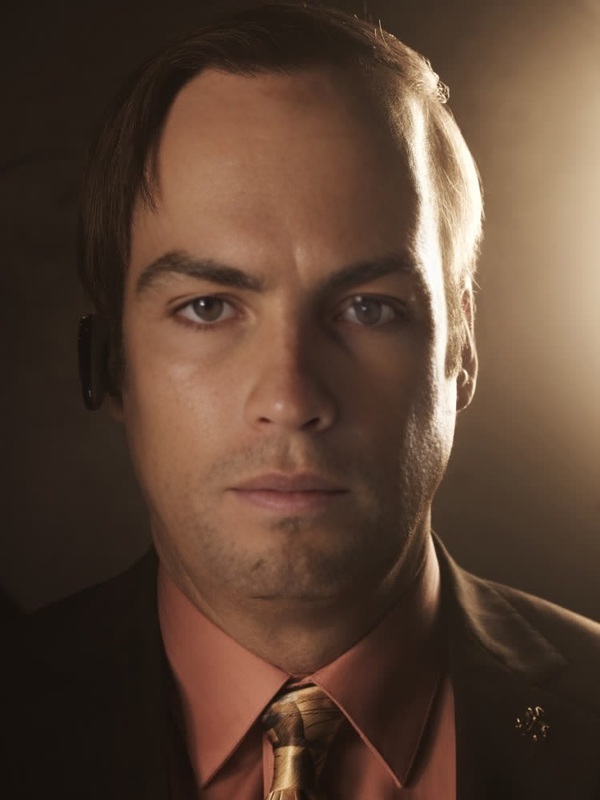
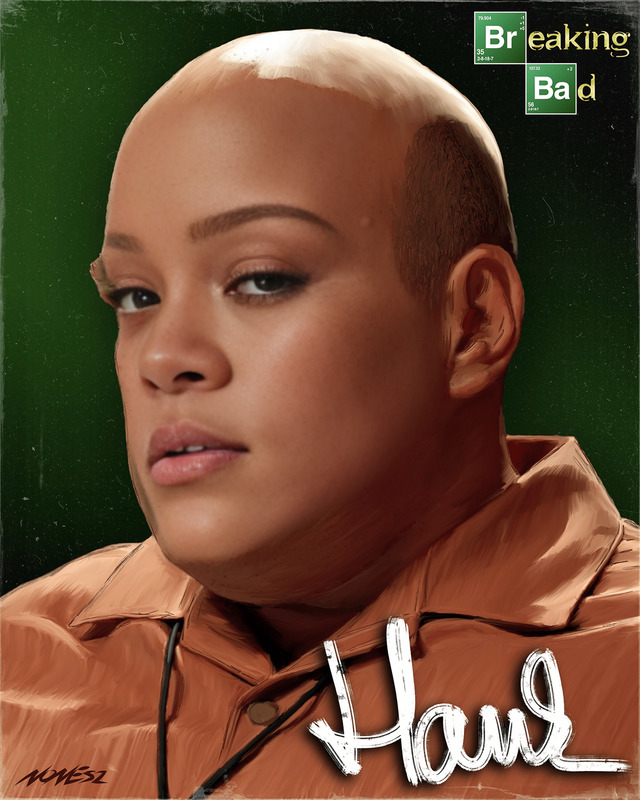
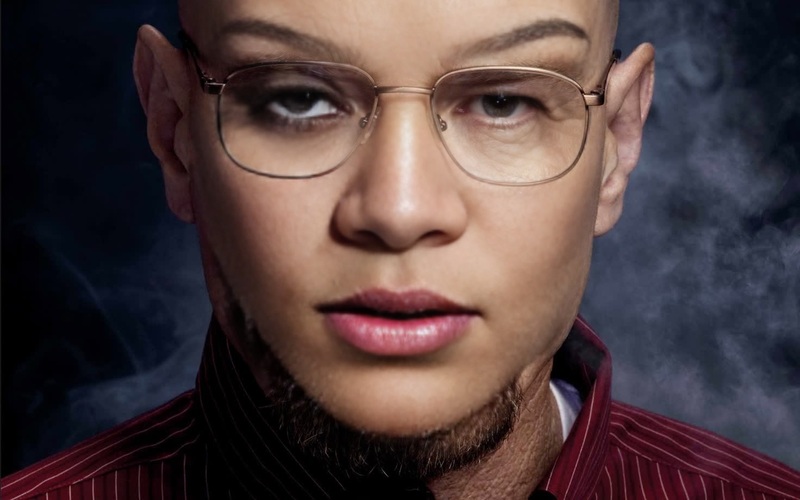
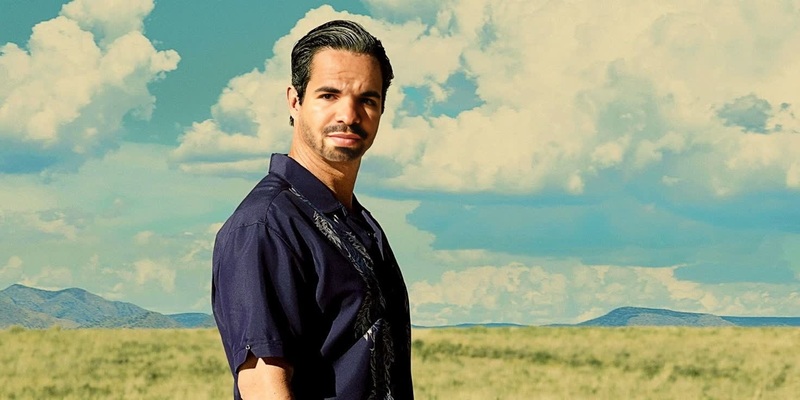
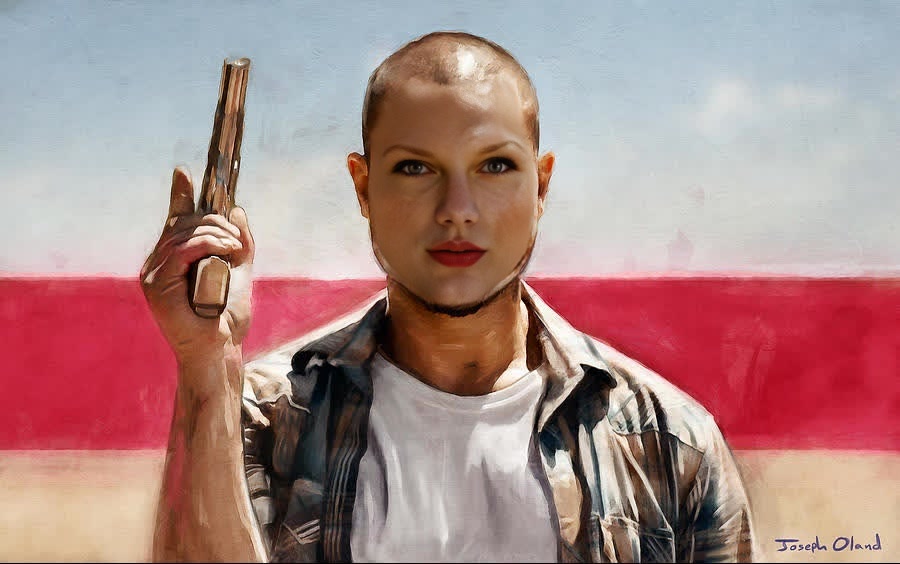
Experience the world of "Better Call Saul" like never before by swapping faces with Nacho Varga. This video face swap template allows you to insert yourself or others into a scene, creating a believable and entertaining transformation. Whether you're a fan of the series or looking to amuse your audience, this tool offers endless possibilities.
What It Does
The Nacho Varga Video Face Swap template provides users with the capability to change faces in video scenes. Simply by selecting your face and combining it with Nacho's iconic look, you create a seamless integration. Leverage templates from the Face Swap, which have been optimized for both precision and ease of use.
Who It's For
This template is ideal for content creators, social media enthusiasts, and "Better Call Saul" fans who want to create engaging content with a twist. Educators and marketers can use this as a creative tool to capture audience attention. It also suits anyone looking to explore video transformation in a fun, approachable way.
Summary
For anyone seeking to step into Nacho Varga's shoes, this Video Face Swap template provides a dynamic approach to content creation. By using the capabilities of the AI Video Generator, transforming your videos becomes not only accessible but also entertaining. Join the community of creators discovering new possibilities in video content transformation.
How-To
Choose the Template

Customize Your Inputs

Generate Your Video

Use Cases
Social Media Content
- Produce entertaining skits
- Engage followers with unique transformations
Fan Tributes
- Recreate famous scenes
- Share themed videos in fan communities
Educational Demos
- Demonstrate face swap technology
- Create tutorials for educational contexts
Best Practices
Select High-Quality Images
For optimal face swapping results, ensure you use high-resolution images with clear and evenly lit features.Fine-Tune Face Markers
Adjust the facial markers precisely to align your face with Nacho's for a more natural-looking swap.Experiment with Different Scenes
Try swapping faces in various scenes from "Better Call Saul" to see which fits best with your expression.
FAQs
More Like This