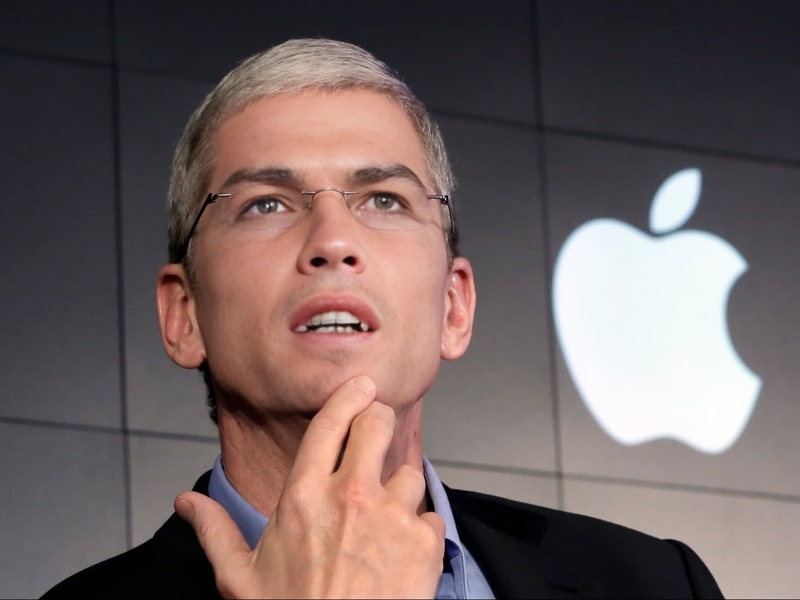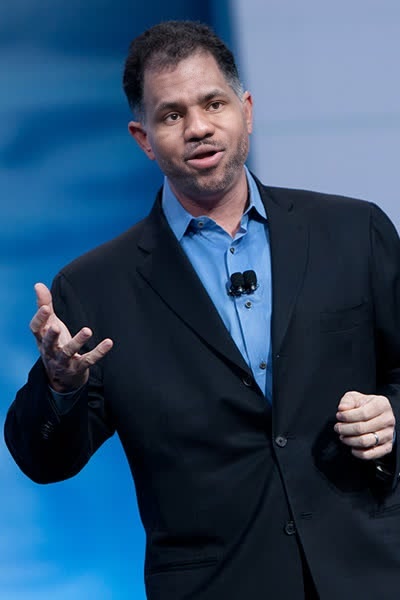
Michael Dell Dell Technologies Ceo Press Portrait
face-swap
Any aspect ratio
Tags
transformationsTurn any clip into a polished face swap video you can actually publish—fast.
This template is built with Magic Hour’s AI Face Swap Video engine, so you can drop in your own footage, swap in any face, and export a ready-to-post video without touching an editing timeline.
What this template is for
Use this face swap template when you want to:
- Test creative concepts quickly for ads and social
- Prototype UGC-style videos without hiring extra talent
- Localize or personalize content for different audiences
- Create safer “digital doubles” for yourself or your brand
- Generate variations of winning creatives at scale
Creators, performance marketers, and product teams use tools like this for:
- TikTok, Instagram Reels, YouTube Shorts
- Concept testing and A/B experiments
- Pitch decks, demos, and internal mockups
- Meme-style content and rapid trend-jacking
How to remix this template in Magic Hour
You can replicate or customize this template in a few minutes:
Open Face Swap Video
Go to Face Swap Video. This is the same engine powering this template.Upload your base video
- Use your own footage, stock video, or content you already know performs well.
- For best results, choose clips where the subject’s face is visible and not heavily obstructed.
Upload the face you want to swap in
- Add a clear photo or frame of the face you want in the final video.
- You can prep faces with tools like:
- AI Face Generator – generate synthetic faces
- AI Headshot Generator – polished, professional faces
- Avatar Generator – stylized or character-like faces
Generate your face swap video
- Let Magic Hour process the swap automatically.
- Review the output and, if needed, iterate with a different base video or face source.
Export and repurpose
- Download your video and reuse it across formats.
- For GIFs, consider Face Swap GIF.
- For additional enhancement, run the output through:
- Video Upscaler for higher resolution
- Auto Subtitle Generator for captions
- Image Background Remover and AI Image Editor if you’re exporting key frames as images
Going beyond this template
Once you’re comfortable with this template, you can chain it with other Magic Hour tools to build more advanced workflows:
Talking avatars & explainers
- Start with a still face (photo or AI-generated)
- Use AI Talking Photo or Lip Sync with your voice or a cloned voice from AI Voice Cloner or AI Voice Generator
End-to-end character videos
- Design your character with the AI Character Generator or AI Anime Generator
- Animate them using Animation or Video to Video
- Swap in different faces with Face Swap or Face Swap Video
Creative & marketing experiments
- Use AI Meme Generator to ideate formats, then reproduce the best ones as short videos with face swaps
- Generate brand-safe “virtual influencers” using AI Selfie Generator and reuse them in multiple face swap templates
Best practices for realistic face swaps
If you want face swaps that hold up under scrutiny (not just quick memes), keep these guidelines in mind:
Use high-quality source images
- Clear, front-facing or slightly angled photos work best
- Avoid heavy filters, extreme lighting, or very low resolution
- If you’re missing good source photos, generate clean ones with the AI Photo Generator or AI Image Generator
Match lighting and angle where possible
- For higher realism, choose source faces shot under similar lighting and perspective as your base video
- If needed, you can adjust or enhance still images with the AI Image Editor or AI Background Generator
Respect identity, consent, and platform policies
- Only swap faces you have the rights and consent to use, especially for commercial campaigns
- Many platforms are formalizing rules around synthetic media and deepfakes—align your use with your brand’s legal and ethical standards
- Consider disclosing AI use in content where it’s materially relevant to viewers’ trust
For additional context on deepfake ethics and policy, see:
- Policy guidance summarized in academic reviews such as “Deepfakes and Disinformation: Exploring the Impact on Security and Democracy” (e.g., Chesney & Citron, 2019)
- Platform transparency initiatives discussed in the WITNESS deepfakes resources and related AI media literacy reports
Example workflows you can build
A few concrete ways teams typically use a face swap template like this:
Performance ad variations
- Take a winning UGC-style ad
- Create multiple variants with different “speakers” using Face Swap Video
- Localize with different faces and then different voices using AI Voice Generator
Founder or expert “digital twin”
- Capture a few solid videos of the founder or domain expert
- Use Face Swap Video to map their face onto stand-ins or pre-shot templates
- Pair with Text to Video or Image to Video for scripted announcements, product tours, or FAQs
Brand-safe influencer content
- Generate a consistent virtual persona with Avatar Generator, AI Fashion Generator, or AI Outfit Generator
- Use Face Swap Video to insert them into new scenes
- Maintain control over messaging, likeness, and usage rights
Combine with other Magic Hour tools
To expand or refine your version of this template, you might also incorporate:
- AI GIF Generator – turn short face swap clips into shareable GIFs
- AI Image Upscaler and Unblur Image – improve low-res source faces before swapping
- Old Photo Restoration and Photo Colorizer – modernize historic or family photos prior to face swapping
- Remove Object from Photo and AI Remover – clean up frames if you’re compositing stills
- Thumbnail Maker or Album Cover Generator – design compelling covers for videos that use this template
How to adapt this template for your stack
Because this template is built on the same underlying tooling you can access directly:
- Use Face Swap and Face Swap Video as modular building blocks in your content pipeline
- Design static identities with AI Face Editor, AI Selfie Generator, and AI Headshot Generator, then reuse them across multiple templates
- Pair with AI Voice Cloner and AI Voice Changer if you’re standardizing voices alongside faces
You do not need to match this template’s internal settings. Instead, treat it as a starting point: open Face Swap Video, plug in your own assets, and iterate until you find a version that fits your brand, channel, and performance goals.