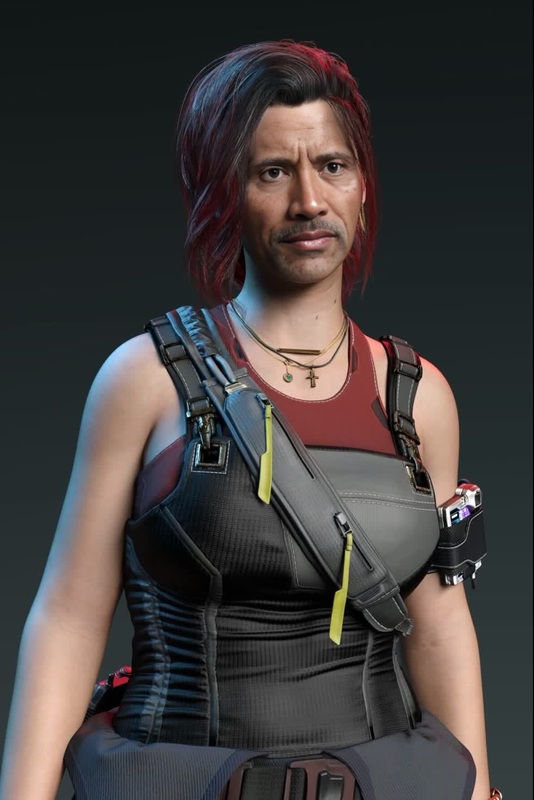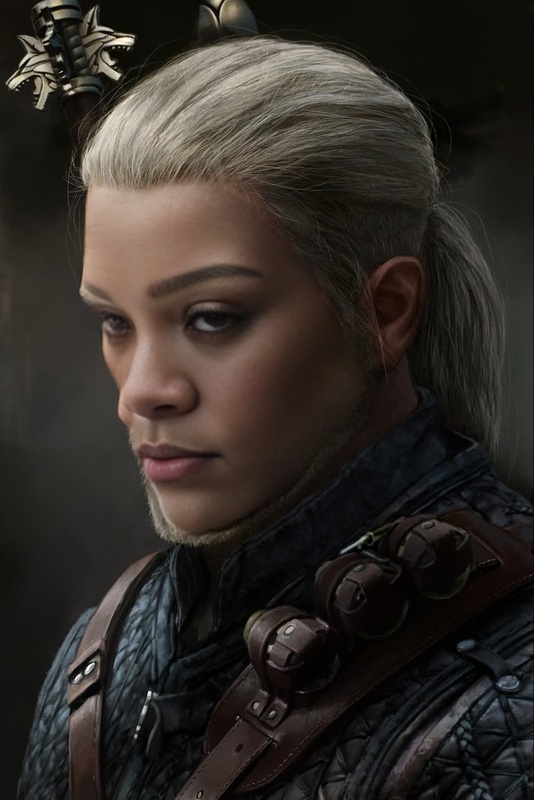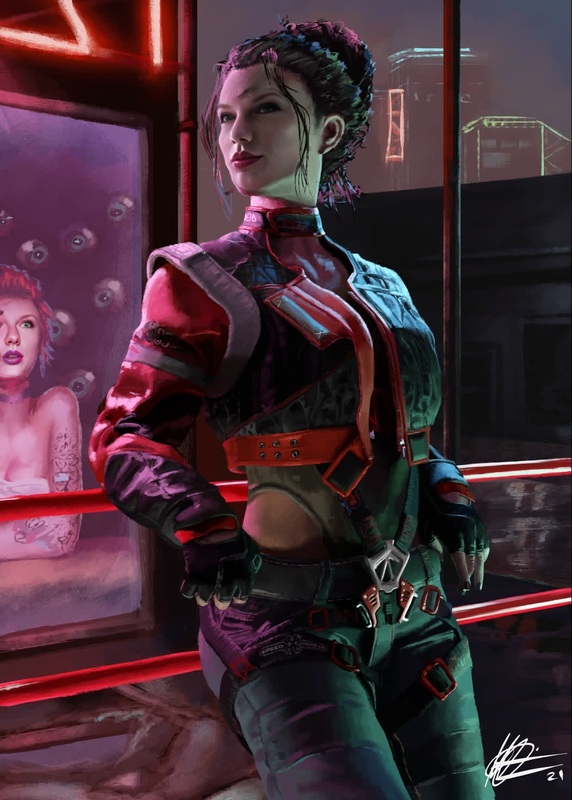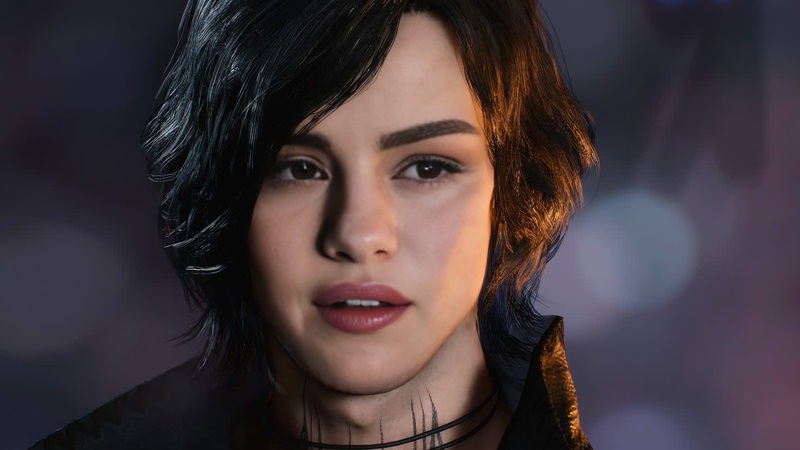
Mama Wells Cyberpunk 2077 Photorealistic Portrait
- Image
- 1472 × 828 px
Any aspect ratio
Overview
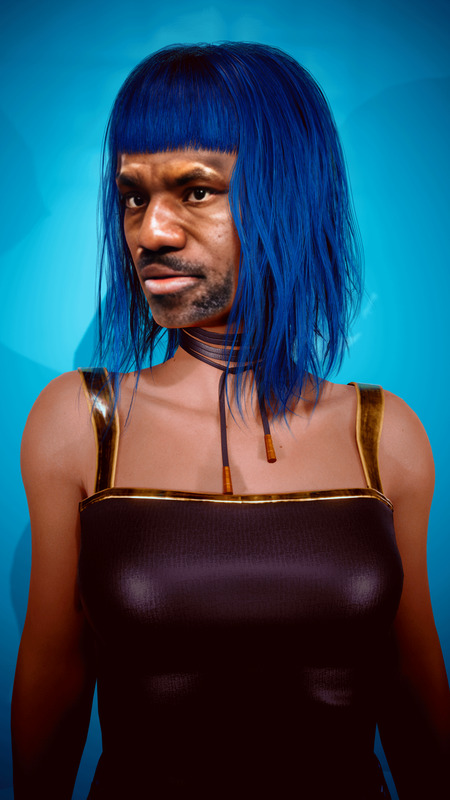
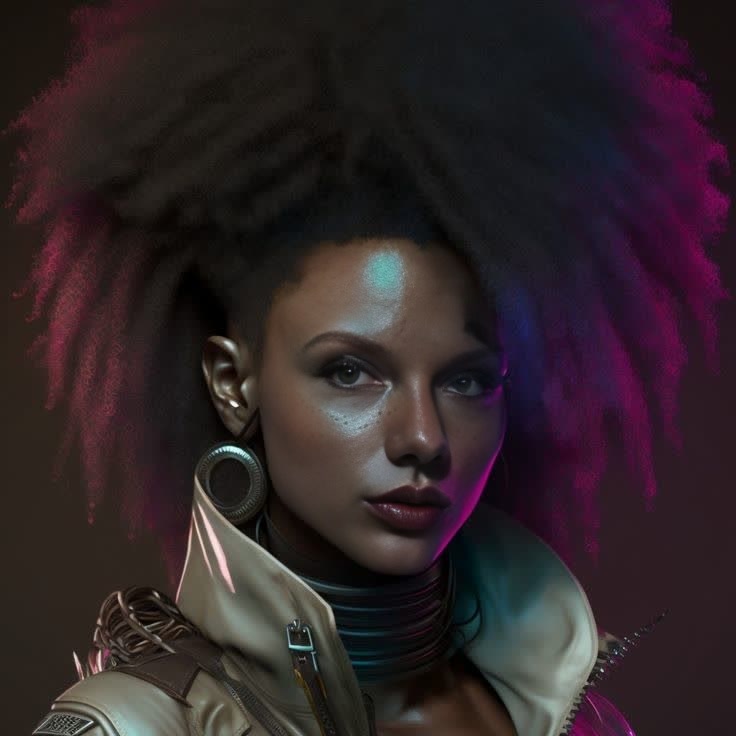
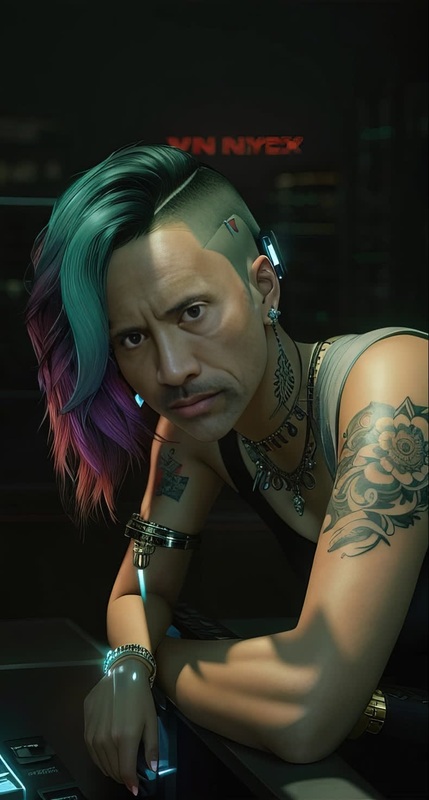
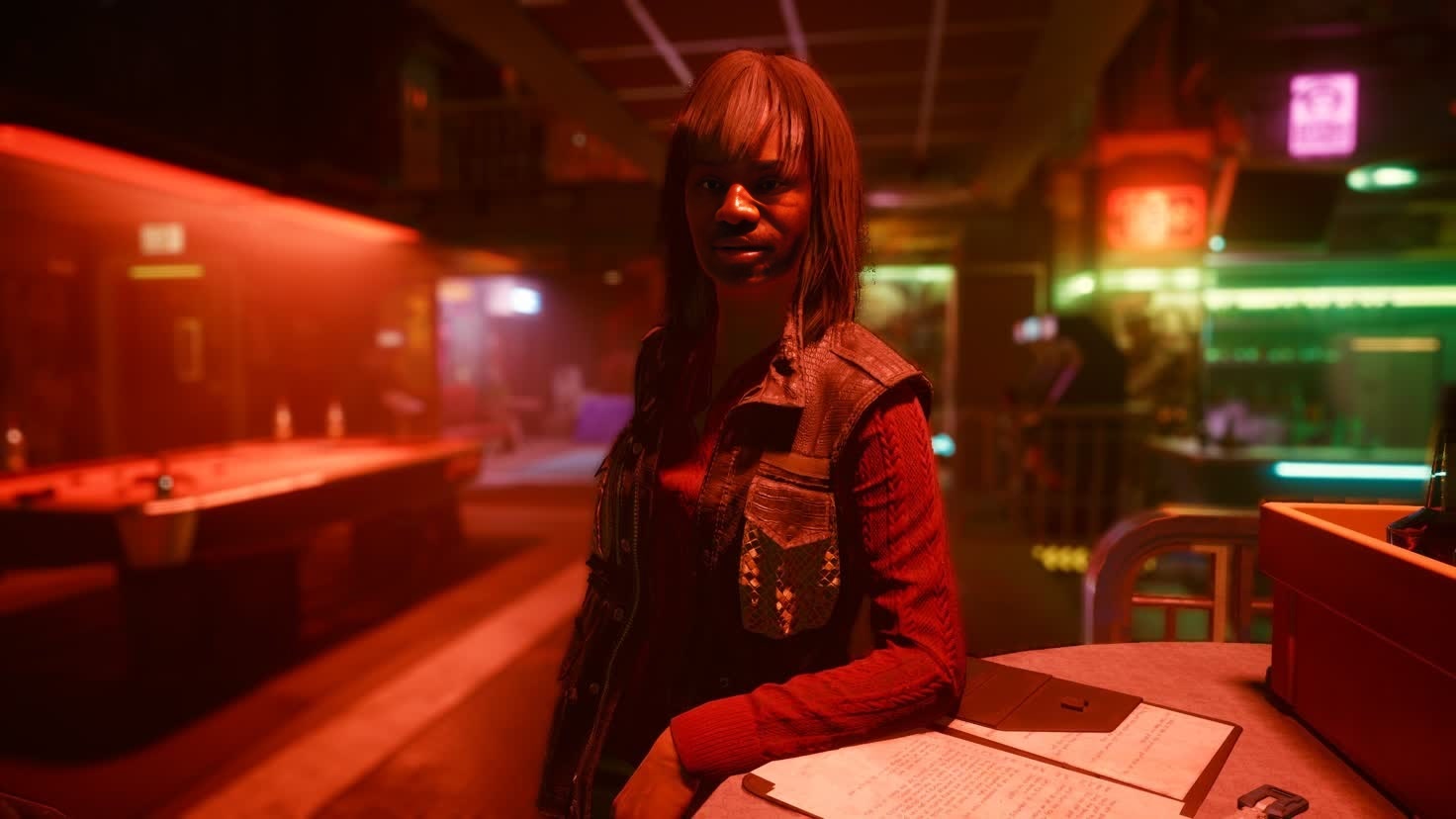
Transform your favorite video footage into a stunning piece of art with the Mama Wells Cyberpunk 2077 Photorealistic Portrait template. This Video Face Swap template brings the vivid world of Cyberpunk 2077 to life by allowing you to replace faces in your videos with Mama Wells' iconic visage, giving your projects a visually striking, photorealistic touch.
What It Does
This template specializes in replacing faces in videos with a highly detailed representation of Mama Wells from Cyberpunk 2077. Whether you're working on a project involving cosplay influence or creating a unique piece of art, this tool seamlessly integrates with various video formats. The result is a believable, immersive effect, perfect for multimedia projects and fan content.
To further enhance your final product, consider using our AI Video Extender to give your edited clips the perfect pacing.
Who It's For
This template is ideal for content creators, video editors, and fans of Cyberpunk 2077 looking to inject a dose of sci-fi into their projects. Whether you're assembling footage for a fan tribute or crafting a marketing piece that requires that high-tech aesthetic, this tool offers the flexibility and creative potential you need.
Also recommended for users interested in exploring advanced transformations with other characters through our Character Replace tool.
Summary
With the Mama Wells Cyberpunk 2077 Photorealistic Portrait, high-tech artistry is just within reach. Swap faces in any video to create spectacular scenes set in the bustling world of Cyberpunk 2077. Complete your projects with vivid detail and accuracy, ensuring each frame captures the spirit of the game.
Pair with our AI Image Editor to refine any stills extracted from your video.
How To
Choose the Template

Customize Your Inputs

Generate and Download

Use Cases
Fan Tributes
- Honor characters with customizable content
- Create visually engaging tributes
- Produce covers for fan videos
Marketing Materials
- Generate themed advertisements
- Enhance promotional videos
- Craft immersive product demos
Storytelling Projects
- Add depth with familiar characters
- Connect with audiences through known aesthetics
- Produce detailed narrative scenes
Best Practices
Select High-Quality Source Material
Use clear video sources with ample lighting for the best face swap results, ensuring clarity and vibrancy in your outputs.Fine-Tune Face Settings
Adjust face swap settings for a more natural look. Pay attention to skin tone matching, alignment, and scaling for optimal integration.Preview Before Finalizing
Use preview features to check the swapped scenes before the final render to catch any discrepancies early.
Frequently asked questions
More Like This