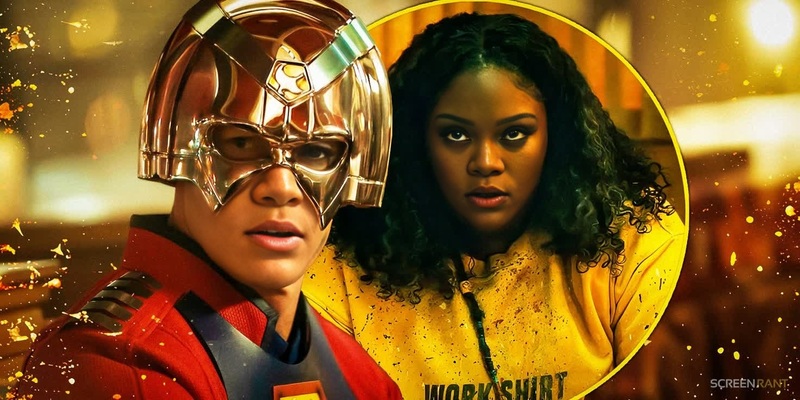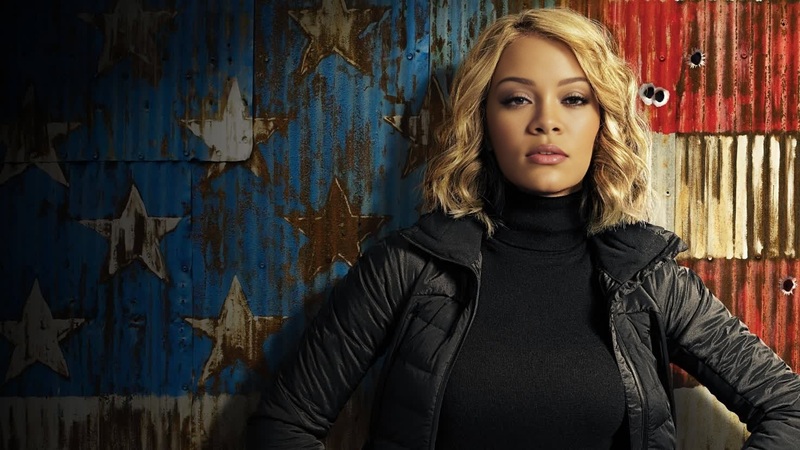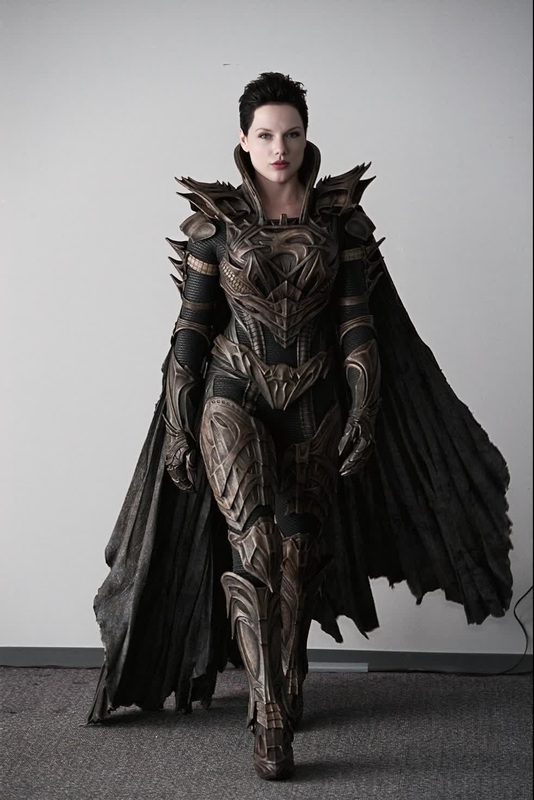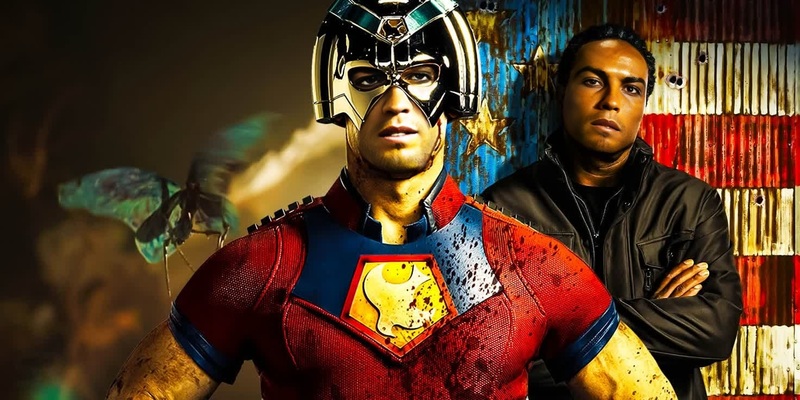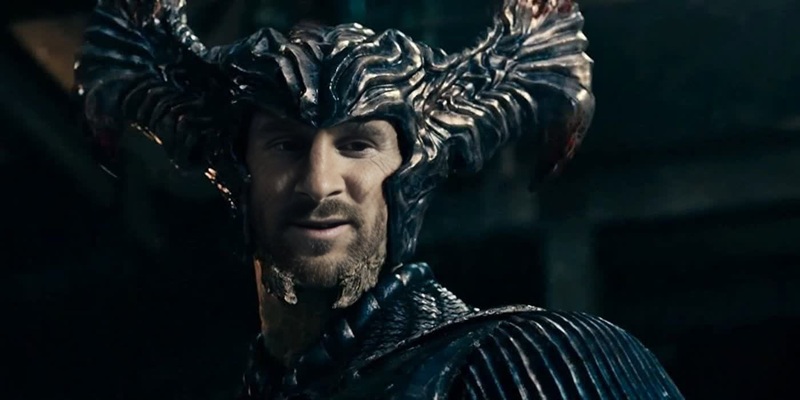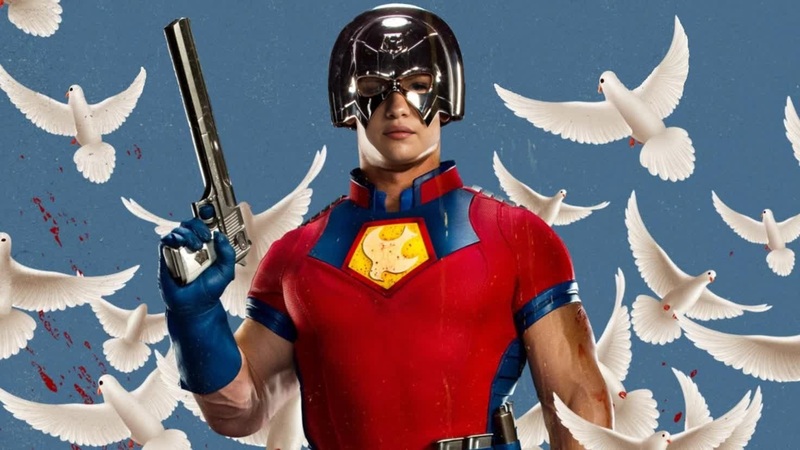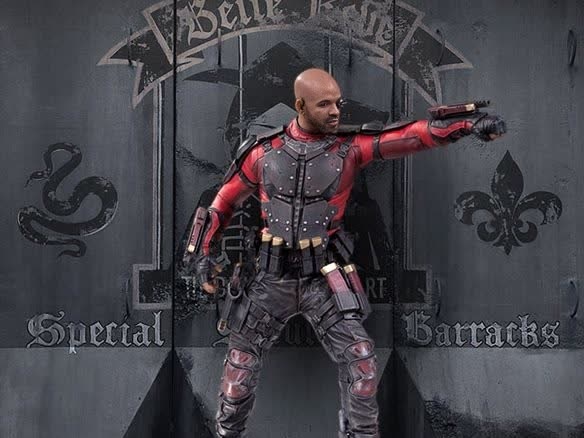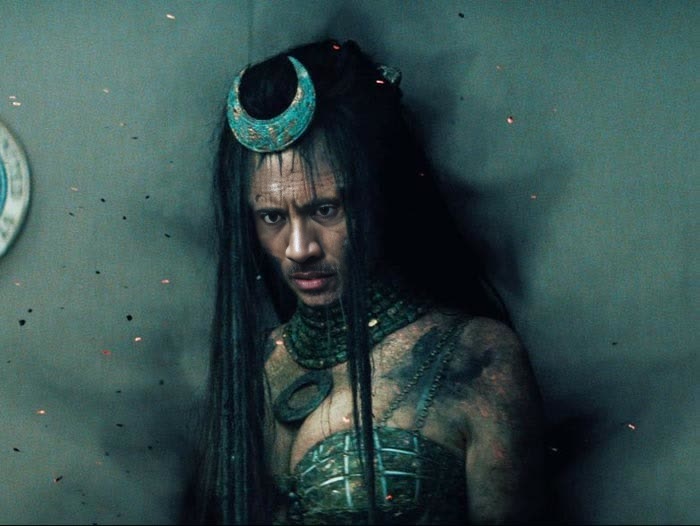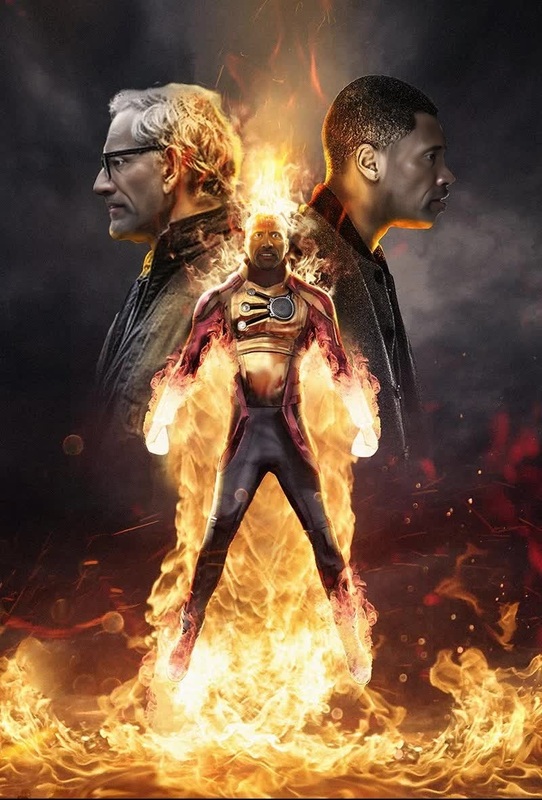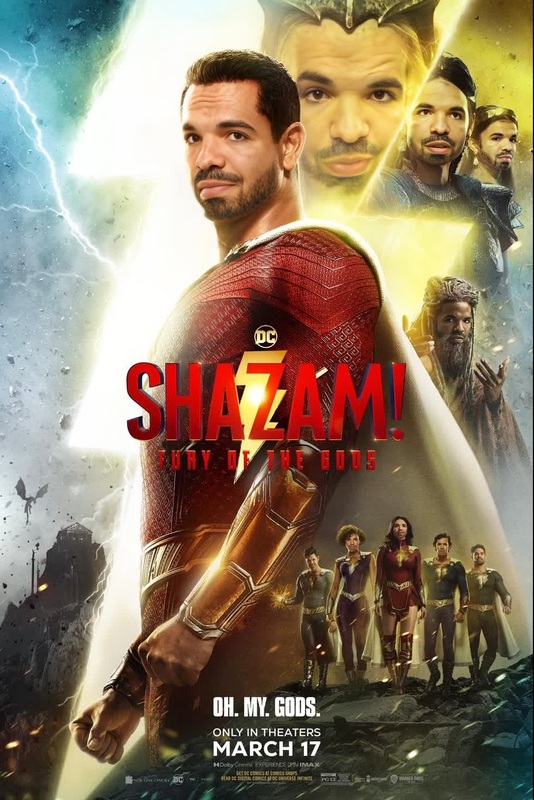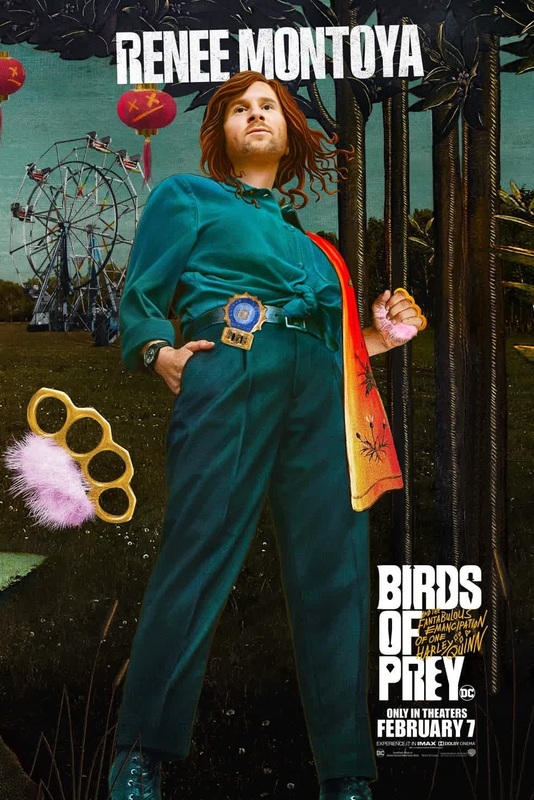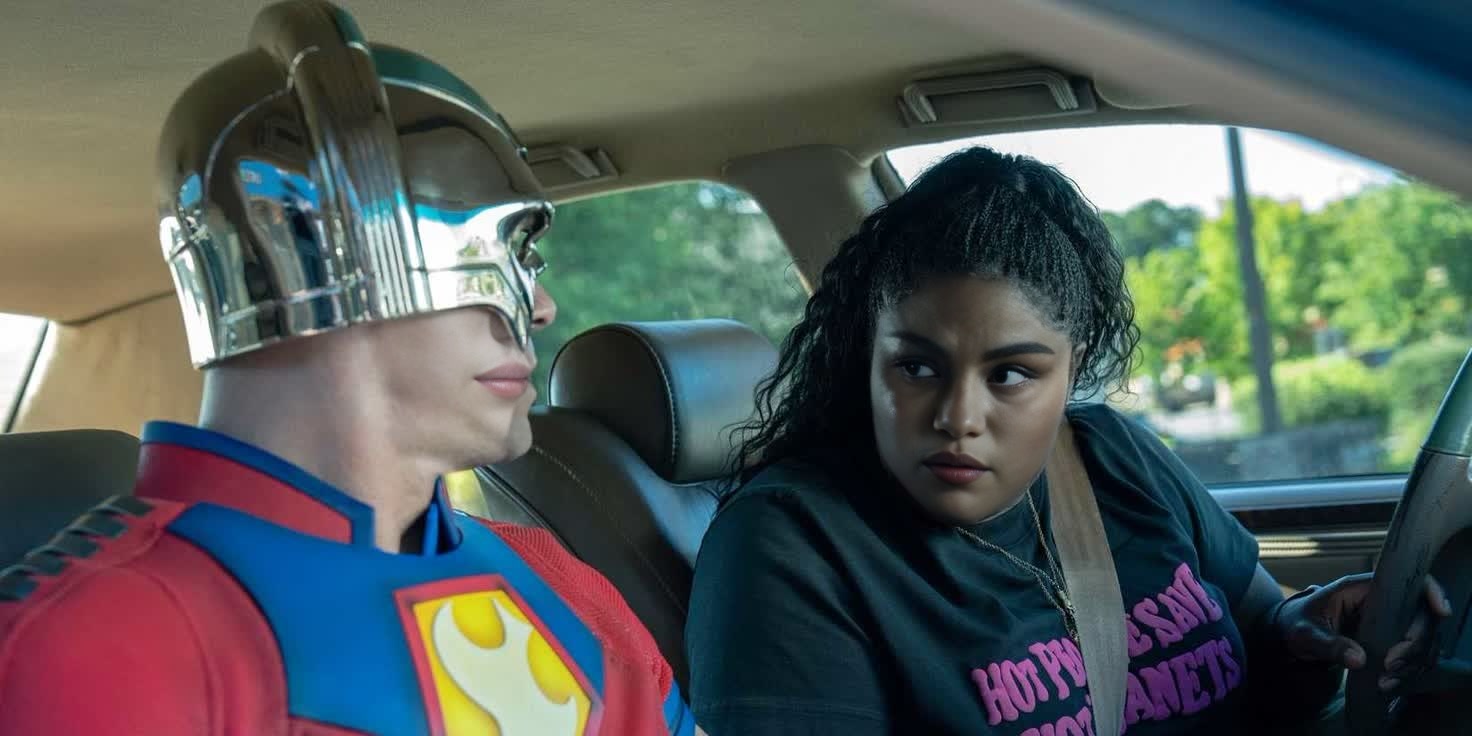
Leota Adebayo Peacemaker Dc Live Action

Leota Adebayo Peacemaker Dc Live Action

face-swap

1 clip
0 uses

Any aspect ratio

Tags

transformations

AI Face Swap Reaction Video Template

Turn any video into a high‑impact reaction, skit, or meme by instantly putting your face (or any face you have rights to use) onto someone else. This template is powered by Magic Hour’s Face Swap technology and is fully remixable—so you can adapt it for your brand, your content style, and your channel in minutes.


What this template does

This template uses AI face swapping to:

  • Replace the original face in a video with a new face image
  • Preserve original expressions, timing, camera movement, and lighting
  • Keep audio and motion exactly as in the source clip

It’s ideal for:

  • Reaction videos and commentary content
  • Meme remixes and parody clips
  • Character takeovers and persona content
  • UGC mockups (showing “you” using a product)
  • Internal demos and concept tests for AI video workflows

If you’re already familiar with tools like Face Swap or AI Face Editor, this template is a ready‑made, production‑oriented version of that capability—focused on fast video outputs.


How to remix this template in Magic Hour

You can rebuild or customize this template directly in Magic Hour using the Face Swap Video creator. The flow is simple and only requires two main inputs:

  1. Source video

    • Upload the clip whose expressions and motion you want to keep (e.g., a popular reaction, a talking head, a movie scene you have rights to use, or your own footage).
    • For best results:
      • Use a video where the face is clearly visible and not heavily occluded
      • Aim for stable framing and decent lighting
      • Keep the resolution as high as is practical
  2. Face image to swap in

After upload, let Magic Hour process the video. You’ll get a new clip with the swapped face, ready to download, share, or drop into your editing pipeline.


Ways to extend and customize this template

You can treat this template as a building block in a more advanced AI video workflow. Popular customizations include:

1. Add lip sync and voice

For talking content, combine face swapping with:

Workflow example:

  1. Use this Face Swap Video template to put your or your character’s face on a reference speaker.
  2. Generate or clone narration with AI Voice tools.
  3. Use Lip Sync to match mouth movements to your target audio.
  4. Export a fully‑synced talking‑head reaction or explainer.

2. Transform style and motion

To go beyond simple swaps:

Example stack:

  1. Start with a regular reaction video.
  2. Face swap yourself in using this template.
  3. Apply a stylized look with Video to Video (e.g., anime, comic, cinematic).
  4. Upscale the final output with Video Upscaler for platform‑ready quality.

3. Build recurring characters or branded personas

If you run a channel, product, or brand account, you can use this template to create a consistent “face” that appears across your content:

  • Generate a stable character with AI Character Generator or AI Anime Generator.
  • Use AI Image Upscaler to refine your character image for face swapping.
  • Apply that face across multiple videos using this Face Swap Video template.
  • Add voice and lip sync to turn your character into a talking, reactive persona.

This is especially useful for:

  • Virtual influencers
  • Product mascots
  • Brand storytellers and explainer characters
  • Anonymous creators who prefer not to appear on camera

Best practices for high‑quality face swaps

To get results that stand up in front of a discerning audience:

  1. Use clean, high‑resolution inputs

    • Higher‑quality source video and face images produce more realistic composites.
    • Consider using Unblur Image or Old Photo Restoration if you’re working with legacy or low‑quality assets.
  2. Match lighting and angle where possible

    • A face photo shot in similar lighting and angle to the original video frames will blend more naturally.
    • Front‑facing, neutral expressions are the most flexible.
  3. Stay consistent for series content

    • If you’re building a series, reuse the same face image to maintain continuity across episodes.
    • Store your “canonical” face images, brand characters, or avatars and re‑apply them via this template.
  4. Think about post‑processing


Example use cases for creators and teams

This template is designed for busy, production‑oriented users:

  • Creators & YouTubers

    • Turn trending clips into face‑on reaction videos quickly
    • Test different on‑camera personas without new shoots
    • Generate B‑roll “host” content for tutorials and explainers
  • Marketers & growth teams

    • Create UGC‑style variants of ads without booking new talent
    • Localize content with region‑specific faces while keeping the same script and timing
    • Prototype influencer or ambassador concepts before committing to larger production
  • Startups & product teams

    • Mock up “product demo” faces for investor decks, landing pages, or onboarding videos
    • Build internal prototypes of AI‑powered products, virtual agents, or digital humans using Text to Video, AI Talking Photo, and this Face Swap template combined.
  • Developers & technical users

    • Use this template as a reference pipeline for AI avatar–style interfaces
    • Experiment with chained tools: AI character → face swap → lip sync → voice clone → upscale

Related Magic Hour tools worth exploring

You can combine this template with other Magic Hour capabilities to design more advanced workflows:


How to start

To use or adapt this template:

  1. Go to the Face Swap Video creator.
  2. Upload your source video (the motion/expression you want) and your face image (the identity you want).
  3. Generate, review, and download your face‑swapped video.
  4. Remix further with Lip Sync, Video to Video, or your standard editing tools.

This template is intentionally simple but composable. You can keep it as a one‑click face swap for fast experiments, or turn it into the core step in a more sophisticated AI video system that includes generation, editing, audio, and distribution.

More Like This

Insufficient credits