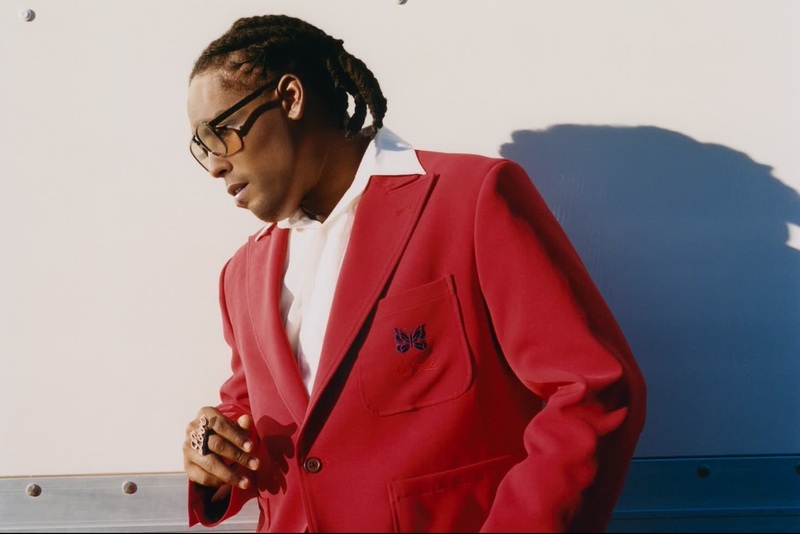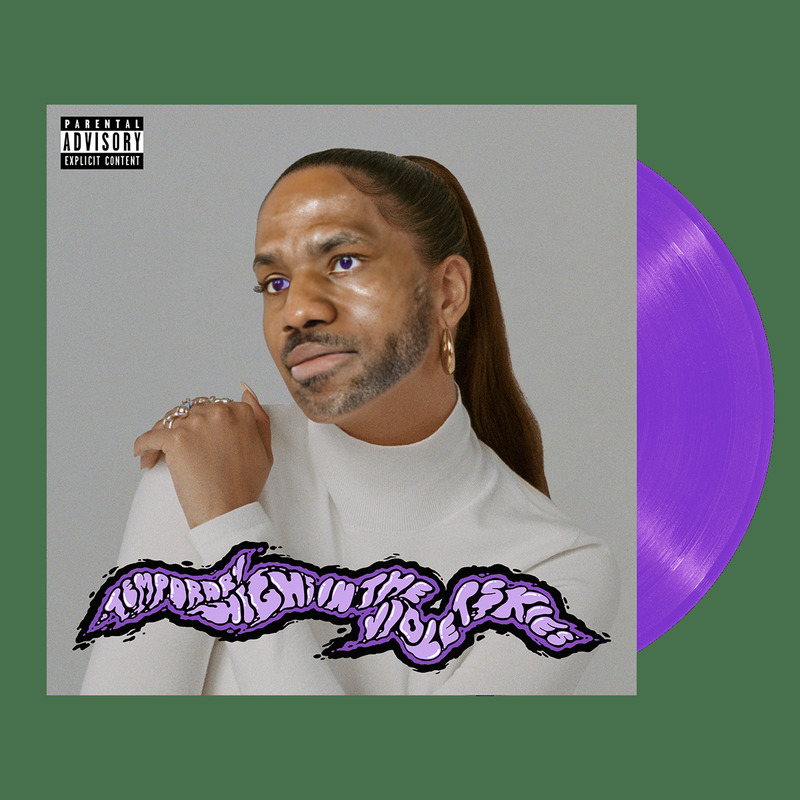
Kelela Cut Four Times Press Portrait
- Image
- 1400 × 1400 px
Any aspect ratio
Overview
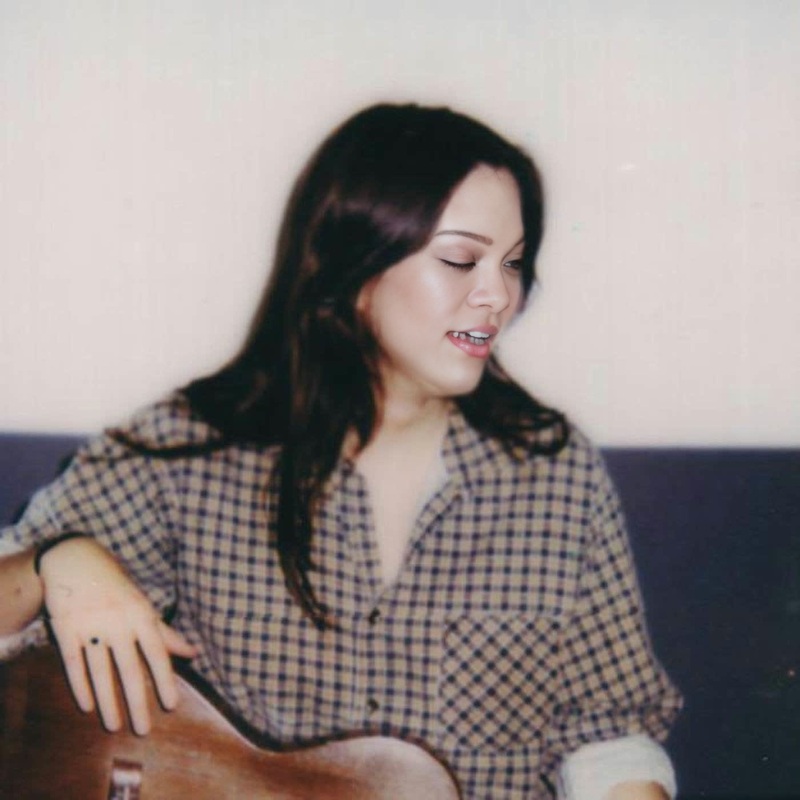
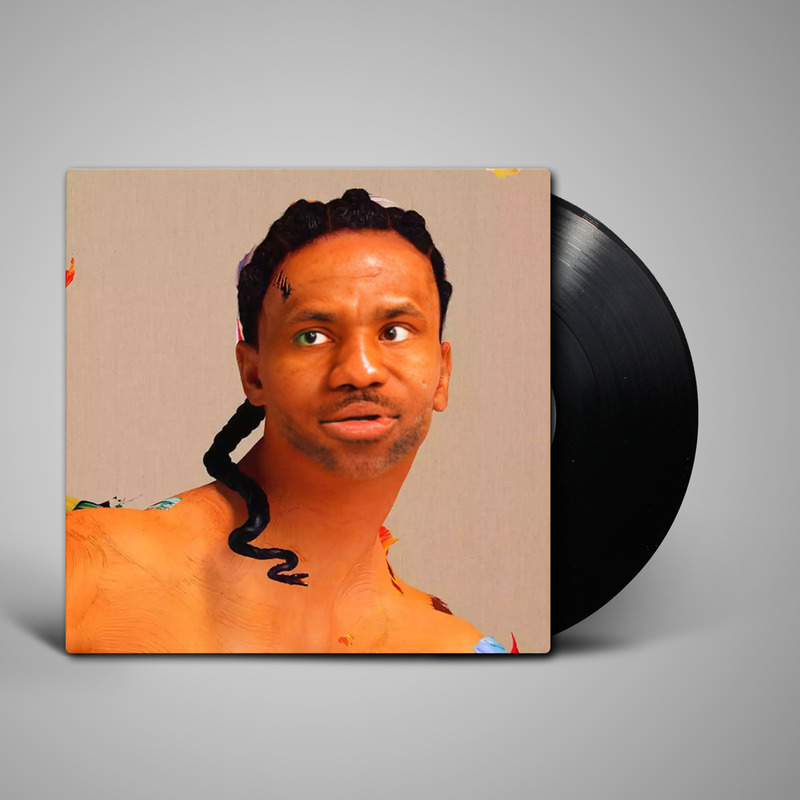
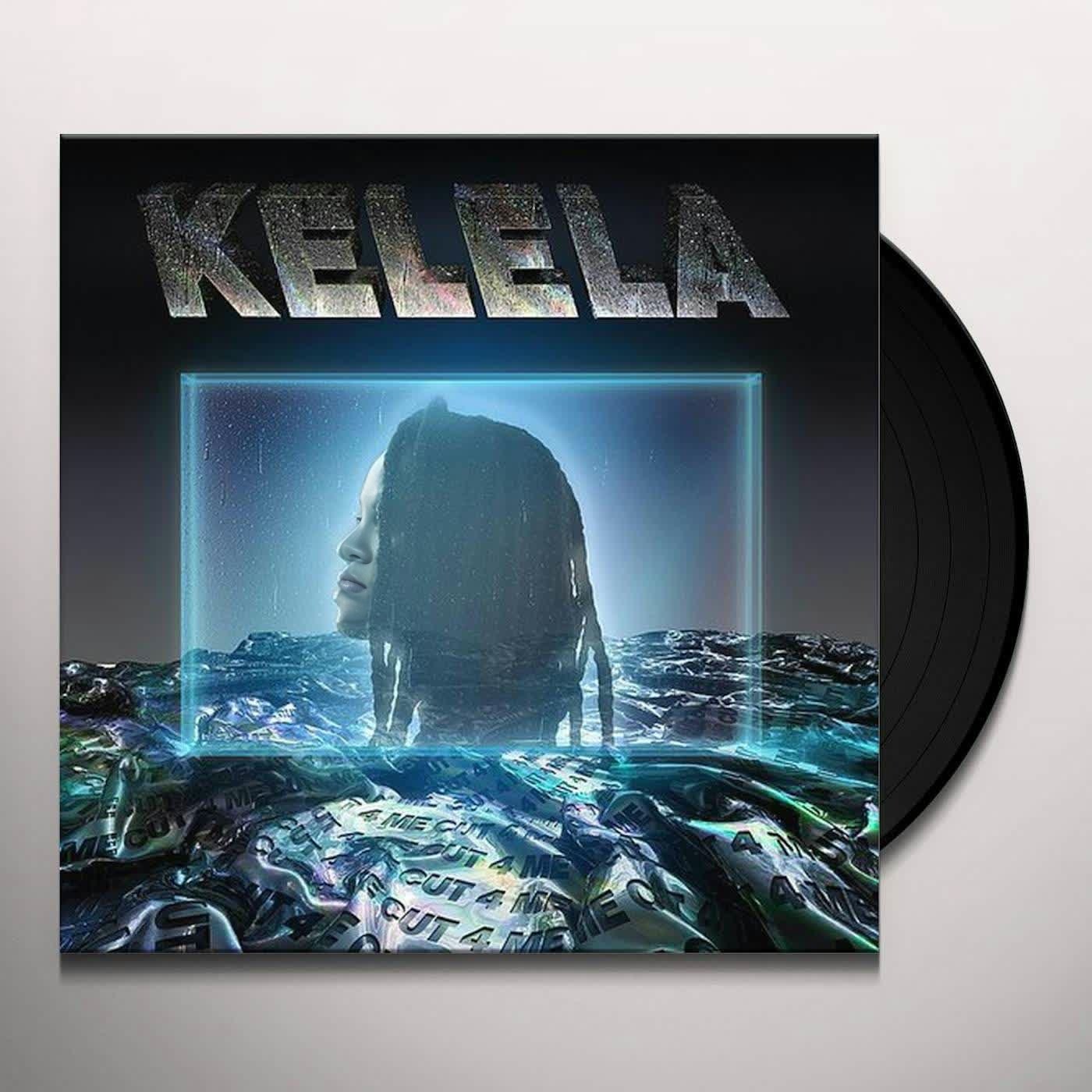
The "Kelela Cut Four Times Press Portrait" template offers an engaging way to implement face swap technology in your videos. Leveraging Kelela's bold and stylish press portrait, this Video Face Swap template allows you to creatively alter video content for various projects.
What It Does
This template utilizes advanced face swap technology to replace Kelela's face with the chosen face in videos modeled after her iconic press portrait for "Cut Four Times." The swap maintains natural expressions and lighting, ensuring the output is both seamless and convincing. Compatible with popular video formats, this template is perfect for personal and professional transformations.
Who It's For
Designed for content creators, marketers, and fans of Kelela looking to transform their videos with a creative twist. Marketing teams can use it to craft engaging campaigns, while product demo videos or promotional materials can benefit from its unique flair. Creative professionals and fans wanting to explore transformations in video edits will find this template appealing as well.
Summary
Integrating the "Kelela Cut Four Times Press Portrait" into your projects provides a distinctive fusion of technology and creativity. By swapping faces, you create compelling content that captivates audiences, whether for marketing, personal entertainment, or professional presentations. Explore other video transformations with our AI Image Editor and Image to Video tools.
How To
Choose the Template

Customize Your Inputs

Generate and Download

Use Cases
Social Media Content
- Instagram stories
- TikTok challenges
- Facebook posts
Marketing Campaigns
- Branded content
- Viral marketing
- Event promotions
Artistic Projects
- Digital installations
- Gallery showcases
- Video art concepts
Best Practices
High-Quality Images
Use high-resolution images for both the base and swapped faces to maintain video quality.Lighting Consistency
Ensure that the lighting in both the video and the photo is similar to achieve natural-looking results.Adjust Proportions
Make any necessary adjustments to the facial proportions to ensure they align with the video's facial structure.