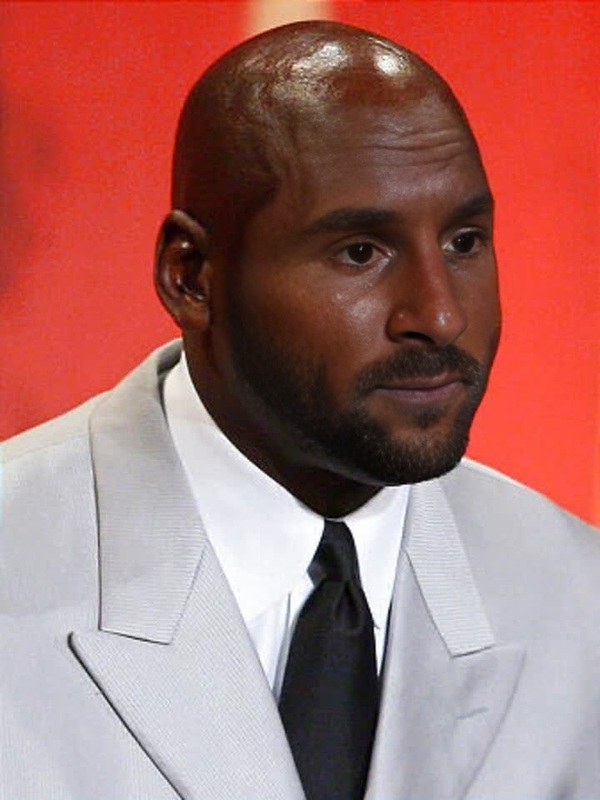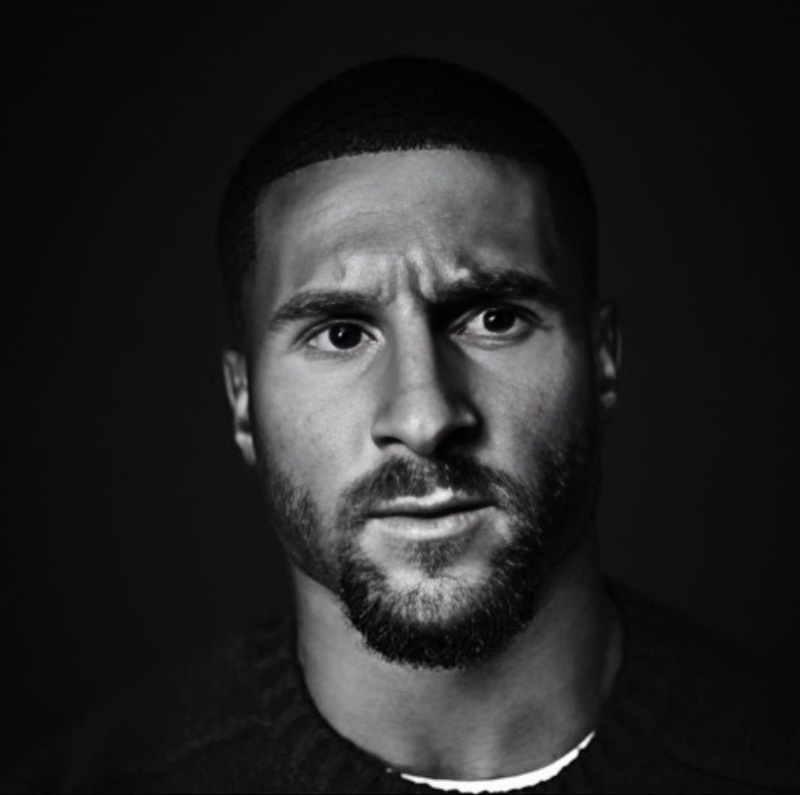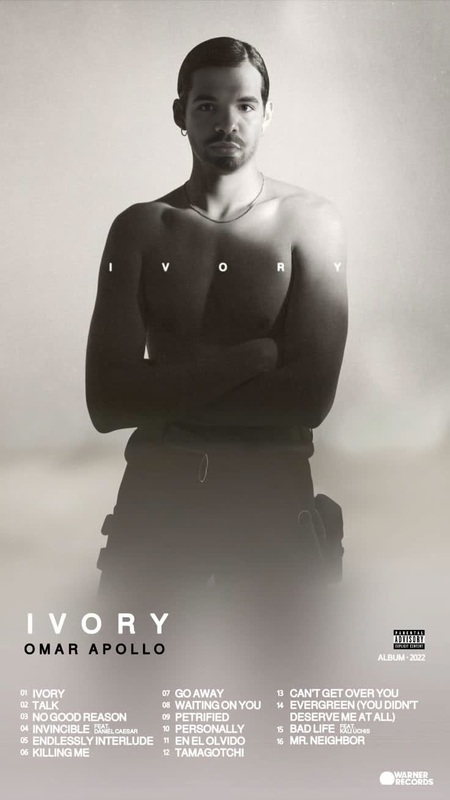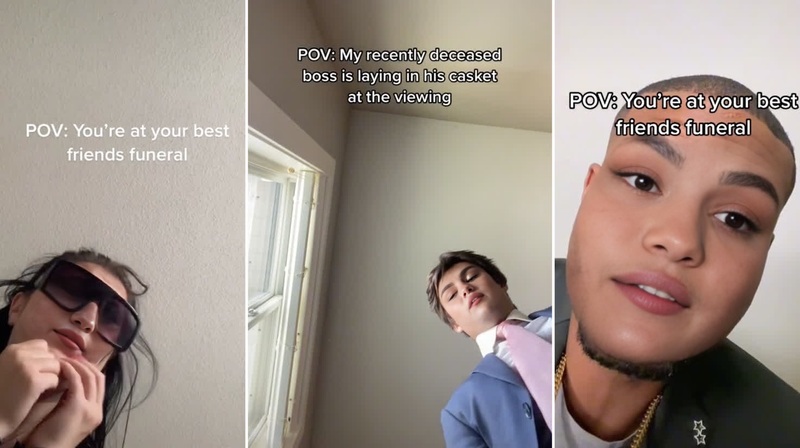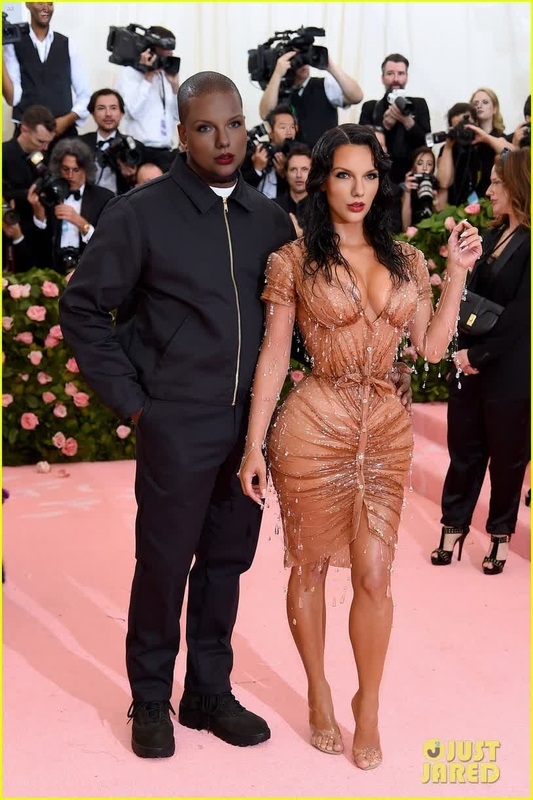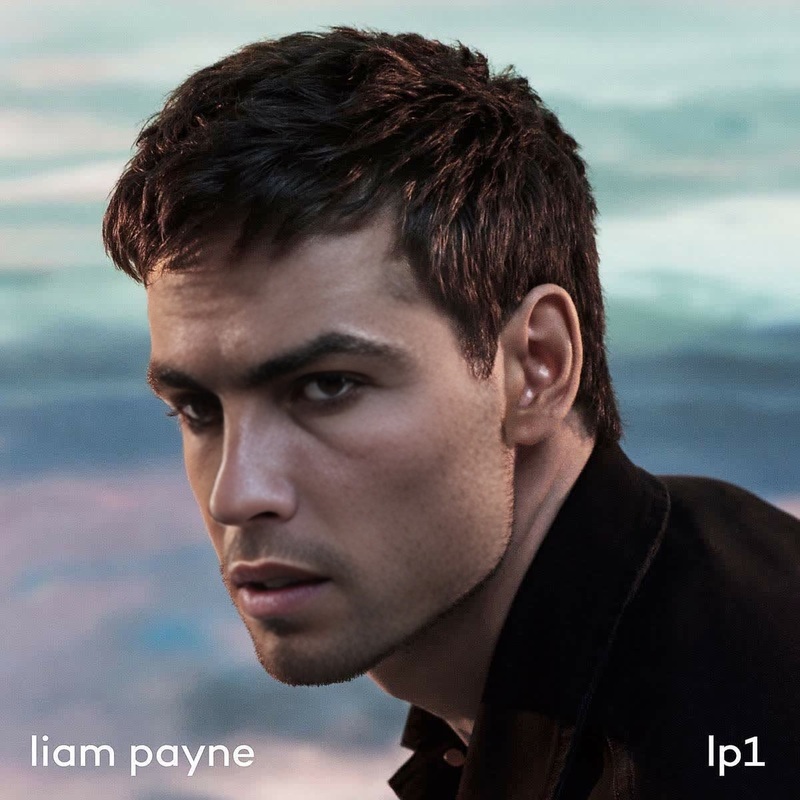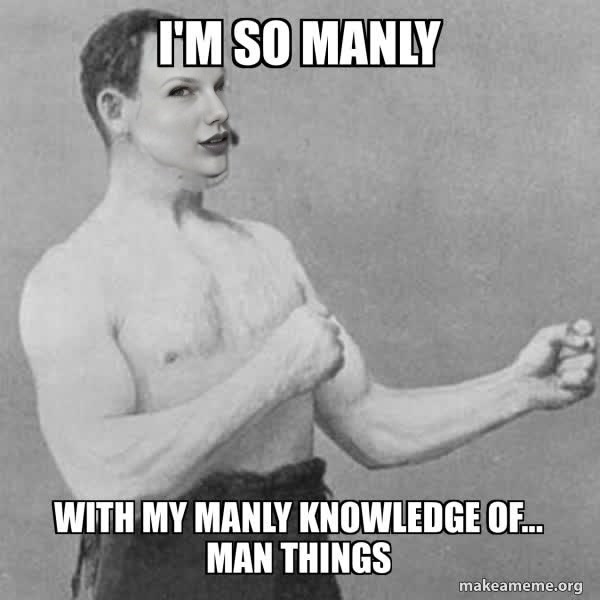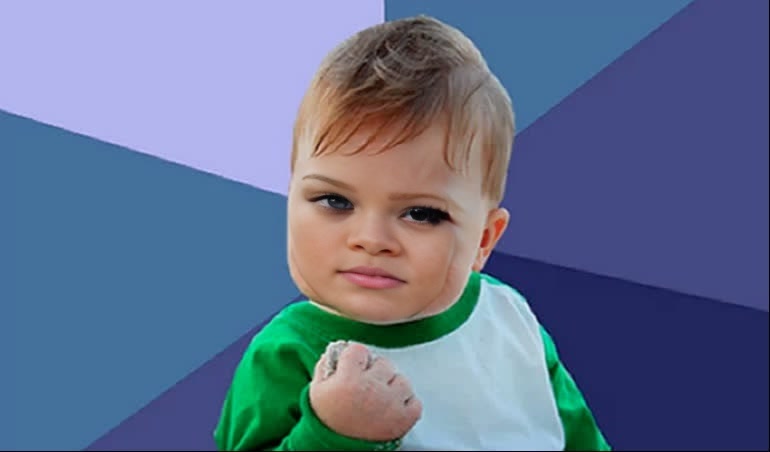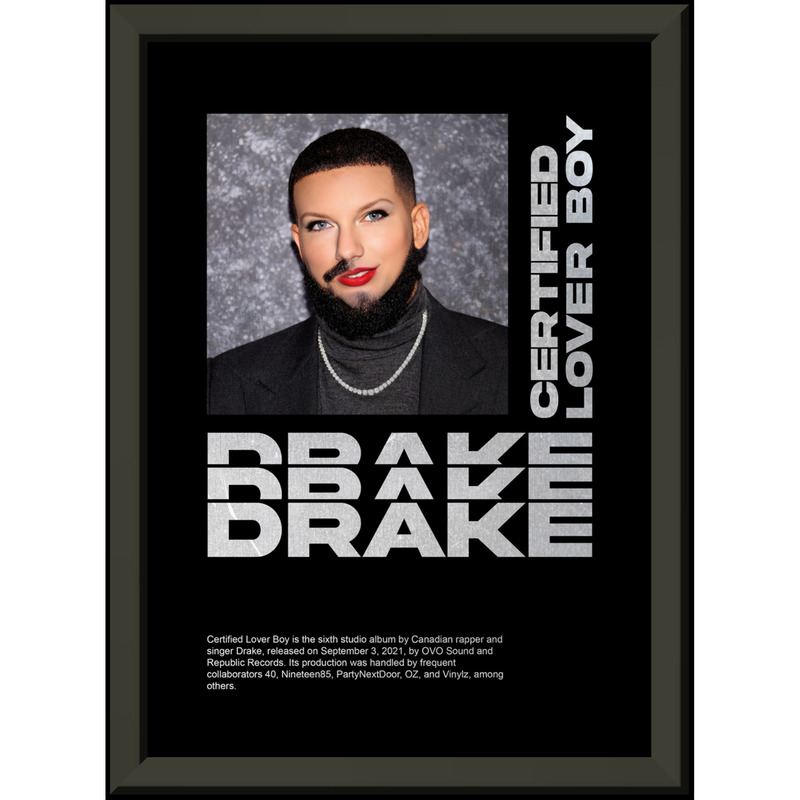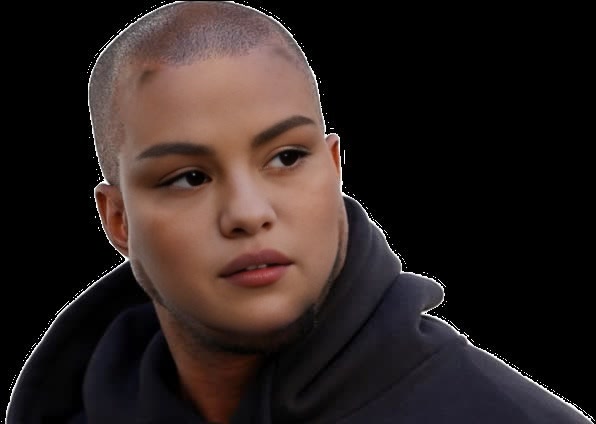
Kanye West Serious Viral Press Portrait
face-swap
Any aspect ratio
Tags
transformationsCreate Ultra-Realistic Reaction & Meme Videos With AI Face Swap
Turn any short clip into a shareable reaction, meme, or UGC-style video with this Face Swap template. Swap your face (or any face you have rights to use) onto an existing video in a few clicks—perfect for TikTok, Reels, Shorts, campaigns, and A/B testing creative at scale.
This template is built on Magic Hour’s Face Swap engine and uses the Face Swap Video workflow.
What This Template Does
This template is designed for:
- Reaction videos & memes – Put your face on iconic reaction clips and trending formats.
- Creator & influencer content – Rapidly test hooks and personas without reshooting.
- UGC-style ads – Generate “creator-looking” assets for DTC, SaaS, and app campaigns.
- Localization & personalization – Swap in local faces or employees for different markets.
- Concept testing – Validate concepts before committing to full production.
Under the hood, it uses face reenactment: your reference face is mapped frame-by-frame onto the target video, preserving lighting, expressions, and motion for a believable, high-retention output.
How to Remix This Template in Magic Hour
You can build your own version in minutes by remixing:
Start from Face Swap Video
- Go to the Face Swap Video page.
- Upload the target video (e.g., a reaction clip, meme template, or short scene).
- Upload your source face image (or use a different face you have permission to use).
Align the Face
- Make sure your source image:
- Is front-facing or slightly angled.
- Has clear lighting and no heavy obstructions (sunglasses, masks, etc.).
- Matches the rough age and angle of the face in the target video for best realism.
- Make sure your source image:
Generate & Review
- Run the swap and preview the full clip.
- If the result isn’t expressive enough, try:
- A higher-quality or more frontal source selfie.
- A target video with clearer lighting and fewer motion blur frames.
Iterate Quickly
- Create variations by:
- Reusing the same target video with different faces (for A/B tests).
- Replacing the video with a different meme or reaction while keeping the same face.
- Export the best-performing versions for TikTok, Reels, YouTube Shorts, Stories, and ads.
- Create variations by:
This remix loop is ideal for performance marketers and content teams who need to test multiple creatives daily without new shoots.
Advanced Workflows & Combinations
To build richer templates and workflows around Face Swap, you can chain other Magic Hour tools:
Turn images into short videos, then swap faces
- Use Image to Video to animate a static character or photo.
- Then load that output into Face Swap Video to overlay your face.
Create talking reactions with synced lips
- Start with this face swap template for expressions and identity.
- Then use Lip Sync to match the mouth to your script, voiceover, or audio track.
- For voices, pair it with AI Voice Generator or AI Voice Cloner.
Generate the character first, then swap
- Design a character or avatar using:
- Animate that character with Animation or Video to Video.
- Finally, run a face swap to place your identity onto the character.
Meme and social template pipelines
- Generate base images with AI Image Generator or AI Art Generator.
- Convert them to motion with Image to Video.
- Apply Face Swap Video.
- Add copy or overlays externally, or generate meme-ready bases with AI Meme Generator.
These combinations let you go from idea → character → animation → face-specific content without needing a camera or a live shoot.
Best Practices for High-Quality Face Swaps
To get consistently strong, production-ready results:
Source Image Quality
- Use a high-resolution photo with:
- Neutral or slightly expressive face.
- No heavy filters or face-smoothing.
- Clear, non-blocked eyes.
- Tools that can help:
- AI Face Generator for high-quality synthetic faces.
- AI Image Upscaler to improve older or low-res photos.
- Unblur Image for soft or noisy inputs.
- Use a high-resolution photo with:
Target Video Selection
- Choose videos with:
- Reasonably stable framing (not extreme shaky cam).
- Good lighting on the subject’s face.
- Limited occlusions (no constant hands, masks, etc.).
- You can generate stylized targets via Video to Video if you want a consistent aesthetic or brand style.
- Choose videos with:
Stylistic Consistency
- If you’re working in a specific art style (anime, comic, Disney, etc.), build the base video in that style first:
- Then swap faces into that pre-defined style for on-brand, repeatable outputs.
Ethics & Permissions
- Only swap faces you are legally allowed to use.
- Get explicit permission before using someone else’s likeness, especially for commercial content.
- Avoid misleading, harmful, or deceptive use-cases—treat this as a creative and marketing tool, not a tool for impersonation.
Use Cases for Creators, Marketers, and Builders
This template is optimized for professional, repeatable workflows:
Creators & Influencers
- Turn popular reaction formats into “your” content without reshooting.
- Stress-test hooks, intros, and personas.
- Experiment with stylized or fictional versions of yourself using AI Selfie Generator or AI Headshot Generator before swapping.
Performance & Growth Marketers
- Build UGC-style ads at scale from a single shoot.
- Localize creatives by swapping in representative faces per region.
- Prototype new campaigns with low-cost face-swapped versions before investing in full production.
Product Teams & Startup Builders
- Generate internal concept videos and pitch materials quickly.
- Create onboarding, education, or product explainers with consistent “host” personas powered by face swap plus AI Talking Photo or Text to Video.
Design & Creative Teams
- Visualize campaign concepts with synthetic models using:
- Then swap in client or brand faces for mockups and approvals.
Enhancing Your Output
Once your face swap video is generated, you can refine or extend it:
Clean Up & Edit
- Fix backgrounds or remove distractions with Image Background Remover or Remove Object From Photo for thumbnail frames or promo stills.
- Use AI Image Editor for quick touch-ups or compositing on stills.
Improved Quality & Post-Production
- Upscale and sharpen footage with Video Upscaler.
- Auto-generate subtitles using Auto Subtitle Generator for higher engagement on mute platforms.
Repurposing for Different Formats
- Turn standout frames into:
- GIFs via AI GIF Generator.
- Thumbnails via Thumbnail Maker.
- Memes via AI Meme Generator.
- Create QR codes for campaigns or interactive experiences with AI QR Code Generator.
- Turn standout frames into:
How to Build Your Own Reusable Template
To turn this into a repeatable, team-friendly workflow:
Standardize your source faces
- Capture or generate a small set of “approved” faces for your brand (founders, ambassadors, mascots).
- Clean and upscale them with AI Image Upscaler for consistent quality.
Maintain a library of target clips
- Save your best-performing reaction formats, memes, and motion templates.
- Tag them by use-case: reaction, testimonial, explainer, meme, product callout, etc.
Define combination recipes
- Example:
- Script → AI Voice Generator → Lip Sync → Face Swap Video → Auto Subtitle Generator.
- Document a few standard recipes for your team to remix quickly.
- Example:
Iterate based on performance
- Use analytics from your ad platforms or social channels to see which faces, motions, and formats convert best.
- Keep your top performers and keep remixing new variations from this template.
Start Remixing This Face Swap Template
To create your own version:
- Open Face Swap Video.
- Upload a short target clip (reaction, meme, ad hook, or character animation).
- Upload your face image (or any authorized face).
- Generate, review, and iterate with new faces or videos.
Use this template as a foundation for a full AI-first video pipeline—combining face swap with tools like Lip Sync, Video to Video, Animation, Text to Video, and AI Voice Cloner to produce scalable, testable content for modern growth and creative teams.