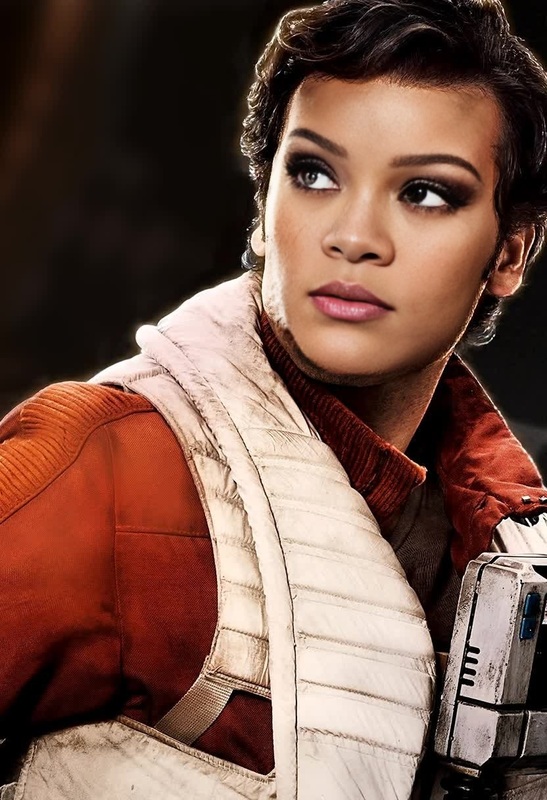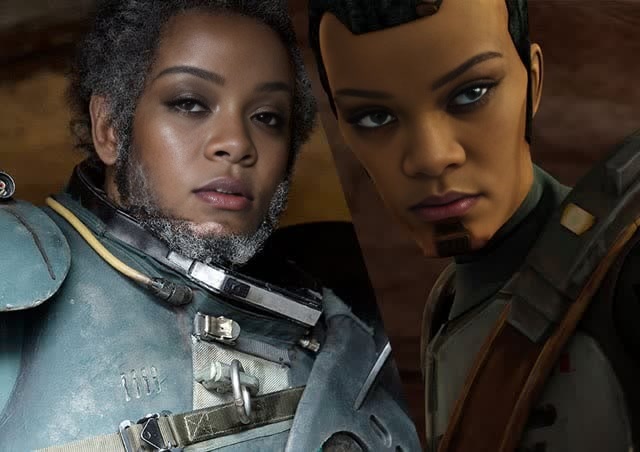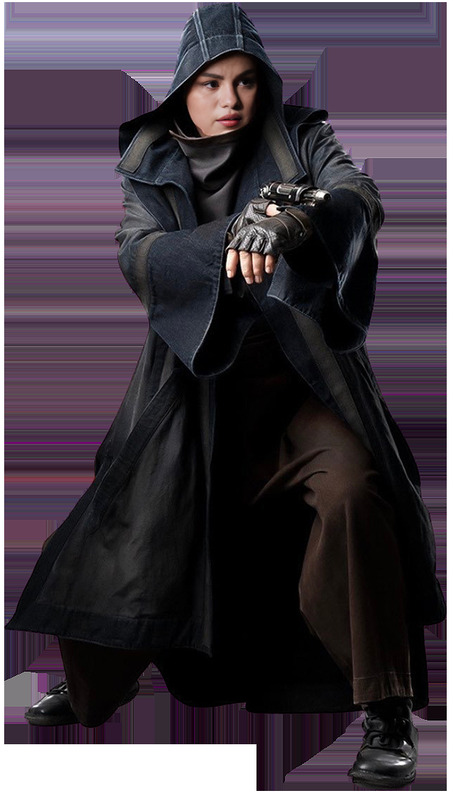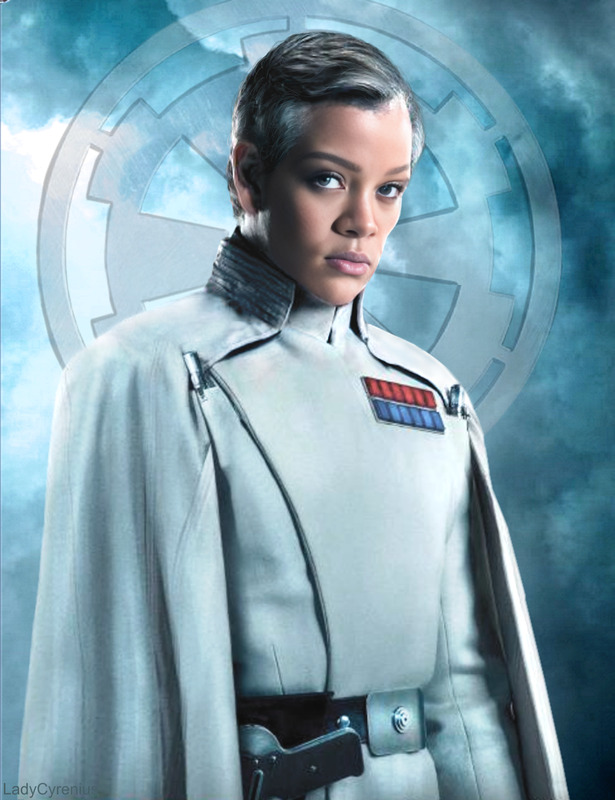
Jyn Erso Rogue One Star Wars
- Image
- 1472 × 1472 px
Any aspect ratio
Overview
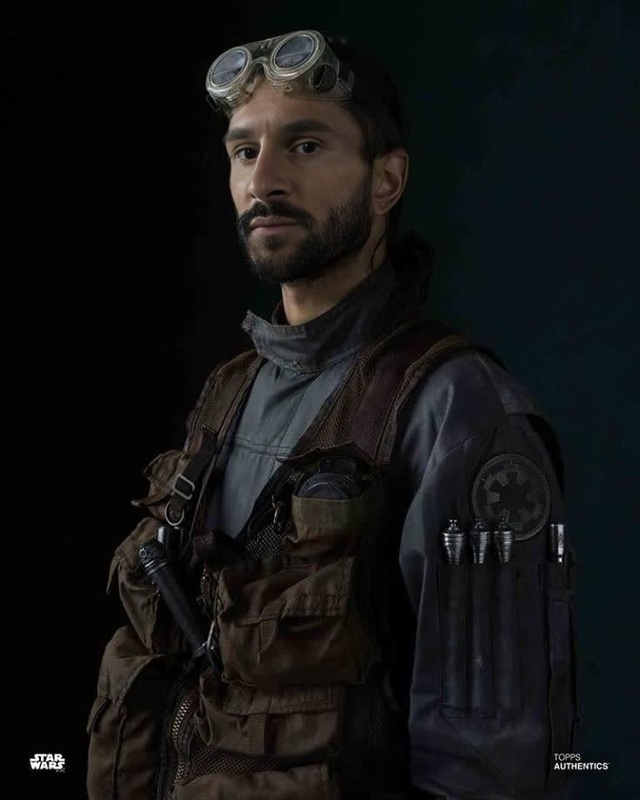
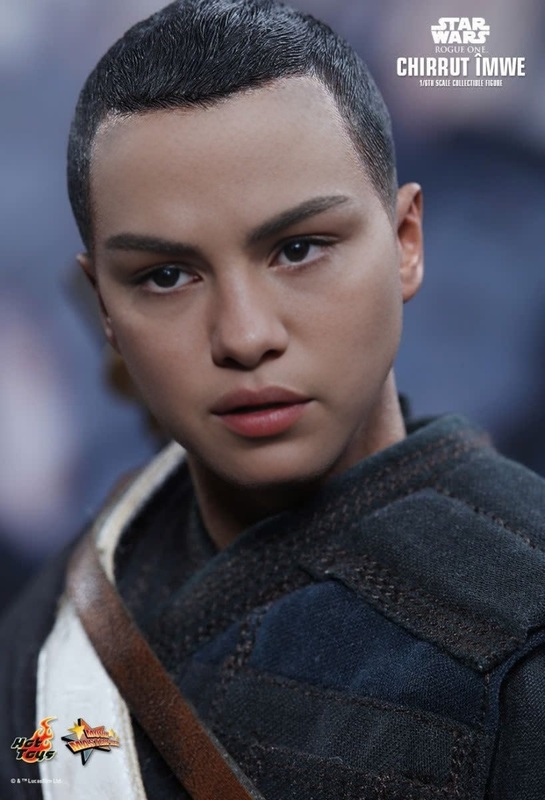
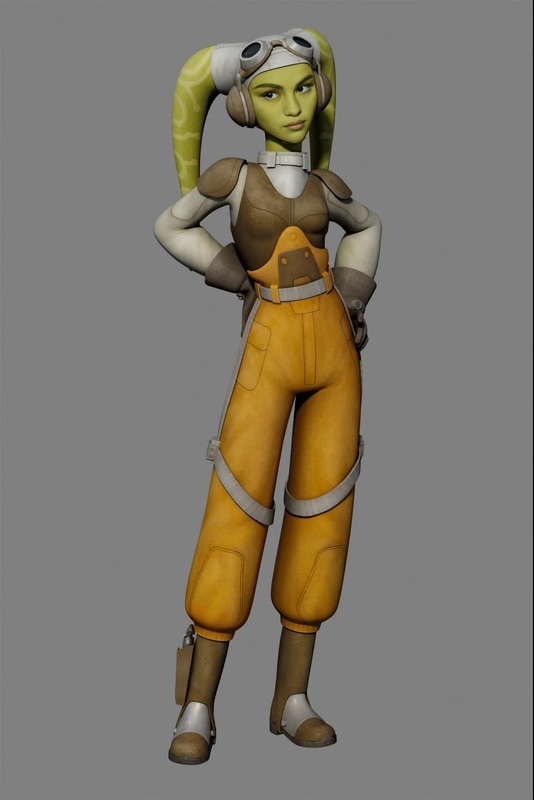
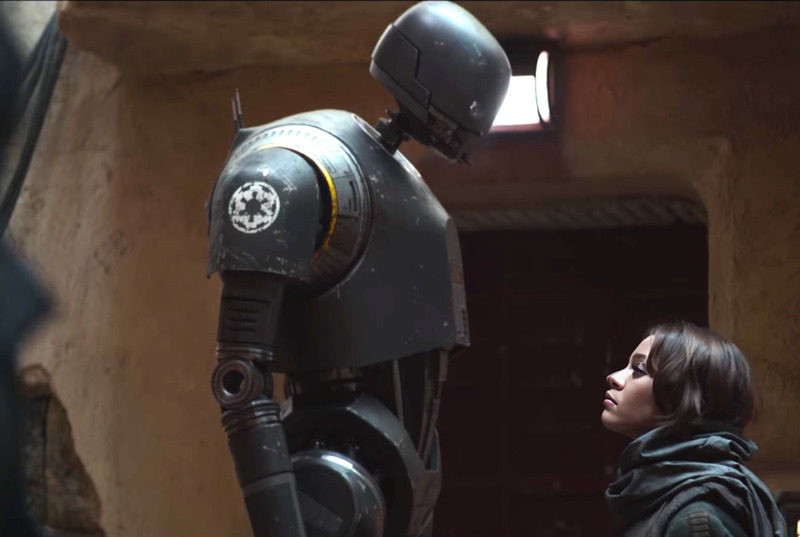
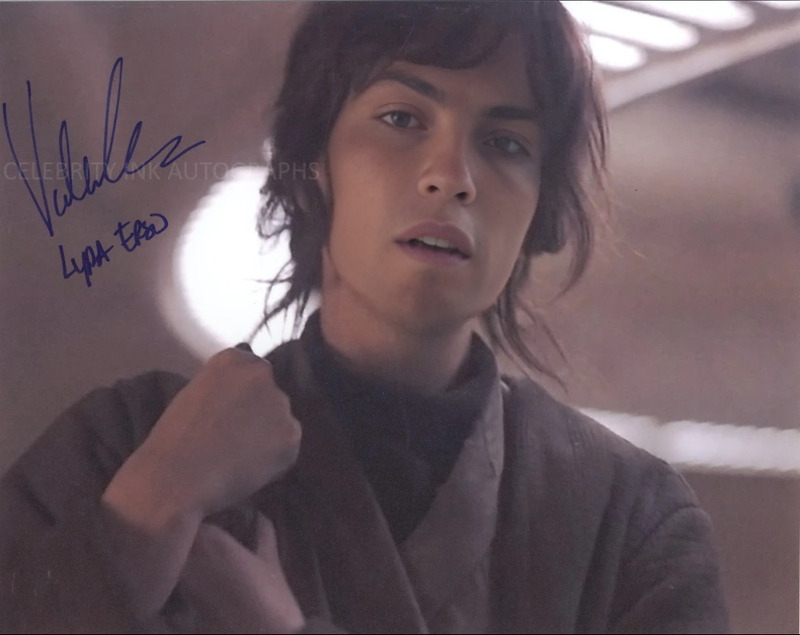
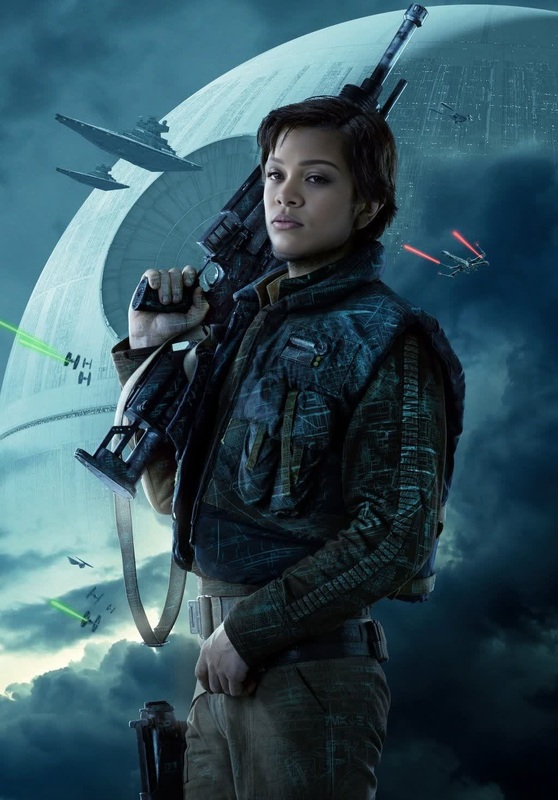
Transform yourself into Jyn Erso as you venture into a galaxy far, far away with our Video Face Swap template. This tool allows you to integrate your visage with the essence of Rogue One's iconic character, providing a unique way to experience the Star Wars saga.
What It Does
The Jyn Erso Video Face Swap template utilizes advanced algorithms to map your facial features onto the character of Jyn Erso. This template supports video outputs, allowing for a realistic transformation. Pair it with tools like the AI Video Generator to create dynamic, engaging content.
Who It's For
This template is perfect for Star Wars enthusiasts, content creators, or anyone who wishes to bring a bit of cinematic magic into their personal or professional projects. Integrate it with the AI Voice Changer for an immersive experience.
Summary
Our Jyn Erso Video Face Swap template offers a creative outlet for fans looking to step into the role of their favorite Star Wars character. It's easy to access and customize, making it a valuable tool for both casual fans and serious creators.
How To
Choose Your Template

Customize Your Inputs

Generate Your Video

Use Cases
Fan Films
- Add authenticity to fan creations
- Relive your favorite movie scenes
Social Media Content
- Share on platforms like TikTok and Instagram
- Use for themed content challenges
Themed Events
- Use in Star Wars-themed parties
- Create promotional content for events
Best Practices
Choose High-Quality Input
Ensure your input video is of high quality for the best face swap results. Clear, well-lit videos yield the most realistic transformations.Use Complementary Tools
Enhance the video with additional tools like the Image to Video product for background adjustments.Experiment with Customization Options
Take advantage of any adjustable settings to fine-tune your transformation, ensuring the final product meets your artistic vision.