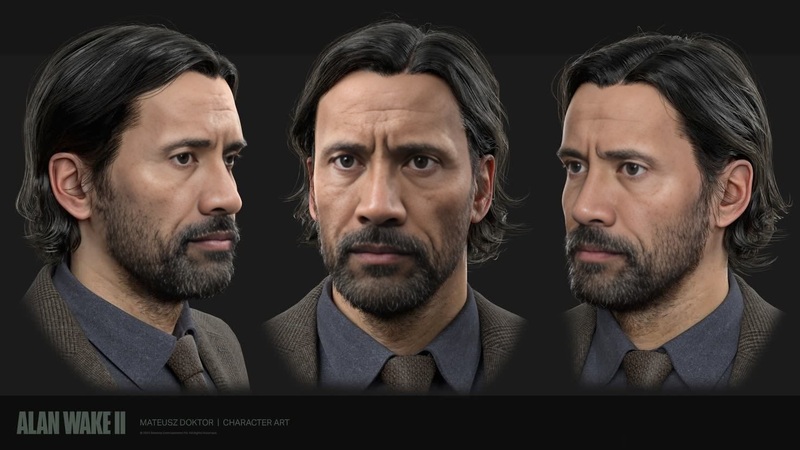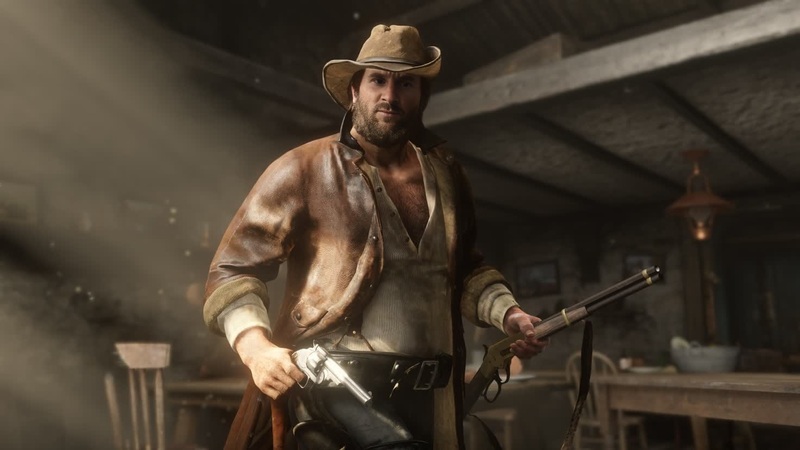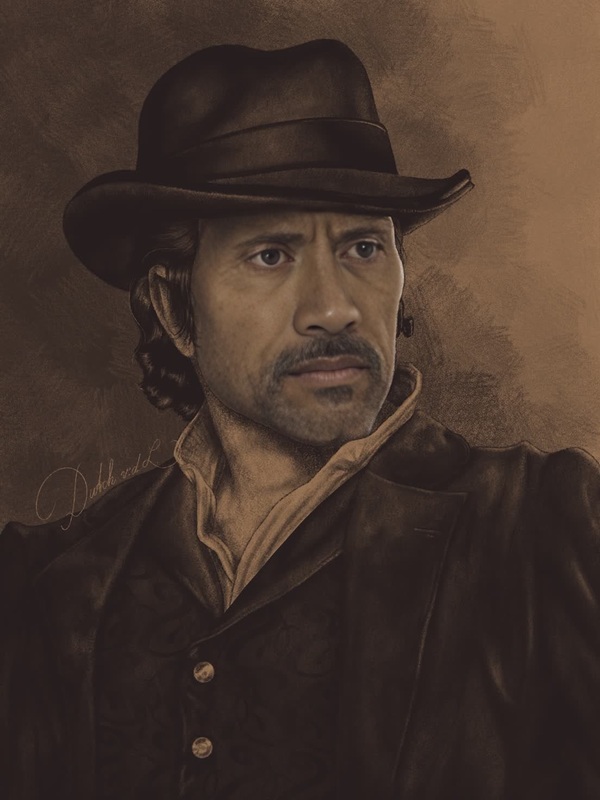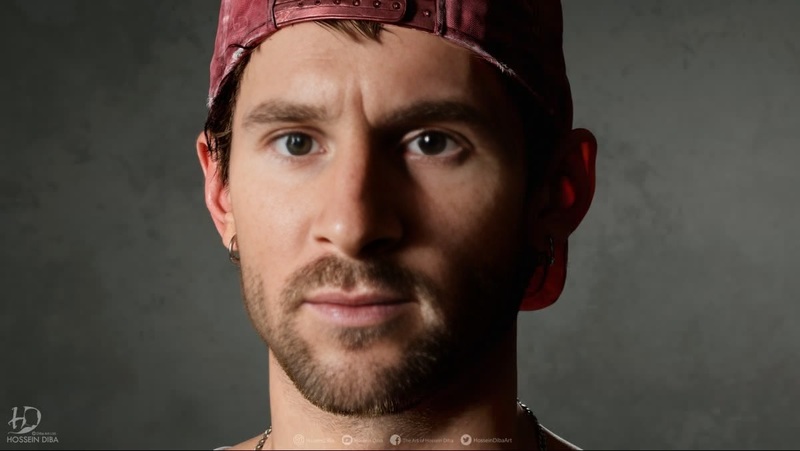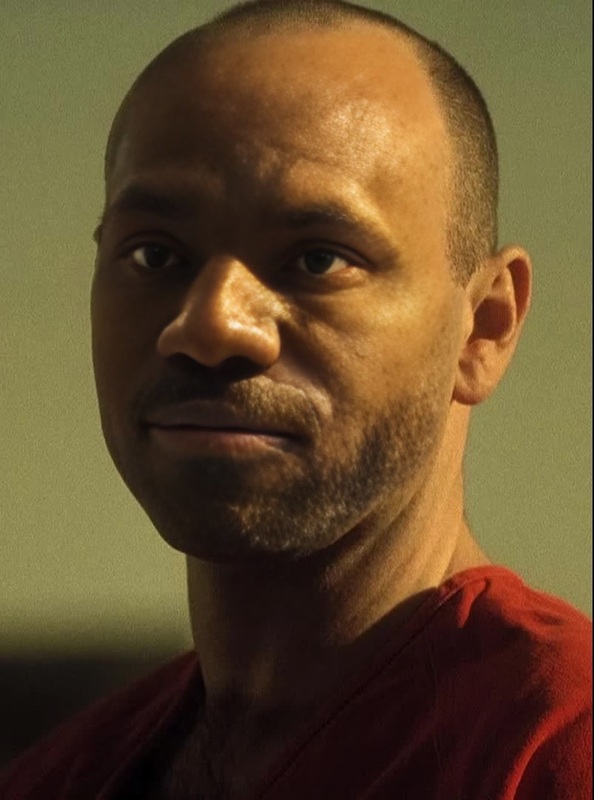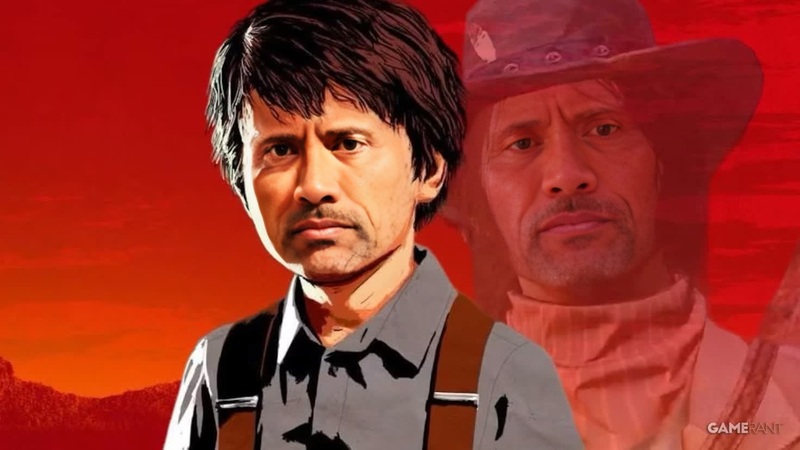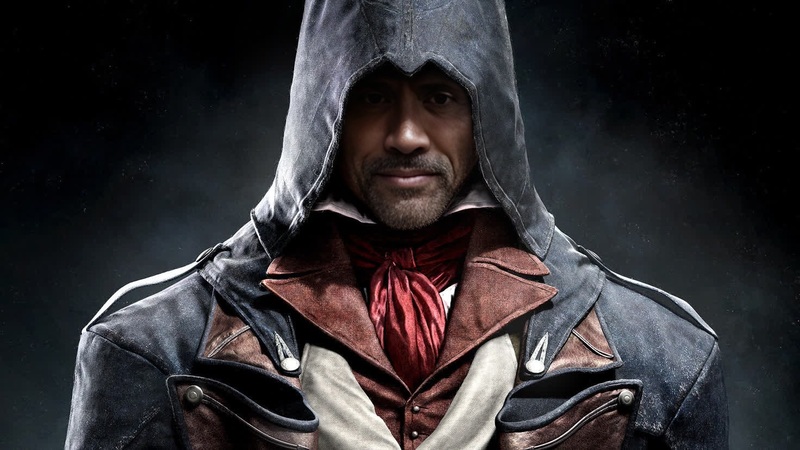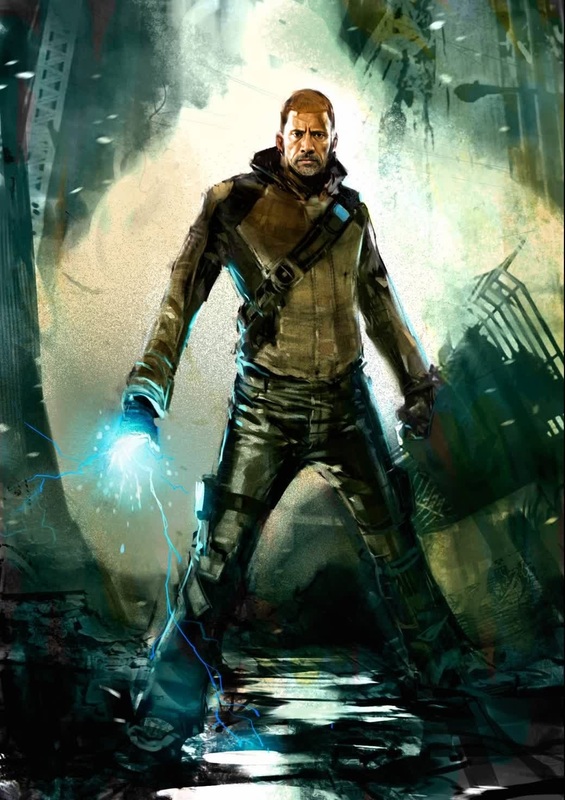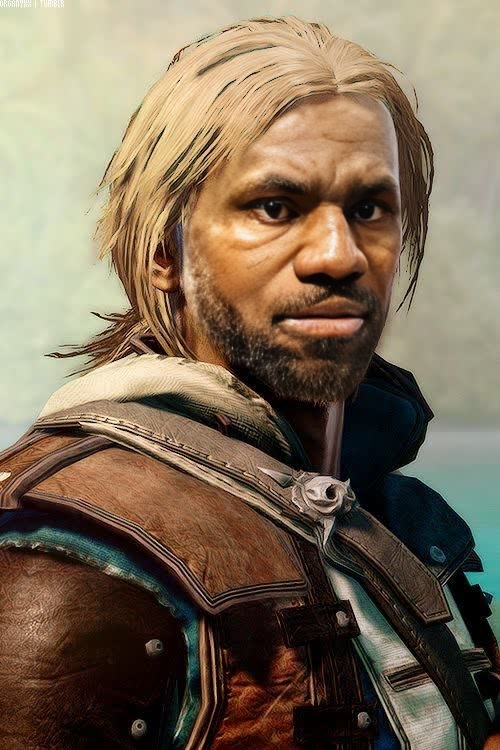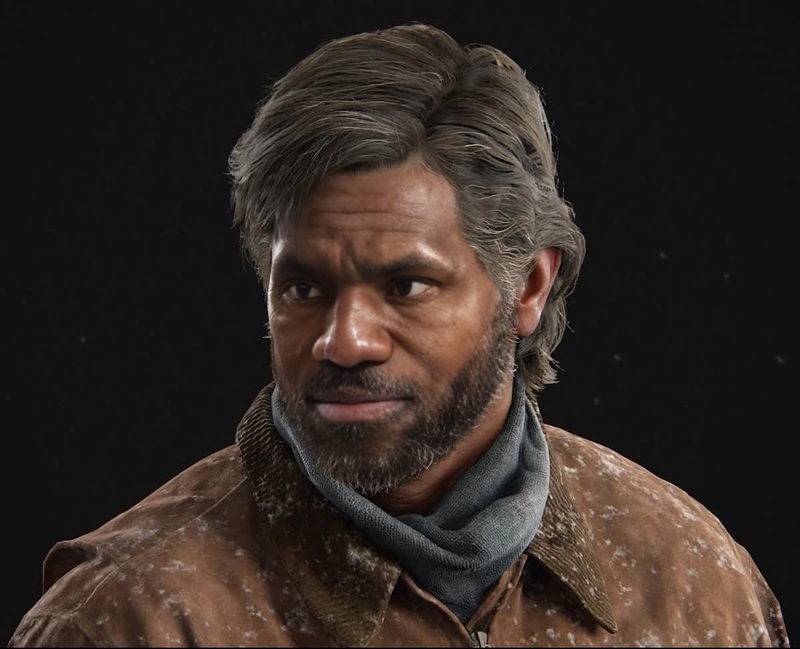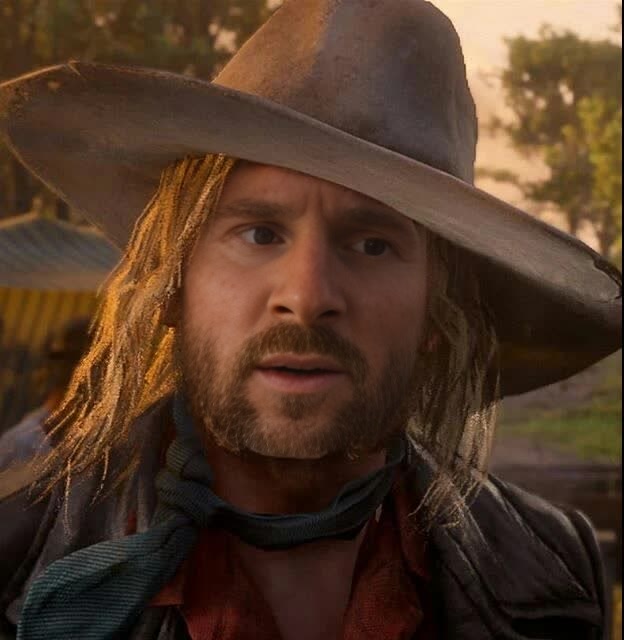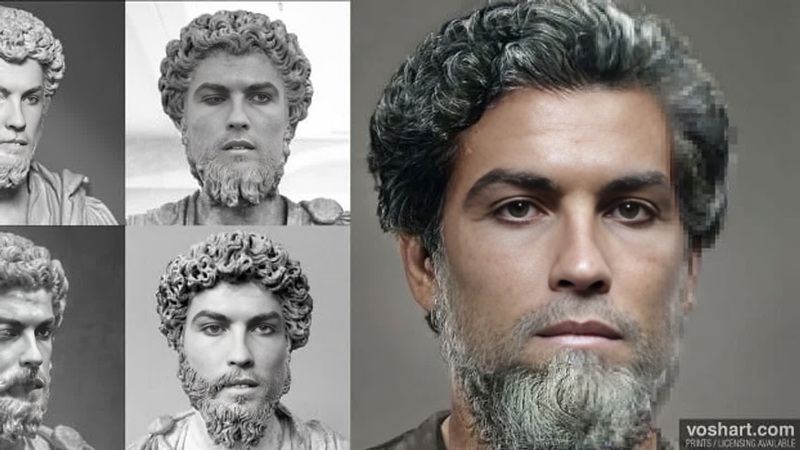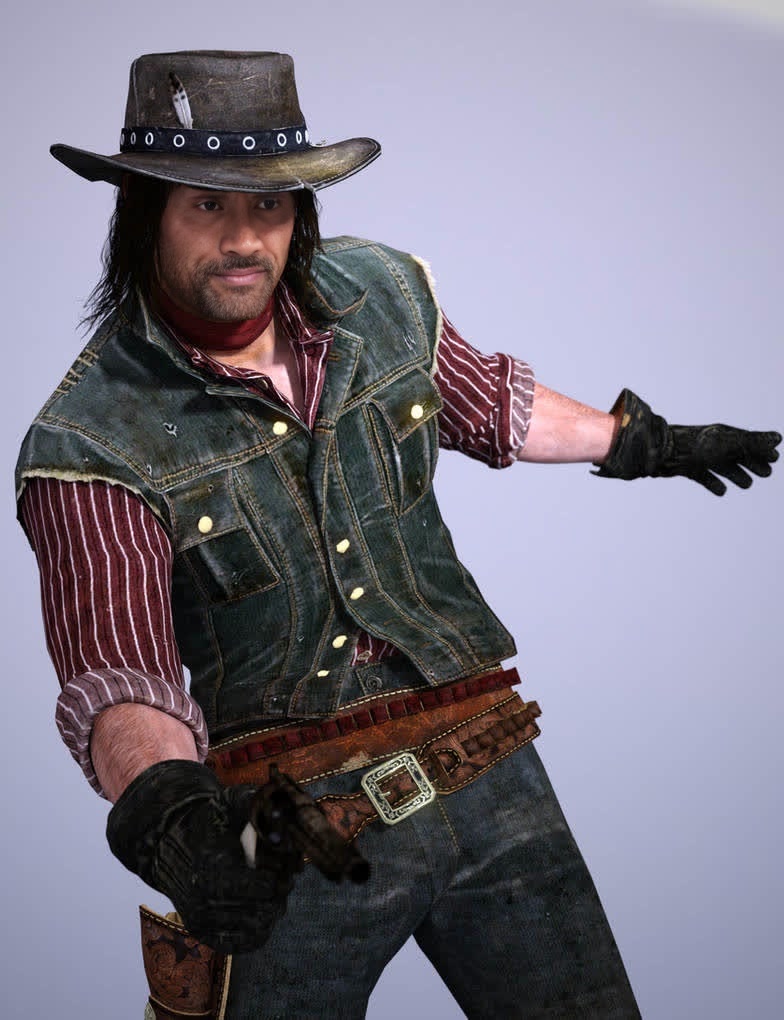
John Marston Red Dead Redemption Photorealistic Portrait
- Image
- 784 × 1020 px
Any aspect ratio
Overview
Revive the iconic look of John Marston from Red Dead Redemption using our Video Face Swap template. This tool lets you seamlessly replace faces in video footage with that of John Marston, achieving a photorealistic and cinematic effect. Perfect for fans of the game or those looking to create themed video content.
What It Does
This template allows you to transform your videos by swapping your face with John Marston's. Whether it's live-action footage or pre-recorded clips, you can create stunning Red Dead Redemption-inspired visuals. For enhanced flexibility, integrate this with our Face Swap tool to refine your results.
Who It's For
If you're a gaming enthusiast, content creator, or filmmaker inspired by Red Dead Redemption, this template is designed for you. It offers an easy way to insert a beloved character into your video projects, making your content stand out. It's also ideal for marketing agencies looking to craft unique video ads.
Summary
The John Marston Red Dead Redemption Photorealistic Portrait is an engaging Video Face Swap template. Use it alongside tools like the Image to Video and AI Video Generator for comprehensive video transformations. Expand the storytelling possibilities in your productions with this merging of technology and creativity.
How to Use
Choose Template

Customize Inputs

Generate Video

Use Cases
Gaming Content
- Create spoof trailers or gameplay highlights
Short Films
- Enhance narrative depth
- Experiment with genre crossovers
Social Media
- Create viral reels
- Participate in video challenges
Best Practices
Select High-Quality Footage
Ensure your source video is high-resolution to maximize the impact of the face swap effect.Fine-Tune Lighting
Adjust lighting conditions in your video to blend swapped faces more naturally.Leverage Complementary Tools
Combine with our AI Image Editor for post-production enhancements.
Frequently asked questions
More Like This