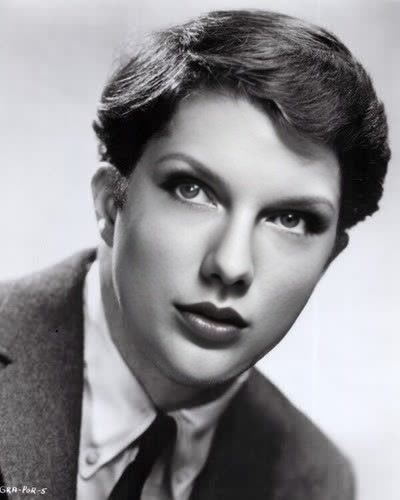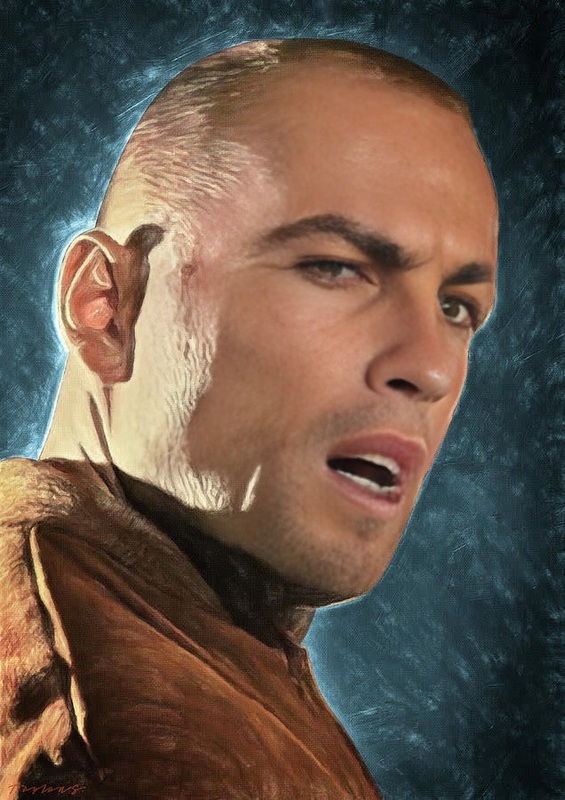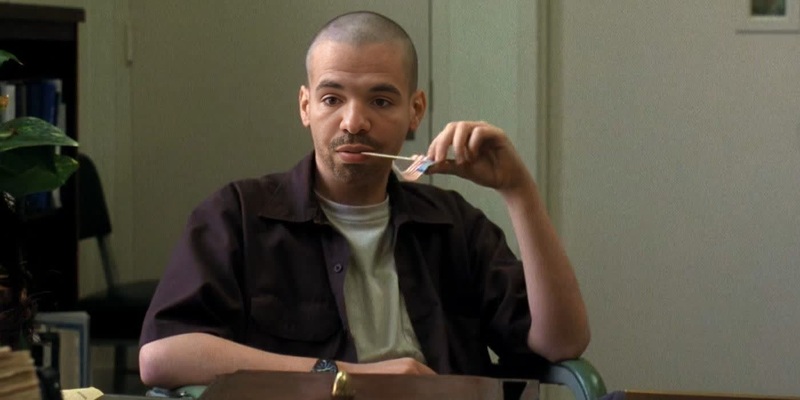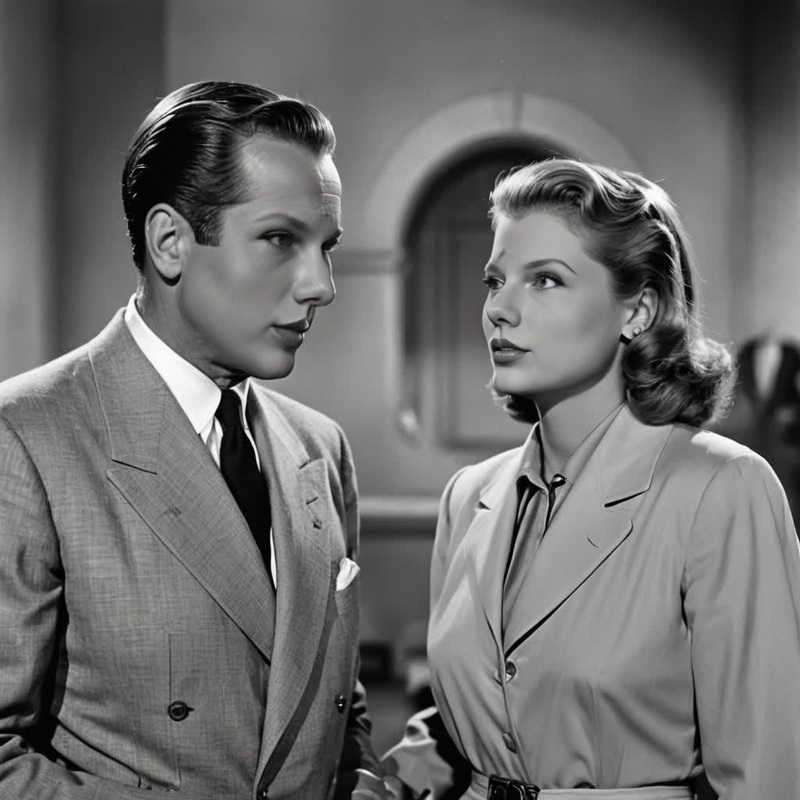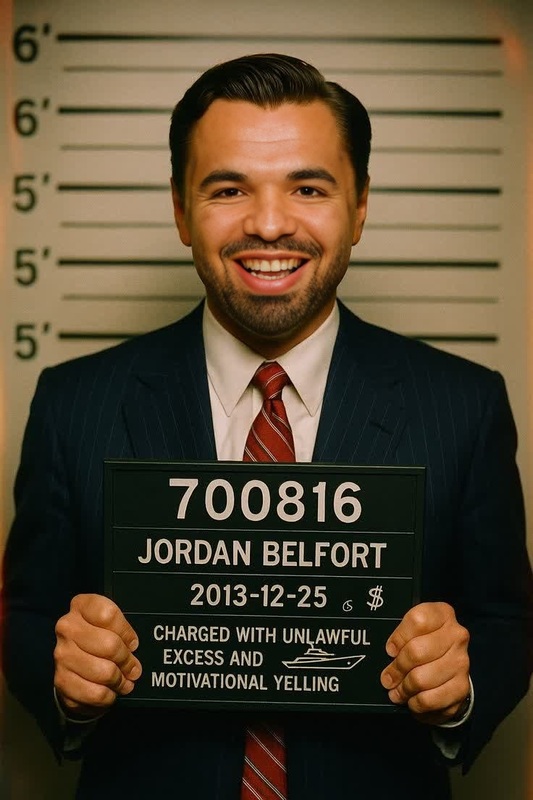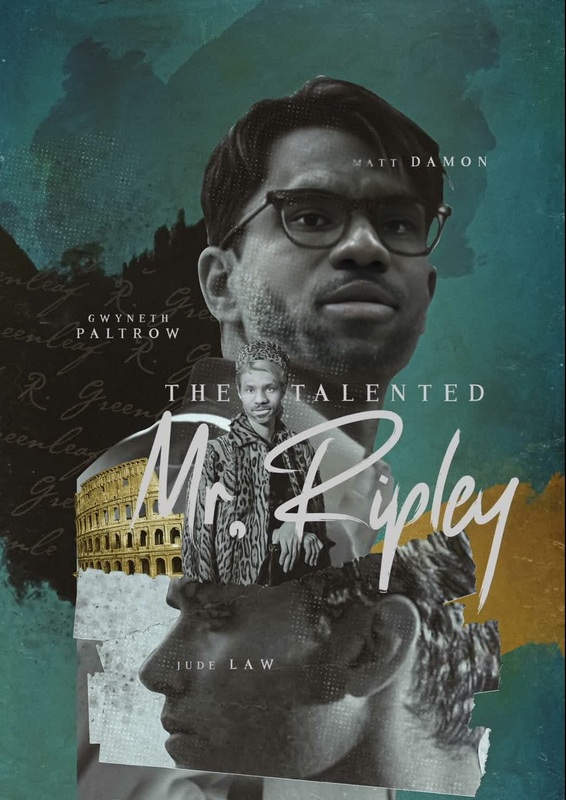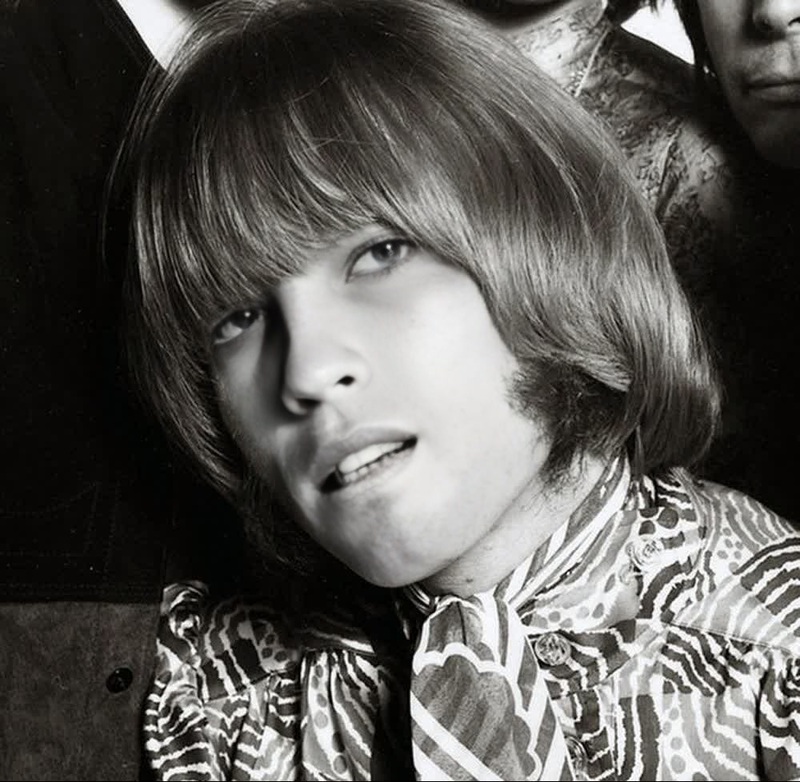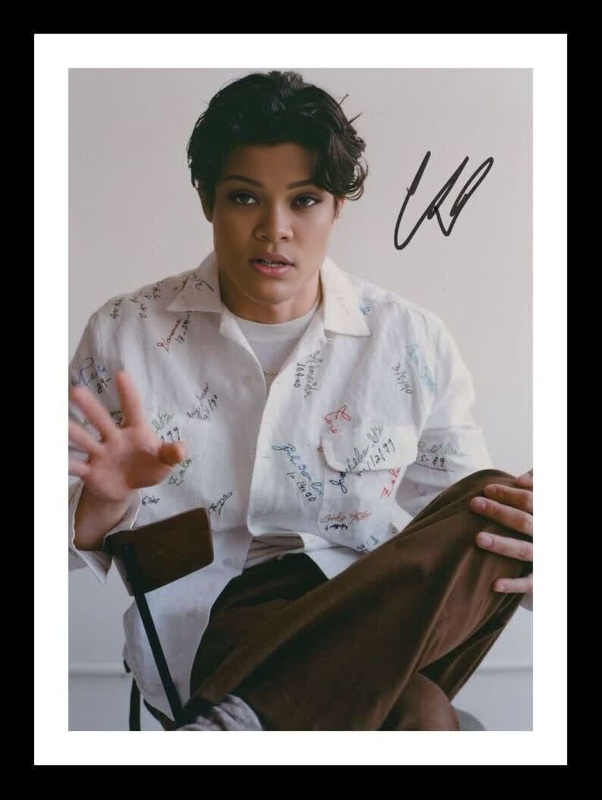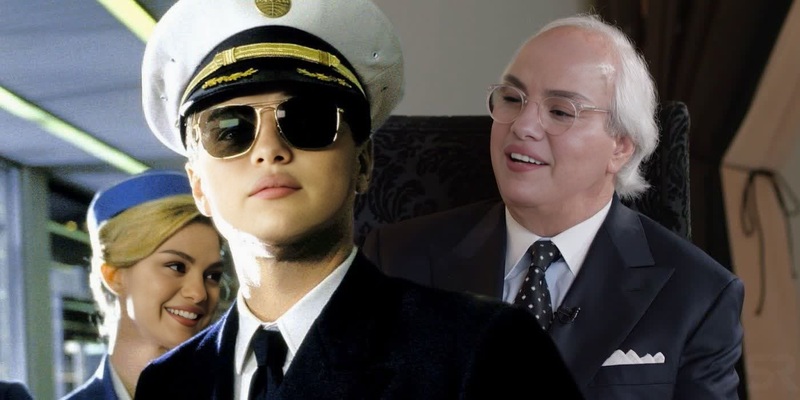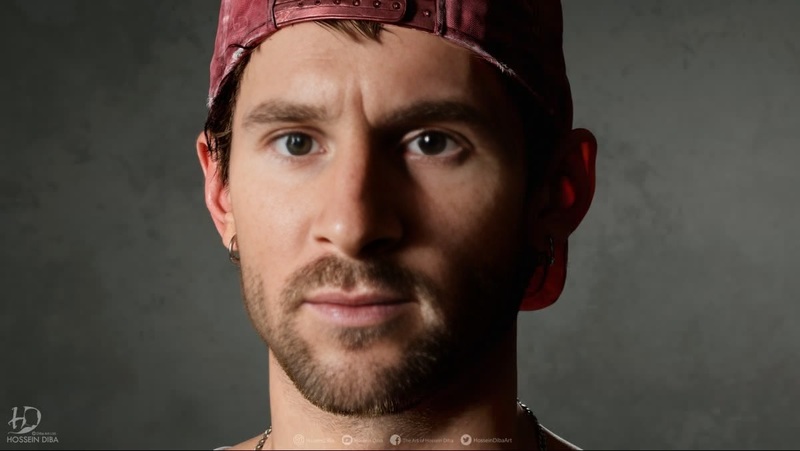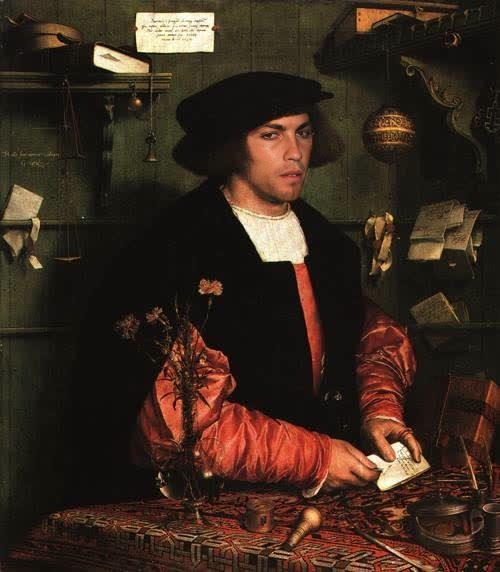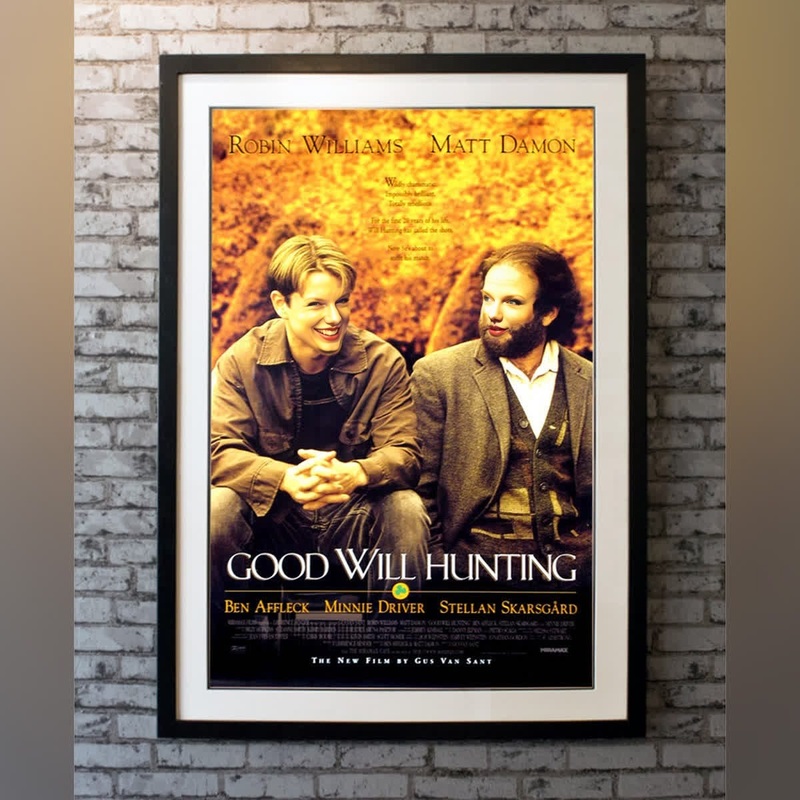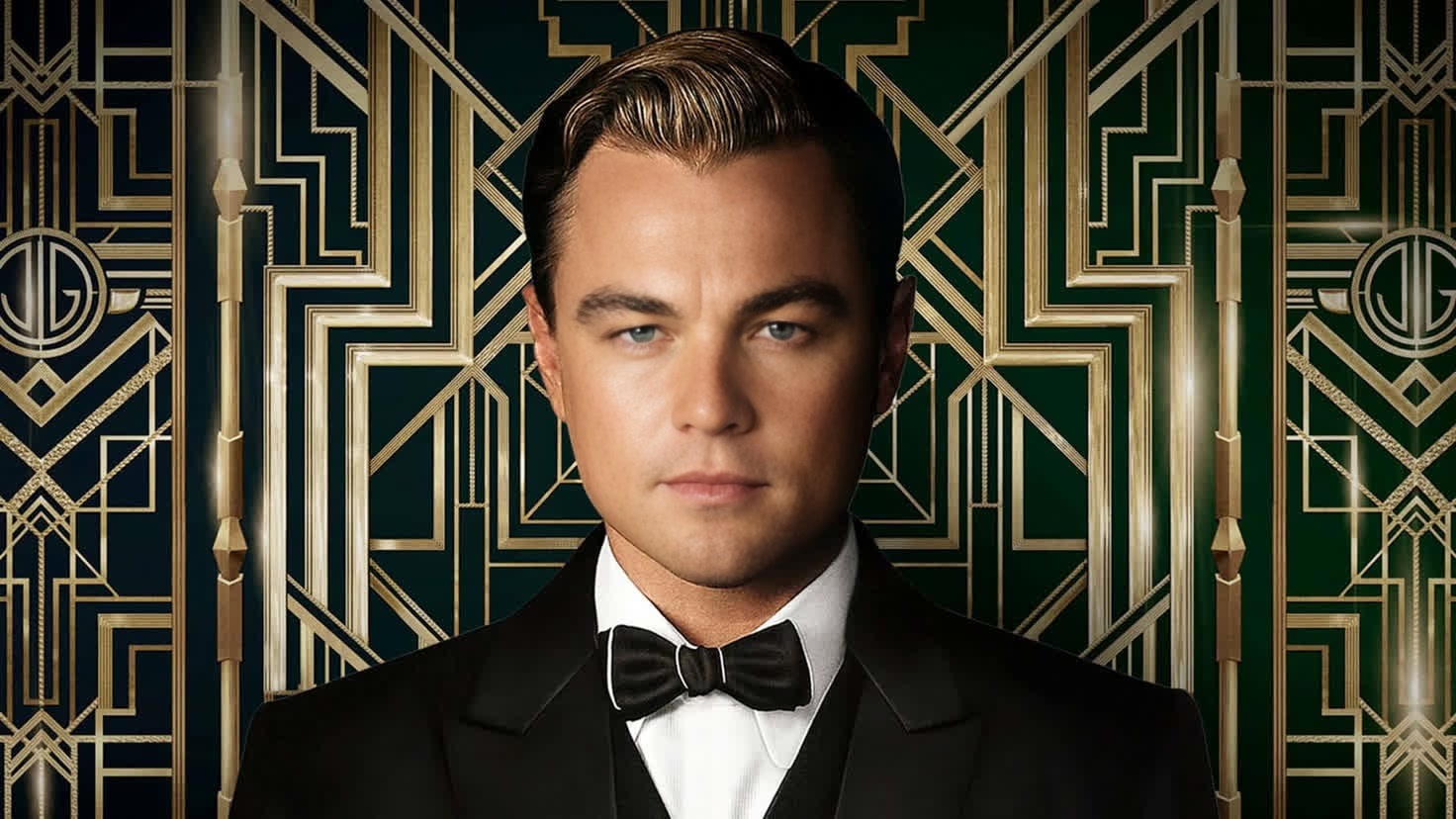
Jay Gatsby The Great Gatsby Portrait
- Image
- 1472 × 828 px
Any aspect ratio
Overview
Step into the opulent world of the Roaring Twenties with the Jay Gatsby The Great Gatsby Portrait template. This Video Face Swap tool allows you to transform any video into a scene from The Great Gatsby, with you as the enigmatic Jay Gatsby. Ideal for themed events and creative storytelling, this template offers a unique opportunity to captivate your audience with compelling character transformations.
What It Does
The Jay Gatsby template uses advanced video face-swapping technology to replace faces in your video with the iconic visage of Jay Gatsby. You simply select a video, adjust the overlay of Gatsby's facial features, and create a seamless, authentic-looking swap. This template is part of a broader suite of tools including the AI Image Editor that caters to various digital content needs, from simple edits to complex transformations.
Who It's For
Designed for digital creators, event organizers, and social media enthusiasts, this template is perfect for anyone looking to inject a bit of vintage glamour into their projects. Whether you're editing videos for social media campaigns or creating themed party invitations, the Jay Gatsby template can elevate your content. For those interested in broader applications, exploring our Image to Video products may also enhance your creative projects.
Summary
Capture the glamor of the Jazz Age with the Jay Gatsby Video Face Swap template. By integrating AI technology, this tool empowers you to creatively engage with your audience whether you're hosting an event or enhancing digital stories. For further exploration of transformative tools, check out our AI Video Generator for additional creative possibilities.
How To
Choose the Template

Customize Your Inputs

Generate Your Video

Use Cases
Themed Event Videos
- Transform invites into personalized Gatsby-themed clips.
- Enliven party highlights with Gatsby-inspired transitions.
Social Media Content
- Produce eye-catching, vintage-style posts.
- Use for Instagram Reels showcasing 1920s fashion.
Creative Storytelling
- Offer a unique twist in visual storytelling.
- Revamp old footage with a Gatsby makeover.
Best Practices
Select the Right Video
Use high-quality source material for the best results. Clear, well-lit footage will make the face swap more seamless.Align Faces Precisely
Ensure that facial alignment is accurate. This will enhance realism and create a more convincing swap.Experiment with Edits
Don't be afraid to make multiple tweaks. Adjust lighting and contrast using the AI Image Editor to match the overall aesthetic.
Frequently asked questions
More Like This