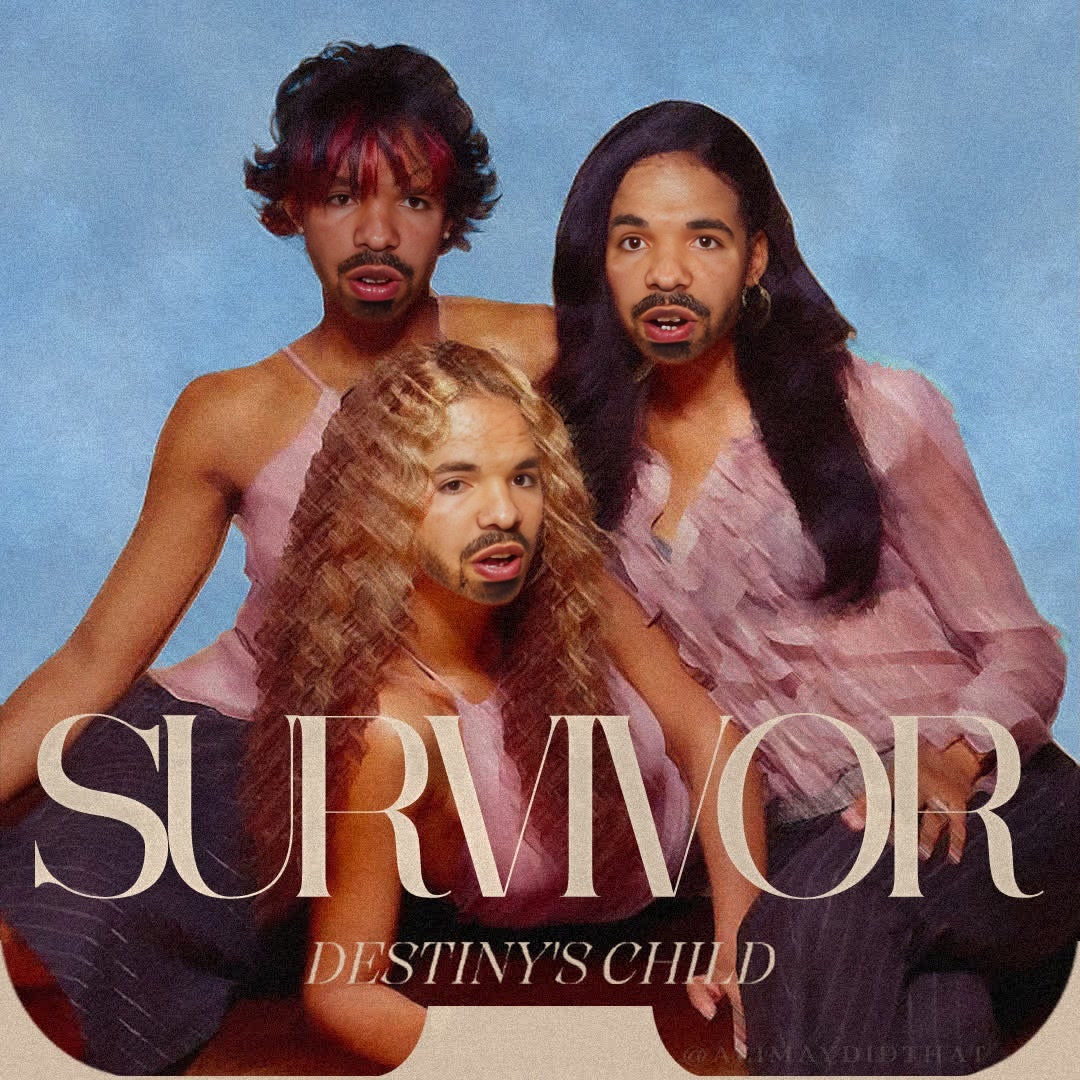
DestinyS Child Survivor Press Portrait
- Image
- 1080 × 1080 px
Any aspect ratio
Overview
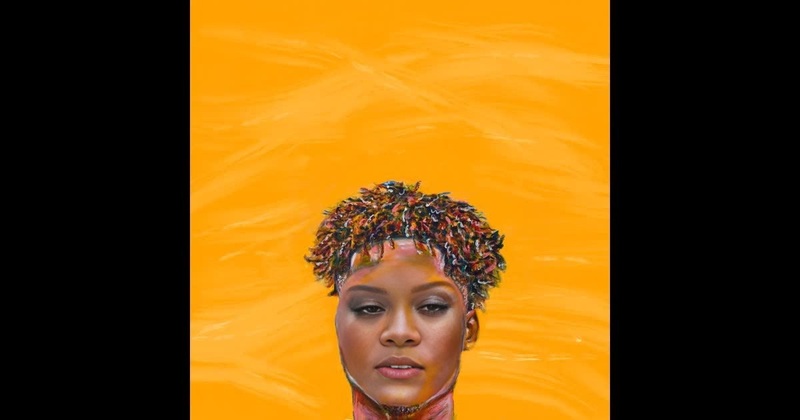
The Destiny's Child Survivor Press Portrait template allows you to swap faces seamlessly into a classic video scene from the iconic 'Survivor' era of Destiny's Child. This face swap template is ideal for fans who want to dive into nostalgia or creators looking for engaging, transformation-driven content.
What It Does
This tool provides a Video Face Swap experience, allowing users to insert their likeness into a video featuring Destiny's Child. The process utilizes advanced AI to ensure the face swap is smooth and natural, enhancing the old-school vibe with modern technology. Download formats include popular video file types for easy sharing across platforms.
Integrate this template with our Face Swap feature for additional creative possibilities, or explore the comedic potential with the AI Meme Generator.
Who It's For
This template is designed for content creators, fans of Destiny's Child, and anyone who enjoys video transformations. It's perfect for social media gurus crafting nostalgic reels, or music video enthusiasts wanting to create personalized clips. Teachers and educators can even use it for creative projects in media studies.
For those who want to take it further, consider adding enhancements from our AI Video Generator to customize the overall video effect.
Summary
Embrace the power of transformation with the Destiny's Child Survivor Press Portrait template. This face swap tool provides an entertaining and artistic twist, allowing users to immerse their identities in a celebrated cultural moment. Perfect for both professional projects and fun, personalized creations.
How-To
Choose Your Template

Customize Your Inputs

Generate and Download

Use Cases
Fan Content Creation
- Great for social media.
- Reach out to fellow fans.
- Create fan tributes.
Social Media Engagement
- Go viral with unique content.
- Tailor videos to trends.
- Enhance your profile's appeal.
Creative Media Projects
- Interactive learning.
- Media production classes.
- Student video projects.
Best Practices
Use High-Quality Images
For the most realistic swap, ensure your input images are clear, with good lighting and a neutral background.Align Properly
Pay close attention to the face alignment interface to ensure the swap is accurate and believable.Preview Before Download
Make use of the preview feature to check the output video before finalizing and downloading, ensuring it meets your expectations.