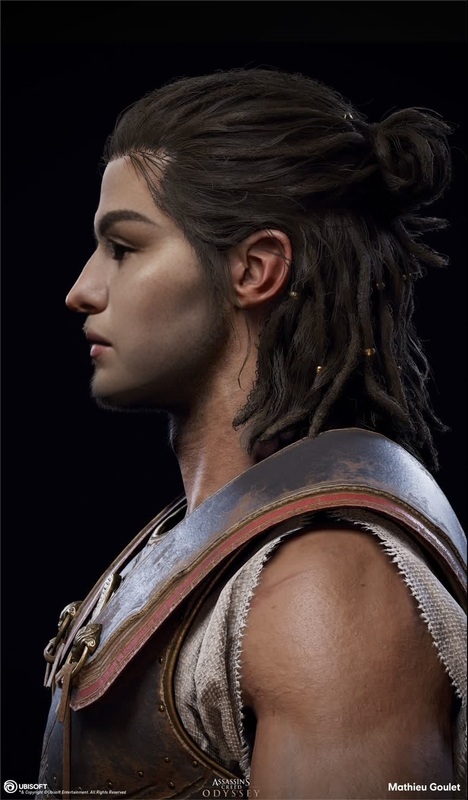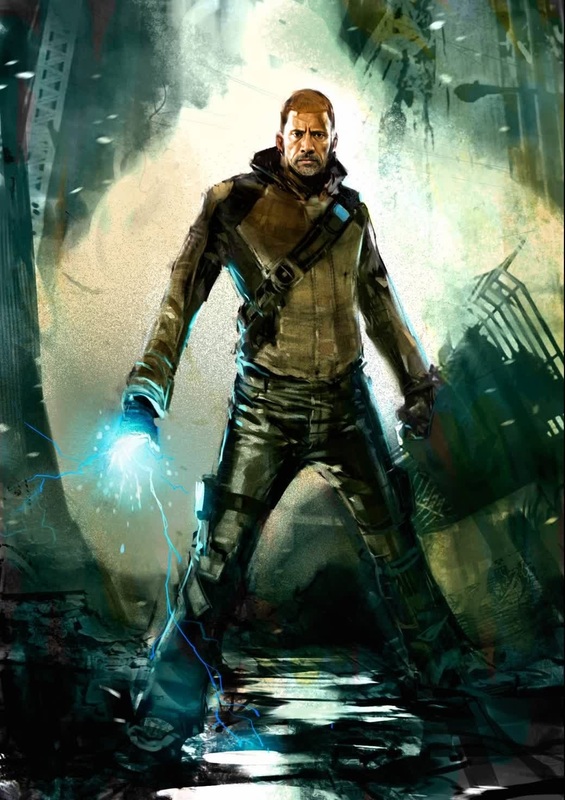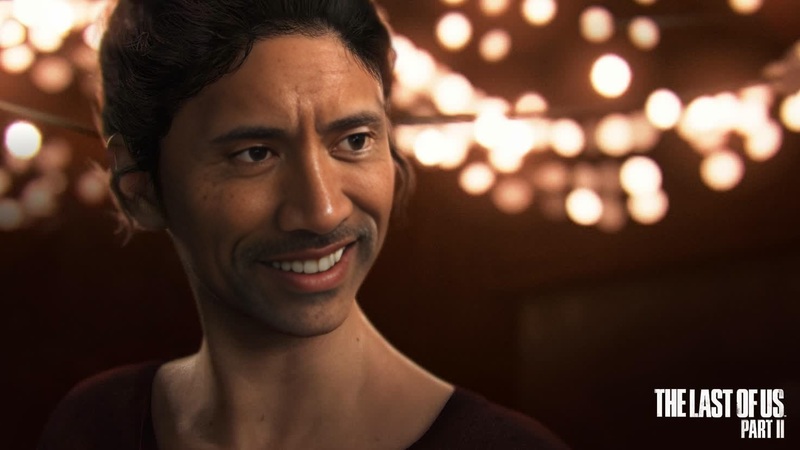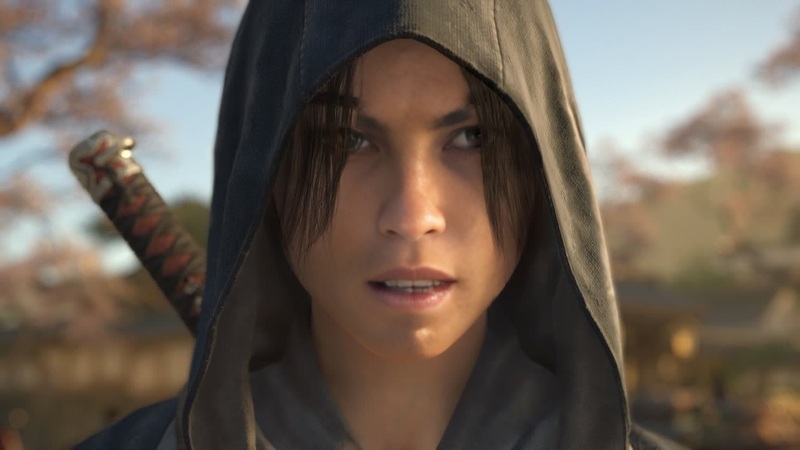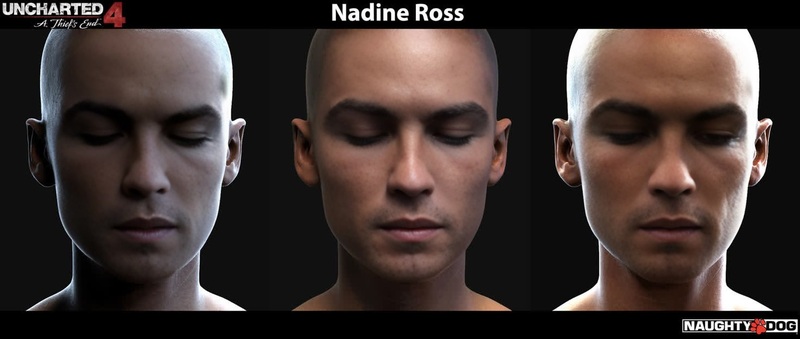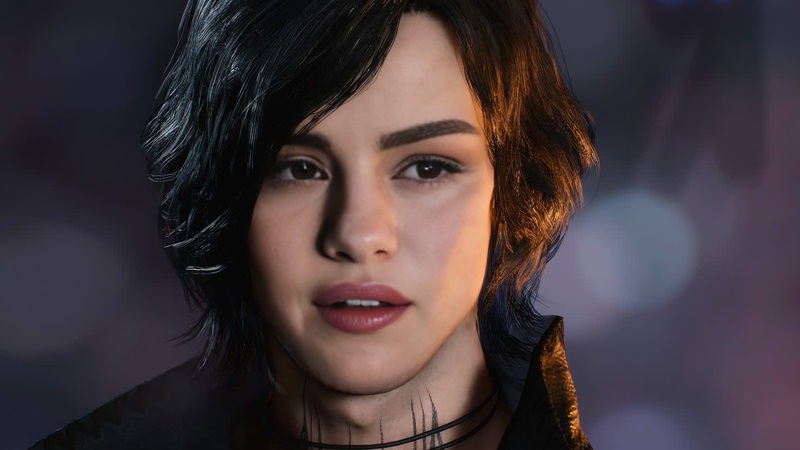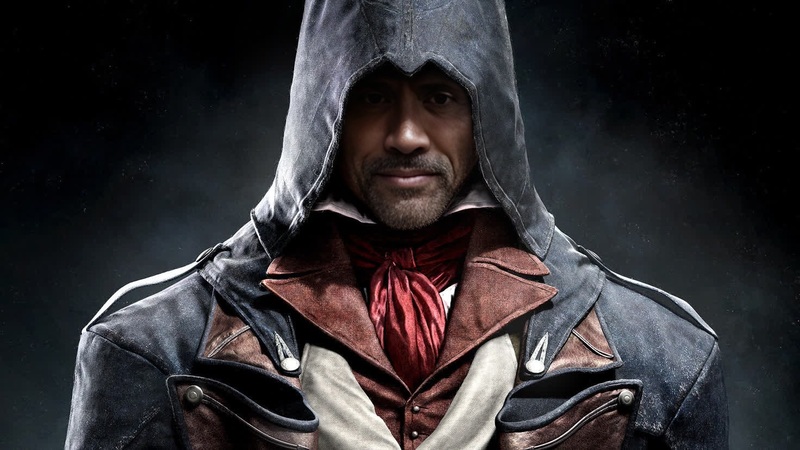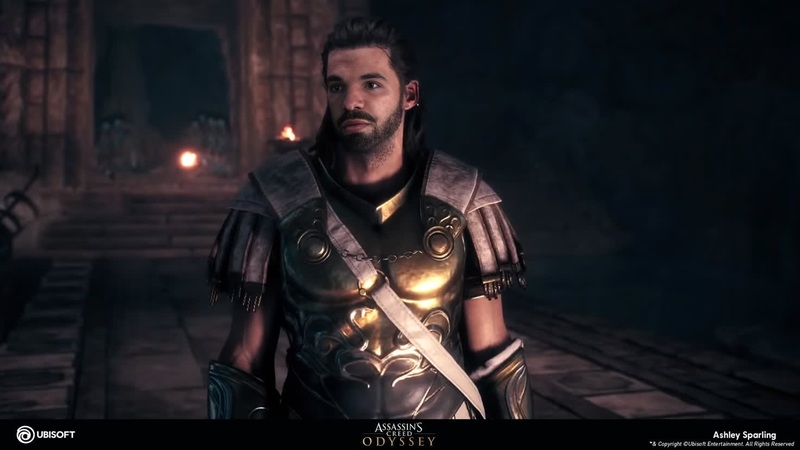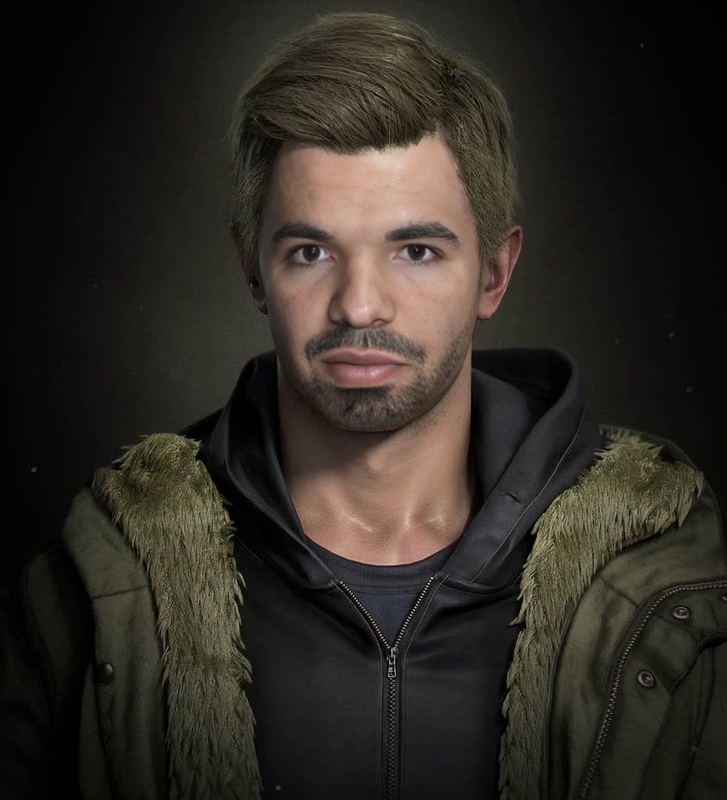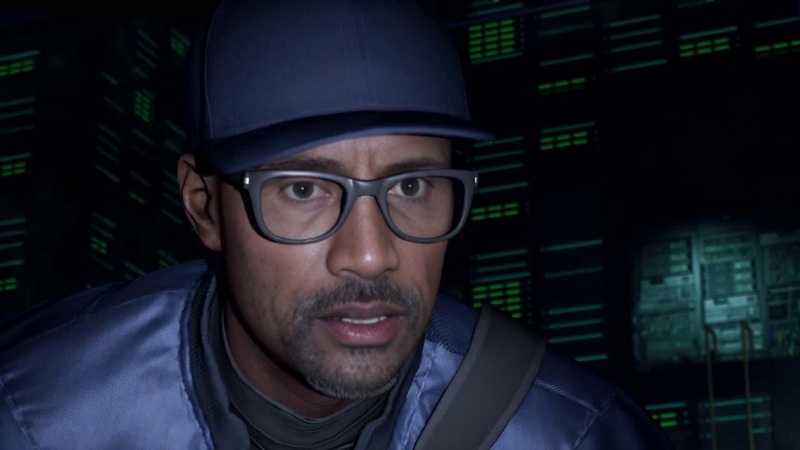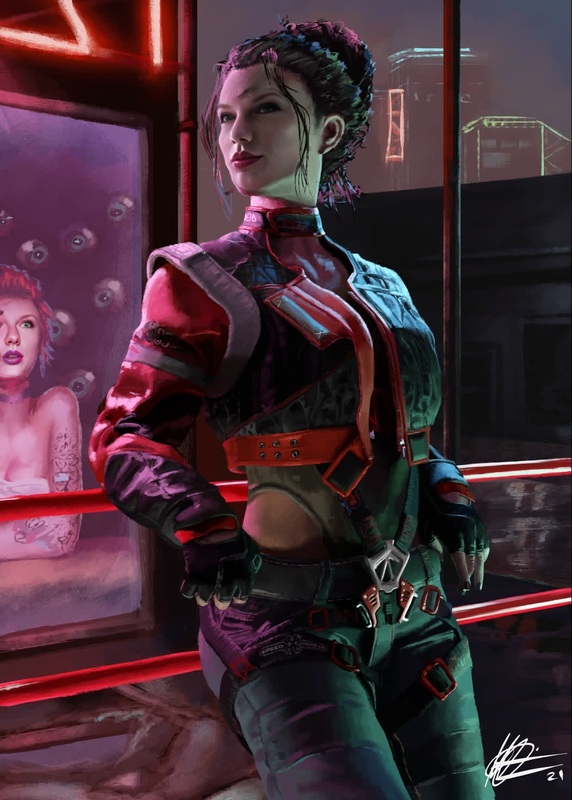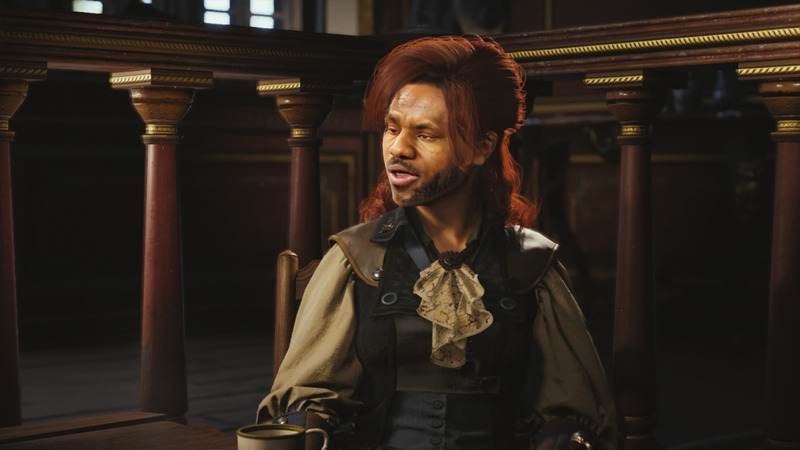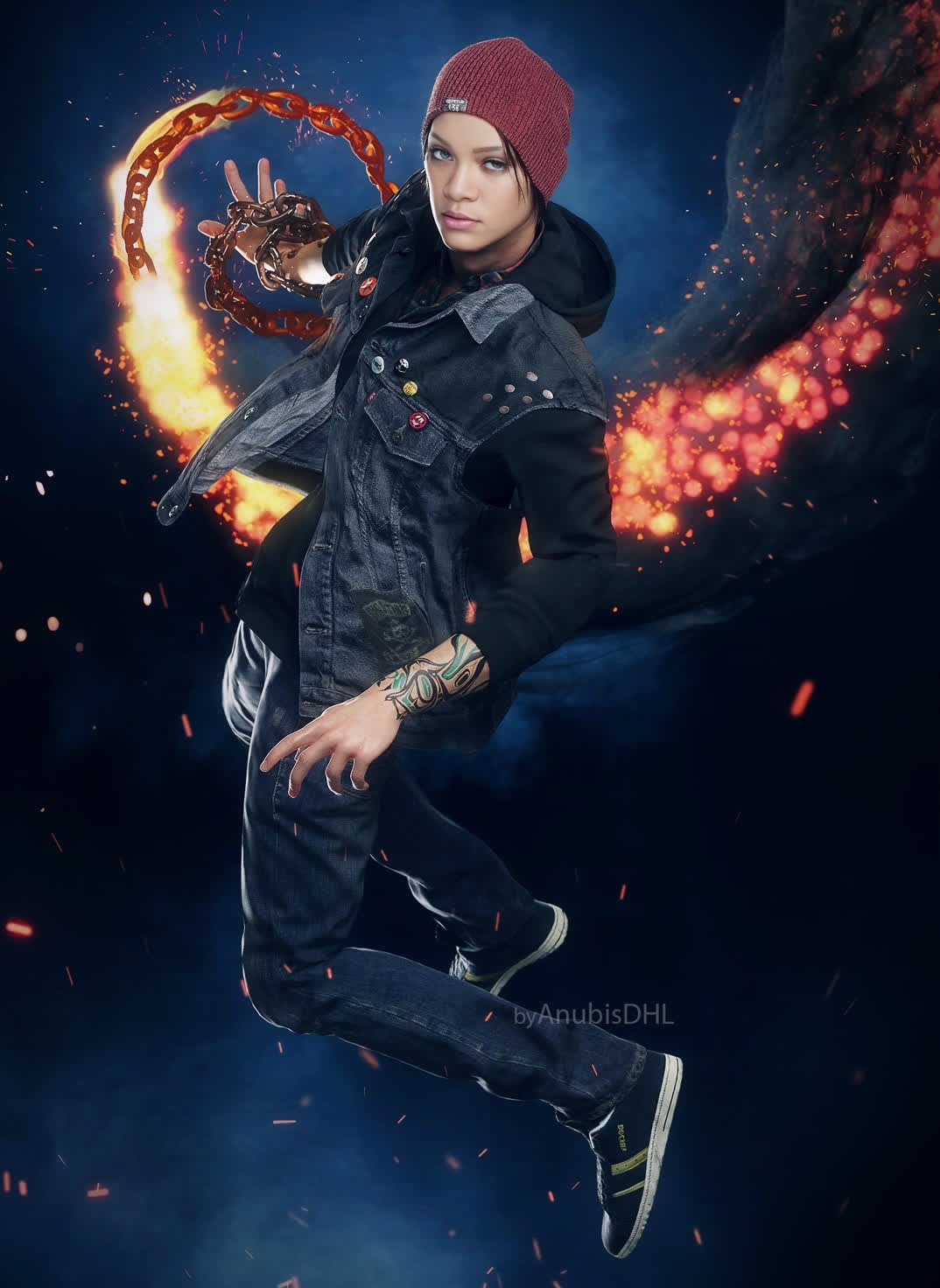
Delsin Rowe Infamous Second Son Photorealistic Portrait
face-swap
Any aspect ratio
Tags
transformationsTurn Any Face Into a Seamless Video Performance with AI Face Swap
This template uses Magic Hour’s AI-powered Face Swap technology to replace the face in a video with any face you choose—while keeping the original motion, lighting, and expressions intact. It’s designed for creators and teams who need realistic, fast, and repeatable face swaps without fiddling with complex tools.
Use it to prototype creative concepts, generate social content at scale, localize campaigns, or test character ideas before full production.
What This Template Does
With this template, you can:
- Swap a face in an existing video with a new face (photo, headshot, or character render)
- Preserve the original video’s:
- Camera motion
- Expressions and micro‑expressions
- Head turns and angles
- Lighting and shadows
- Generate multiple variants quickly by reusing the same video and swapping different faces
- Export clips you can later enhance with tools like:
- Video Upscaler for higher resolution
- Auto Subtitle Generator for captions
- AI Voice Generator or AI Voice Cloner for matching audio
Under the hood, Magic Hour combines face detection, facial landmark tracking, and generative models similar to those described in research like “First Order Motion Model for Image Animation” and modern diffusion-based face synthesis. The result: natural, relatively artifact‑free swaps that hold up in social feeds and product demos.
How to Remix This Template in Magic Hour
You can create your own version in a few minutes by remixing this template with Face Swap Video:
Open the template
- Go to Face Swap Video.
- Load this template as a starting point (or pick it from the template gallery if you’re browsing).
Add your source video
- Use a clean video with:
- A clear, front-facing subject when possible
- Stable lighting and minimal heavy motion blur
- Permission to use all people and content in the clip
- Short clips (5–20 seconds) are ideal for iteration and A/B testing.
- Use a clean video with:
Upload or select the face to swap in
- Use:
- A selfie, headshot, or character portrait
- AI-generated faces from tools like:
- For best results, choose a face:
- Facing roughly the camera
- With neutral or mild expression
- With reasonably similar angle to the main video
- Use:
Generate the face-swapped video
- Start generation and let Magic Hour process the clip.
- Review the preview for:
- Face alignment
- Expression consistency
- Lighting realism
Refine and iterate
- Try:
- Different source faces for A/B tests
- Alternate base videos to see which framing works best
- AI-enhanced faces (e.g., upscaled or retouched) via:
- Try:
Export and reuse
- Download your result for:
- Ads, landing pages, and growth experiments
- Social posts and short-form content
- Internal concepts, animatics, or pitch decks
- Download your result for:
Practical Use Cases for Creators, Marketers, and Teams
This template is optimized for real-world, repeatable workflows:
1. Content Localization & Variants
- Produce regional variants of the same video by swapping in:
- Local presenters or ambassadors
- Different on-brand characters
- Combine with:
- AI Voice Generator for language variants
- Auto Subtitle Generator for multi-language captions
2. UGC-Style Ads & Social Content
- Turn one strong performance into many:
- Keep the same script, movement, and timing
- Swap faces to match different demographics or personas
- Enhance with:
- AI Talking Photo for static-image variations
- AI Meme Generator for fast social experiments
3. Character & IP Prototyping
- Test new character designs or fictional personas before investing in full production:
- Generate concept art with AI Image Generator or AI Art Generator
- Swap those faces into sample scenes using this template
- Useful for:
- Storyboards and animatics
- Pitch materials for clients or investors
- Early user testing and feedback
4. Educational, Training, and Internal Content
- Create consistent “virtual presenters”:
- Keep a single, recognizable host
- Swap into updated videos as scripts or branding evolve
- Pair with:
- Text to Video for script-to-scene generation
- Video Upscaler for LMS or intranet quality requirements
How to Get High-Quality Face Swaps
A few practical guidelines to match (or improve on) the quality of this template:
Choose Strong Input Faces
- Use images that are:
- Sharp and well-lit
- Without extreme filters or distortions
- High enough resolution for facial details
- If needed, pre-process with:
- AI Image Upscaler
- Unblur Image
- AI Remover or Remove Object from Photo to clean distractions
Optimize the Base Video
- Aim for:
- Limited heavy motion blur and occlusions
- Reasonably stable lighting
- The subject not being fully turned away from the camera for long stretches
- If you don’t have a suitable clip:
- Generate one with Image to Video or Video to Video
- Start from an AI still image (e.g., via AI Photo Generator)
Maintain Consistent Style
- For stylized or animated looks:
- Design the face with tools like:
- Then swap it into animated or stylized footage using this template.
- For realistic brand content:
- Use professional or semi-professional headshots
- Enhance faces with AI Headshot Generator before swapping
Advanced Combinations with Other Magic Hour Tools
This template is a building block you can chain with other Magic Hour tools for full pipelines:
Face Swap + Lip Sync
- Use Lip Sync to match mouth movement to a new script or language
- Then swap in an alternate face for region-specific or persona-specific variants
Face Swap + Animation
- Use Animation or AI Talking Photo for dynamic motion
- Then apply Face Swap to test different characters in the same animated performance
Face Swap + Clothes or Style Changes
- Combine with AI Clothes Changer, AI Fashion Generator, or AI Outfit Generator to:
- Prototype wardrobe
- Match different brand styles
- Run visual experiments without reshooting
- Combine with AI Clothes Changer, AI Fashion Generator, or AI Outfit Generator to:
Face Swap + Image/Brand Design
- Pair with:
- Thumbnail Maker for YouTube or socials
- Book Cover Generator or Album Cover Generator for packaging concepts
- AI Logo Generator to keep brand identity aligned
- Pair with:
Ethical and Legal Considerations
Face swapping is powerful; responsible use matters:
- Only use:
- Faces you own, created with tools like AI Selfie Generator, AI Face Generator, or licensed/consented material
- Videos for which you hold rights or have clear permission
- Avoid:
- Deceptive content presented as real when it’s not
- Misuse of real people’s likenesses without consent
- When in doubt:
- Add clear disclaimers in your final video
- Follow local laws and platform policies around synthetic media and deepfakes
For additional realism with voice, ensure your use of AI Voice Cloner also respects consent and rights.
How to Build Similar Templates from Scratch
If you want to create your own reusable face-swap template (for your brand, clients, or internal workflows):
Design a “master” base video
- Record or generate a neutral, reusable performance:
- Simple background
- Clear framing and eye line
- Works for many scripts or overlays
- Record or generate a neutral, reusable performance:
Store a library of faces
- Use:
- AI Headshot Generator for professional personas
- Avatar Generator and AI Character Generator for stylized or fictional personas
- Keep faces organized by target persona, region, or campaign
- Use:
Set up repeatable flows
- Use Face Swap Video as your “engine”
- Combine with:
- Lip Sync for script-specific mouth movement
- Text to Video to quickly generate new scenes
- Auto Subtitle Generator to finalize for distribution
Package as internal templates
- Maintain internal docs or checklists:
- Which base video to use
- Which faces map to which personas
- What target channels (TikTok, YouTube, ads, product pages) each variant is for
- Maintain internal docs or checklists:
This template is a concrete example of that strategy, showing how a single well-designed base video plus AI face swapping can support ongoing content production.
Remix This Template Now
To adapt this template for your own project:
- Open Face Swap Video
- Load this template as your base
- Plug in your own:
- Video
- Faces
- Downstream tools (Lip Sync, Text to Video, Auto Subtitles, Voice Generator)
In a few iterations, you’ll have a customized, repeatable face-swap workflow tuned to your brand, product, or creative project—without rebuilding from scratch every time.