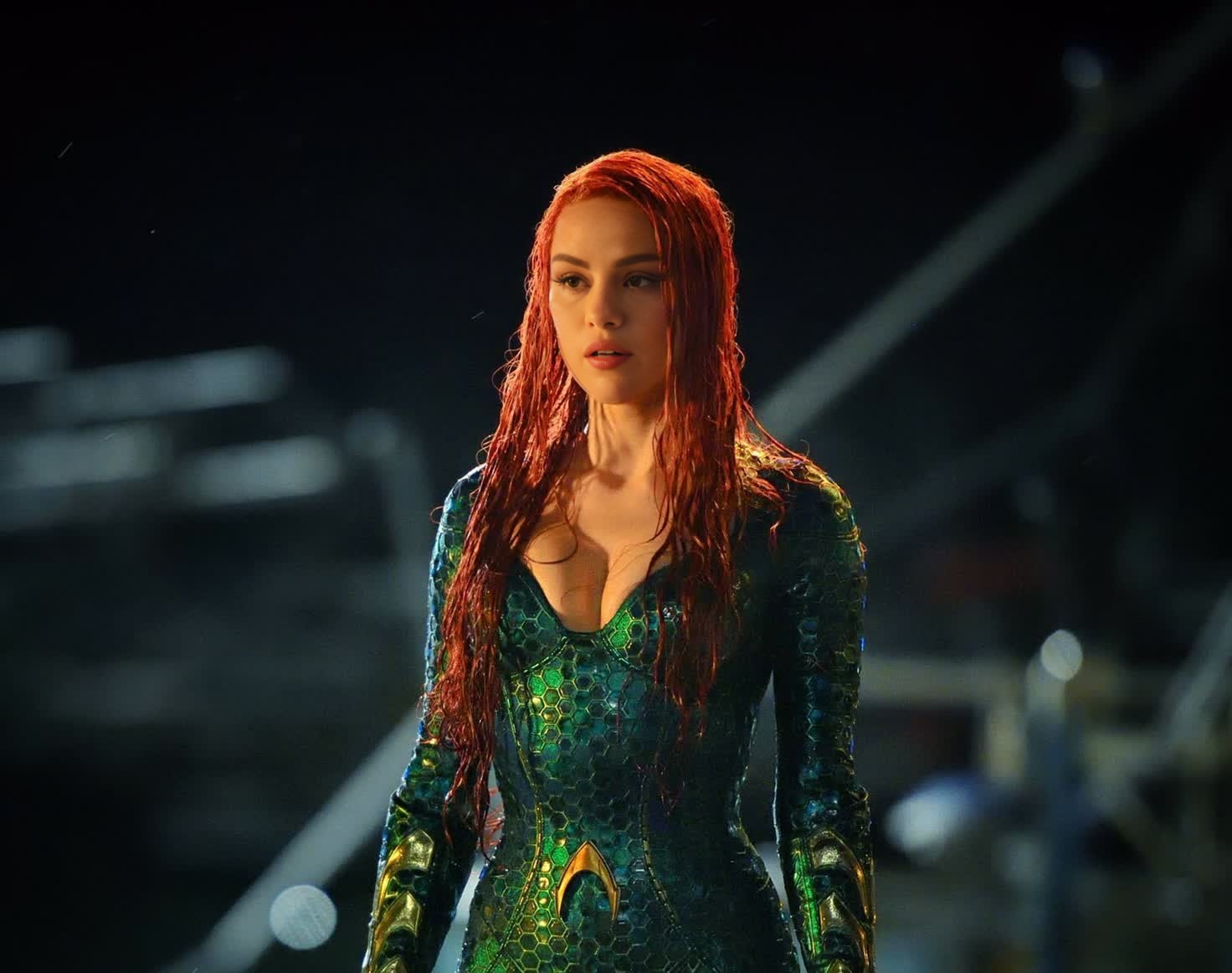
Amber Heard Aquaman Press Portrait
- Image
- 1472 × 1162 px
Any aspect ratio
Overview
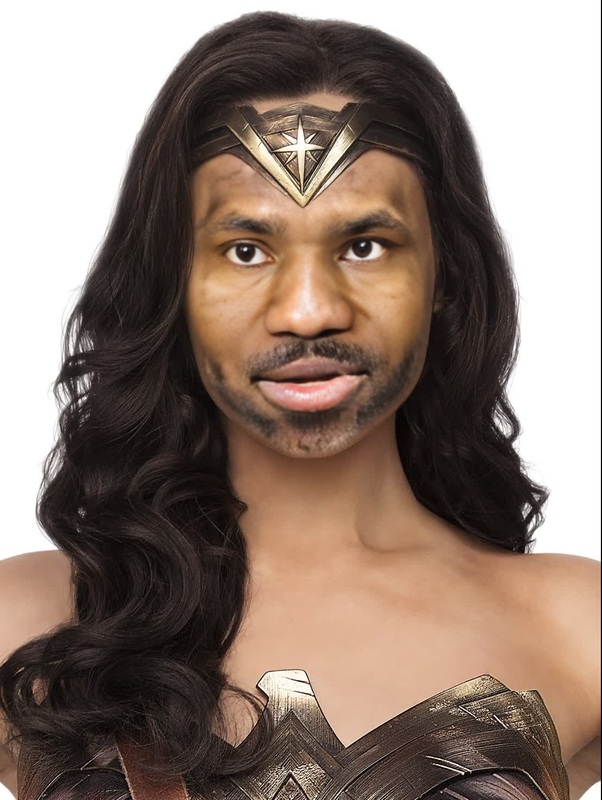
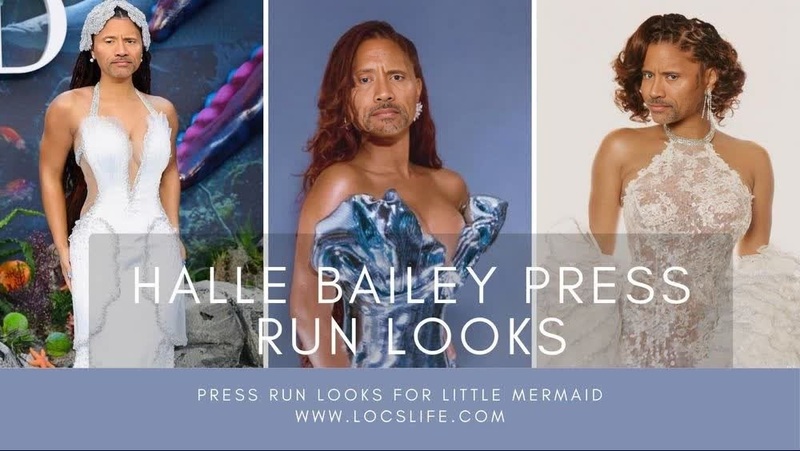
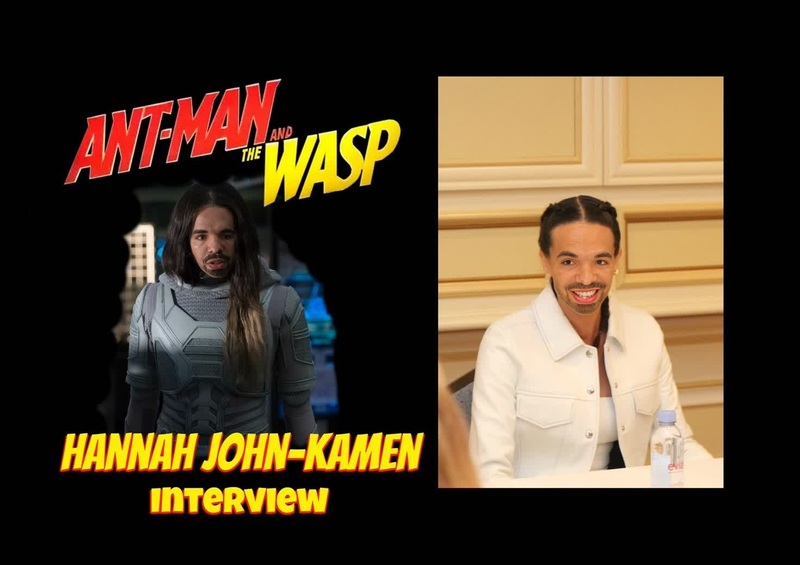
The Amber Heard Aquaman Press Portrait template lets you perform video face swaps with ease, placing your or someone else's face into an iconic celebrity portrait. This tool is ideal for those looking to inject a bit of cinematic flair into their content.
What It Does
This Video Face Swap template provides a straightforward way to transform video projects by swapping faces into specific portraits, like Amber Heard's from her Aquaman press appearances. The generated output is perfect for promotional materials or social media content that needs a touch of Hollywood drama.
Who It's For
Designed for video creators, social media influencers, and digital marketers, this template caters to anyone seeking to create engaging and memorable visual content. It's also suitable for filmmakers looking to explore visual effects using tools like the AI Image Editor to tweak visuals further.
Summary
The Amber Heard Aquaman Press Portrait template stands out for its ease of use and its ability to attract viewers with familiar aesthetic appeal. Enhance your video projects with this reliable tool and explore similar options like the AI GIF Generator for unique content creation.
How To
Choose

Customize

Generate

Use Cases
Social Media Content
- Create celebrity-themed reels
- Enhance personal vlogs with a touch of glamour
Marketing Campaigns
- Use in video ads to attract attention
- Craft memorable product launches
Entertainment
- Produce funny swaps for memes
- Engage in creative storytelling
Best Practices
Select High-Quality Images
To ensure the best face alignment and results, use high-resolution images for uploading.Adjust Lighting
Match the lighting of the input image to the template for a more realistic output. Utilizing an AI photo relighting tool might assist with this.Review and Edit
After generating, review your video and use an AI Image Editor for any necessary touch-ups to maintain visual consistency.
Frequently asked questions
More Like This