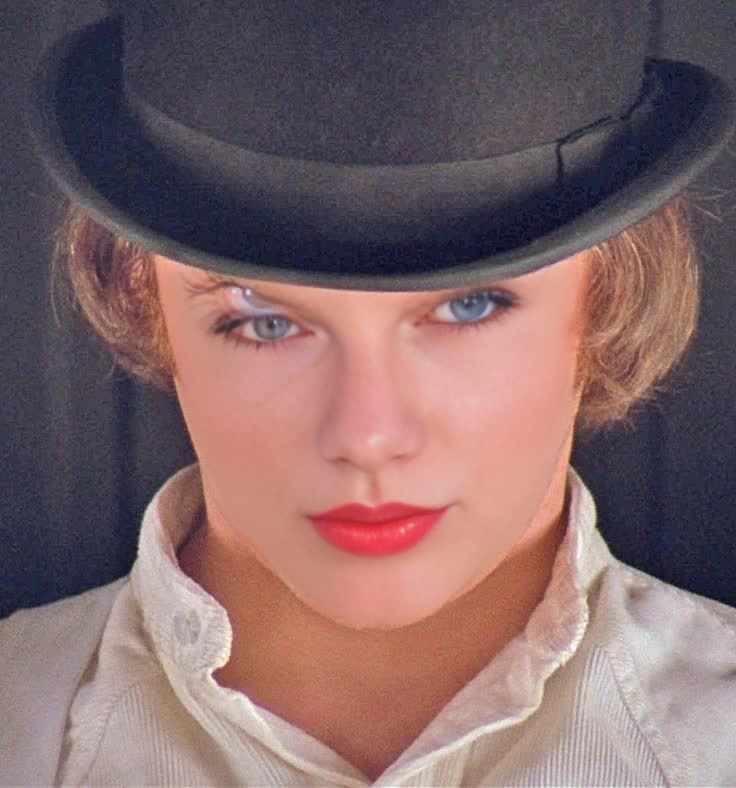
Alex Delarge A Clockwork Orange Portrait
- Image
- 736 × 788 px
Any aspect ratio
Overview
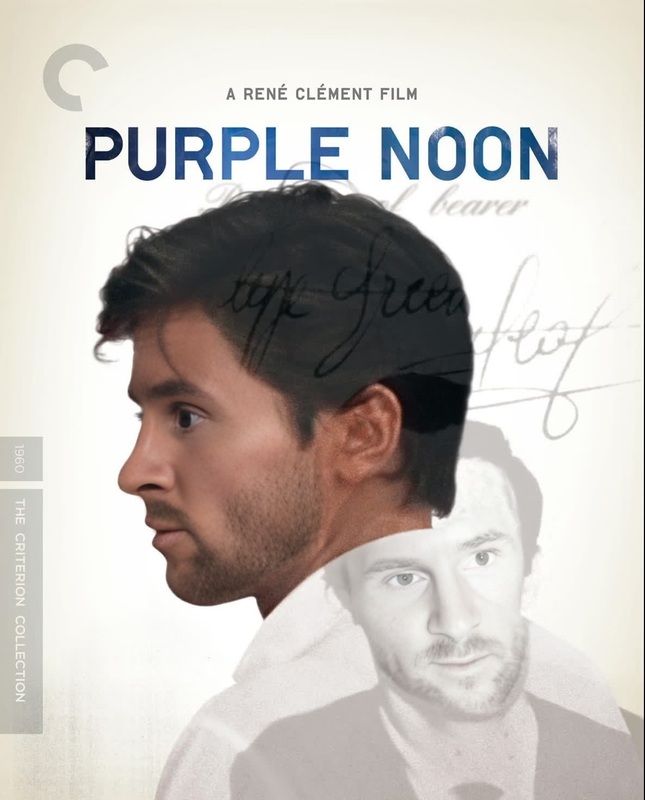
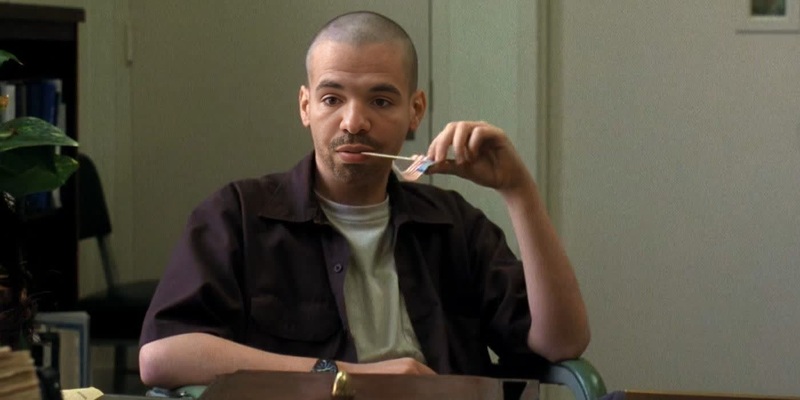
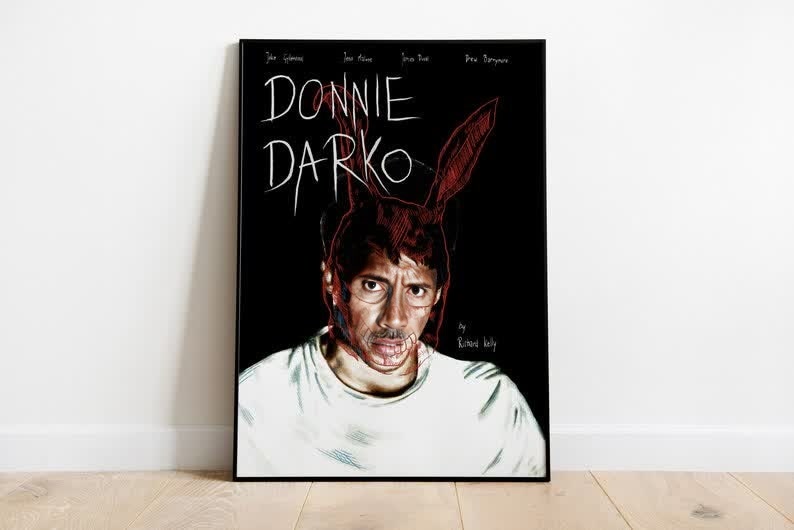
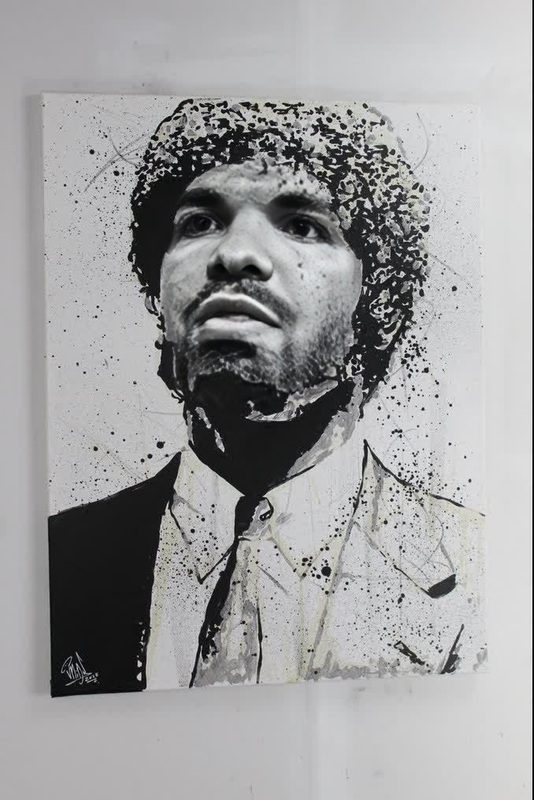
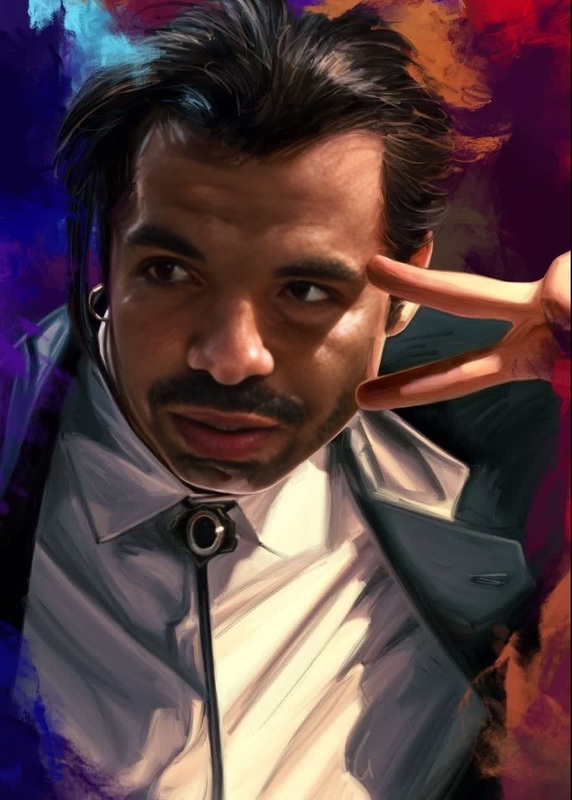
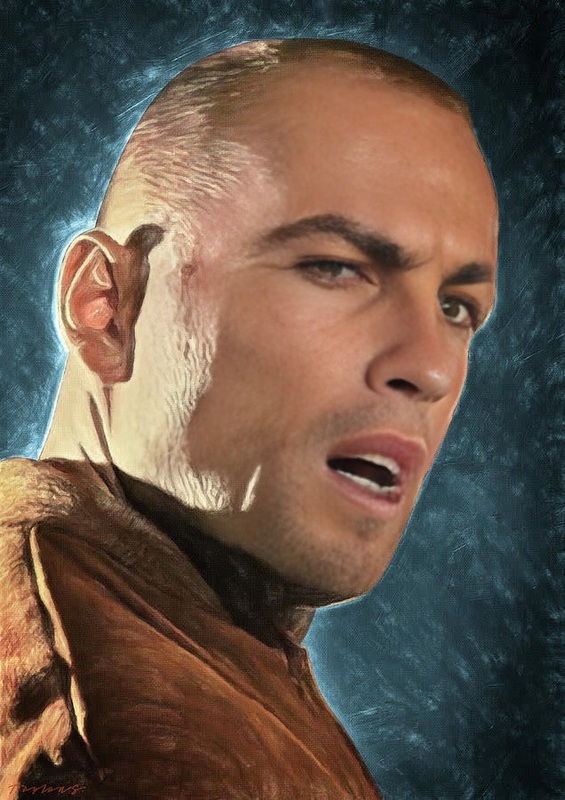
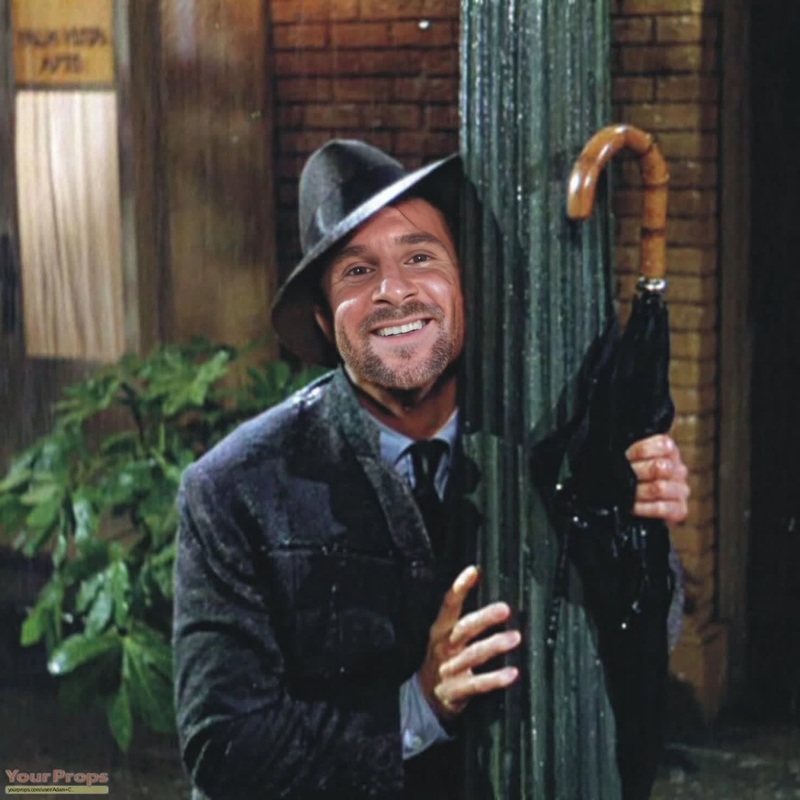
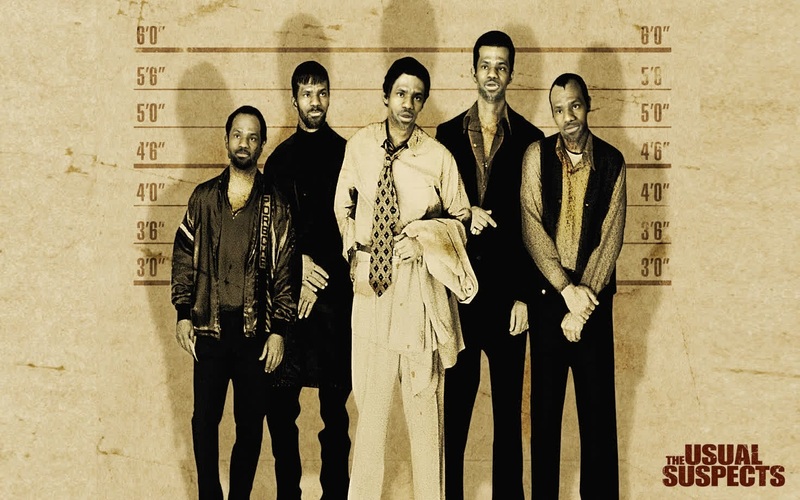
The Alex Delarge A Clockwork Orange Portrait template is a specialized tool for video face swapping, allowing users to merge their face with the iconic character from Stanley Kubrick's film. Ideal for video creators looking to add a distinct and memorable twist to their projects, this template offers a seamless experience by transforming any video into a cinematic masterpiece.
What It Does
This Video Face Swap template enables you to replace your face in a video with that of Alex Delarge, the infamous protagonist from 'A Clockwork Orange'. The result is a convincing transformation that maintains facial expressions and video quality, providing a unique aesthetic and visual intrigue for your content.
Who It's For
Designed for filmmakers, content creators, and enthusiasts of classic cinema, this template is perfect for those who want to experiment with character-driven storytelling. Whether you're creating fan films, educational content, or just looking to intrigue your audience with a distinctive transformation, this tool is an excellent choice for bringing cinematic artistry into your videos.
Summary
The Alex Delarge A Clockwork Orange Portrait template offers an innovative way to integrate classic film artistry into modern video projects. By allowing users to channel the iconic visage of Alex Delarge, it provides an exciting avenue for creative expression. Explore other possibilities of transformations with our AI Video Generator and AI Image Editor tools, expanding the horizons of your creative projects.
How to Use
Choose the Template

Customize Your Input

Generate Your Video

Use Cases
Film and Media Projects
- Short films
- Fan videos
- Themed YouTube content
Educational Videos
- Film studies
- Literature analyses
- Historical presentations
Social Media Content
- Challenge videos
- Character impersonations
- Storytelling clips
Best Practices
Choose High-Quality Video
For best results, use high-resolution video with good lighting. This ensures the face swap appears smooth and realistic.Align Faces Accurately
Ensure the face to be swapped aligns closely with Alex Delarge's portrait to maintain expression consistency.Test Different Settings
Experiment with various parameters to achieve the most natural-looking transformation. Test different videos if the initial result doesn't meet your expectations.