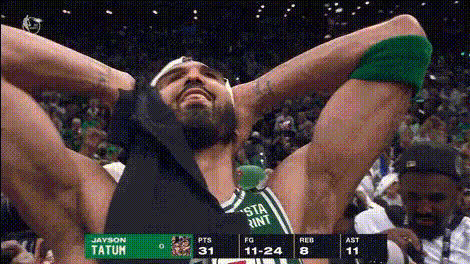
Jayson Tatum interview
- Video
- 13.36 sec
Any aspect ratio
Overview
Create engaging content with the Jayson Tatum interview template for AI Talking Photo. This tool lets you bring photos of the basketball star to life, simulating an interview atmosphere unique to sports content.
What it Does
This template transforms static images of Jayson Tatum into dynamic video interviews. The AI Talking Photo technology animates facial movements and synchronizes lip movements with uploaded audio or text, enabling a realistic interview setup.
Who It's For
This tool is perfect for content creators in sports media, basketball fans, and educators looking to make learning about sports more interactive. It offers a captivating way to share interviews and present information about Jayson Tatum's career.
Summary
Utilize the Jayson Tatum interview template to bring static photos to life with engaging movements and realistic speech. Explore a range of applications from personal projects to professional sports media content. Consider enhancing your content further with the AI Image Editor for a polished finish or explore more in the Image to Video section.
How To
Choose the Template

Customize Your Inputs

Generate and Download

Use Cases
Sports News Blogs
- Embed interview-style videos on articles
- Engage readers with dynamic content
Educational Videos
- Explain tactics or player history visually
- Make learning more engaging
Social Media Content
- Catch more eyeballs with animated visuals
- Differentiate from traditional static posts
Best Practices
Choose High-Quality Images
Use clear and high-resolution images for the best animation results.Carefully Script Your Audio/Text
Plan out your text or audio to ensure Jayson Tatum 'says' exactly what you want.Test Different Settings
Experiment with facial adjustment features to get realistic movements.