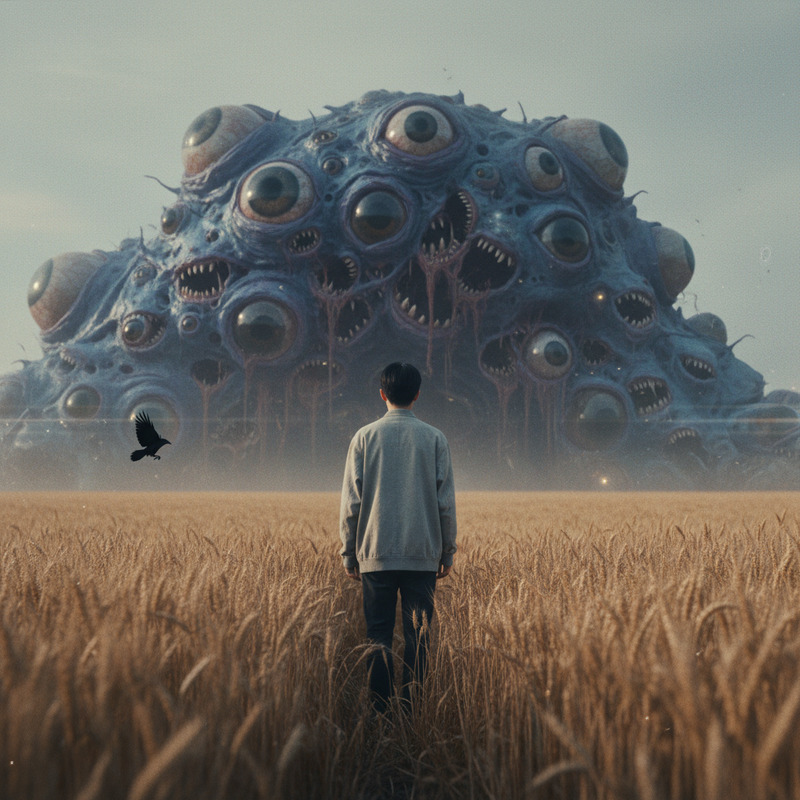
Crow blinking
- Model
- Kling 3.0
- Video
- 5 sec · 1080p
Prompt
Use the provided reference image as the base composition. Maintain strict photorealism, macro-level detail, and cinematic lighting consistency throughout the shot. Do not introduce new objects or change the framing beyond subtle natural motion. Extreme close-up macro cinematic shot of a raven’s eye, filling most of the frame. The texture of the surrounding feathers is highly detailed, with fine micro-feather strands visible around the eye socket. The skin around the eye is dark, wet, and slightly reflective, with natural organic imperfections. The raven’s eye is glossy, deep black with subtle reflective highlights from a dim external light source. The reflection inside the eye is minimal and ambiguous, suggesting a vague environment without clearly defined shapes. The raven remains mostly still, but exhibits subtle natural micro-movements: tiny feather shifts, faint muscular tension around the eye socket, and minute adjustments in focus that feel alive and intentional. The eye blinks slowly and deliberately at irregular intervals. Each blink is smooth and slightly heavy, with a natural wet motion of the eyelid closing and opening. The timing of the blink feels slightly unnatural in pacing—too slow to feel comfortable, creating unease without exaggeration. Between blinks, the eye appears to subtly track or adjust its gaze, as if it is aware of something just off-camera. The movement is minimal but psychologically suggestive. Lighting is low-key and cinematic: soft, cold moonlight or dim ambient source creating sharp specular highlights in the eye while leaving surrounding feathers in deep shadow. High contrast enhances texture and depth. Camera is locked-off and extremely stable, macro lens (100mm–200mm look), shallow depth of field with razor-sharp focus on the eye. Background is completely blurred into darkness. Color palette is desaturated and natural: deep blacks, muted greys, faint cold highlights. No stylization or artificial glow. Mood: unsettling, intimate, and tense. The stillness between blinks feels charged, as if the eye is observing the viewer directly without moving its head.
Any aspect ratio
Overview
The "Crow Blinking" template is designed for those seeking to transform a high-resolution image of a raven into a hauntingly detailed video. By simulating subtle real-life movements and blinks, this Image-to-Video template breathes life into still images with a focus on photorealism and cinematic quality.
What It Does
This template utilizes the kling-3.0 model to convert a static raven image into a video that captures the eye's slow, deliberate blinks amidst micro-movements and lighting changes. It keeps the imagery natural and consistent, providing a visually immersive experience that creates unease and tension.
Who It's For
The "Crow Blinking" template is ideal for filmmakers, animators, and content creators looking to add a dramatic, lifelike touch to their projects. Whether you’re working on horror films, educational materials, or art installations, this tool provides a way to deepen visual storytelling through subtle yet impactful animations.
Summary
By employing fine macro-level detail and cinematic lighting, this template allows you to expand your creative horizons. From engaging presentations to atmospheric video clips, the "Crow Blinking" template offers a unique method to enhance any project with natural, lifelike animation. Discover more about our other related tools like the AI Video Generator and Video-to-Video to complement your workflow.
How-To
Choose

Customize

Generate

Use Cases
Horror and Thriller Scenes
- Create atmospheric short films
- Add unsettling context to documentaries
- Enhance virtual reality experiences
Art Installations
- Install in gallery exhibitions
- Feature in multimedia presentations
- Integrate into digital art projects
Educational Content
- Explain anatomy of birds
- Showcase animal behavior
- Highlight wildlife documentaries
Best Practices
Select a High-Resolution Image
Start with a detailed and well-lit image to ensure that the resulting animation is rich in texture and clarity.Maintain Consistent Lighting
Use images where the lighting aligns with the cinematic, low-key style of the template to highlight the natural textures and movements.Focus on Minimalism
Avoid clutter in the image. A simple composition with emphasis on the eye ensures the detail and mood shine through in the final video.