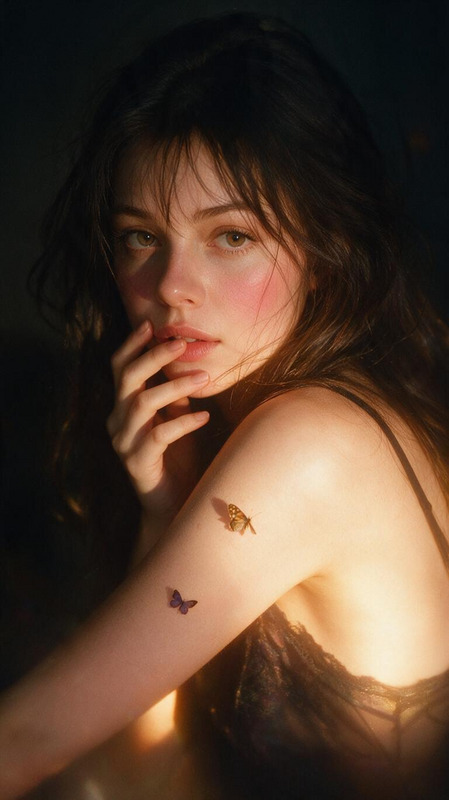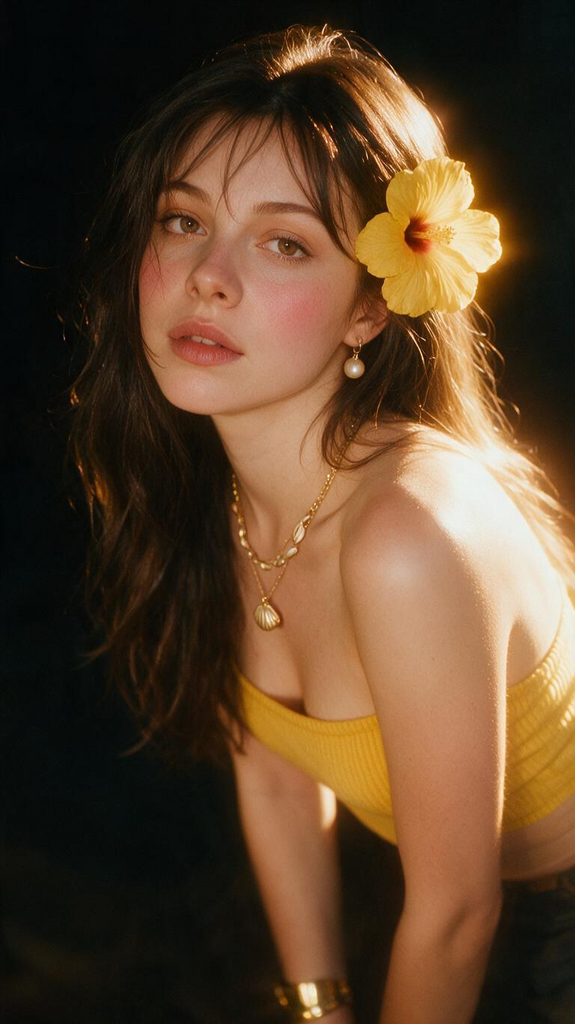
Golden Hibiscus Haze
- Model
- Seedream 5 Pro
- Image
- 575 × 1024 px
Prompt
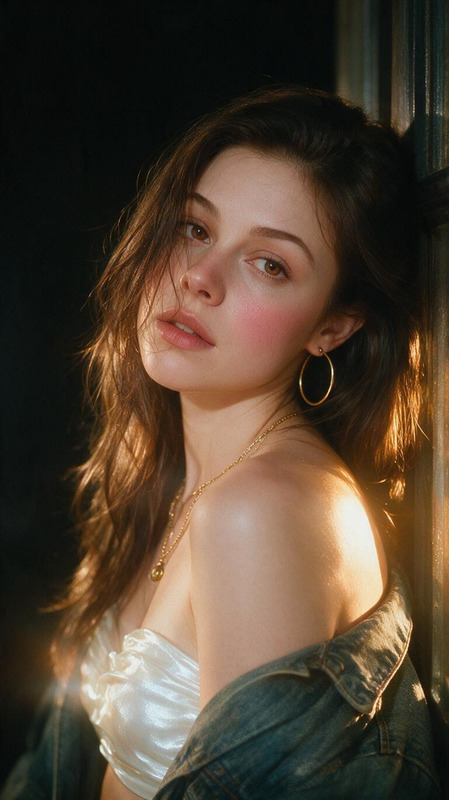
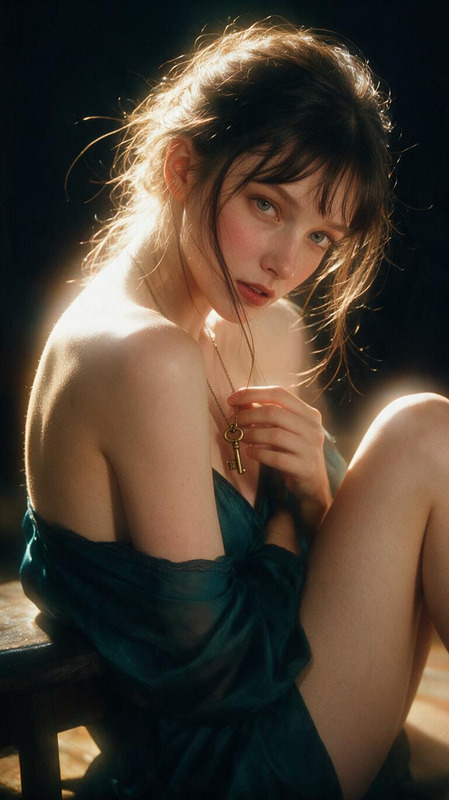
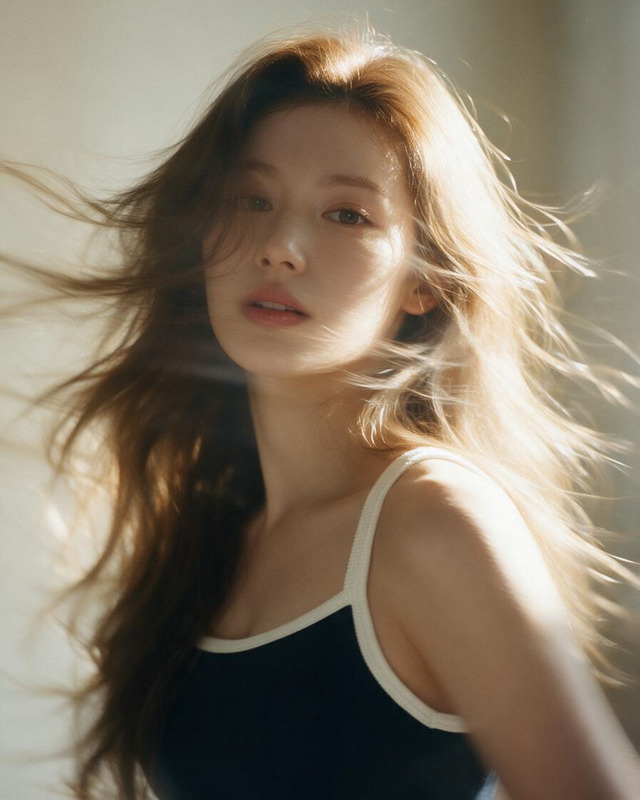
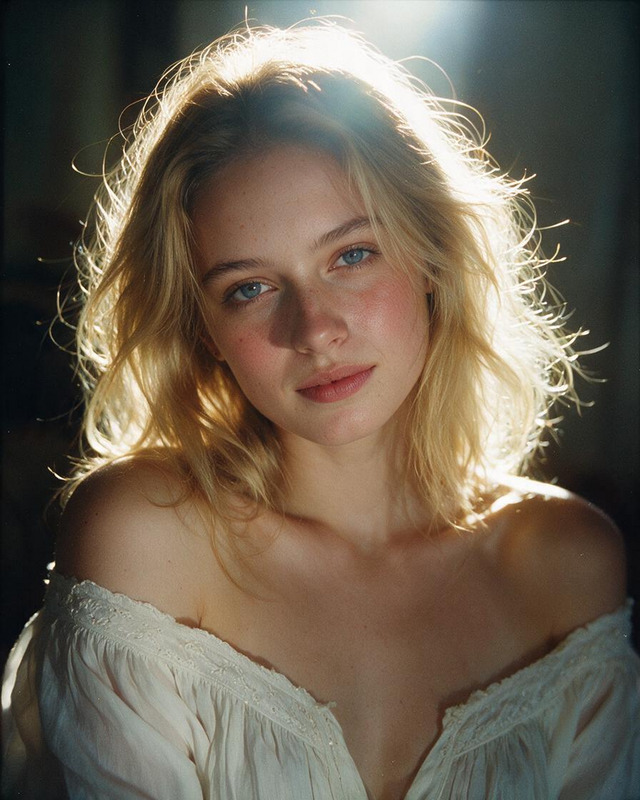
an intentional blurry and candid hyper-photorealistic cinematic glamour image @Ania , 100% identical face to the character in the attached reference image. A woman in a chest-up front-leaning view, her shoulders relaxed and bare with her arms resting loosely down, her head tilted slightly and a little off-center as she looks at the camera with a soft sultry, vulnerable gaze and a soft pout with lips gently parted, natural relaxed imperfect pose, loose messy dark brown hair worn down, soft inward upward curled ends, soft wispy bangs and loose smooth strands falling across her forehead, cheek and lips, soft not frizzy, never neat or styled, a large yellow hibiscus flower tucked in her hair beside one ear, natural-looking hazelnut brown contact-lens eye color, wearing a yellow ribbed strapless tube top, layered thin gold chain necklaces with a small gold seashell pendant and a gold shell choker, a pearl earring, and a wide gold cuff bracelet on her wrist, soft dreamy makeup featuring glowing skin, rosy pink blush blended high across the cheeks and nose bridge that stays vivid not washed out, defined brows, subtle warm eyeshadow and muted rose lips with a soft tint, very dark almost black blurred background, strong warm golden light glowing on her shoulder, back and the side of her face, deep soft shadows, soft focus, strong diffusion filter with soft halation, a strong warm golden-orange glow bleeding wide around the bright edges of her skin and hair, highlight bloom, low contrast, soft edges, everything gently out of focus, dreamy vintage lens haze, a hazy ethereal glow, soft dreamy focus, shallow depth of field, 3:4 aspect ratio.
Any aspect ratio