Cozy Christmas Glamour

Cozy Christmas Glamour

AI Image Editor
1 image
0 uses
Model
Seedream 5 Pro
Image
768 × 1024 px

Prompt

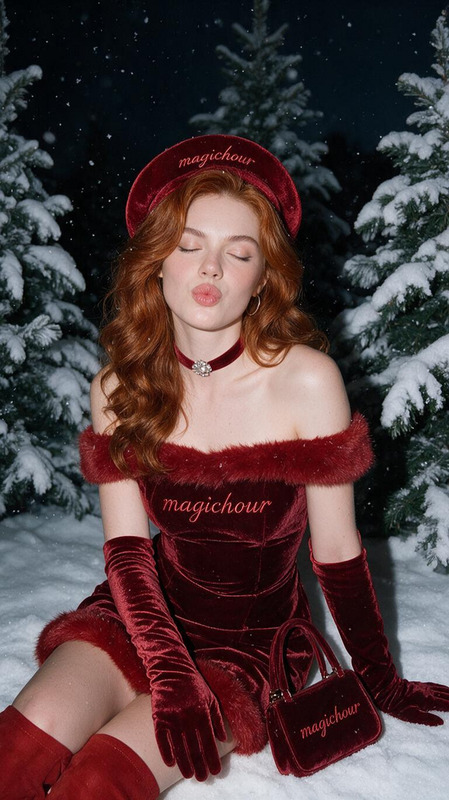
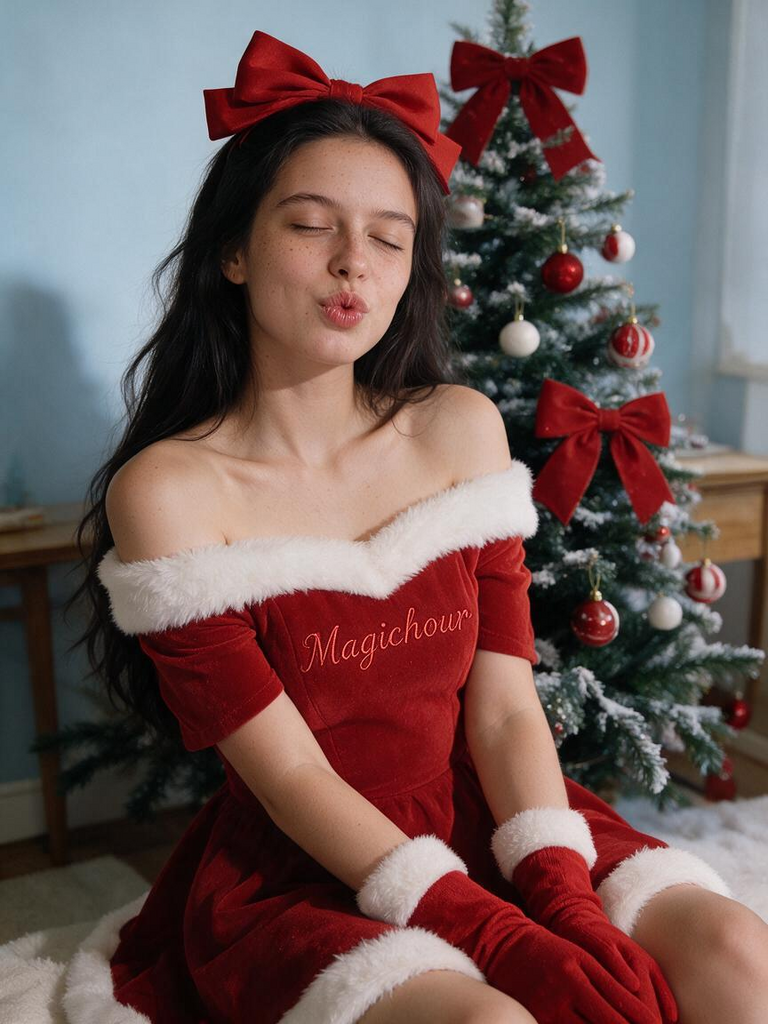
Generate a high-fidelity, realistic portrait using the reference image, strictly preserving all unique facial anatomy and structure for maximum identity match. 3:4 aspect ratio. Medium indoor Christmas portrait: woman with dark voluminous hair and large red bow, eyes closed with lips puckered, wearing an off‑shoulder red Santa dress with thick white fur trim at neckline, cuffs and hem, red gloves, the word Magichour delicately embroidered into the red dress fabric with matching thread — not printed, not on skin, snow‑dusted Christmas tree decorated with red and white baubles and big red bows behind her, light blue walls, wooden side tables, warm soft flash lighting, natural skin texture with visible pores, preserve exact facial identity and proportions, avoid altered facial identity or facial proportions, unnatural facial reconstruction or artificial beautification, distorted anatomy or unrealistic body proportions, deformed hands, extra fingers, missing fingers or unnatural gestures, artificially smooth plastic‑looking or waxy skin, incorrect hairstyle clothing or accessories, missing misplaced or incorrectly rendered mitsy embroidery, printed text tattoos or body markings, unwanted objects or invented background elements, unnatural lighting excessive sharpening or artificial effects, oversaturated colors or incorrect skin tones, excessive filters or an artificial AI‑generated appearance

Any aspect ratio

Overview

Create a warm and festive holiday portrait with the "Cozy Christmas Glamour" template. Transform your uploaded image into a realistic Christmas-themed portrait, maintaining your unique facial identity while adding seasonal flair and glamour.

What It Does

This template generates a high-quality portrait with a Christmas theme. It uses your uploaded image to produce a realistic depiction featuring a woman dressed in a Santa outfit with a snow-dusted Christmas tree in the background. All unique facial features and proportions are preserved in the edit.

How to Use

Follow these steps to create your customized Christmas portrait.
    01

    Choose Your Photo

    Upload a photo that you want to edit into the Christmas theme.
    02

    Generate Image

    Click the "Generate" button to begin processing your image with the template settings.
    03

    Review and Download

    After generation, review your Christmas glamour image and download it if satisfied.

More Like This

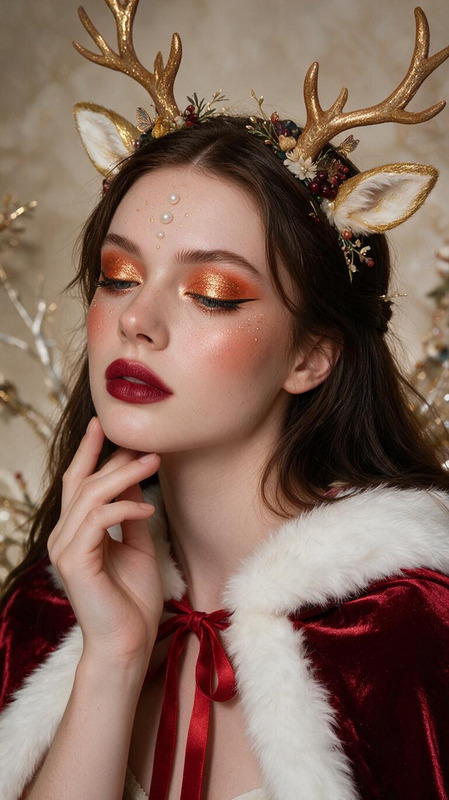
Cranberry Christmas
NEW
7
Cranberry Christmas
Cranberry Christmas
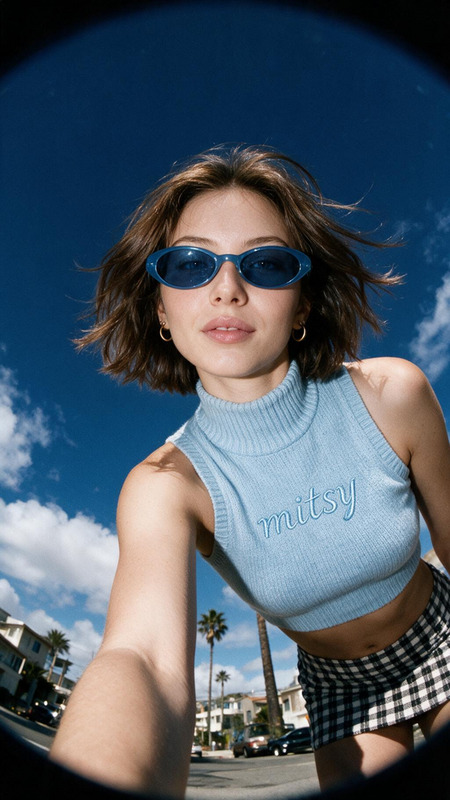
Retro Fisheye Street
NEW
Retro Fisheye Street
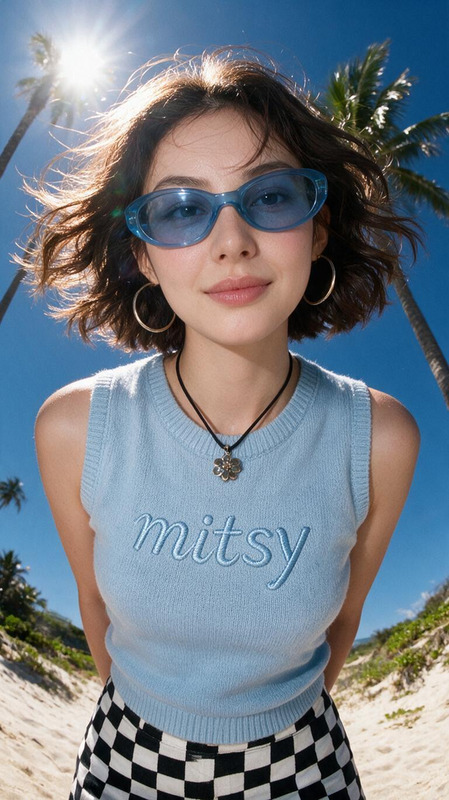
Blue Sky Fisheye
NEW
Blue Sky Fisheye
Blue Sky Fisheye
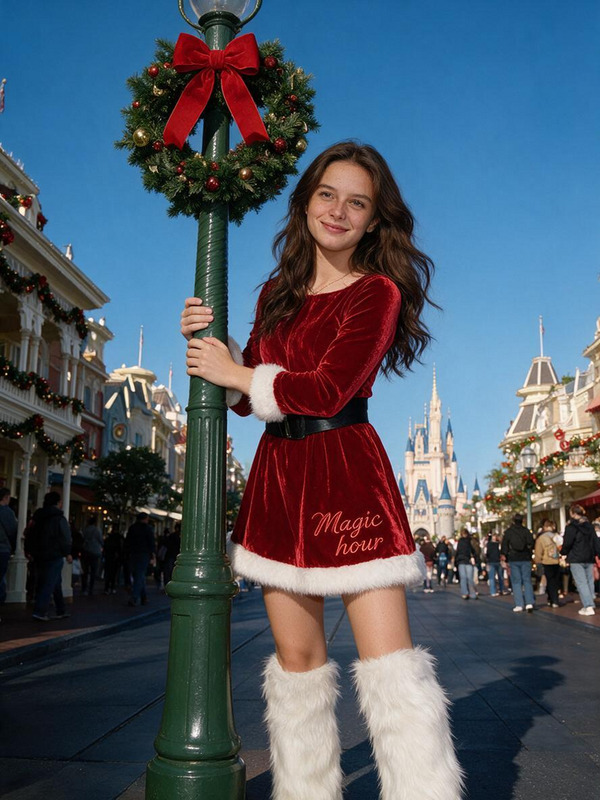
Santa’s Magic Kingdom
NEW
Santa’s Magic Kingdom
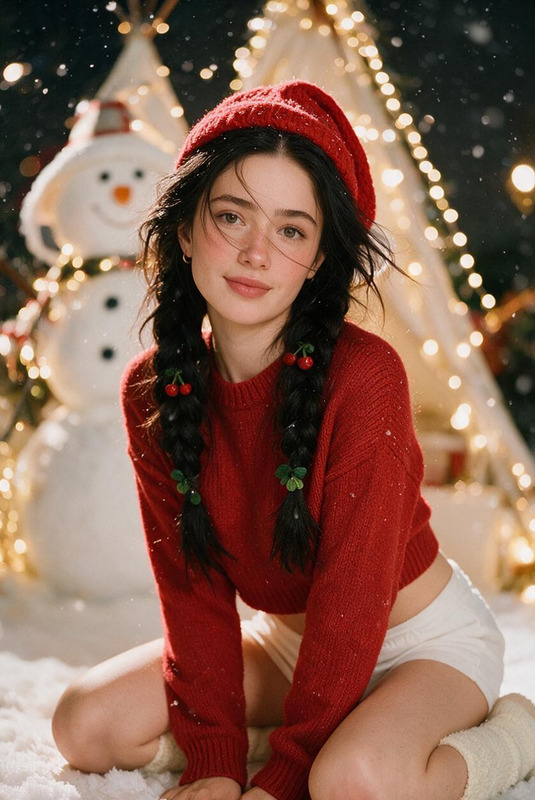
Snowy Cherry Noel
NEW
Snowy Cherry Noel
Snowy Cherry Noel
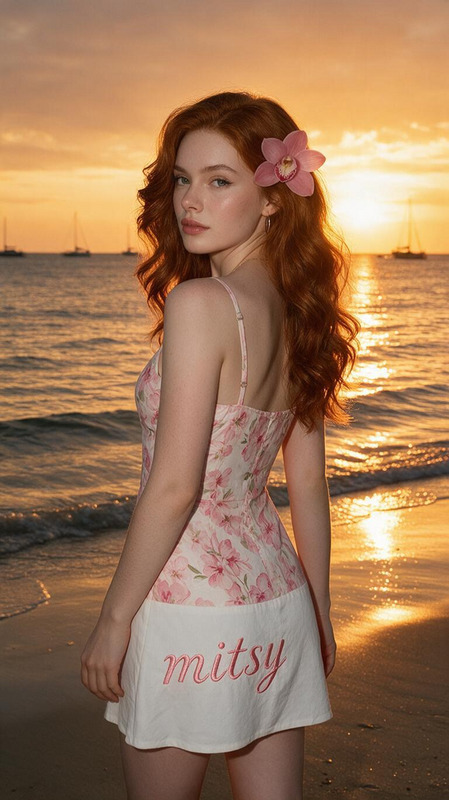
Dreamy Floral
NEW
1
Dreamy Floral
Dreamy Floral
Parisian Gentleman
NEW
Parisian Gentleman
Parisian Gentleman
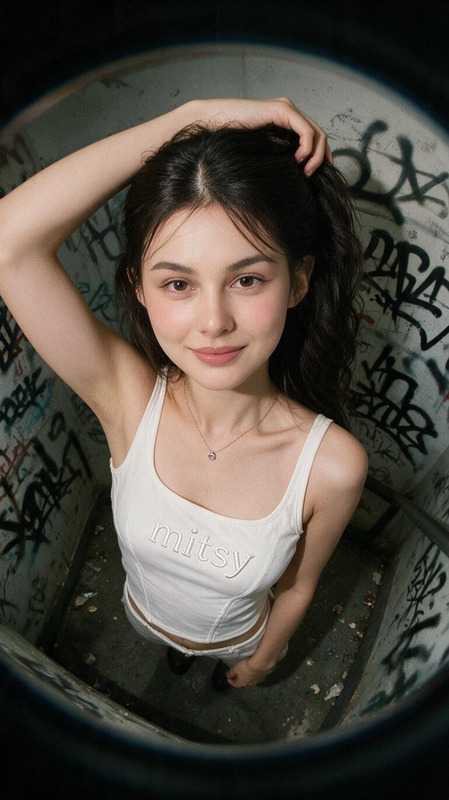
Graffiti Reverie
NEW
Graffiti Reverie
Graffiti Reverie
Luxury Velvet Christmas
NEW
Luxury Velvet Christmas
Disney Christmas
NEW
Disney Christmas
Disney Christmas
Windswept Flash Beach
NEW
Windswept Flash Beach
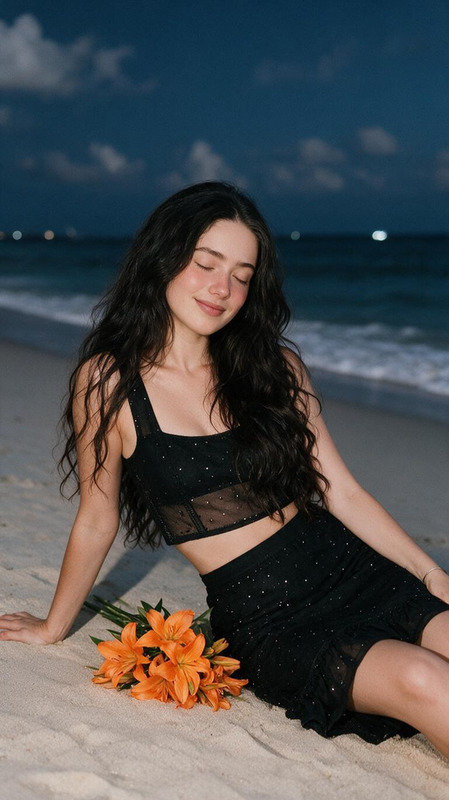
Dreamy Twilight Beach
NEW
Dreamy Twilight Beach

AI Image Editor