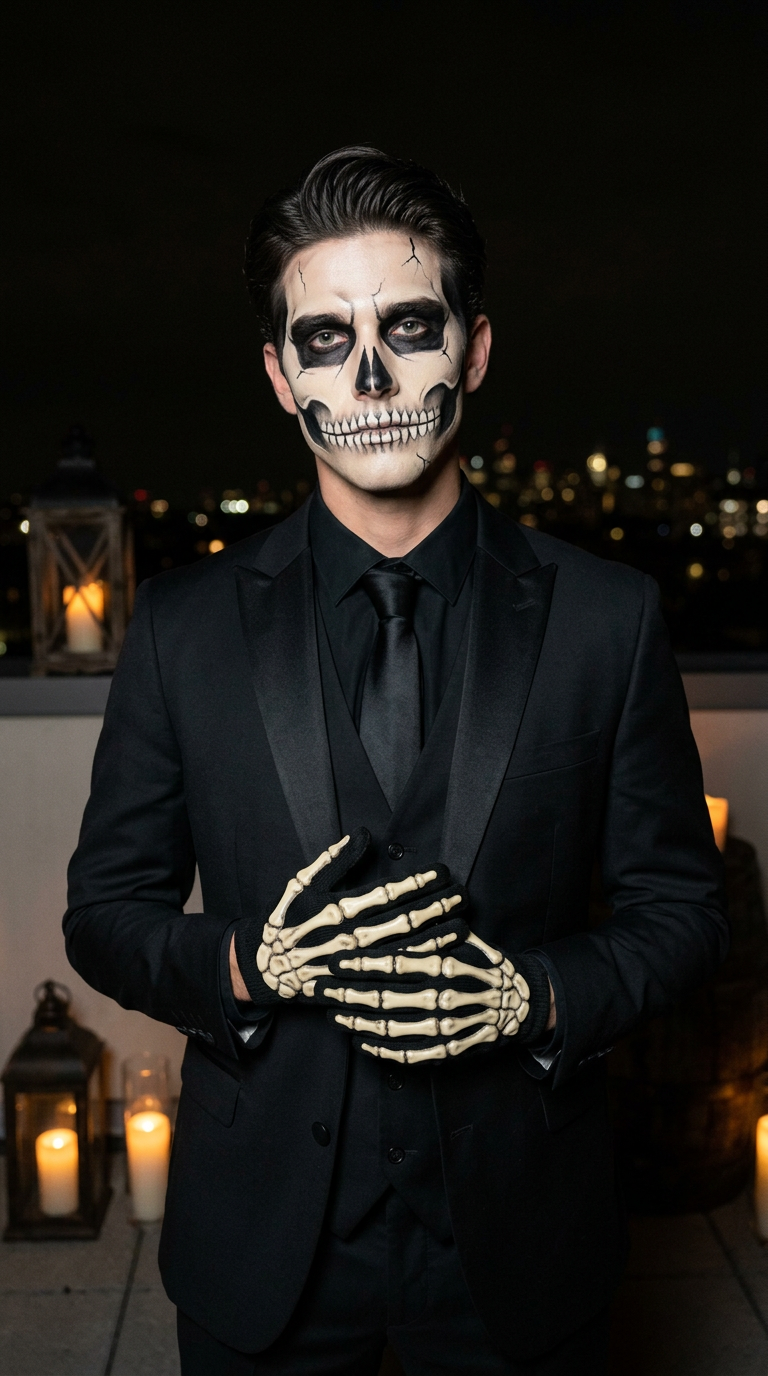
Skeleton Gent
- Model
- Nano Banana 2
- Image
- 768 × 1376 px
Prompt
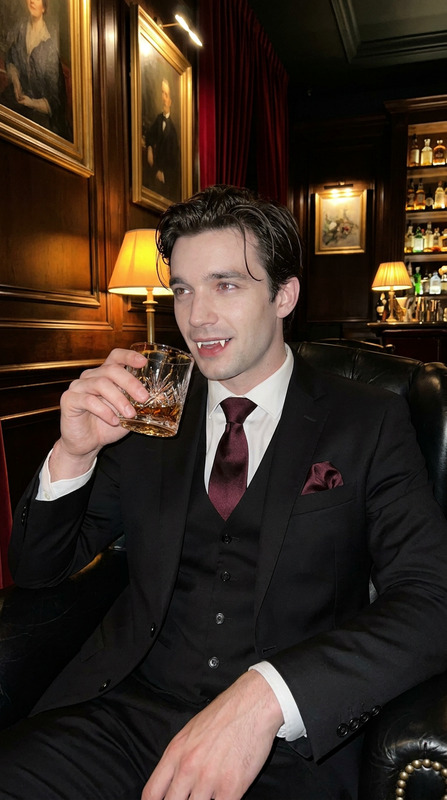
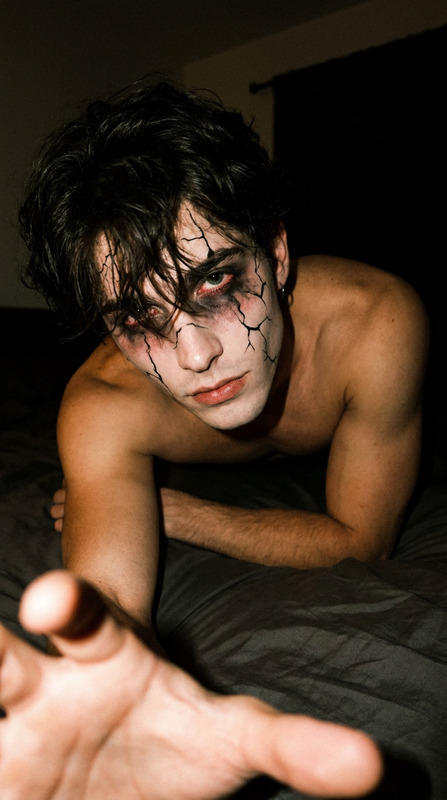
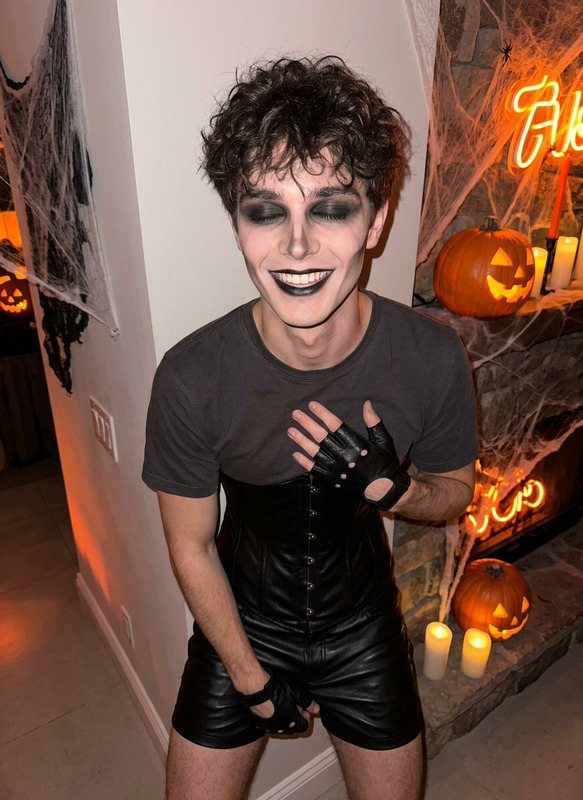
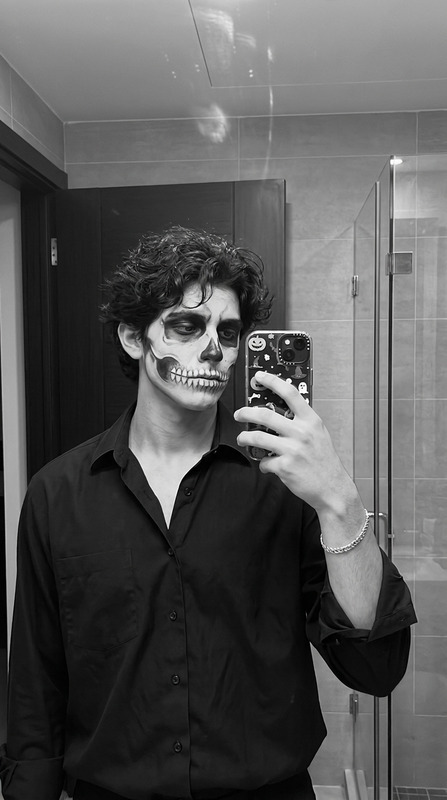
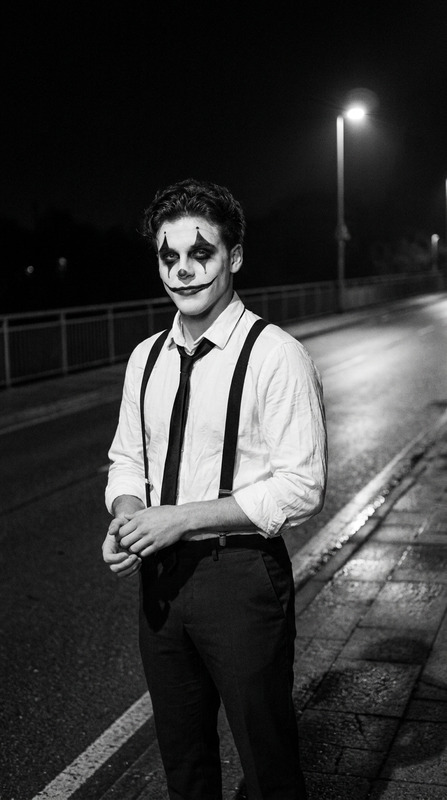
Use the uploaded reference photo to preserve the man's exact facial identity, natural features, age, and skin tone. Do not copy the reference pose, hairstyle, clothing, or background.A handsome Thai man in his late 20s, fair clean skin, tall lean muscular build, neatly swept-back dark hair with a few natural loose strands, elegant sharp facial features.He wears a perfectly tailored matte-black three-piece suit with subtle satin lapels, a fitted black dress shirt and a black silk necktie.His face is decorated with highly detailed black-and-white Halloween skeleton face paint: realistic ivory skull contours, dark black eye socket shading, a painted skeletal nose, sharply defined cheekbone cavities, fine cracked details and individually painted skeleton teeth extending across his mouth.Both hands wear realistic black skeleton gloves featuring raised ivory-colored bone details from the wrists to the fingertips.Standing in a relaxed elegant pose, hands gently clasped together at chest level, fingers naturally interlaced, showing the skeletal glove details. His shoulders are slightly angled, chin naturally lowered, calm direct gaze toward the camera.Setting: a dark rooftop terrace overlooking distant city lights at night, a few small antique lanterns and warm candles resting on a stone ledge.Composition: vertical medium portrait from head to upper thighs, eye-level three-quarter angle, subject positioned slightly right of center, softly blurred city skyline behind.Lighting: subtle warm candlelight illuminating his gloves and face, muted cool city bokeh in the background, deep cinematic black tones.Luxury gothic Halloween editorial portrait with realistic smartphone-photo texture, visible skin pores, detailed fabric textures, natural shadow transitions, subtle film grain, dramatic but not overly retouched, no text, no watermark.Vertical 9:16 portrait
Any aspect ratio