Dark Lady

Dark Lady

AI Image Editor
1 image
0 uses
Model
Nano Banana 2
Image
768 × 1376 px

Prompt

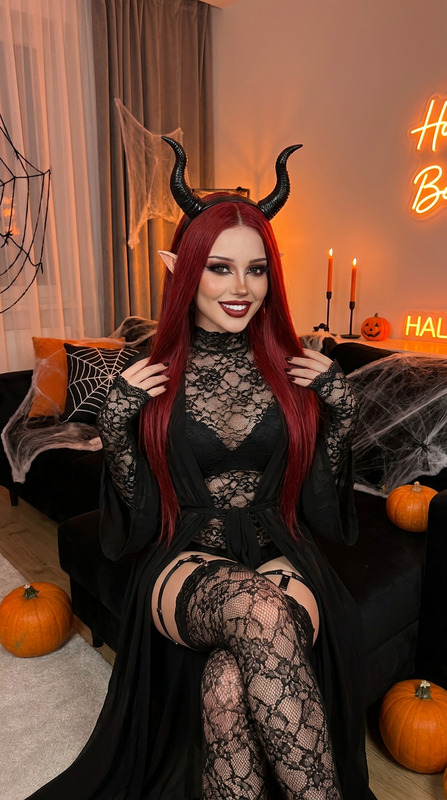
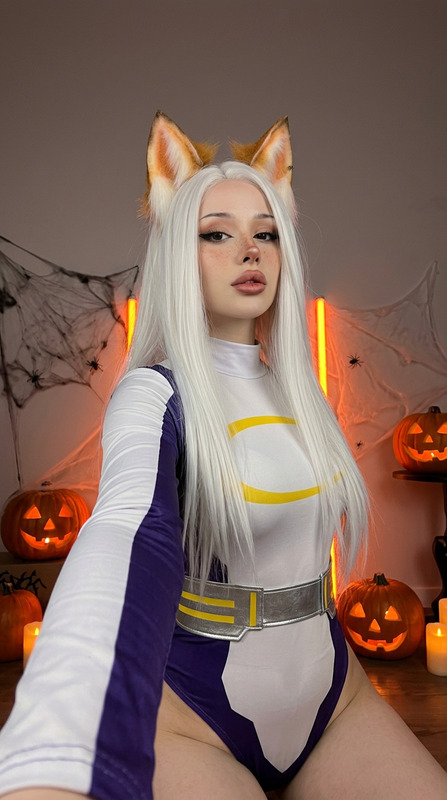
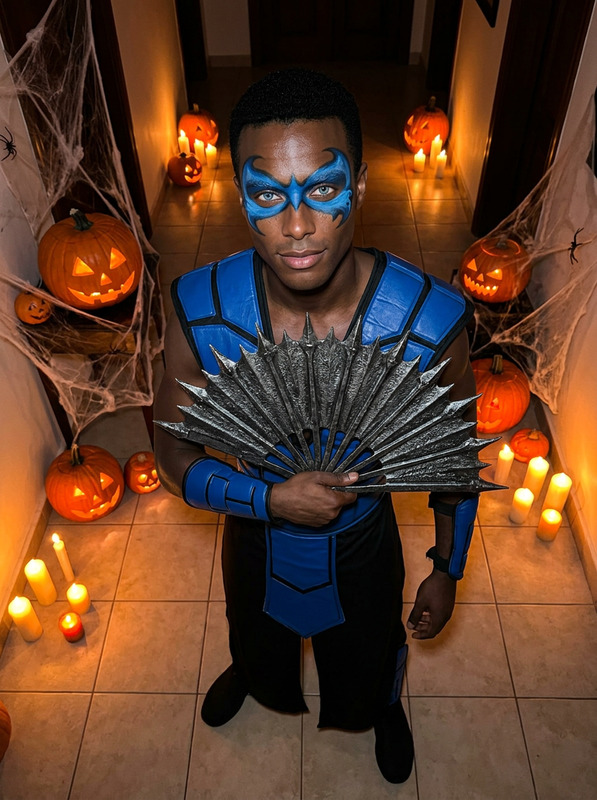
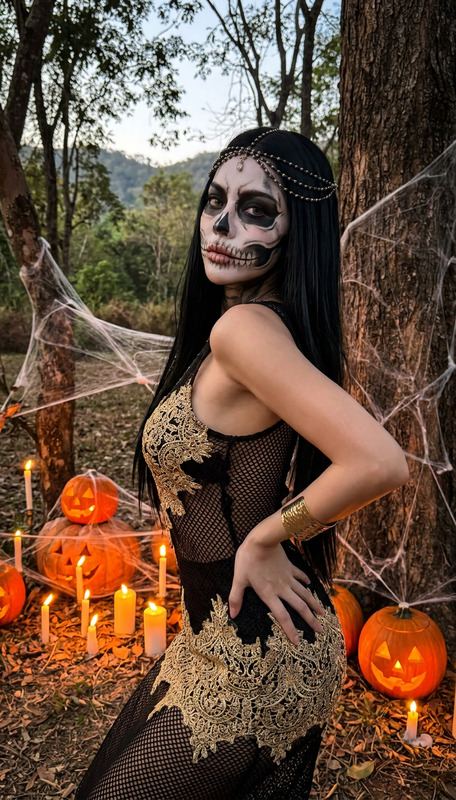
High quality iPhone 15 Pro Max photo, sharp natural color science, dramatic dark light with orange accents, clean detail, slight extra sharpness, authentic phone snapshot.A woman with exact face from the refa reference, supermodel-level beautiful face, full plump lips, clean beautiful skin, full Halloween makeup. Black appearance, looks 30+ but young. Short dark hair. Low-side angle from the floor, camera near the ground looking up and to the side, she kneels on a wooden platform with arms raised behind her head. Gold and red armor pieces with black straps and lace covering the chest and lower body, looking down at the camera. Dark wooden walls with heavy spider webs, smoke, orange neon glow, candles and jack-o’-lanterns on the floor.Natural skin, natural light, natural texture. Sharp background with no blur at all, everything in focus — armor, pumpkins, webs, neon. Dark horror Halloween atmosphere.Simple candid indoor photo, realistic unprocessed iPhone look.

Any aspect ratio

Overview

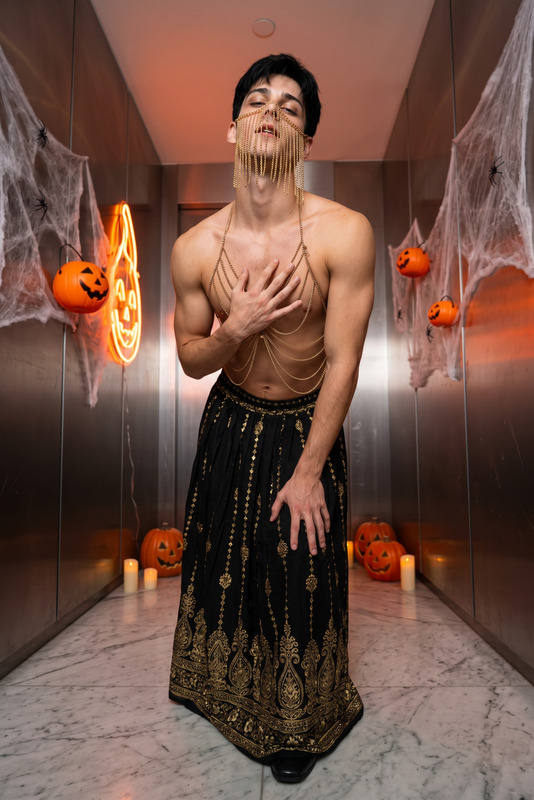
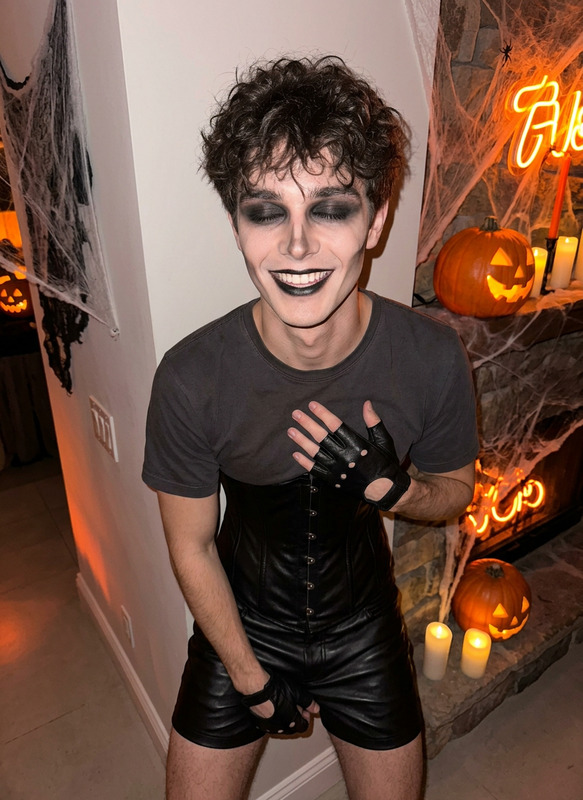
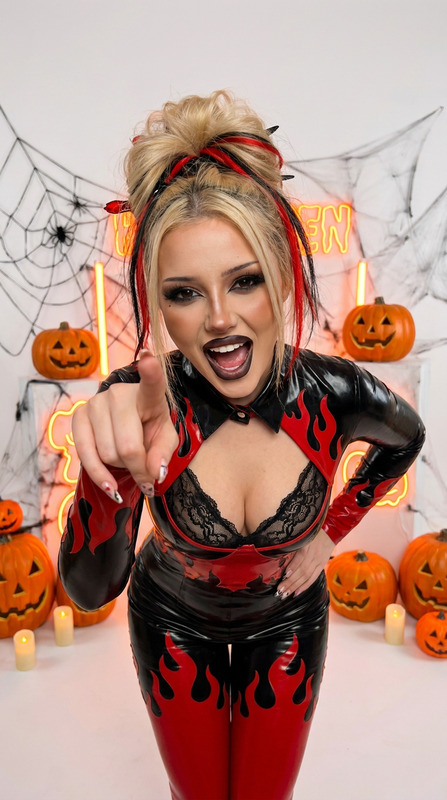
The "Dark Lady" template transforms your uploaded photo by adding a dramatic Halloween-inspired style. It uses an iPhone 15 Pro Max aesthetic with sharp details, orange accents, and elements like gold and red armor, spider webs, and jack-o’-lanterns. The ambient dark light and natural texture create an unprocessed, iPhone-snapshot look.

How To

Follow these steps to transform your photo with the "Dark Lady" template.
    01

    Choose

    Upload your photo using the "Dark Lady" template page.
    02

    Customize

    Adjust any personal settings if available before proceeding.
    03

    Generate

    Click 'Generate' to apply the Halloween-themed changes to your photo.

Use Cases

The "Dark Lady" template is perfect for themed events and occasions.
🎃

Halloween Social Media Posts

Create striking images to share during Halloween.
📸

Creative Photography Projects

Add a dramatic flair to photography collections.
🖤

Personalized Holiday Cards

Design unique greeting cards with a spooky twist.

Best Practices

Maximize your image transformation with these tips.
  • Choose a Suitable Photo

    Select a photo with clear facial features for the best transformation.
  • Consider Lighting

    Ensure your original photo has good lighting to enhance the effect.
  • Use High-Resolution Images

    Upload high-resolution images for sharper results.
More Like This

Halloween Low Angle
NEW
Halloween Low Angle
Halloween Low Angle
Halloween Fighter
NEW
Halloween Fighter
Halloween Fighter
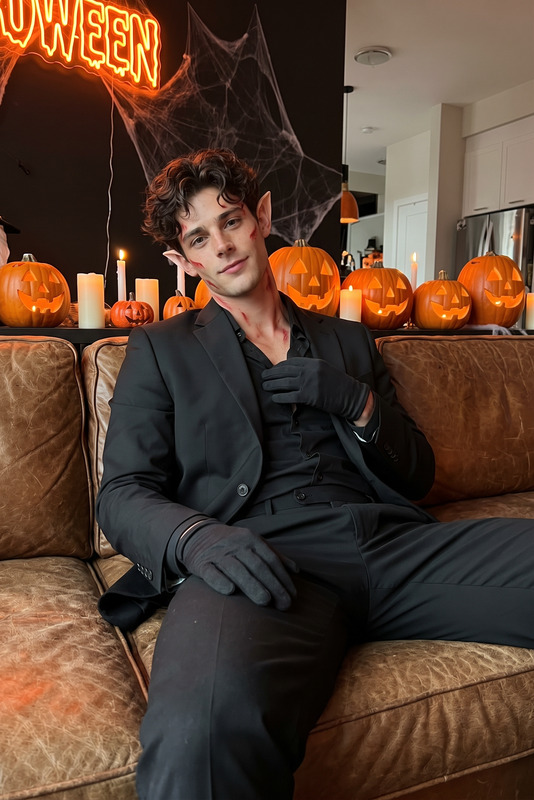
Dark Prince
NEW
Dark Prince
Dark Prince
You Will Be Mine
NEW
1
You Will Be Mine
You Will Be Mine
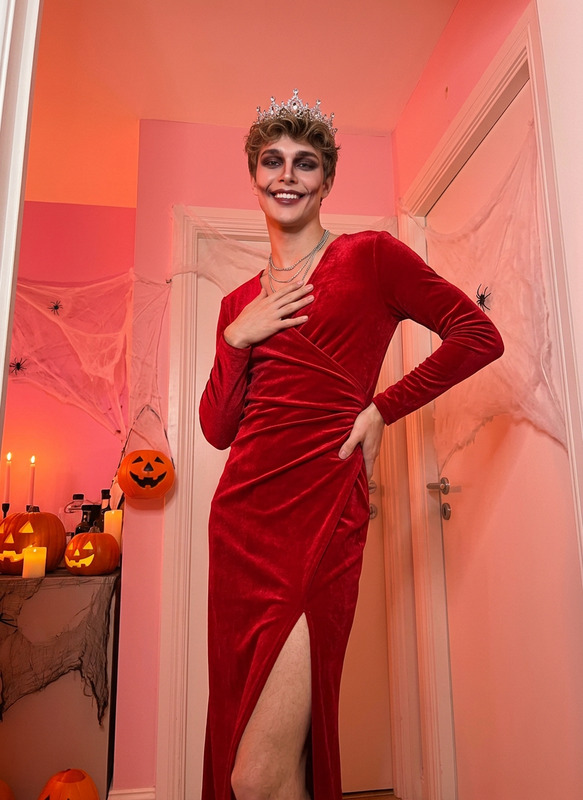
Devil in Dress
NEW
Devil in Dress
Devil in Dress
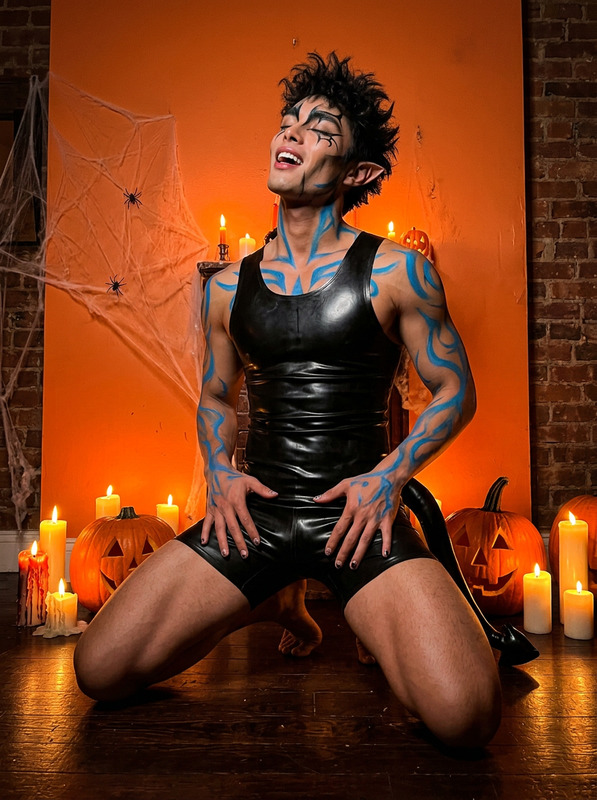
Blue Demon
NEW
Blue Demon
Blue Demon
The Lucifer
NEW
The Lucifer
The Lucifer
Dress On Man
NEW
Dress On Man
Dress On Man
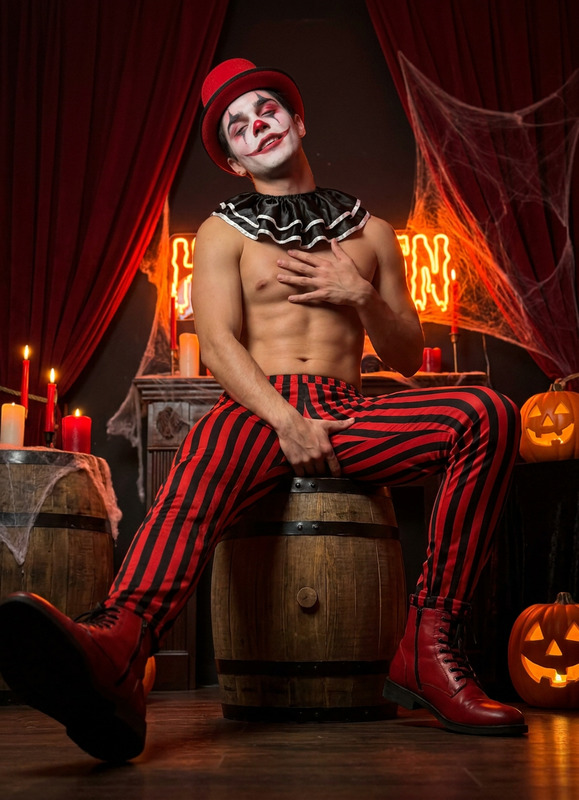
Halloween Clown
NEW
Halloween Clown
Halloween Clown
Kitty Woman
NEW
Kitty Woman
Kitty Woman
Dark Male Kitana
NEW
Dark Male Kitana
Dark Male Kitana
Golden Witch
NEW
2
Golden Witch
Golden Witch

AI Image Editor