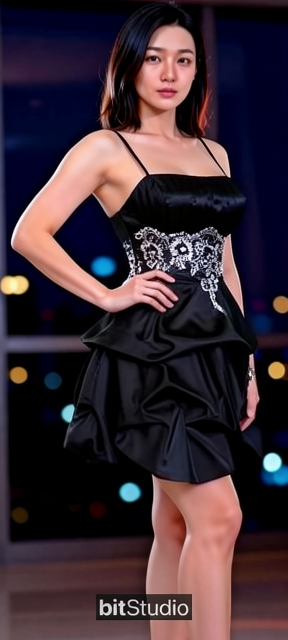
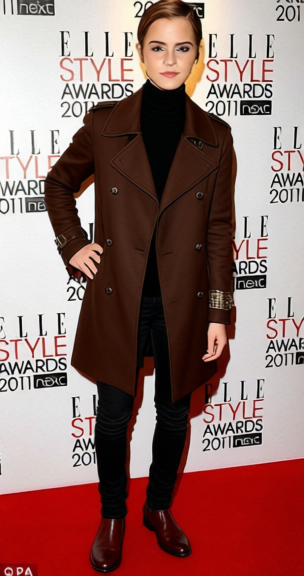
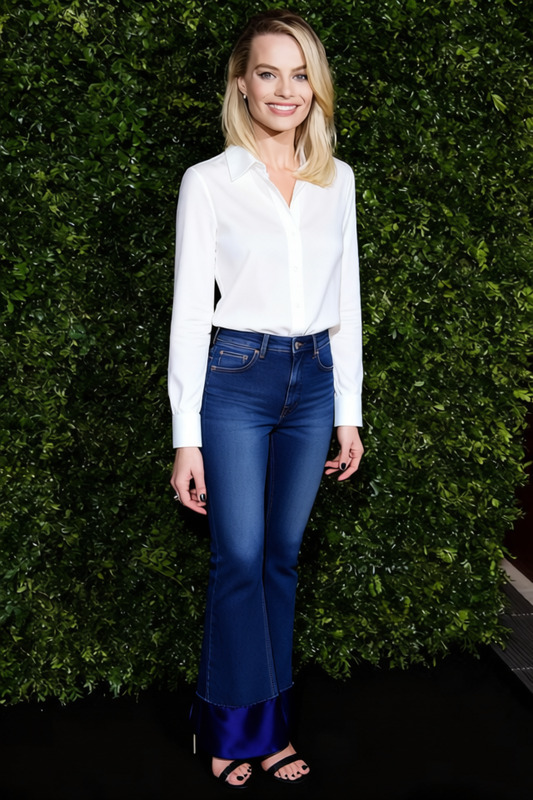
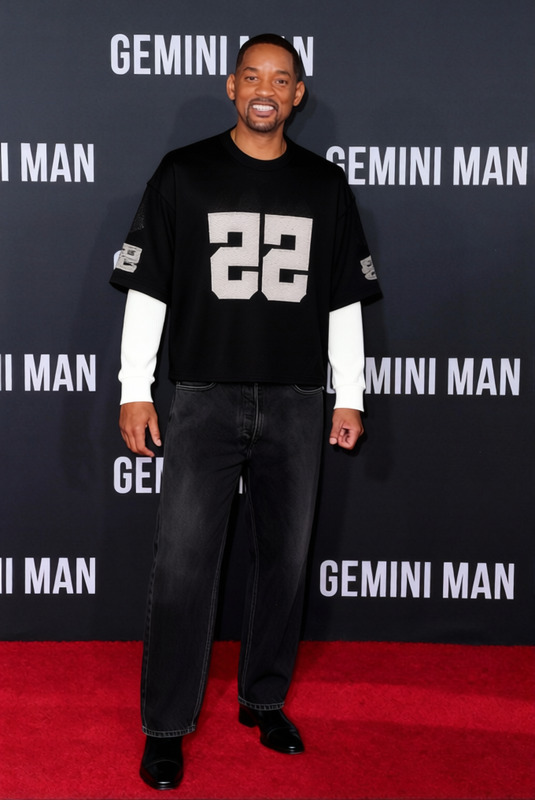
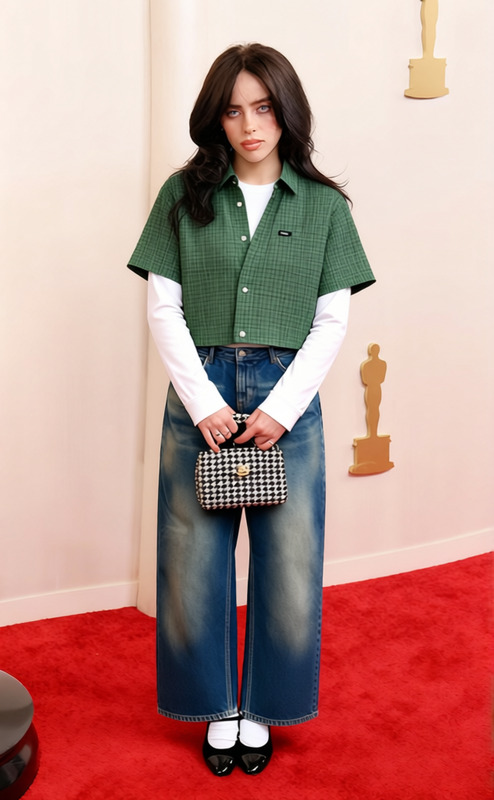
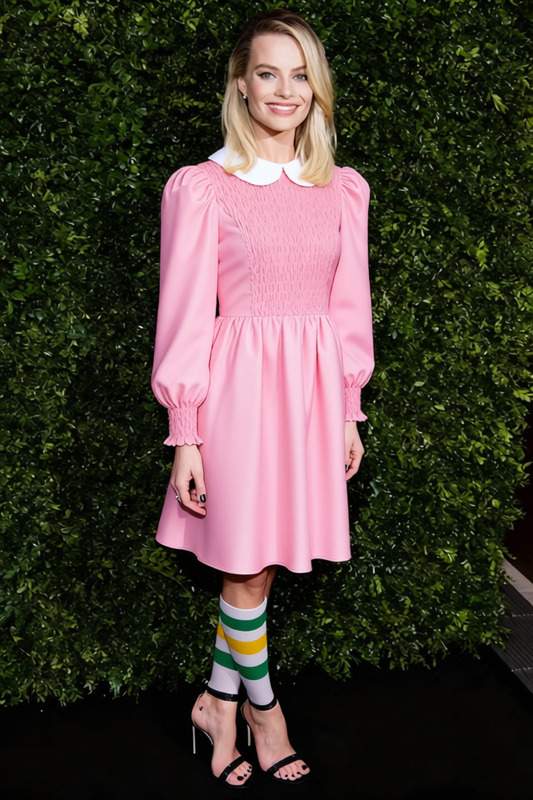
The Dress Try-On tool allows users to see how different dresses would look on a photo of themselves. Simply upload your photo, and this tool will change the clothing in the image to the selected dress style.
How to Use
Easily try on different dress styles by following these steps.
01
Choose a Photo
Upload a photo of yourself wearing a simple outfit. This provides the base image for the transformation.
02
Customize the Style
The tool automatically changes the dress style based on saved settings.
03
Generate the Image
Click 'Generate' to see your photo updated with the new dress style in seconds.