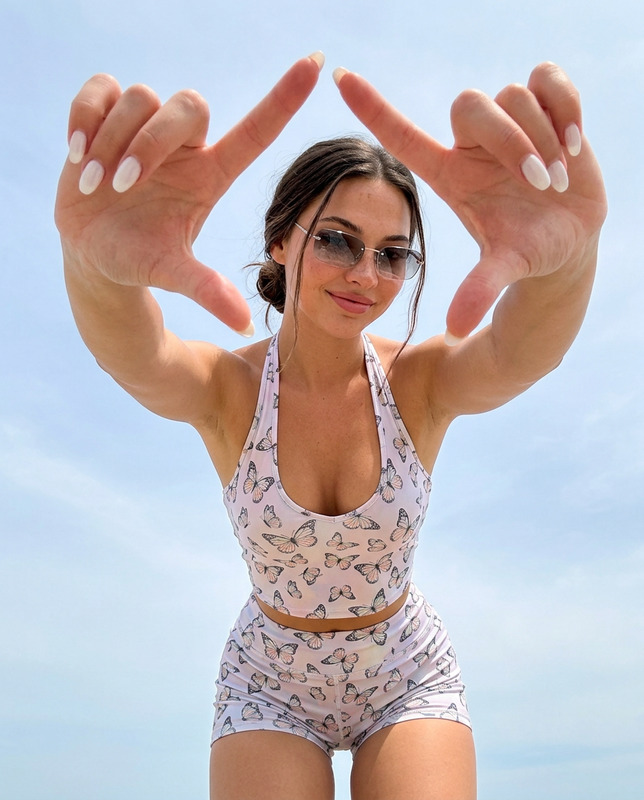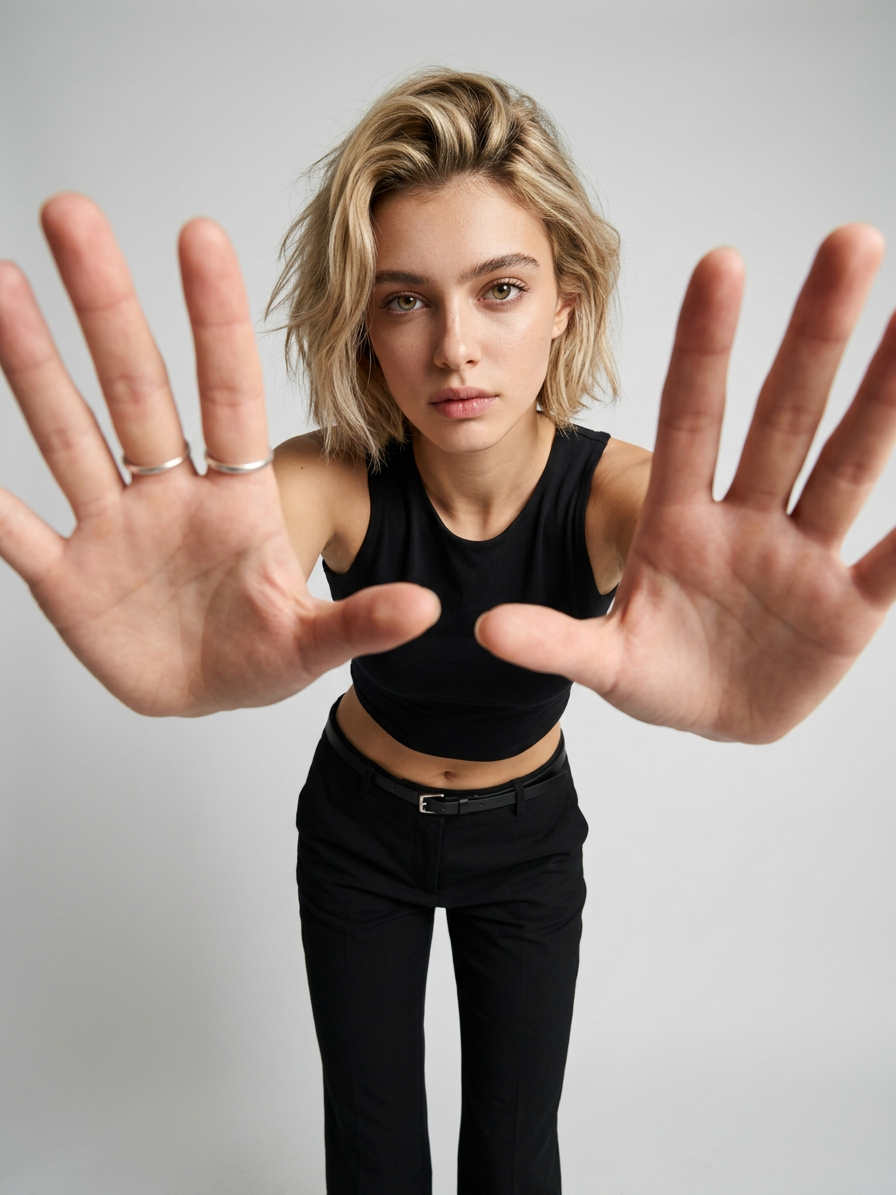
Through The Hands: Wide-Angle Fashion Portrait
- Model
- Nano Banana 2
- Image
- 896 × 1195 px
Prompt
Create an ultra-realistic modern fashion editorial portrait using the uploaded personal photo **only as the facial identity reference**.**FACIAL IDENTITY — ABSOLUTE PRIORITY:** Preserve the subject’s exact recognizable facial identity from the uploaded reference image, including natural face shape, skin tone, eyes, eyebrows, nose, lips, jawline, age, facial proportions, and distinctive characteristics. Keep the subject unmistakably recognizable and authentically human. Do not reshape, replace, mature, or excessively beautify the face.**HAIR TRANSFORMATION:** Transform the hairstyle into short blonde hair with a slightly messy, effortless editorial texture. Use a natural dimensional blonde with realistic darker roots, individual strands, subtle flyaways, and soft separation. Keep the hairstyle modern and understated.**BEAUTY:** Minimal natural makeup with realistic skin texture, softly defined eyes and brows, subtle cheek definition, and natural-toned lips. Preserve pores, fine skin texture, and natural tonal variation. No artificial glass-skin effect.**OUTFIT:** Dress the subject in a clean monochrome-black fashion look:* fitted sleeveless black crop top* low-rise black tailored trousers* subtle minimal belt detailing* pointed black shoes* one thin minimalist ringKeep the outfit sophisticated, contemporary, and editorial.**POSE — CRITICAL:** Position the subject standing and leaning forward toward the camera.Extend **both arms directly toward the lens**, with both palms facing forward and almost reaching the camera. Fingers are naturally spread apart.Because of the extremely close wide-angle perspective, the hands should appear dramatically enlarged in the foreground while the arms naturally recede toward the shoulders.Leave a visual opening between the hands so the subject’s eyes and face remain clearly visible through the negative space.Her gaze is directed straight toward the lens with a focused, confident editorial expression.**CAMERA ANGLE:** Use an **extreme wide-angle lens approximately 14–18mm**, positioned very close to the subject and slightly below eye level, pointing subtly upward.Create strong but physically believable perspective distortion:* oversized hands nearest the lens* elongated arms through perspective* face positioned farther behind the hands* natural spatial depth* dynamic low-angle fashion compositionThe distortion must come from genuine wide-lens perspective rather than warped anatomy.**FOCUS:** Keep the eyes and facial identity sharply recognizable. The hands remain detailed but become subtly softer toward the fingertips because they are extremely close to the lens.Do not blur the overall composition.**BACKGROUND:** Minimal seamless light-grey studio backdrop with no distracting objects, furniture, patterns, or architecture.**LIGHTING:** Soft diffused studio illumination primarily from above and slightly forward. Create subtle realistic shadows beneath the hands, arms, chin, and jawline while maintaining clean neutral skin tones.No dramatic cinematic glow, lens flare, colored lighting, or atmospheric haze.**COMPOSITION:** Vertical fashion-editorial composition. Hands dominate the immediate foreground, framing the face between them. The torso and black outfit recede naturally into the middle and lower portions of the frame.Make the composition graphic, unconventional, bold, and intentionally perspective-driven.**VISUAL STYLE:** Contemporary minimalist fashion photography, experimental wide-lens editorial, clean studio aesthetic, understated Gen-Z fashion campaign, realistic smartphone-meets-magazine immediacy.**DETAIL QUALITY:** Exact recognizable facial identity, realistic skin pores, individual blonde hair strands, anatomically accurate hands, five fingers per hand, realistic fingernails, authentic black fabric texture, subtle jewelry reflections, controlled wide-angle distortion, natural shadows, and neutral professional color grading.Ultra-realistic, high resolution, sharp editorial photography, natural colors, clean contrast, premium fashion-magazine quality.**IMPORTANT:** Use the uploaded photograph **ONLY to preserve the exact facial identity**. Generate the short blonde hairstyle, black outfit, hand-forward pose, body posture, camera perspective, lighting, and grey studio environment newly according to this prompt.**AVOID:** changed facial identity, generic model face, distorted face, warped hands, extra or missing fingers, fused fingers, duplicated arms, unnatural joints, excessive fisheye curvature, unrealistic body proportions, plastic skin, heavy makeup, exaggerated beauty filtering, cinematic glow, lens flare, cluttered background, text, logos, signatures, or watermarks.
Any aspect ratio
A portrait built around perspective
Your photo serves as the facial reference for a new studio composition. Both palms reach toward the camera and appear enlarged in the foreground, with black clothing and a gray backdrop keeping attention on the hands-forward pose.
How to create your portrait
Choose
Open Through The Hands to use the supplied fashion portrait setup.

Customize
Upload your photo as the facial reference. The template supplies the pose, clothing and studio setting; there are no other options to choose before generation.

Generate
Click Generate to start creating the image with the saved settings, then review the finished portrait.

Tips for your portrait
Use a clear facial reference
Choose a photo where your face is clearly visible and not obscured by hair, hands or accessories.
Review the face and hands
Check the facial likeness and the shape of both hands before using the image. The enlarged palms are a prominent part of this composition.
FAQs
No. This template uses its saved styling and settings when you upload a photo and click Generate. It does not offer those choices before generation.
No. The saved edit uses your photo as a facial reference while creating a new pose, clothing and studio setting. Check the generated face for likeness rather than expecting an exact copy of the original photo.
The result is a still portrait image, not a video.