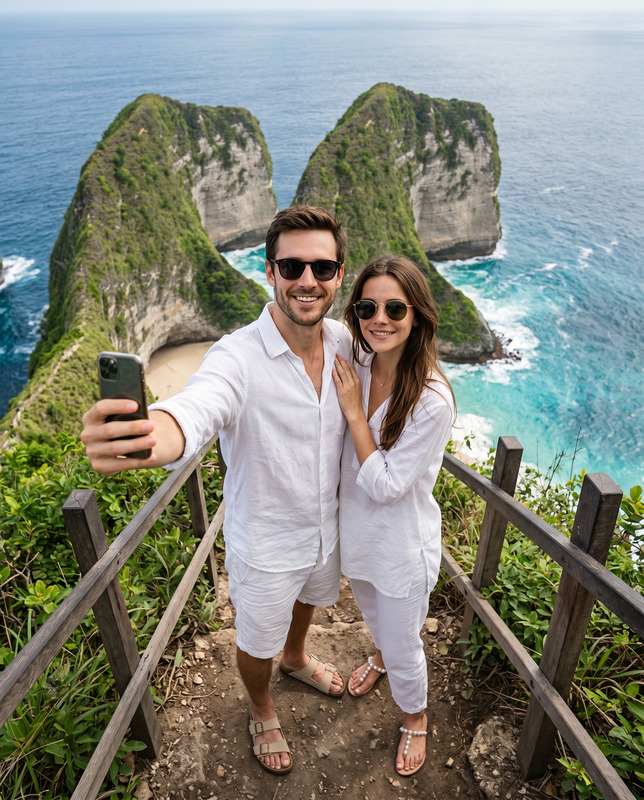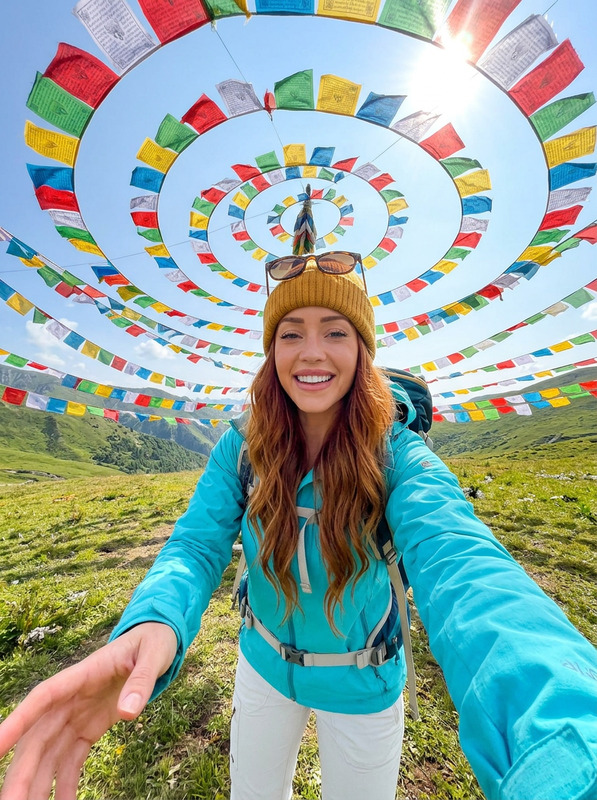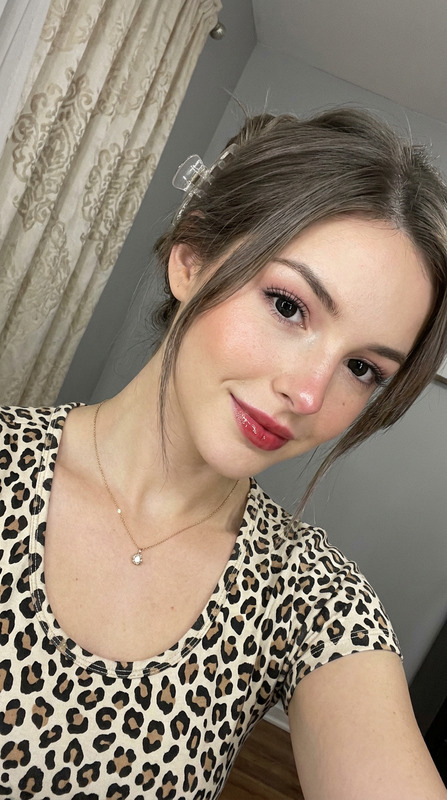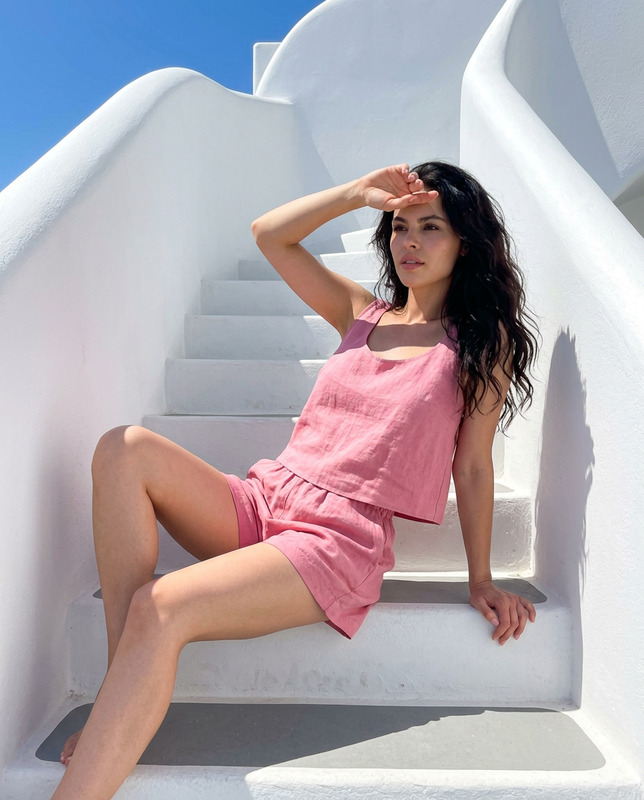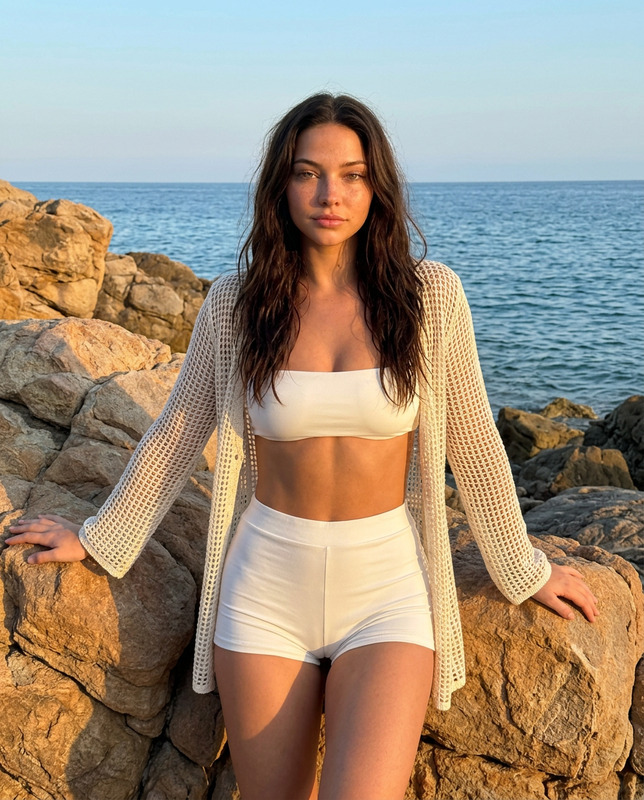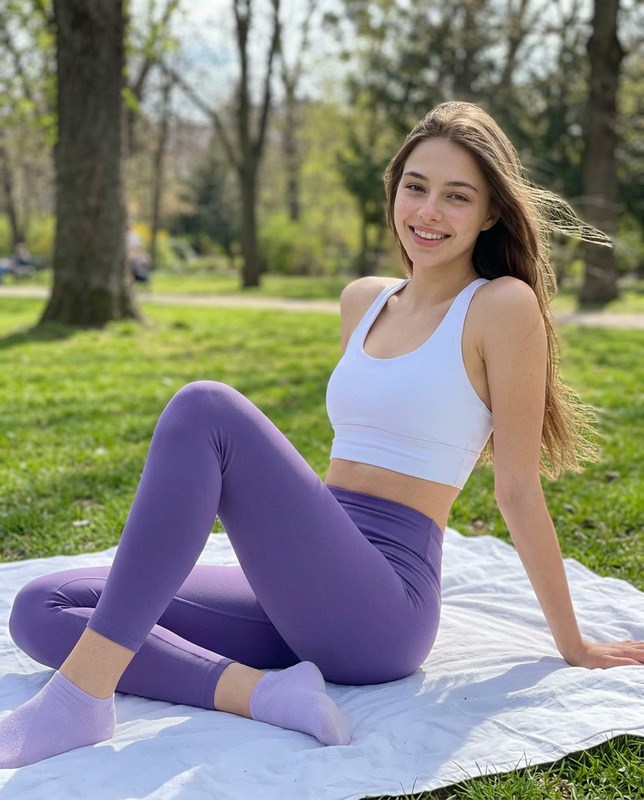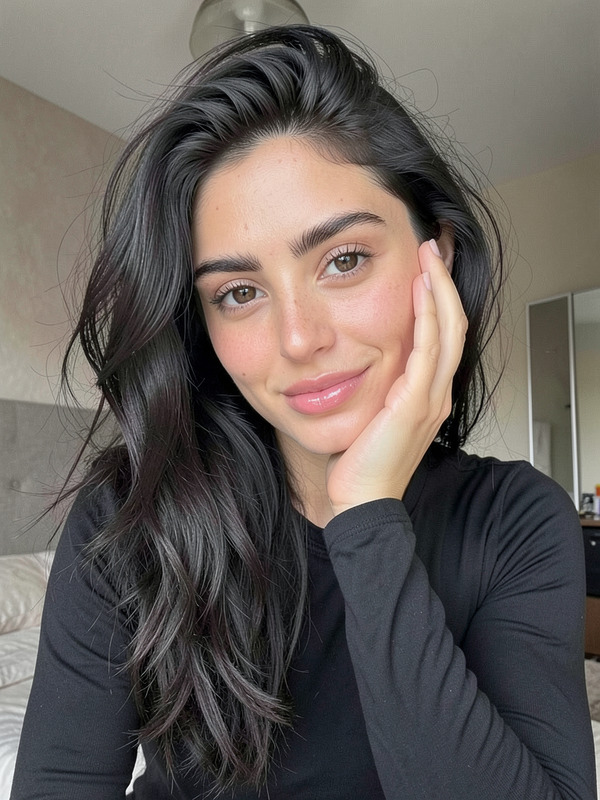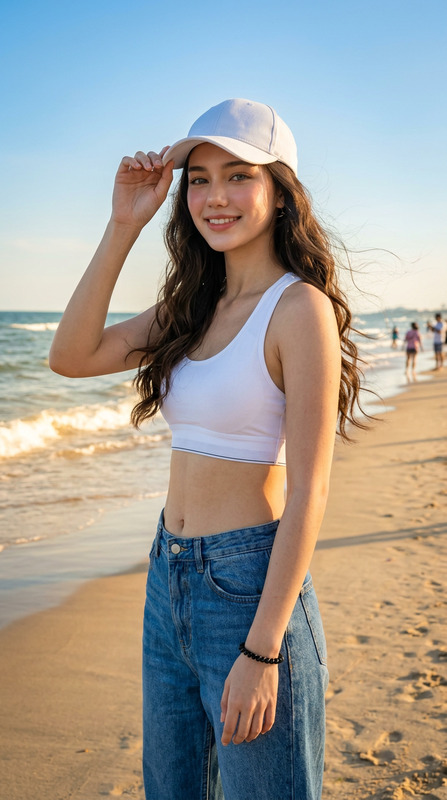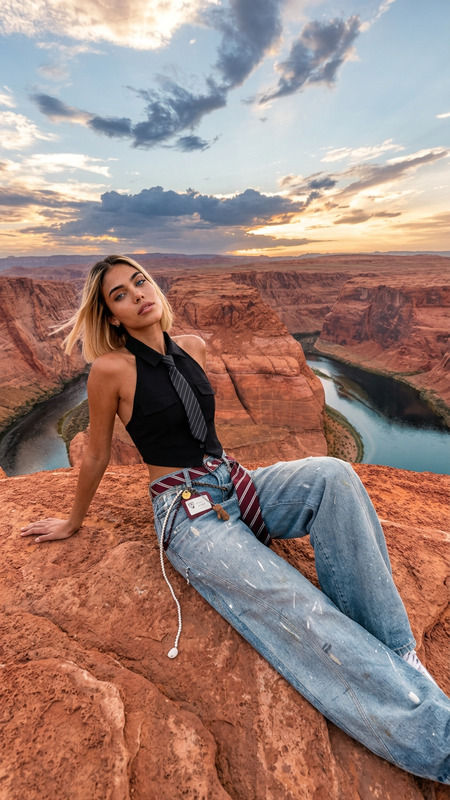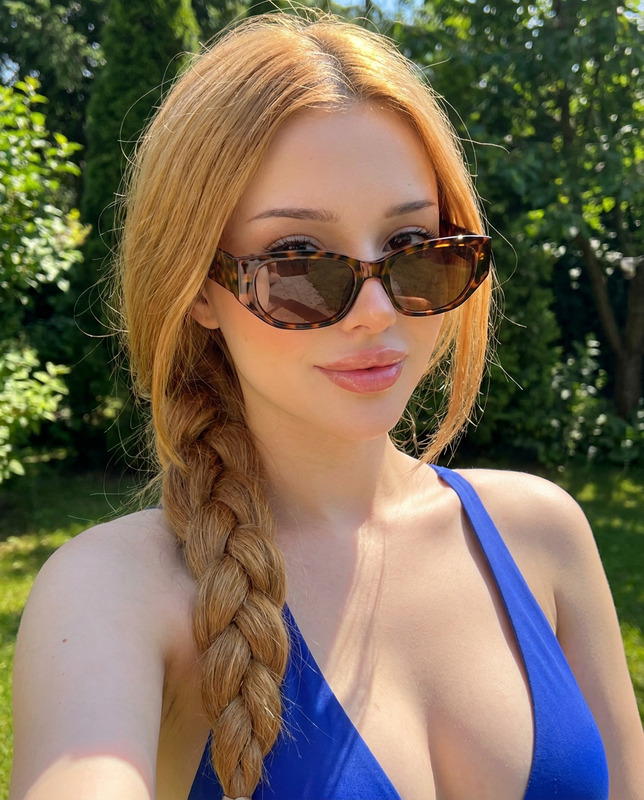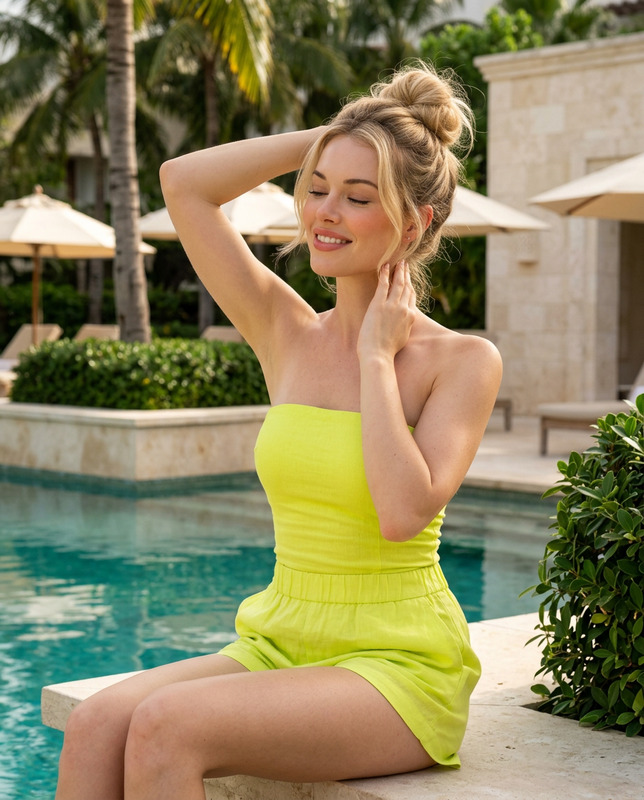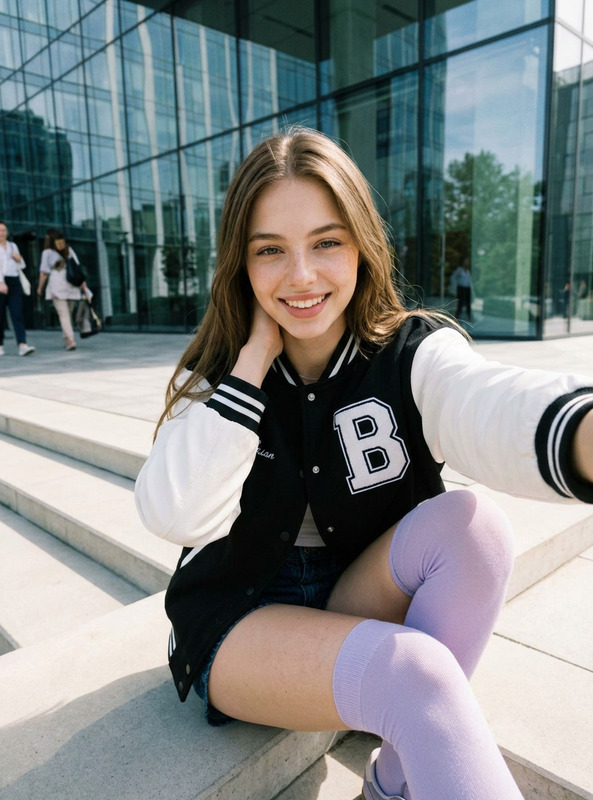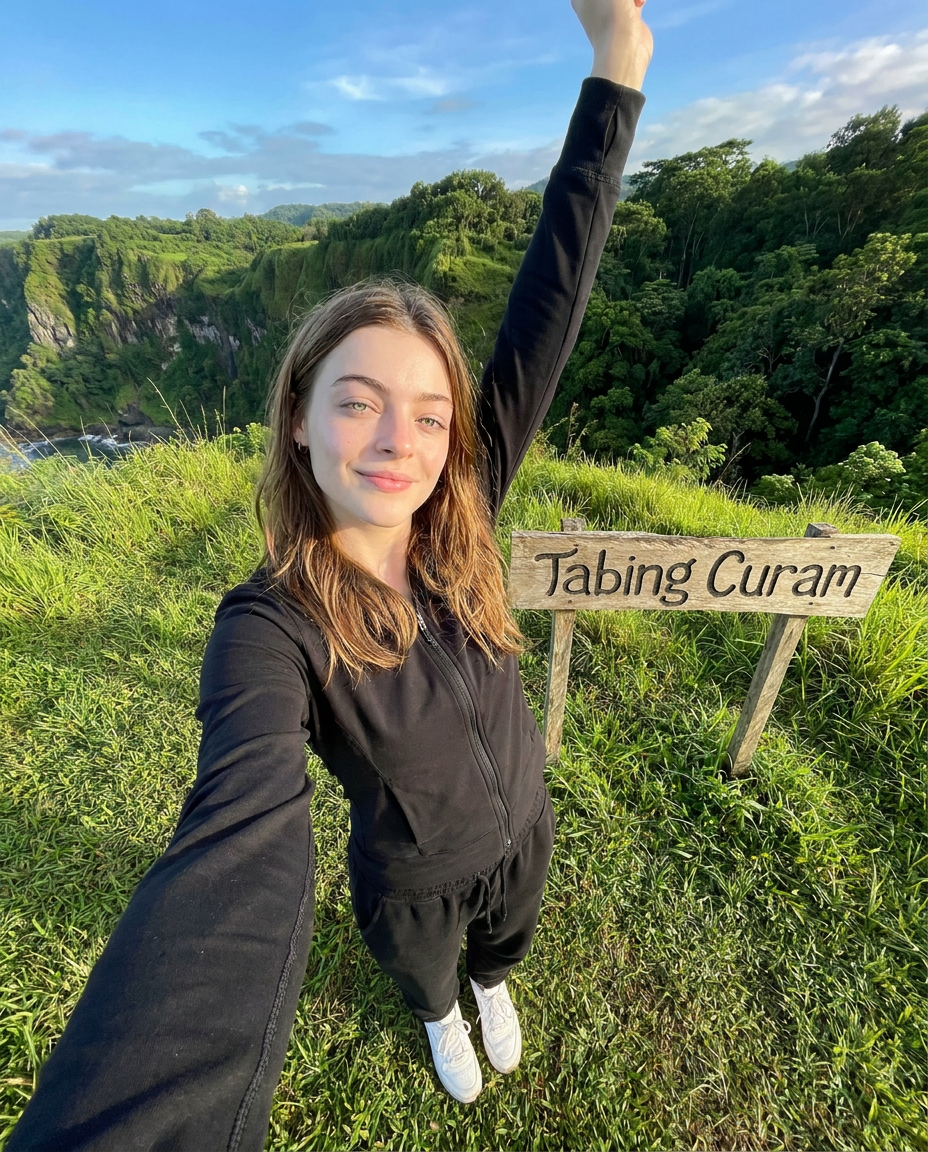
Hill Selfie
- Model
- Nano Banana Pro
- Image
- 928 × 1152 px
Prompt
Use the uploaded reference photo as the primary identity reference. Preserve the person's identity with 100% accuracy. Do not alter the facial structure, skin tone, hairstyle, facial proportions, facial expression, or any unique facial features. The person must remain instantly recognizable as the exact same individual from the reference photo. Create a RAW, ultra-realistic smartphone selfie of the person standing outdoors on a lush green grassy hill beside a rustic wooden sign that reads "Tabing Curam". The person is taking a full-body selfie with one arm extended toward the camera while the other arm is raised naturally above the head in a relaxed, cheerful pose. She wears a black lightweight zip-up jacket,Black sweatpants, and white sneakers, smiling softly with a genuine, relaxed expression. The pose should feel spontaneous and naturally captured during a sightseeing trip, not staged. Environment Beautiful green hills with dramatic cliff views in the background Dense trees and lush tropical vegetation Fresh natural landscape Warm morning or late afternoon atmosphere Clean blue sky with soft clouds Peaceful outdoor travel destination Lighting Natural sunlight Soft highlights on the skin Balanced exposure Slightly warm color temperature Realistic sunlight direction Soft ambient bounce light Natural HDR appearance Camera Smartphone front camera Full-body selfie shot High-angle perspective (camera held above eye level) Slight wide-angle smartphone lens distortion Natural perspective Sharp focus Realistic depth Clear background Details RAW photo aesthetic Ultra realistic Natural skin texture Realistic shadows Fine film grain High dynamic range Authentic clothing folds Natural hair strands True-to-life colors No beauty filter No excessive skin smoothing No CGI look No illustration No anime No watermark No logo No text (except the wooden sign reading "Tabing Curam") Professional travel photography quality Looks like an authentic smartphone selfie captured during a real outdoor trip.
Any aspect ratio
Overview
The "Hill Selfie" template in the AI Image Editor category uses the nano-banana-pro model to craft ultra-realistic, smartphone-style selfies with professional travel photography aesthetics. This template is perfect for transforming your ordinary portrait into a vivid outdoor memory, without compromising personal identity.
What It Does
This template allows you to create a realistic photo of yourself at a picturesque travel destination, using just a reference image. It retains your facial features with precision while placing you on a lush hill beside a "Tabing Curam" sign. It provides a spontaneous yet authentic selfie look, ideal for visual effects and professional-grade social media posting.
Who It's For
The "Hill Selfie" template is ideal for content creators, travel enthusiasts, and influencers who wish to enhance their digital presence with visually appealing content. Photographers seeking to simulate travel shoots and marketers looking to add a realistic touch to promotions can also benefit from this template. Explore related tools like the Image to Video for diversifying content creation workflows.
Summary
Use this template for creating breathtaking outdoor selfies that maintain your true appearance against scenic hill backgrounds. This is achieved without altering any distinctive features, ensuring that the end result is a perfect blend of reality and artistic nature capture.
How To

Customize

Generate

Use Cases
Travel Blogs
- Add a personal touch to travel narratives
- Create consistent social media visuals
- Encourage viewer engagement with photographic authenticity
Social Media Content
- Capture the feel of spontaneous photography
- Showcase stunning location-based imagery
- Increase followers with professional-quality posts
Marketing Campaigns
- Appeal to sense of authenticity
- Highlight your brand’s adventurous spirit
- Attract nature-loving customers
Best Practices
Ensure Image Quality
Use a high-resolution reference photo to maximize output quality.Stay True to Lighting
Adjust reference photo lighting to match a natural sunlight setting for optimum results.Contextual Clothing
Dress appropriately in the reference image to enhance the natural look of the output, focusing on the fit and style as described in the template prompt.