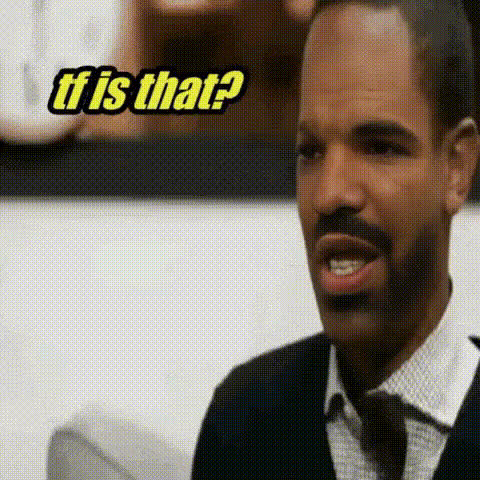
Confused at the Gate
- Video
- 206.54 sec
Any aspect ratio
Overview
"Confused at the Gate" is a dynamic Video Face Swap template that enables you to spice up videos with unexpected and humorous face swaps. Whether it's for a personal project or a viral social media clip, this tool is designed to bring an extra layer of fun and creativity to your videos.
What It Does
By using advanced AI Image Editor technology, the "Confused at the Gate" template lets you replace faces in a video with any desired face. With straightforward controls, you can select the face to swap and choose the new face using a simple image input. The template maintains high video quality, ensuring that the end result looks natural and engaging.
Who It's For
This template is perfect for content creators, marketers, and social media enthusiasts who want to add an unexpected twist to their content. It also suits educators and entertainers looking to engage their audience with creative visuals, allowing for humorous or thematic storytelling through face swapping.
Summary
The "Confused at the Gate" template offers an easy-to-use platform for creating engaging and amusing face swap videos. Leveraging Magic Hour's Face Swap technology, it provides reliable performance for any user aiming to enhance their video content with creative modifications. Check out the wide range of AI Video Generator tools available to complement this template.
How To Structure
Choose the Template

Customize Your Inputs

Generate and Download

Use Cases
Social Media Content
Marketing Campaigns
Entertainment Channels
Best Practices
Choose High-Quality Images
For the best results, use high-resolution images of faces with clear facial features when doing swaps.Consider Context
Ensure the face you swap in suits the scene for maximum impact and comedic effect.Test Different Scenarios
Experiment with various face swaps to see which combinations yield the most engaging or humorous results.