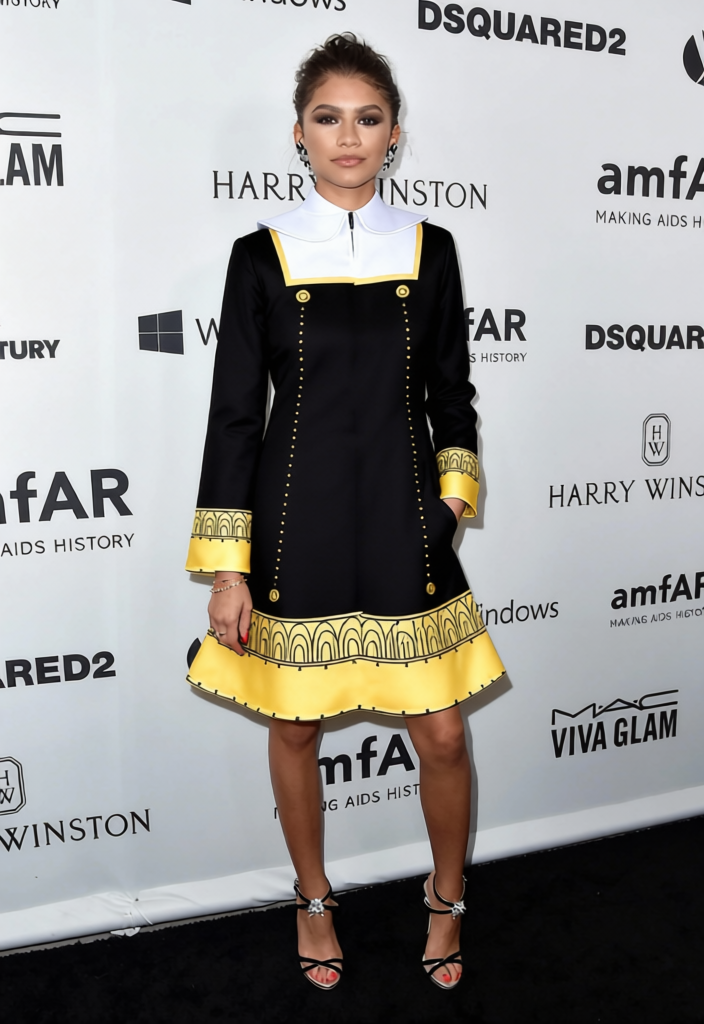
Anya Forger Black School Uniform With Gold Trim
- Image
- 704 × 1024 px
Any aspect ratio
Overview
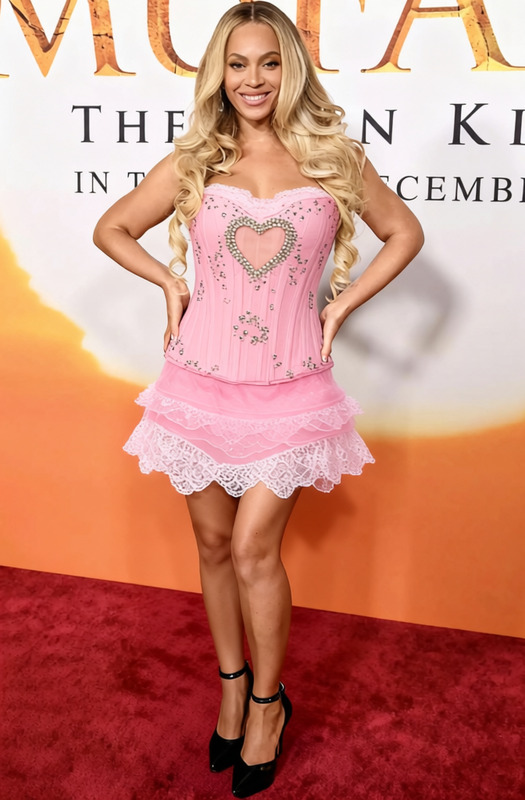
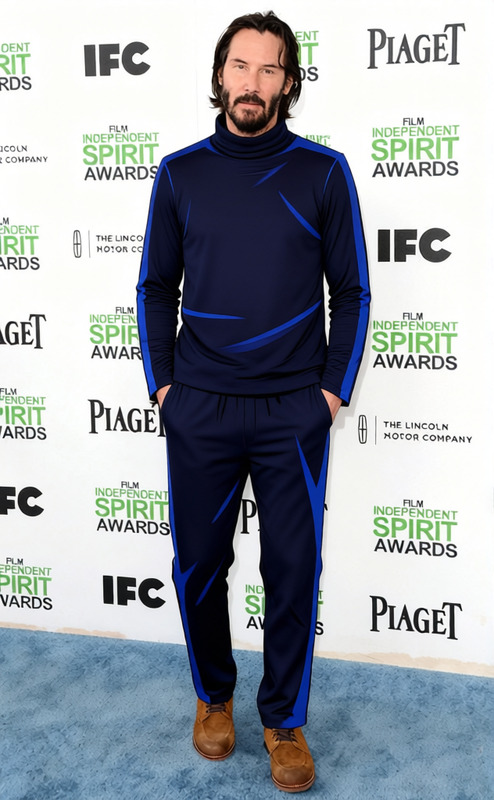
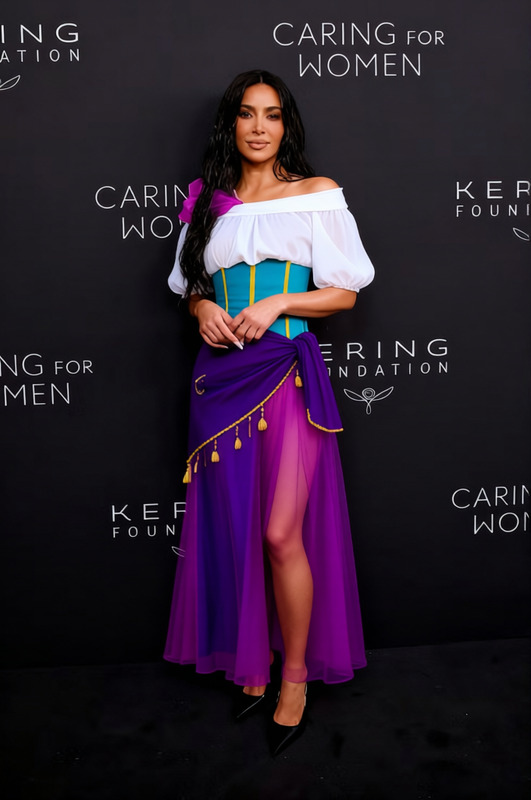
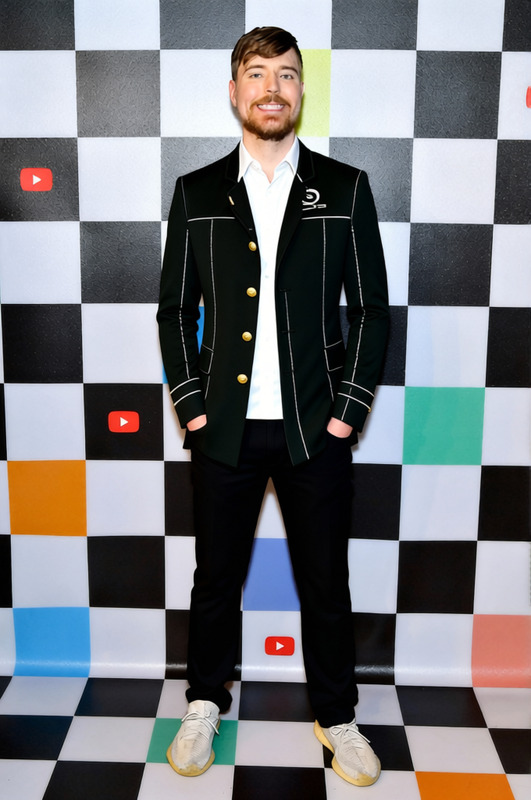
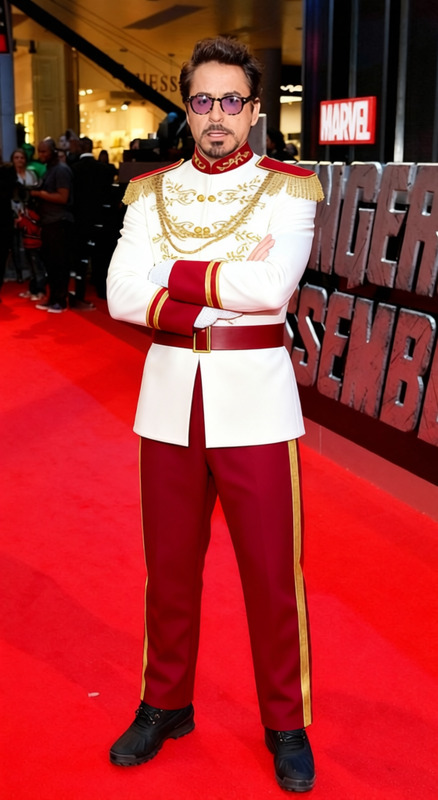
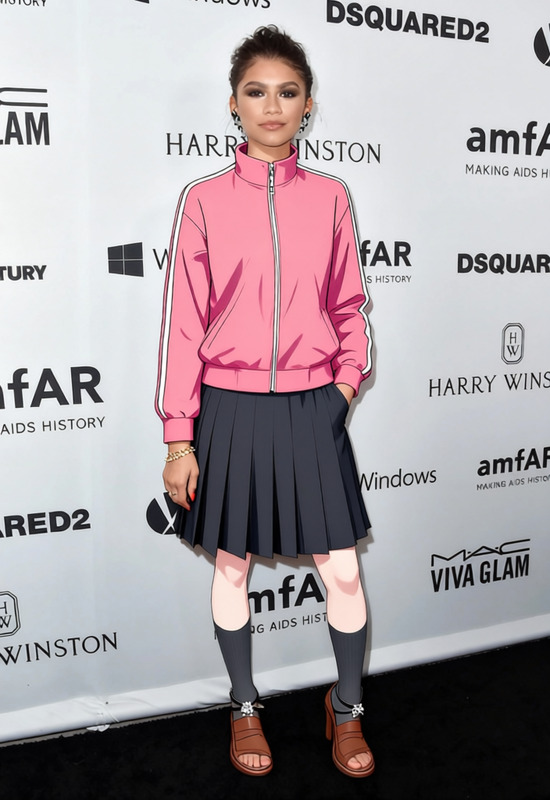
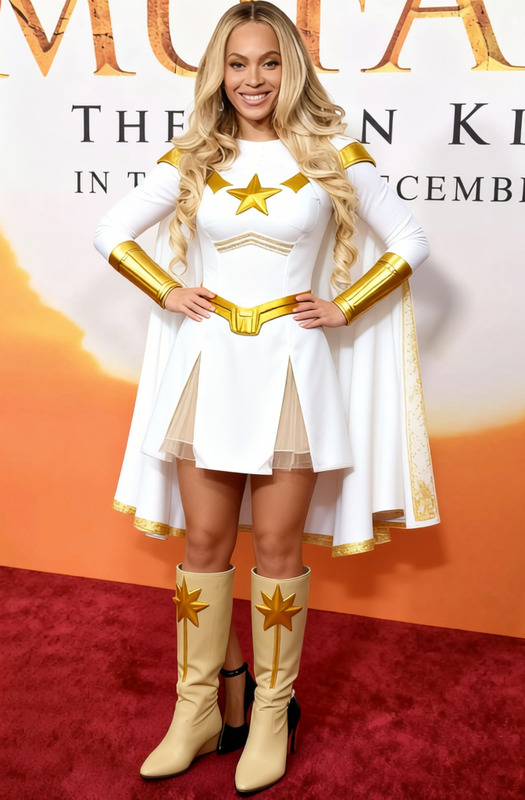
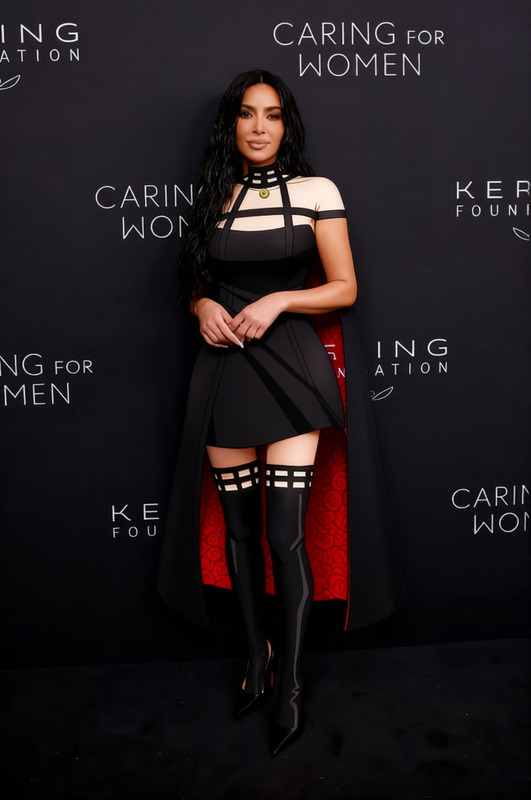
The "Anya Forger Black School Uniform With Gold Trim" template is designed for those looking to alter the appearance of outfits in images, specifically aiming to transform clothing to match Anya Forger's distinctive school uniform from the popular series. This template leverages advanced AI tech to provide realistic apparel conversions.
What It Does
Harnessing the power of AI, this template enables you to swap existing clothing in your images with Anya Forger's iconic black school uniform featuring gold trim. Perfect for cosplay photos, fan art, and creative projects, it delivers a high-quality, professional look that captures the essence of the character. This is achieved using technologies similar to those in our Face Swap and AI Image Editor products.
Who It's For
This template is ideal for content creators, cosplayers, and fans of Anya Forger looking to revamp their images with a fun, cartoon-inspired outfit. It's equally beneficial for digital marketers and advertisers seeking to create engaging, themed content efficiently. The ease of use also makes it accessible for hobbyists or anyone interested in creative image enhancement, similar to what you might find in our AI Profile Picture Generator.
Summary
Transform your images with the "Anya Forger Black School Uniform With Gold Trim" template, a powerful tool for image customization. Ideal for fans and creators wanting to add a personal, character-themed touch to their visuals. Explore other possibilities with our AI Clothes Changer to further expand your creative toolkit.
How to Use
Choose Your Template

Customize Your Image

Generate Your New Image

Use Cases
Cosplay Enhancement
- Create standout cosplay images
- Simplify costume production for shoots
Fan Art and Illustrations
- Add thematic elements to art
- Craft visually engaging illustrations
Digital Marketing
- Enhance ad visuals
- Create engaging social media content
Best Practices
Choose High-Resolution Images
For the best results, start with high-resolution images. This ensures the generated clothing looks sharp and realistic.Align Subject Matter Properly
Ensure that the subject is facing forward with a clear view of the clothing area for optimal template application.Experiment with Lighting
Adjust lighting settings in the editor to match the lighting in your image, creating a more seamless look.