Flight Attendant Uniform
- Image
- 704 × 1024 px
Any aspect ratio
Overview
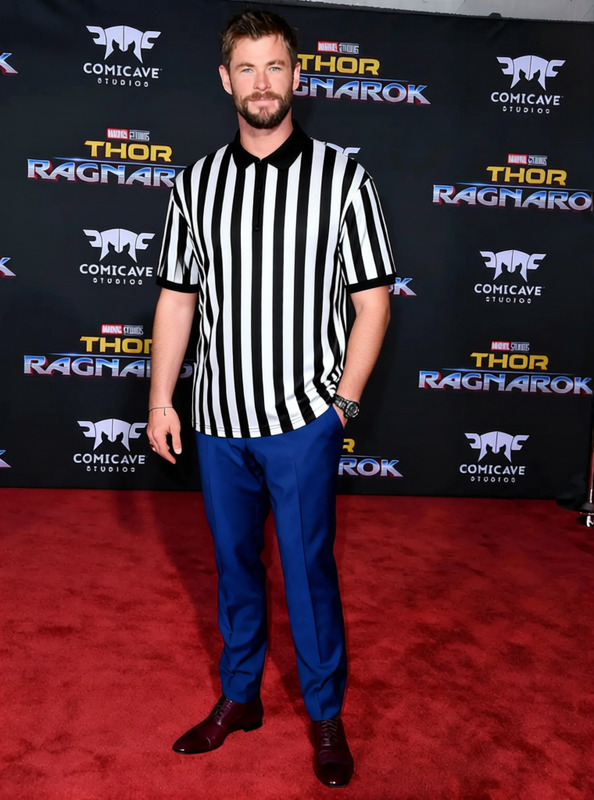
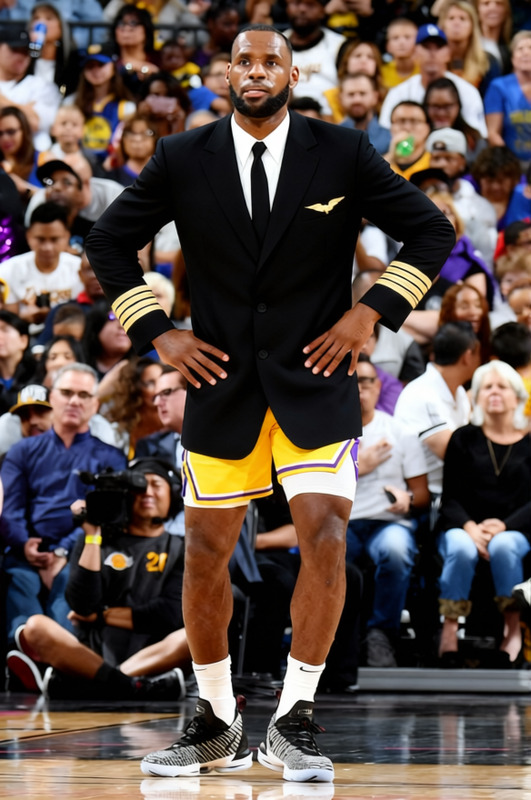
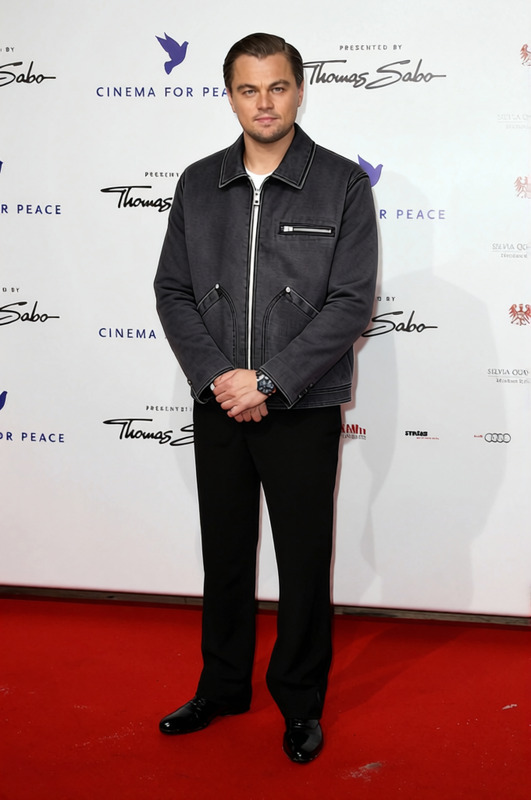
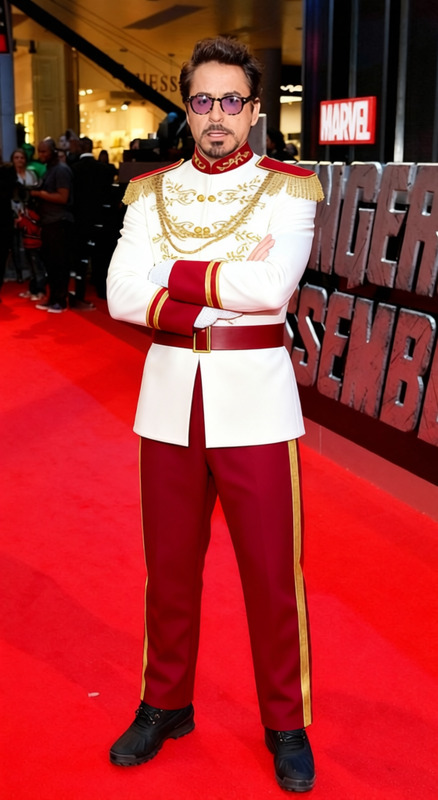
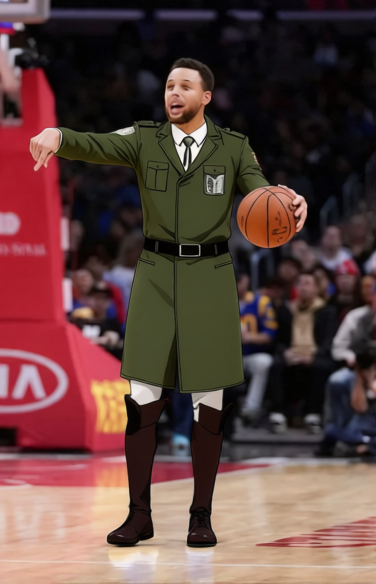
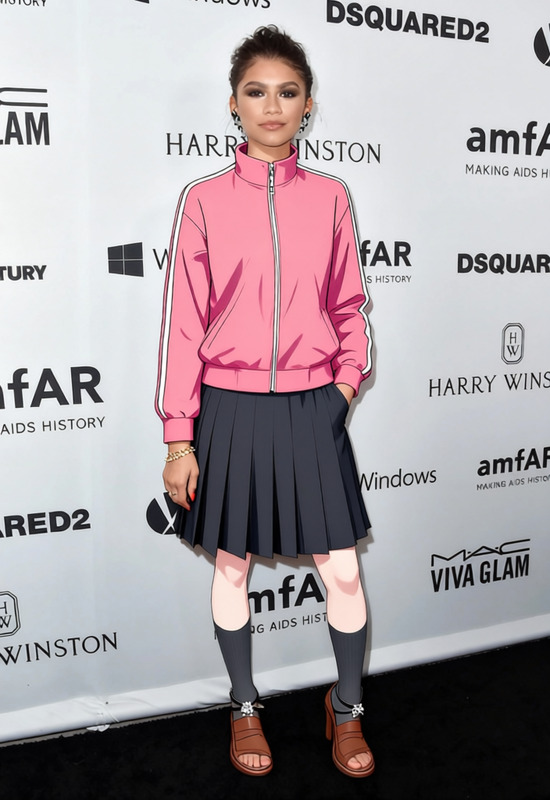
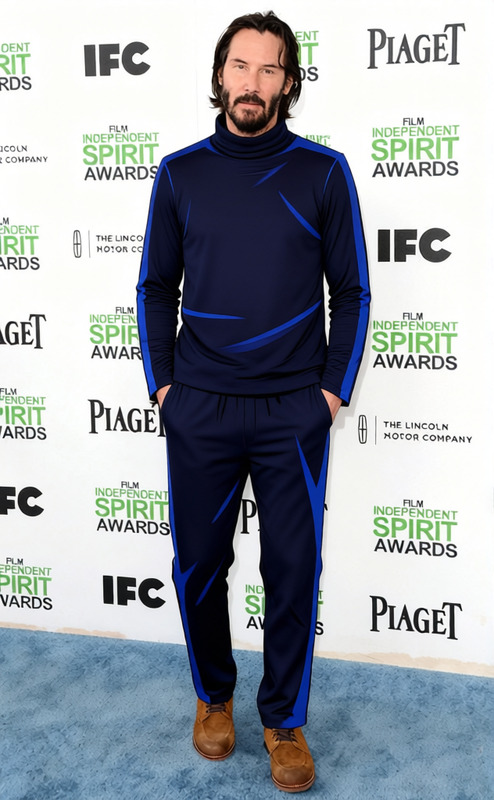
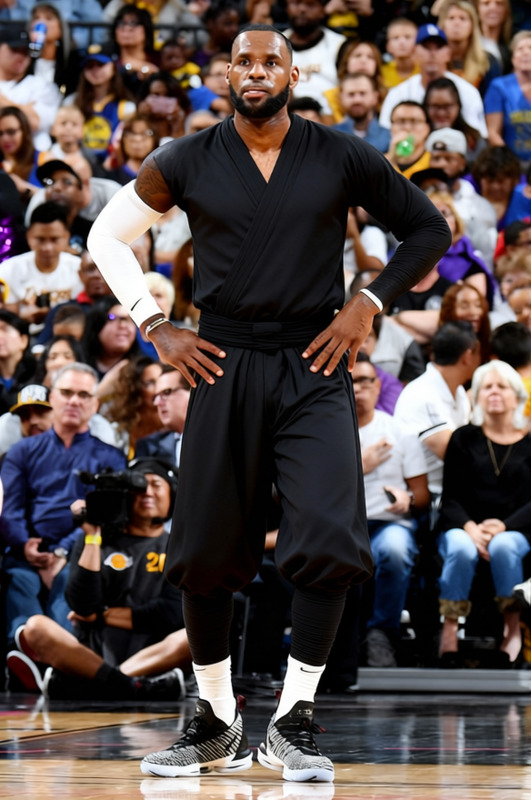
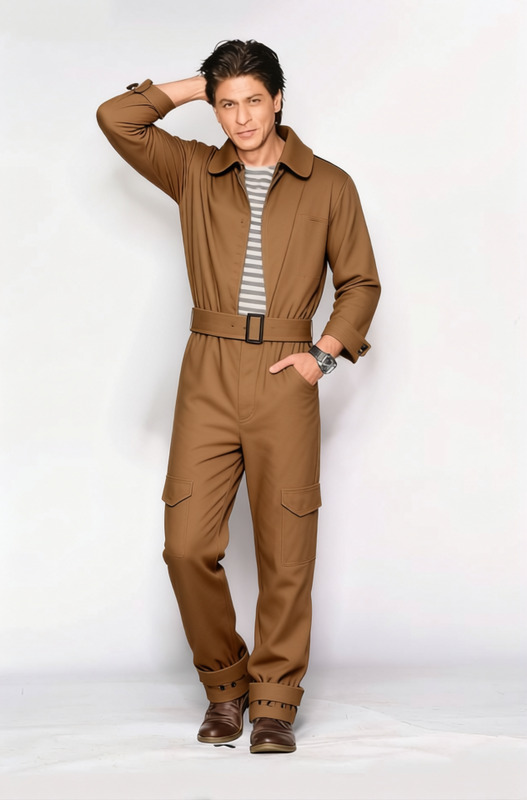
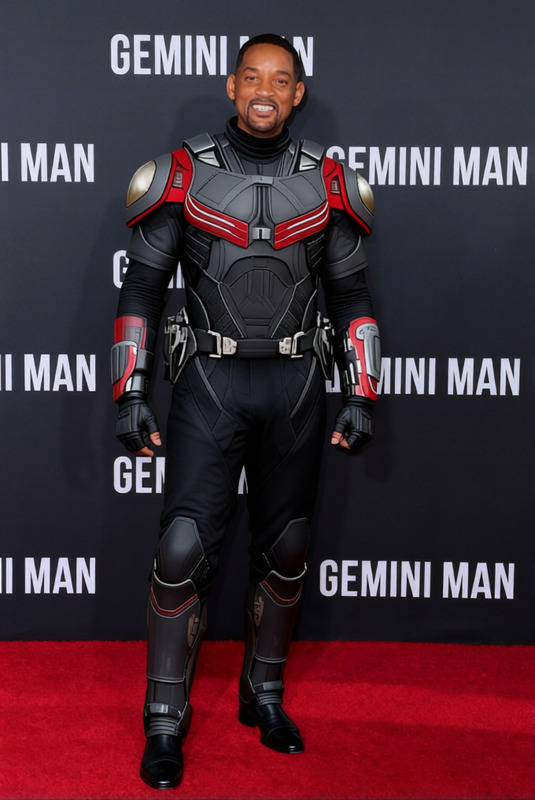
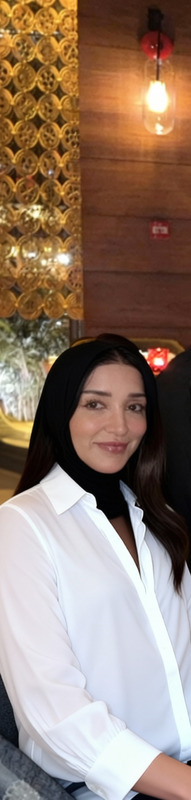
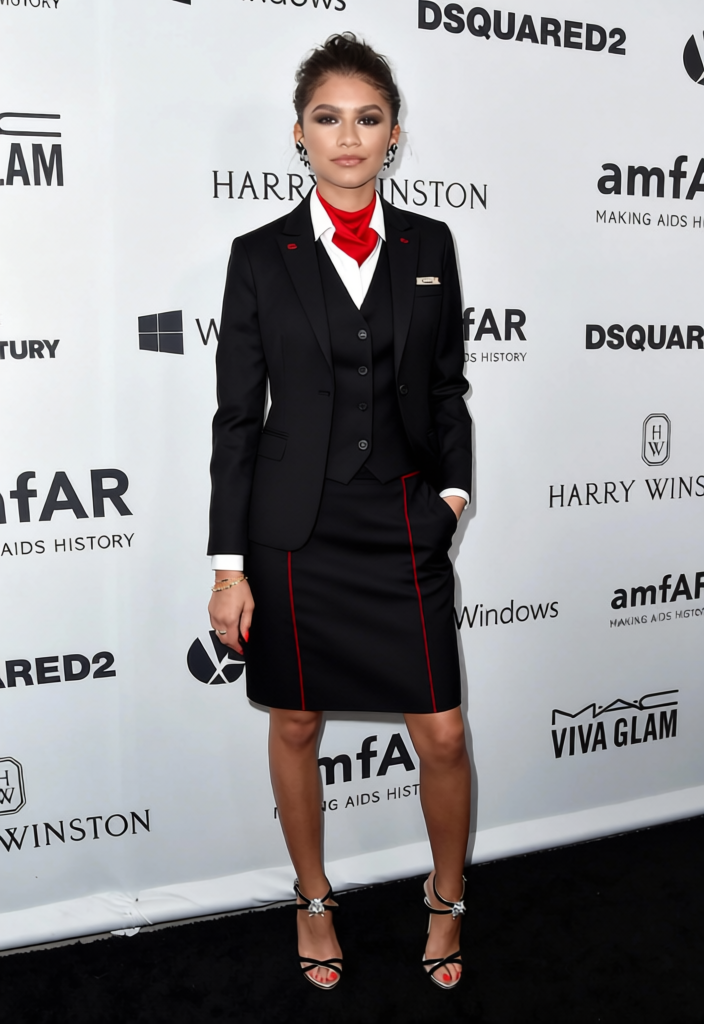
The Flight Attendant Uniform template is part of our AI Clothes Changer product. This tool allows users to modify the attire of subjects in photos, providing the illusion that they're wearing an airline uniform. Ideal for creating themed content or conceptual visuals, the template works with various image file formats and provides realistic results.
What It Does
This template transforms the clothing in your images to resemble a professional flight attendant uniform. By integrating with the AI Image Editor, it ensures that the new outfit blends seamlessly with the subject's pose and lighting conditions. This is perfect for marketing materials, educational content, or social media posts.
Who It's For
The template is designed for marketers, content creators, and designers aiming to enhance their visual projects. It is also perfect for airlines looking to visualize uniform concepts without physical prototypes. Thanks to tools like AI Image Upscaler, users can ensure high-quality outputs that meet professional standards.
Summary
Utilize the Flight Attendant Uniform template to creatively alter images with professional-grade clothing changes. This template integrates with Magic Hour's suite of products to provide nuanced and realistic edits, supporting both personal and commercial projects.
How to Customize
Choose Your Template

Customize Inputs

Generate and Download

Use Cases
Marketing Campaigns
- Visualize new uniforms without a physical prototype
- Quickly iterate designs for feedback
Content Creation
- Create themed Instagram posts or TikTok content
- Add a creative twist to storytelling
Educational Tools
- Enhance training visuals with realistic uniforms
- Use in safety and procedural educational content
Best Practices
High-Resolution Images
For best results, start with a high-resolution image, ideally processed through the AI Image Upscaler to enhance details.Lighting Consistency
Ensure the lighting in your original photo is even for seamless uniform integration.Post-Processing
Use the AI Image Editor for additional touch-ups to fine-tune details.