Jimi Hendrix Purple Velvet Jacket With Ruffled Shirt 2
- Image
- 680 × 1016 px
Any aspect ratio
Overview
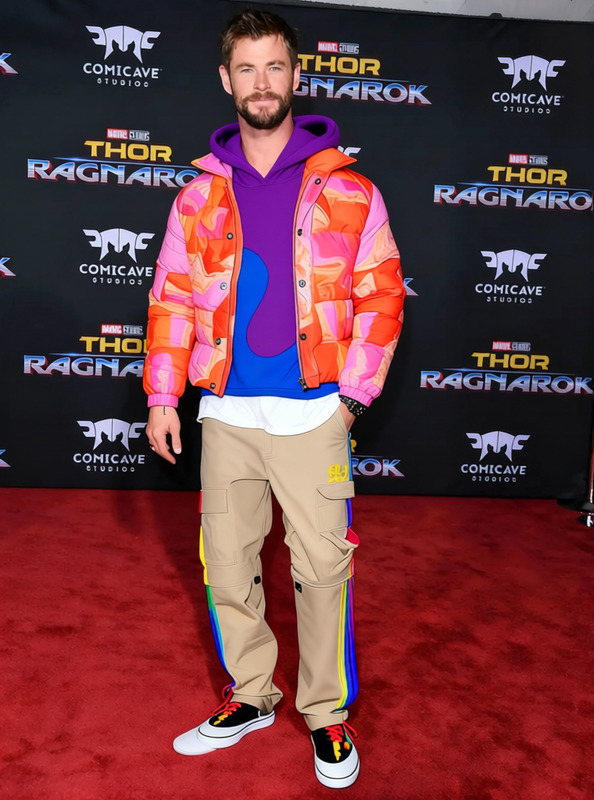
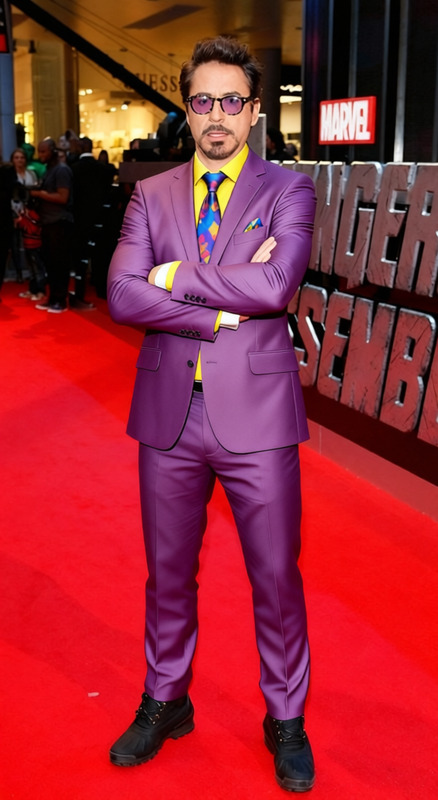
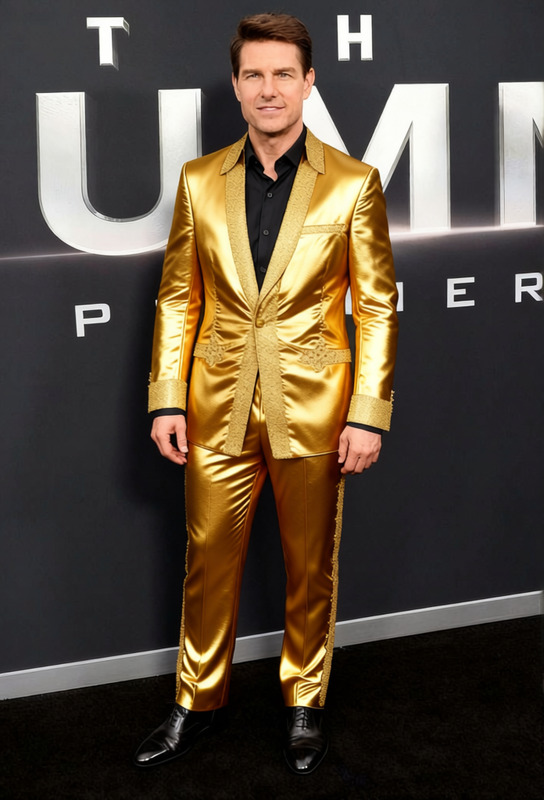
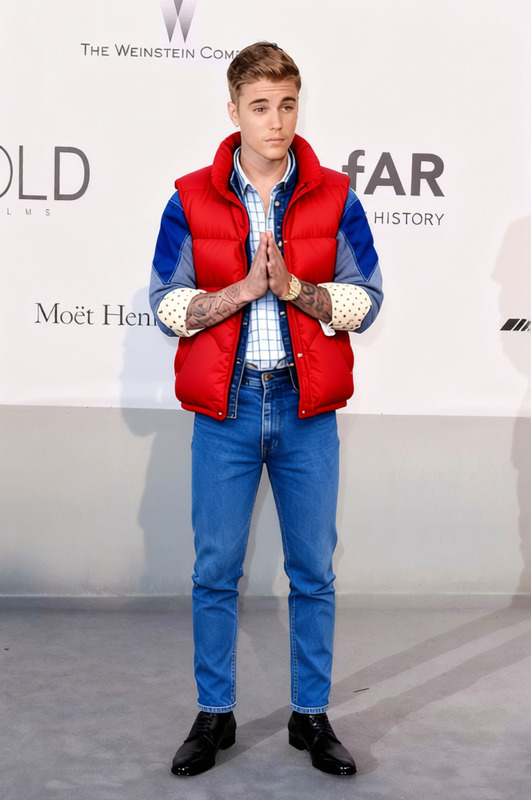
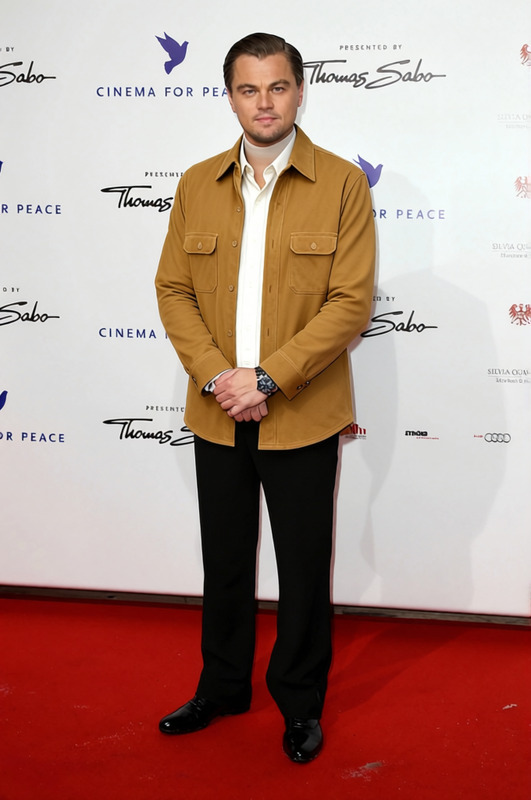
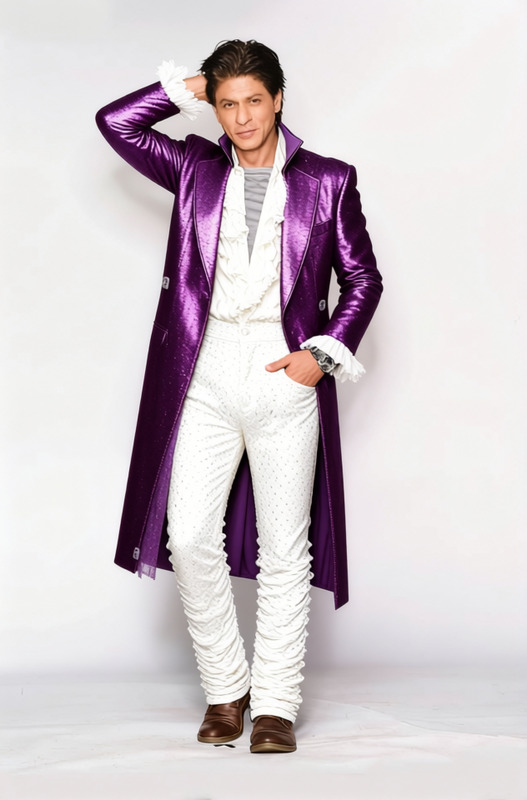
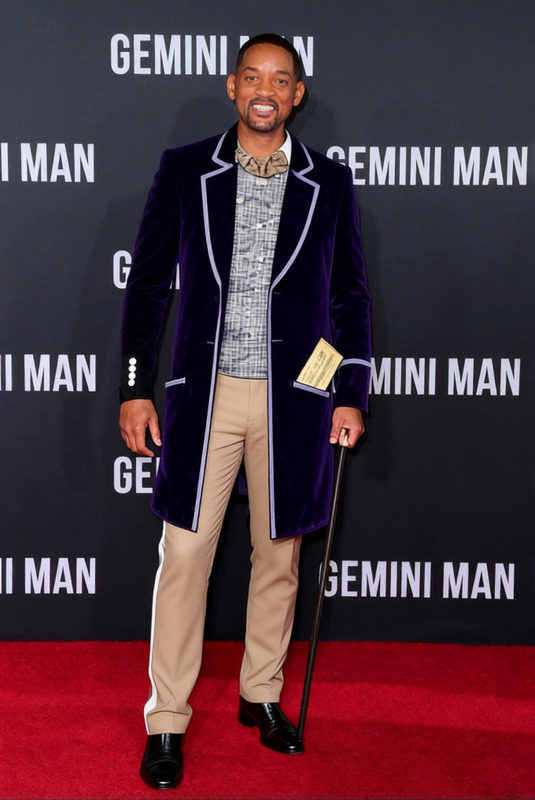
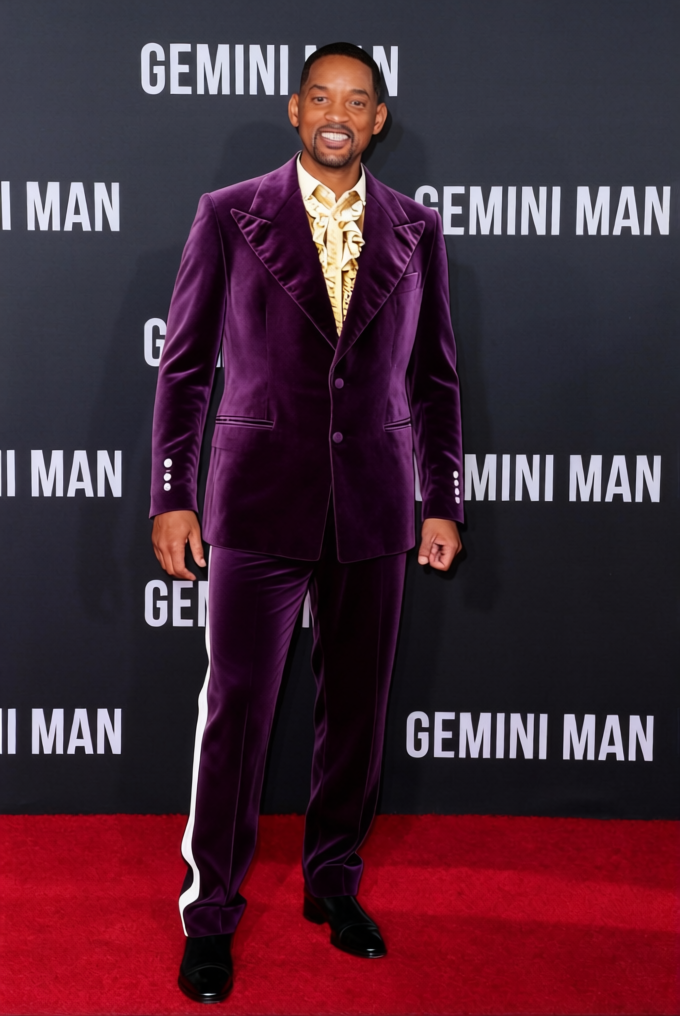
Step into the legendary world of Jimi Hendrix with the Purple Velvet Jacket With Ruffled Shirt template. This Clothes Changer template allows you to digitally transform any image by adding a touch of iconic style. Suitable for both creative ventures and personal experimentation, this template is your gateway to recreating Hendrix's signature look in just a few clicks.
What It Does
The Purple Velvet Jacket template enhances your photos by integrating a detailed 3D-rendered version of Jimi Hendrix’s famous outfit. It overlays the vibrant jacket and ruffled shirt onto the subject of your image, making it perfect for promotional materials or fan art. The AI Clothes Changer technology ensures a realistic and natural fit, transforming everyday photos into something extraordinary.
Who It's For
This template is ideal for musicians, marketers, and fan communities looking to add a psychedelic flair to their visual content. Creative artists will find it particularly useful for generating unique promotional imagery, while social media enthusiasts can delight their followers with retro-inspired makeovers. Even educators creating content about the 1960s music scene can use this to bring history to life visually.
Summary
Embrace the spirit of rock and roll with this Hendrix-themed clothes changer template. Easily apply a digitally tailored purple velvet jacket and ruffled shirt to any portrait, achieving a standout look that's both nostalgic and visually stunning. Discover more ways to revolutionize your visual media with our complete range of tools, including the AI Video Generator and Photo Colorizer.
How to Use
Choose the Template

Customize Your Image

Generate and Download

Use Cases
Music Event Promotions
- Create striking promotional posters
- Design album artwork with a retro twist
Social Media Content
- Engage followers with themed photo challenges
- Create unique profile pictures with flair
Educational Materials
- Create engaging slides with period-accurate imagery
- Develop interactive history exhibits
Best Practices
Choose High-Quality Images
For the most authentic results, start with a high-resolution image of the subject. This improves the overlay quality and ensures the details of the jacket and shirt are crisp.Consider the Lighting
Ensure your source image has consistent lighting. This helps the digital clothing blend naturally, making the transformation look seamless.Adjust for Fit
Use the customization controls to tweak the positioning of the outfit, especially around the shoulders and chest, for a natural look.
Frequently asked questions
More Like This