Pacific Rim Jaeger Pilot Grey Drivesuit With Harness
- Image
- 696 × 1024 px
Any aspect ratio
Overview
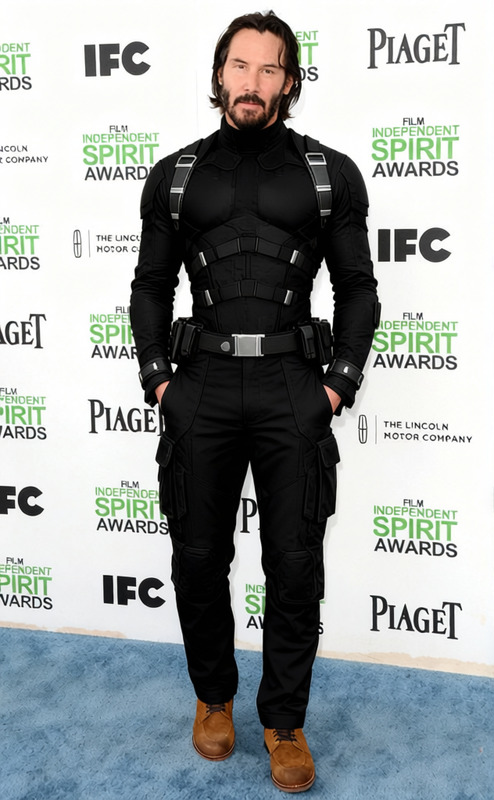
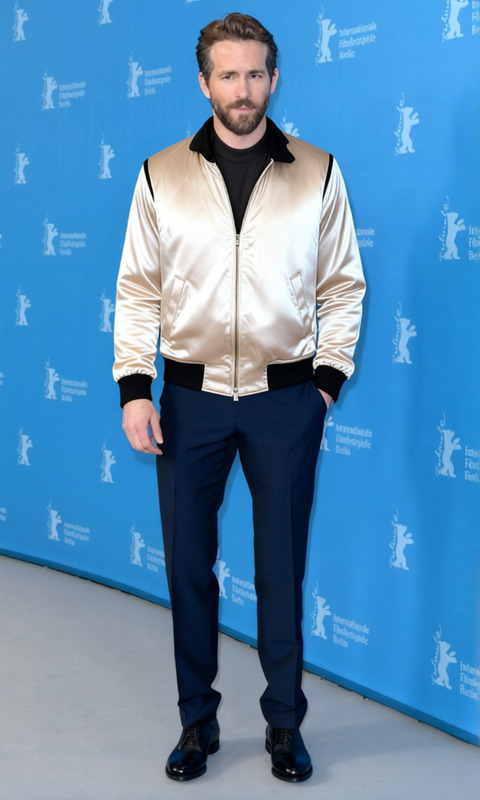
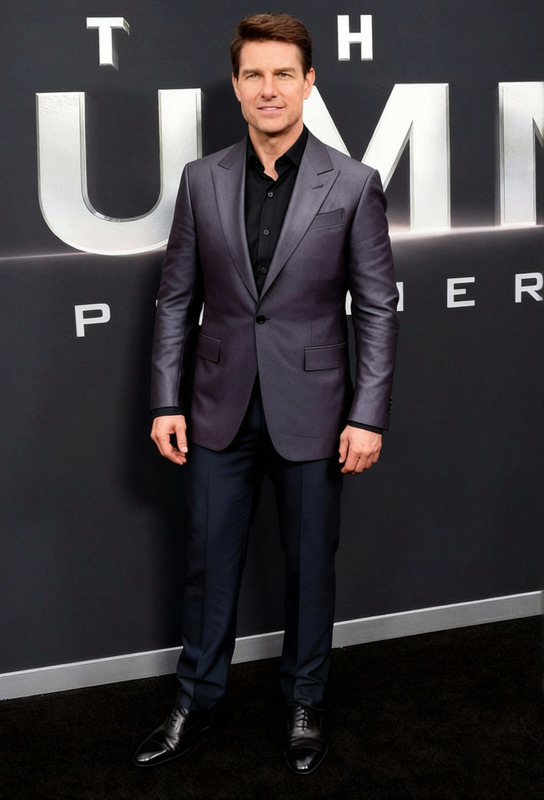
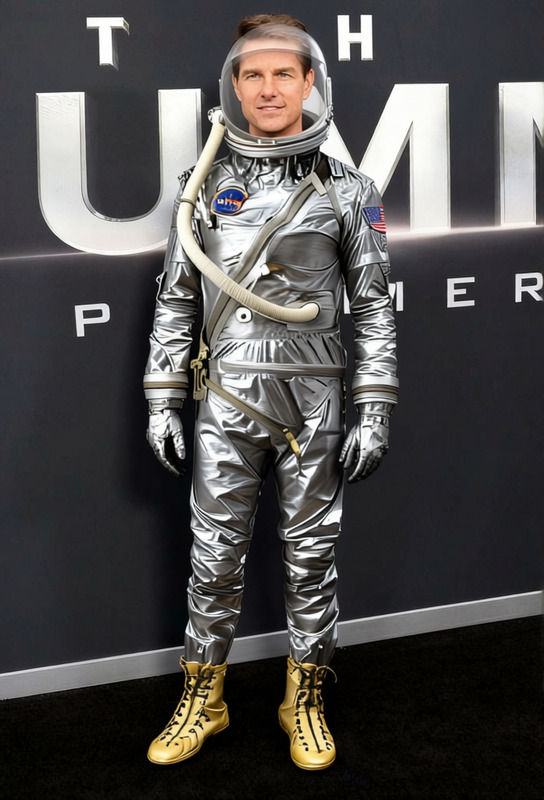
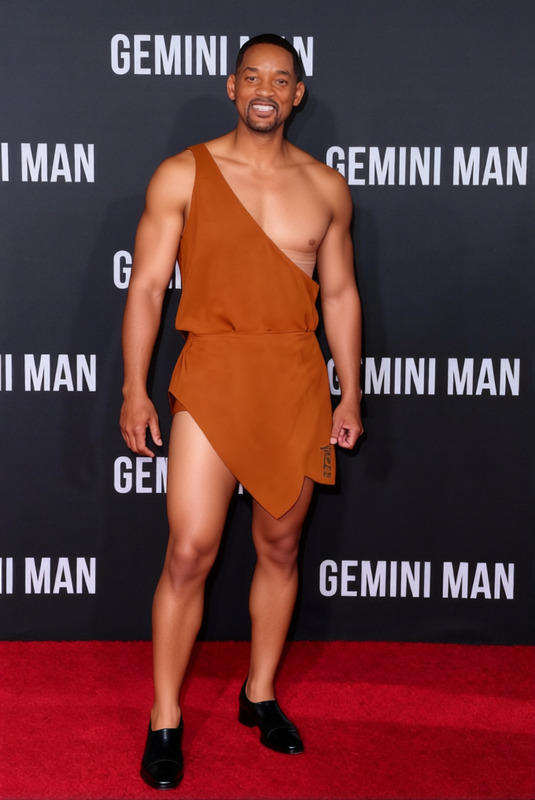
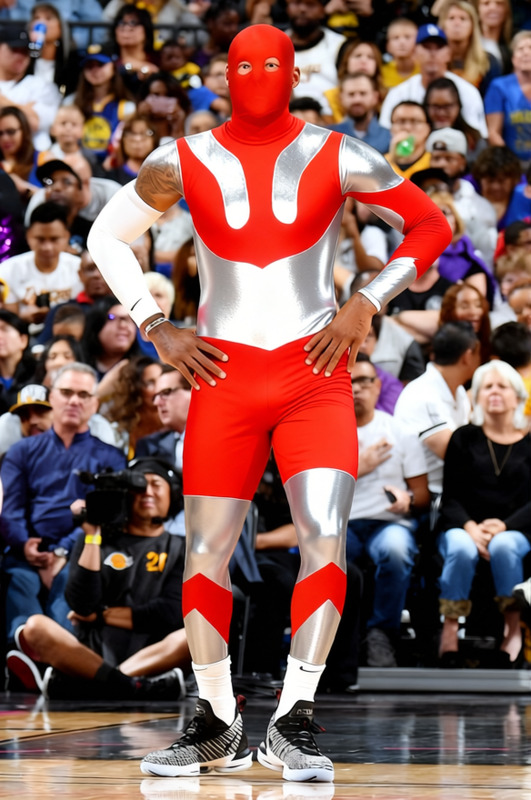
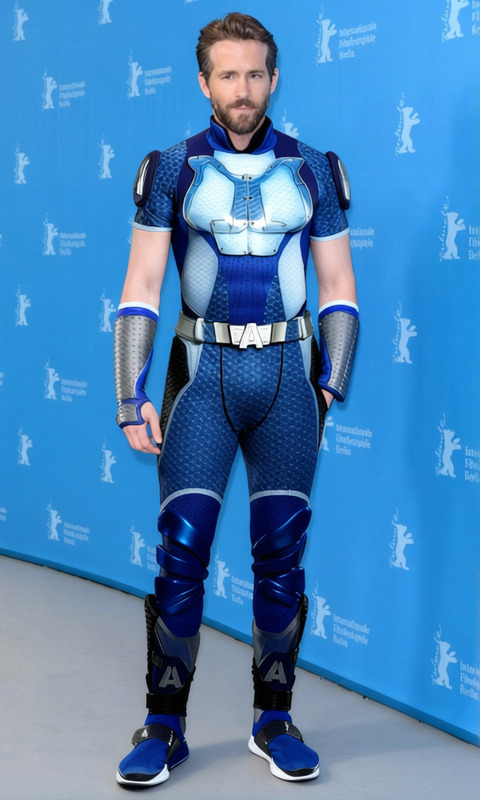
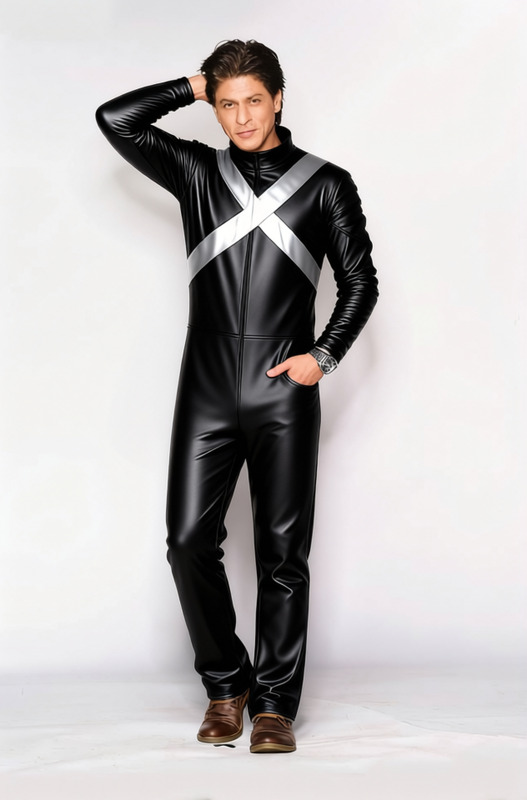
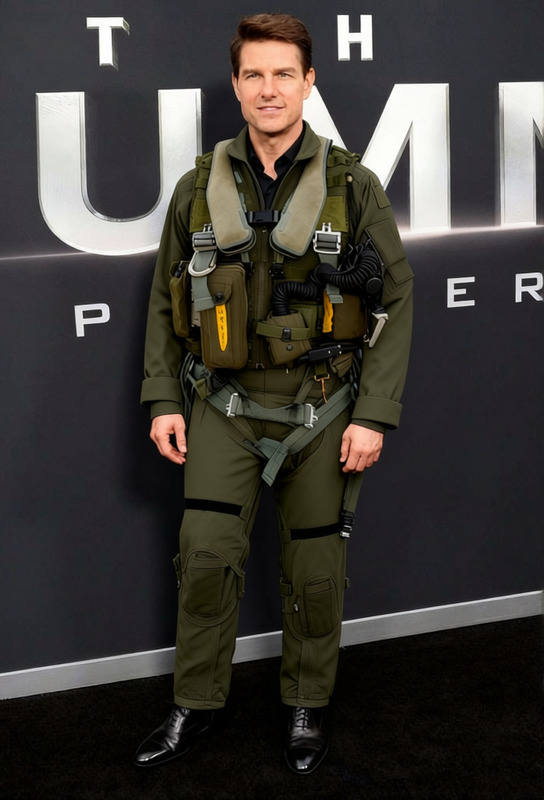
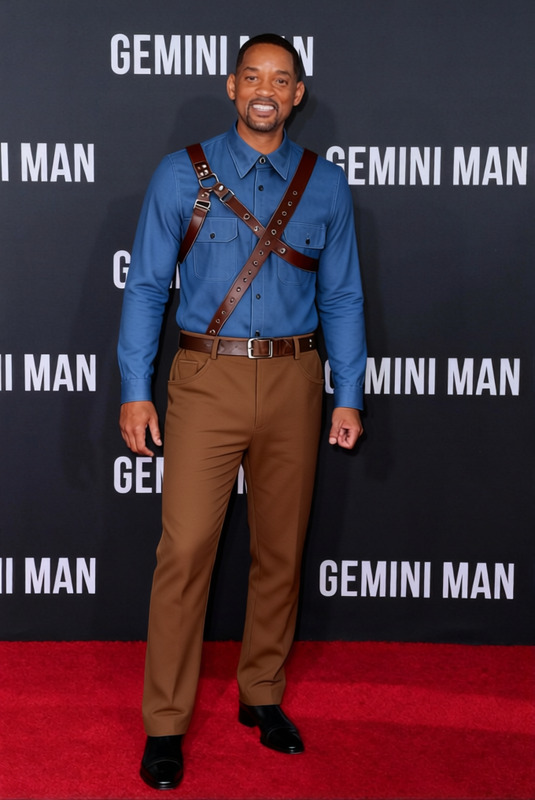
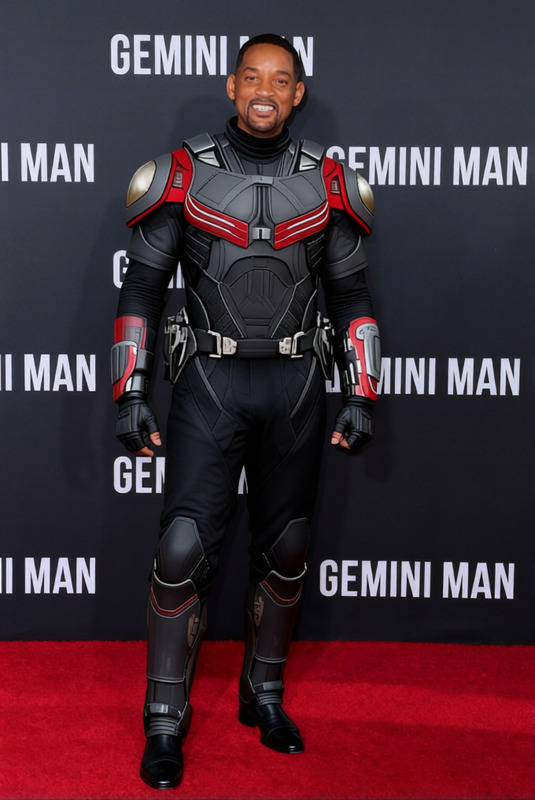
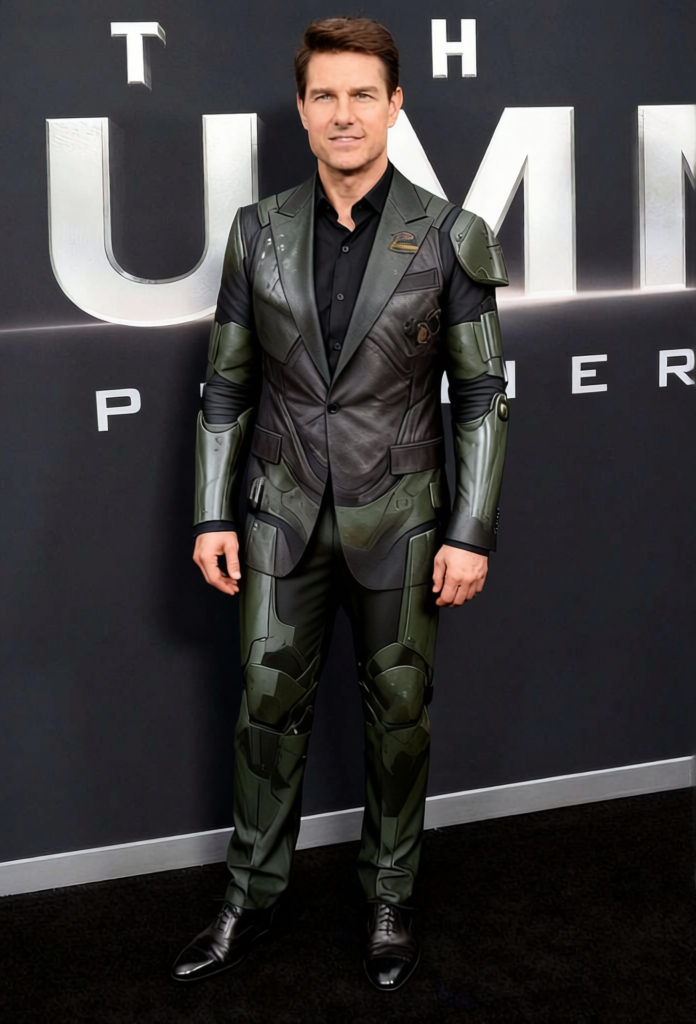
Transform your images into futuristic sensations with the Pacific Rim Jaeger Pilot Grey Drivesuit with Harness template. Designed for use in the AI Clothes Changer, this template lets you effortlessly alter clothing in photos to match the iconic style of the Jaeger pilots.
What It Does
This template replaces existing attire in images with a detailed render of the Jaeger Pilot Grey Drivesuit, complete with a harness, evoking the Pacific Rim aesthetic. Compatible with AI Image Editor workflows, it allows for precise and realistic wardrobe transformations.
Who It's For
The Pacific Rim Drivesuit template is tailored for cosplay enthusiasts, sci-fi fans, and digital artists who want to create stunning visual transformations. Marketing professionals looking to spice up their campaigns with sci-fi elements can also benefit from this versatile tool.
Summary
Offering high-quality clothing swaps, the Jaeger Pilot Grey Drivesuit template is a great choice for both personal and professional use. Explore related tools such as the Character Replace to broaden your creative possibilities even further.
How-To
Choose Your Template

Customize Your Inputs

Generate and Download

Use Cases
Cosplay Photo Enhancements
Marketing Campaigns
Digital Art Projects
Best Practices
Choose High-Resolution Images
For the best results, use high-resolution images to ensure the drivesuit details are clearly visible.Fine-Tune Fit
Adjust the suit fit and position in the preview to match the body contours accurately.Experiment with Angles
Try different angles to find the most dynamic look for your final image.
Frequently asked questions
More Like This