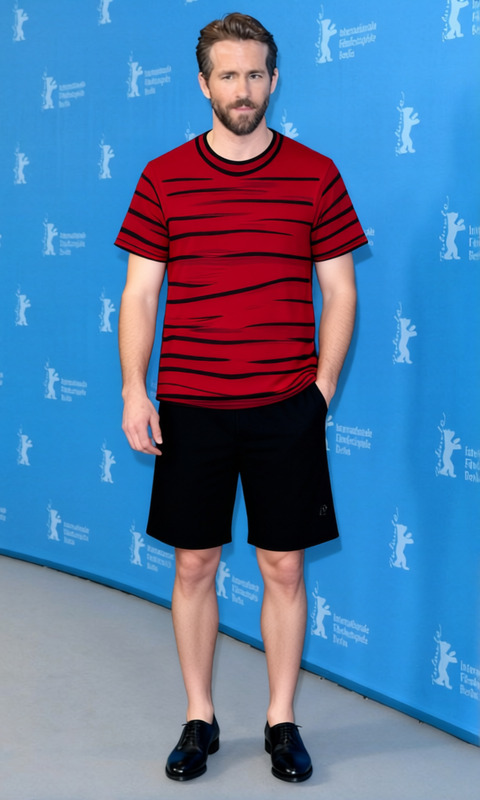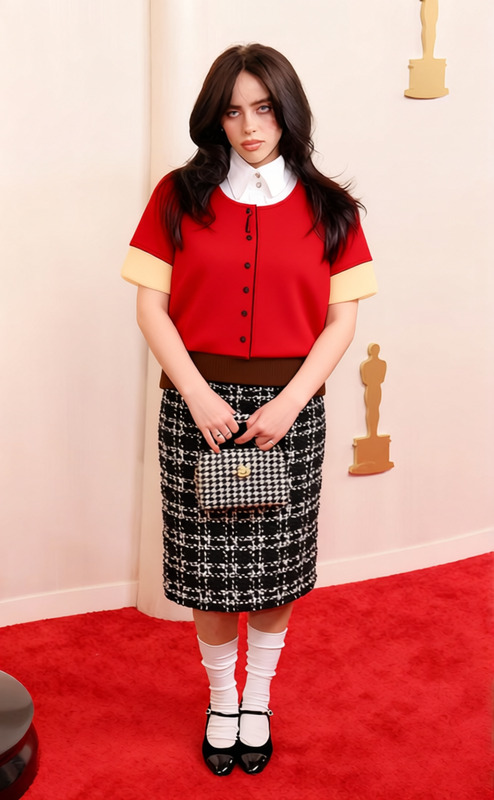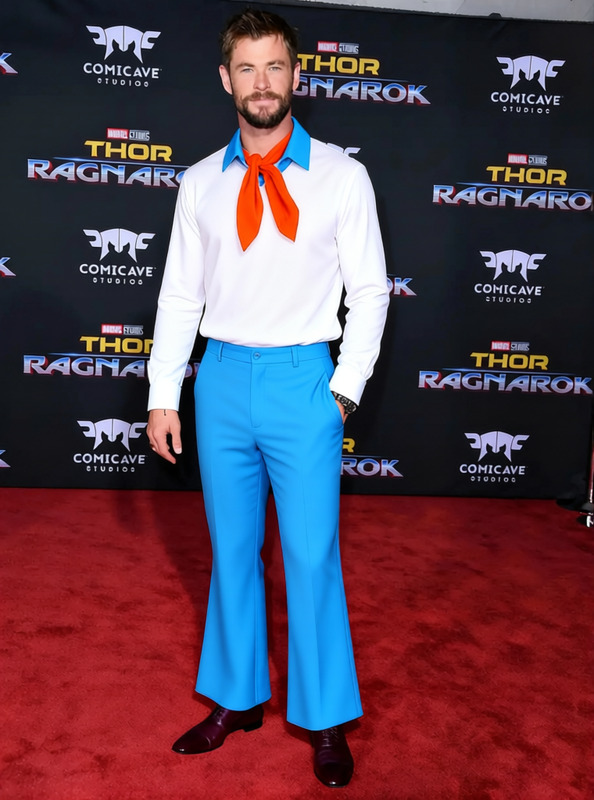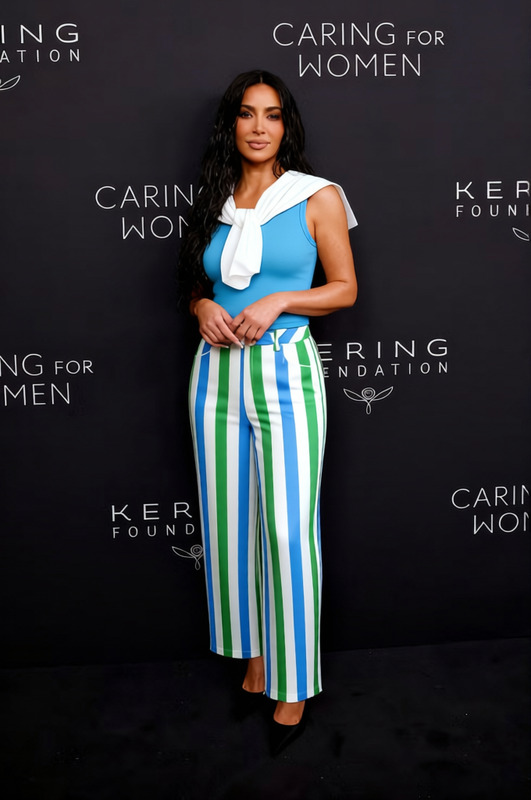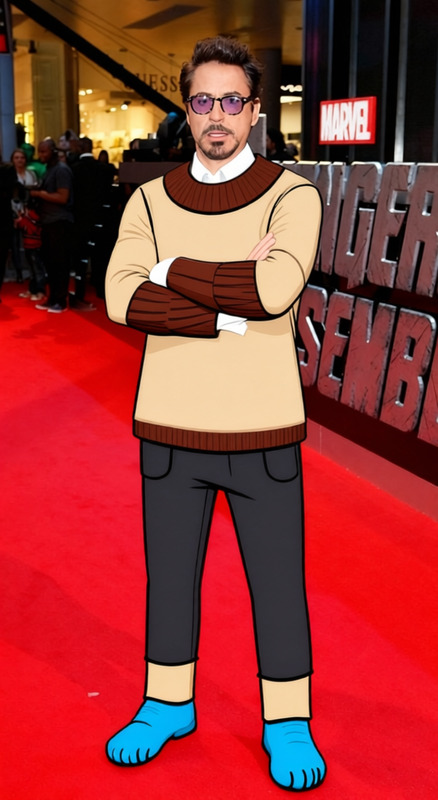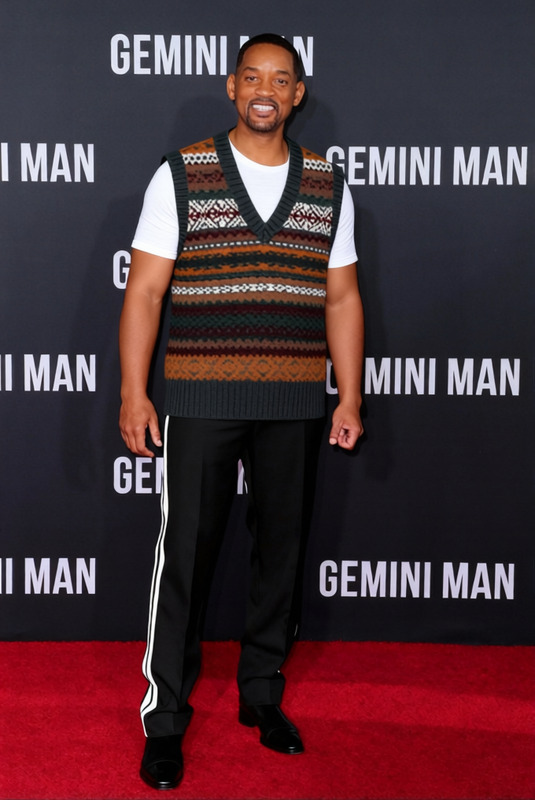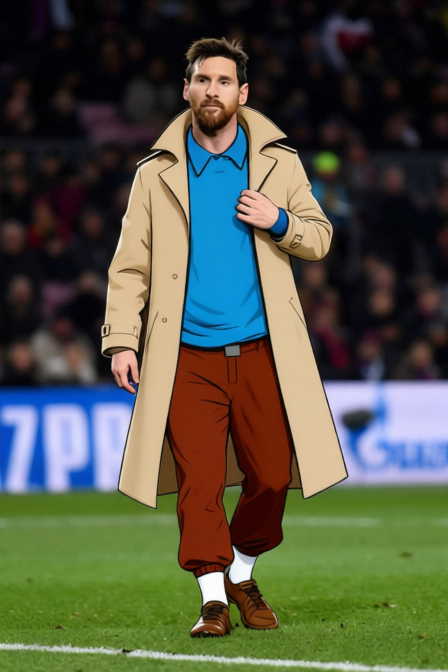
Tintin Blue Sweater With Brown Knickers

Tintin Blue Sweater With Brown Knickers

AI Clothes Changer
1 image
4 uses

Any aspect ratio

Overview

The "Tintin Blue Sweater With Brown Knickers" template within our AI Clothes Changer product allows you to modify outfits with precision. Ideal for aesthetic and historical projects, it seamlessly integrates into creative workflows.

What It Does

This template lets you change the clothes in your images, swapping them for Tintin's iconic blue sweater and brown knickers look. It's perfect for recreating scenes, personalizing fashion designs, or just having fun with AI Image Editor capabilities.

Who It's For

Photographers, designers, and Tintin enthusiasts will find this template especially useful. Whether you are working on mood boards or seeking creative inspiration, this tool offers an efficient way to realize your vision.

Summary

Simply select your image, apply the Tintin transformation, and receive a version that features the blue sweater and brown knickers. This template is part of our broader suite of AI fashion tools, including the AI Image Generator.

How-To

    01

    Choose

    Start by navigating to the Clothes Changer section in the Magic Hour platform. Select the "Tintin Blue Sweater With Brown Knickers" template from the options available.
    02

    Customize

    Upload your image or choose from pre-existing files. Adjust the settings to fine-tune how the clothing appears, such as fit and style preferences.
    03

    Generate

    Click on the 'Generate' button to apply the changes. Once processed, download your new image featuring the iconic Tintin outfit.

Use Cases

📷

Vintage Photo Restyling

Modernize old photos by giving subjects a classic but fresh look with Tintin's outfit.
  • Improve historical archives
  • Create themed photobooks
🎨

Character Design

Incorporate classic styles into new characters for comics or animations.
  • Develop unique character wardrobes
  • Integrate into storyboard designs
👗

Fashion Mockups

Test new fashion ideas using the Tintin aesthetic as a starting influence.
  • Create unique fashion lines
  • Engage audiences with nostalgic vibes

Best Practices

  • Image Quality

    Use high-resolution images to ensure the clothes appear crisp and clear.
  • Lighting Considerations

    Ensure even lighting in your base image to avoid mismatches with the AI attire.
  • Consistent Angles

    For best results, try to match the angle of the subject's pose with the template settings.

Frequently asked questions

You can upload images in JPEG, PNG, and TIFF formats for transformation.

The AI is designed to detect and replace clothing with high accuracy, ensuring a seamless transformation.

Yes, the AI can independently adjust clothing for multiple subjects in a single image.

Yes, before finalizing and downloading, you can revert changes to review and modify your adjustments.

More Like This

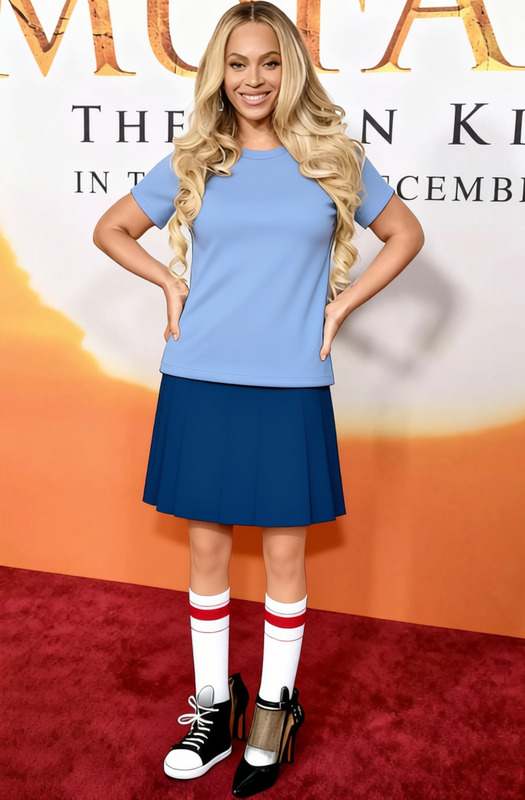
Tina Belcher Blue T Shirt With Navy Skirt
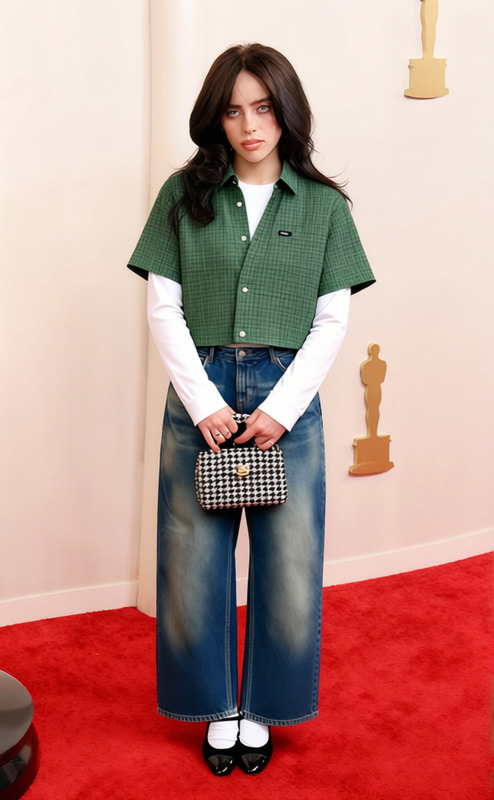
Greenflannel_bluebaggyjeans_blackboots 2
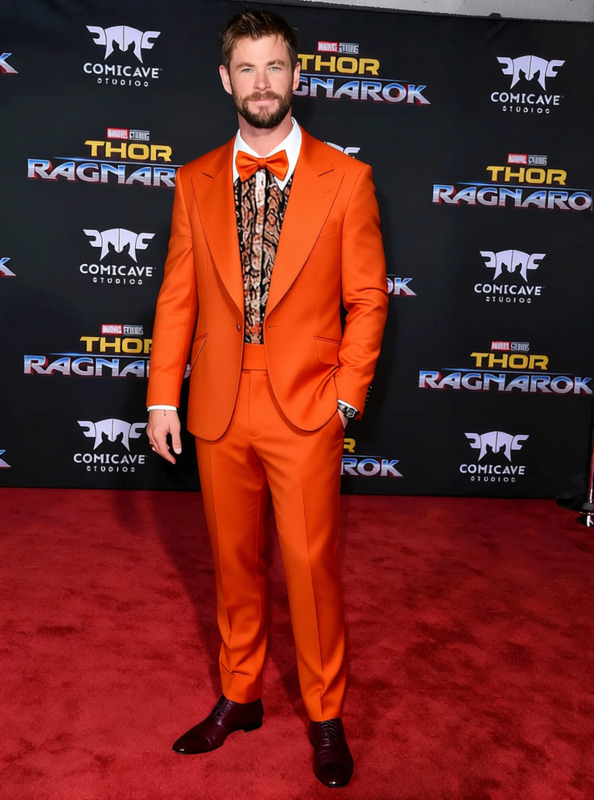
Lloyd Christmas Bright Orange Tuxedo
1
Lloyd Christmas Bright Orange Tuxedo
Droopy White Shirt With Brown Pants
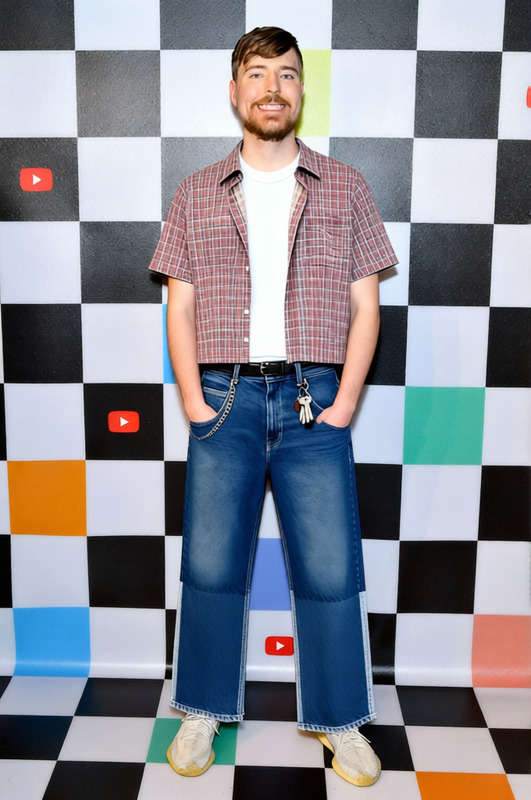
Flannel_bluejorts 2
Flannel_bluejorts 2
Linus Red Striped Shirt With Blanket
Cartman South Park Red Jacket With Blue Hat
1
Cartman South Park Red Jacket With Blue Hat
Fred Jones White Sweater With Blue Collar And Orange Ascot
Obelix Blue And White Striped Pants Wit Blue Shirt
Eleven Pink Dress With Blue Denim Jacket 2
8
Eleven Pink Dress With Blue Denim Jacket 2
Gumball Watterson Brown Sweater
1
Gumball Watterson Brown Sweater
Carlton Banks Colorful Sweater Vest

AI Clothes Changer