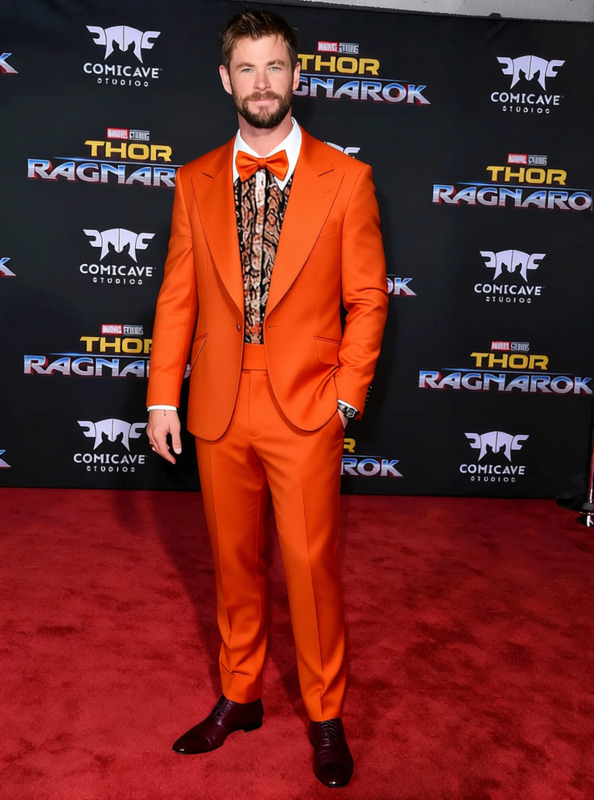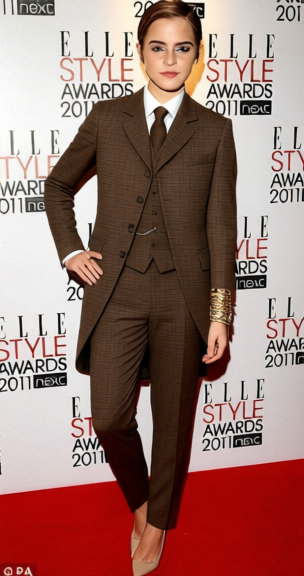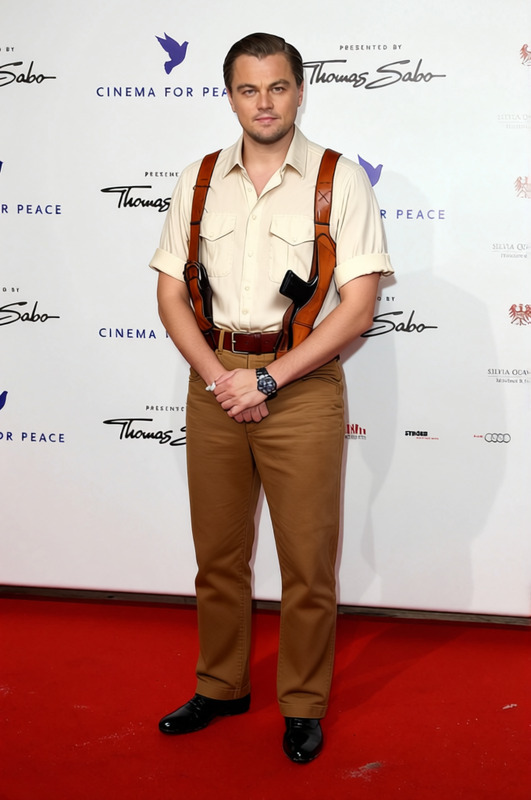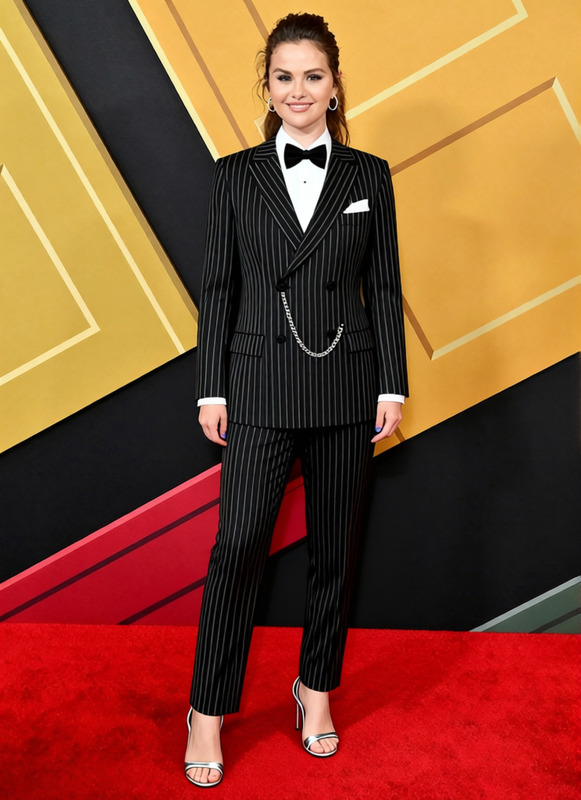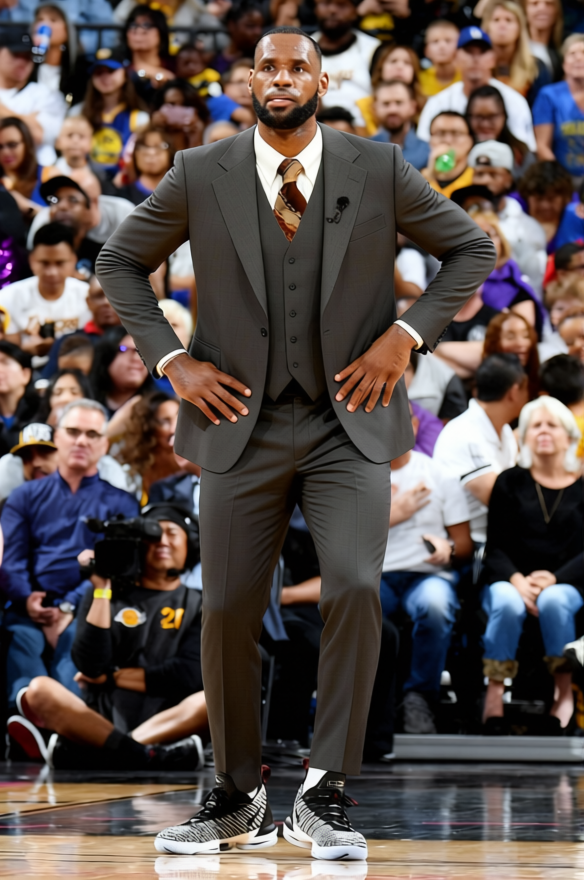
Brick Tamland Tan 70s News Anchor Suit
- Image
- 584 × 880 px
Any aspect ratio
Overview
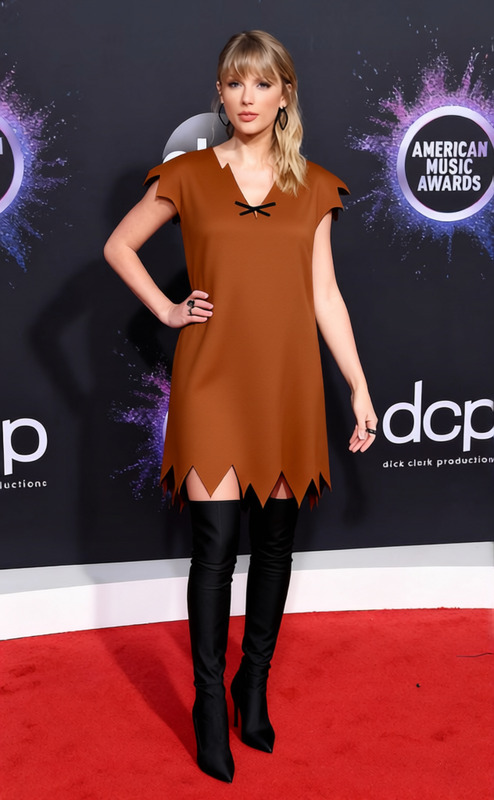
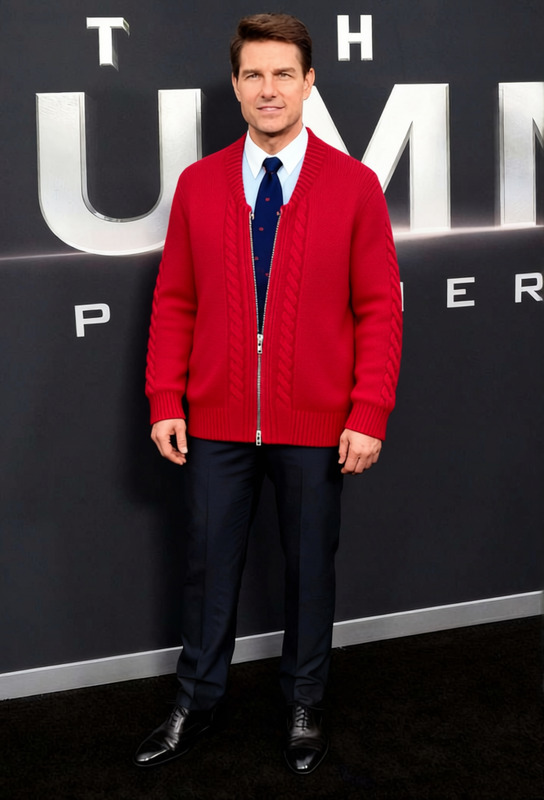
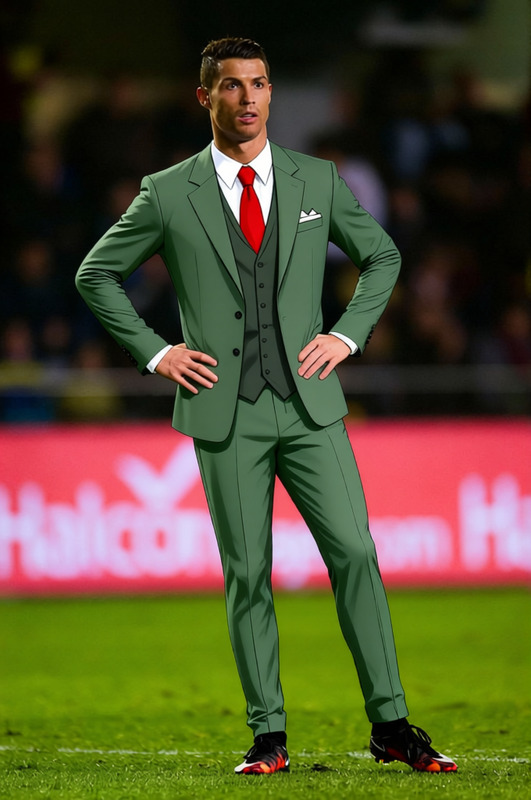
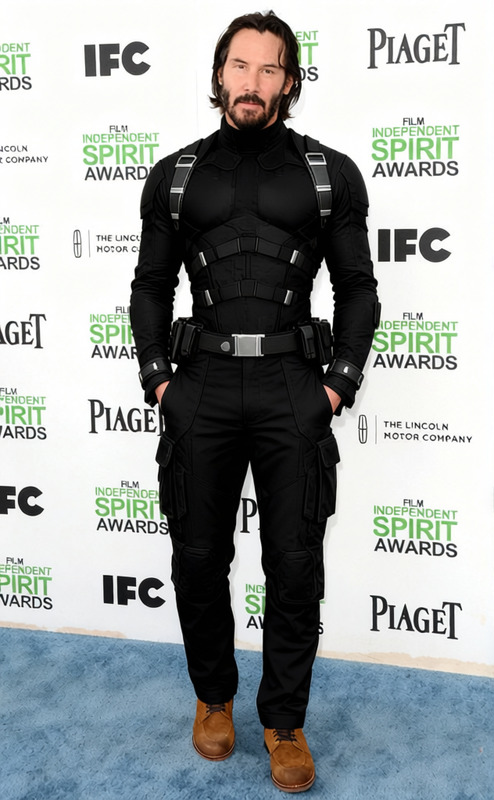
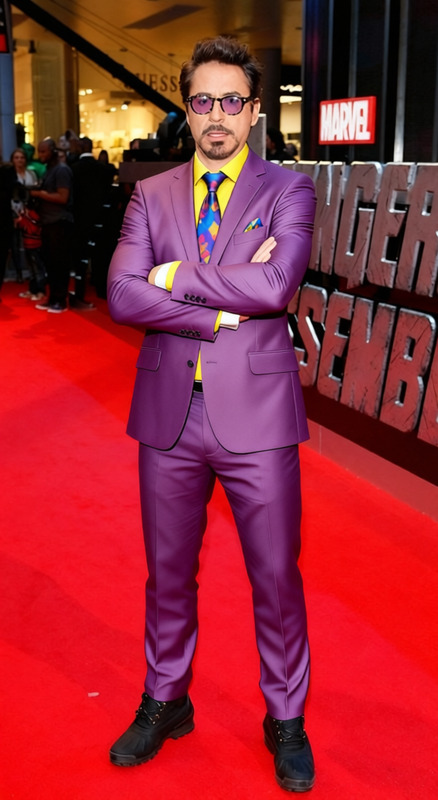
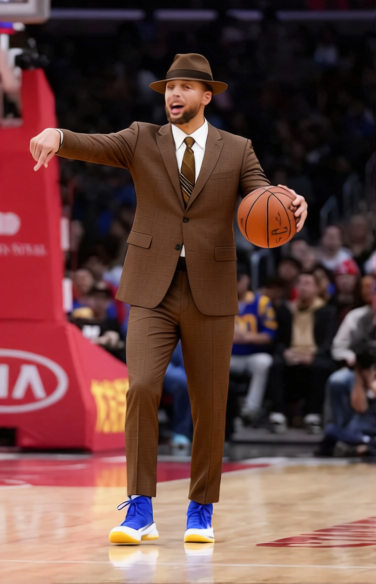
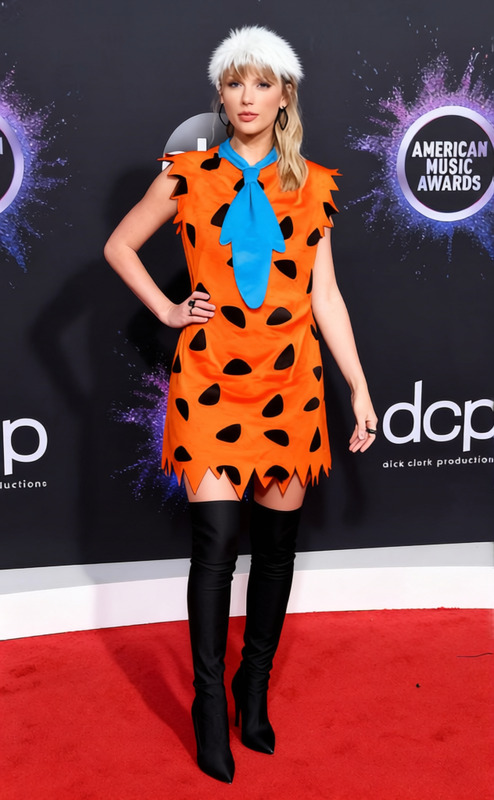
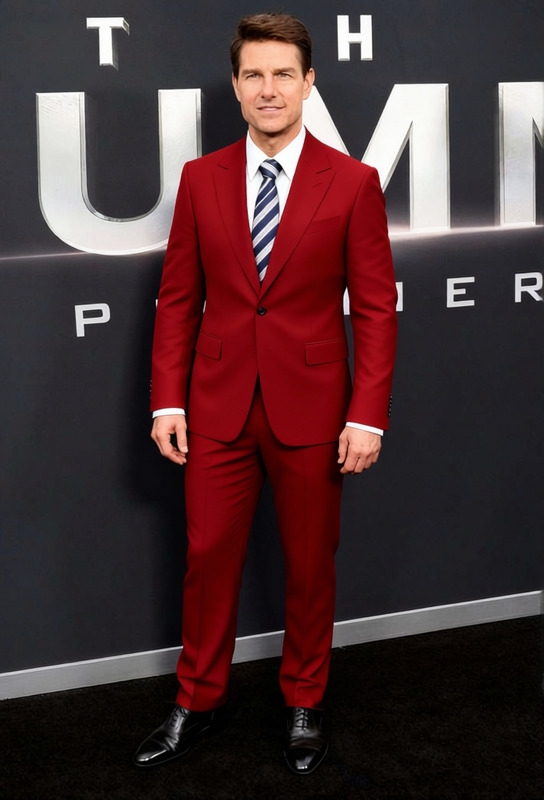
The "Brick Tamland Tan 70s News Anchor Suit" template offers a nostalgic touch to your digital wardrobe. This template is perfect for applying a classic 70s style suit to photos or videos, reviving the iconic look of news anchors from that era. Incorporate this style into your projects for a dose of retro charm.
Enhance your visual storytelling with complementary tools like the AI Clothes Changer and elevate your fashion editing capability by integrating it with the AI Image Editor.
What It Does
This template transforms modern or casual attire into a sophisticated tan 70s news anchor suit. By cleverly overlaying the suit onto an existing image or video, the tool replicates the vintage aesthetic of Brick Tamland's iconic look.
It's ideal for themed videos, photo shoots, or creating standout content for nostalgia-based campaigns, in conjunction with the AI Video Generator for seamless production.
Who It's For
Fashion enthusiasts, vintage stylists, and media creators looking to add a retro twist to their content will find this template invaluable. It's suitable for social media influencers, video content creators, or brands focusing on fashion evolution, alongside those investing in Character Replace to further enhance character-driven storytelling.
Summary
The Brick Tamland Tan 70s News Anchor Suit template is a unique tool for applying a stylish vintage garment to your digital content. It provides a creative avenue for those wanting to blend a classic style into their media. Perfect for both image and video applications, this template works seamlessly with other tools to create dynamic and themed presentations.
How To
Choose the Template

Customize Your Input

Generate and Download

Use Cases
Retro-Themed Social Campaigns
- Instagram retro days
- Facebook 70s theme events
- Twitter throwback campaigns
Fashion Evolution Projects
- Virtual fashion shows
- Fashion timeline videos
- Decade comparison blogs
Themed Photo Shoots
- Studio shoots
- Outdoor themed events
- Personal portfolio updates
Best Practices
Leverage Lighting and Shadow
Ensure the lighting on the subject matches the suit for a natural look. Use the AI Photo Relighting tool to adjust accordingly.Fit and Proportion
Adjust the suit's fit to align with the subject's body proportion, maintaining realism in output.Pair with Appropriate Backgrounds
Select settings or backgrounds that are period-appropriate to enhance the vintage aesthetic.
Frequently asked questions
More Like This