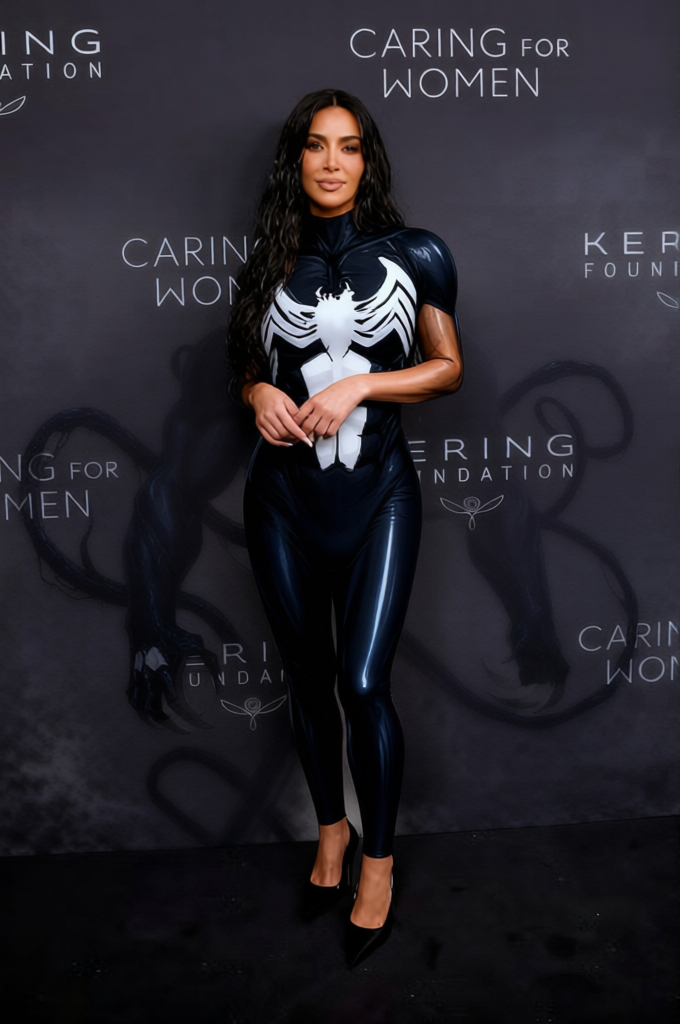
Venom Black Symbiote Suit With White Spider Symbol 2
- Image
- 680 × 1024 px
Any aspect ratio
Overview
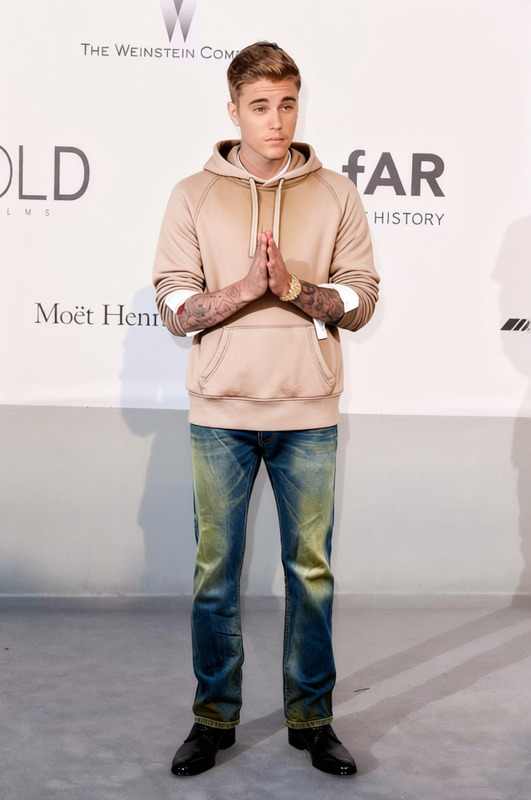
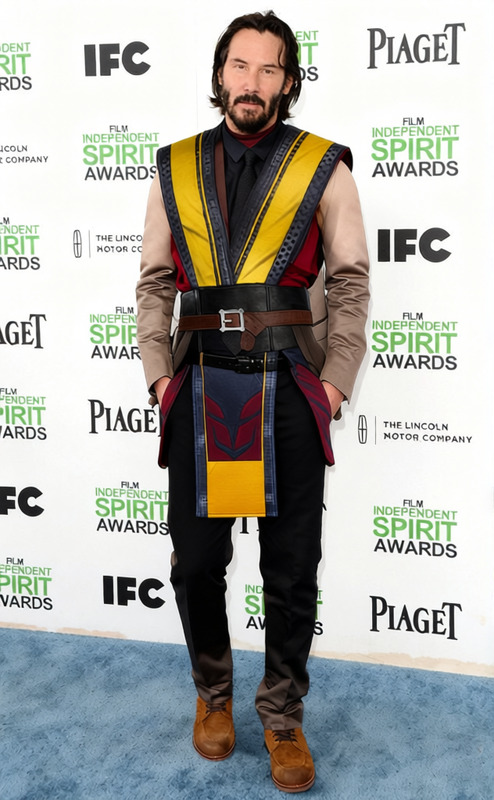
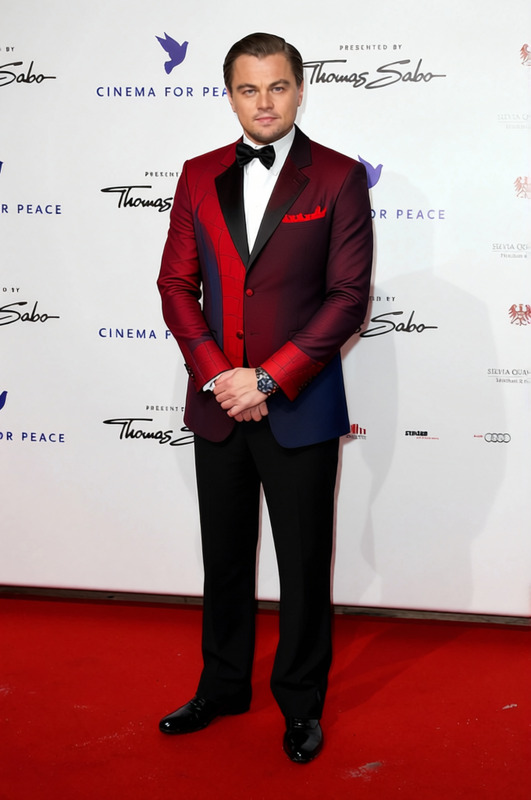
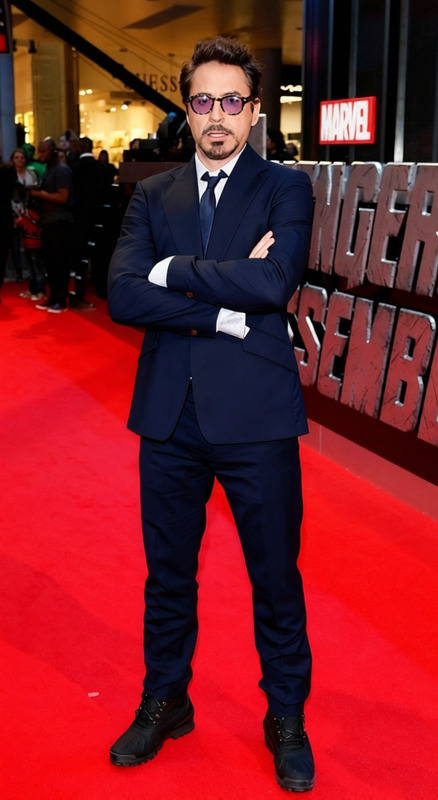
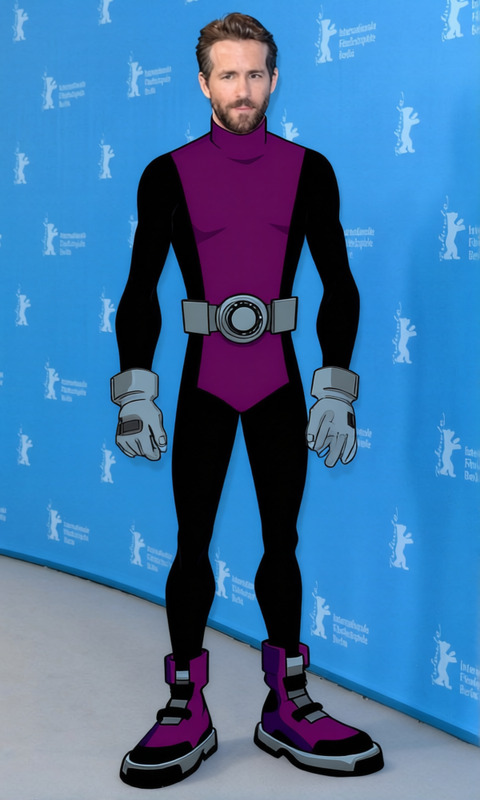
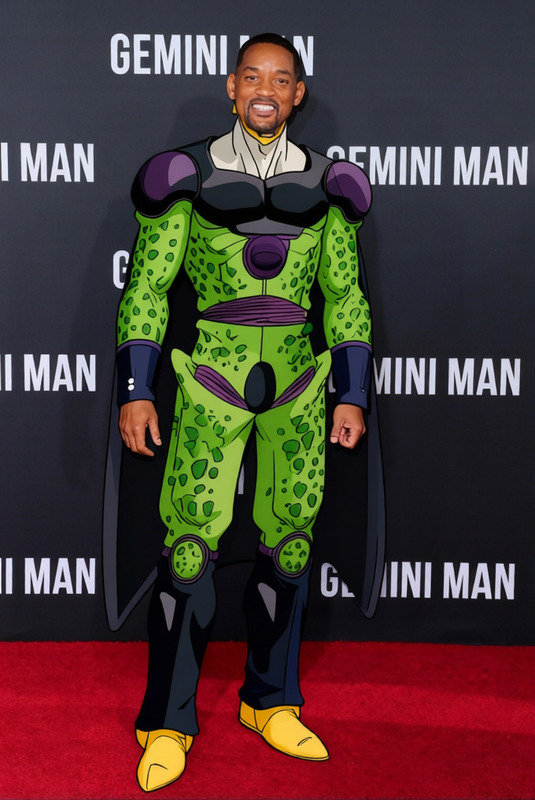
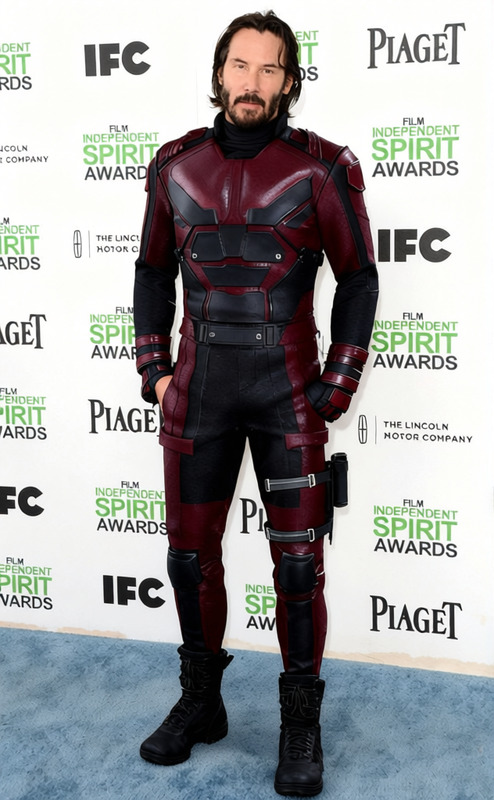
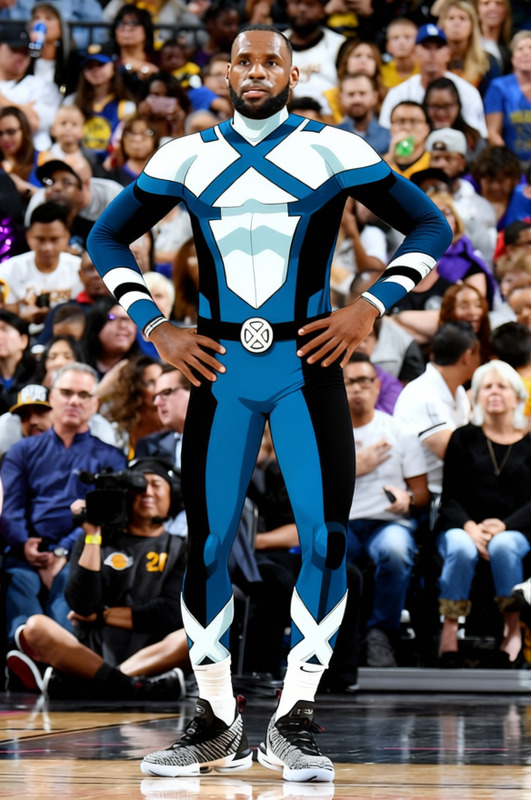
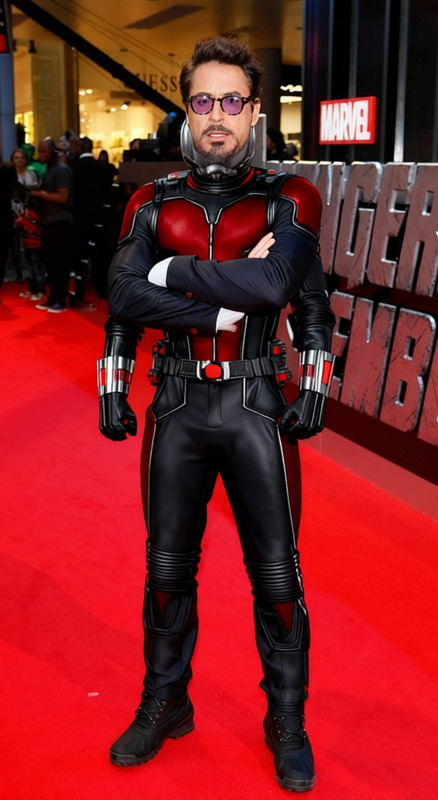
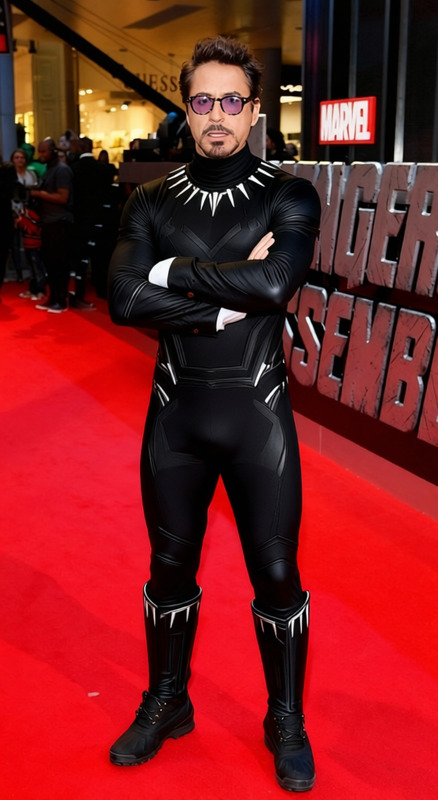
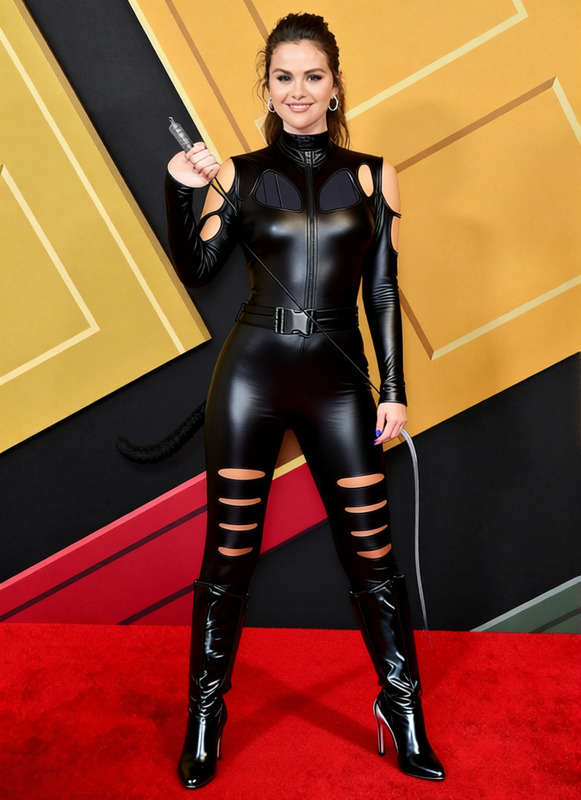
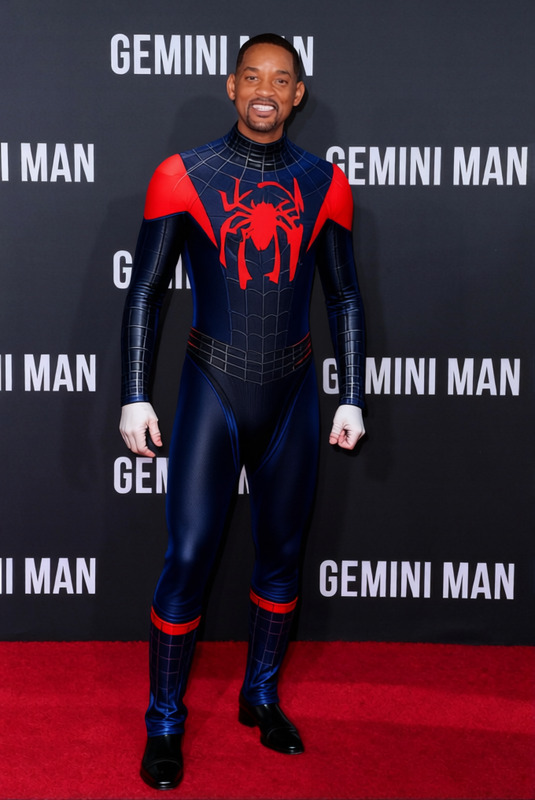
Transform your images with the striking Venom Black Symbiote Suit With White Spider Symbol Clothes Changer template. Ideal for costume enthusiasts and creative projects, this template allows you to digitally dress subjects in the iconic suit. Achieve a seamless blend of styles without the need for physical costumes.
What It Does
This Clothes Changer template overlays the classic Venom symbiote suit onto any character or subject within your image. It meticulously adjusts for fit and perspective, ensuring the suit looks realistic and integrated. The template supports a variety of image formats and maintains high resolution throughout the editing process.
Who It's For
Perfect for content creators, comic fans, and digital artists, this tool is also useful for anyone looking to enhance photo realism in creative projects. Whether you are designing fan fiction covers, social media content, or digital art exhibits, this template simplifies your workflow remarkably.
Summary
Bring your creative visions to life with this specialized template that offers a unique approach to digital costumes. It's compatible with the AI Clothes Changer product, ensuring easy integration with your existing design tools. Explore this and more creative capabilities in our Character Replace and Head Swap products.
How To
Choose the Template

Customize Your Image

Generate the Final Image

Use Cases
Comic Book Creations
- Design covers for fan fiction
- Develop unique comic book characters
- Create promotional artwork
Movie Fan Art
- Recreate scenes with visual accuracy
- Enhance fan art with professional touches
- Create visuals for fan events
Social Media Content
- Create attention-grabbing Instagram posts
- Design TikTok videos with unique styles
- Enhance Facebook content with high-quality images
Best Practices
Choose High-Quality Images
For the best results, use high-resolution images where the person or character is clearly visible and centered.Adjust for Perspective
Ensure the suit aligns with the body’s natural shape and orientation for a realistic effect.Preview Before Finalizing
Always utilize the preview option to confirm proportions and details before rendering the final image.
FAQs
More Like This