Rugby Shirt Navy And Yellow Striped Rugby Polo 2
- Image
- 680 × 1024 px
Any aspect ratio
Overview
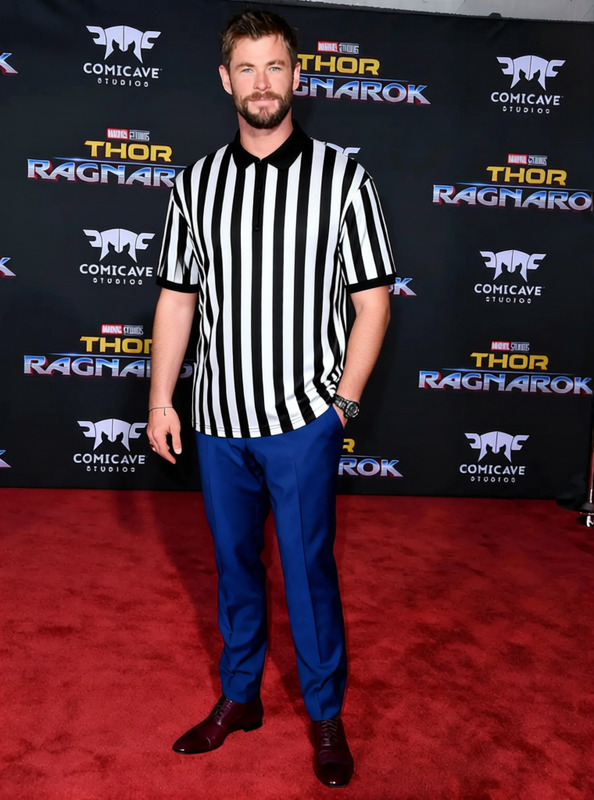
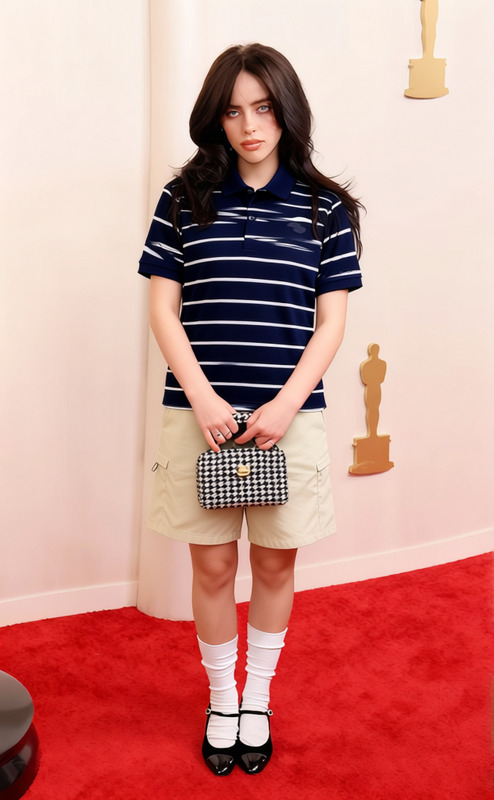
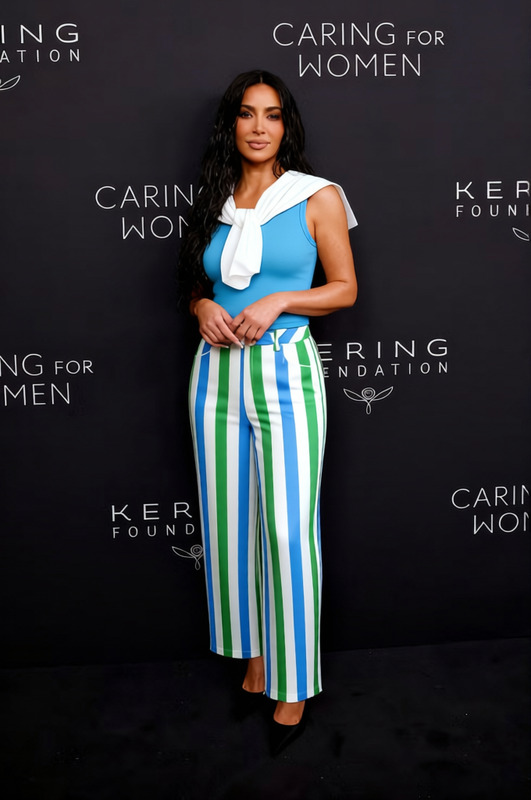
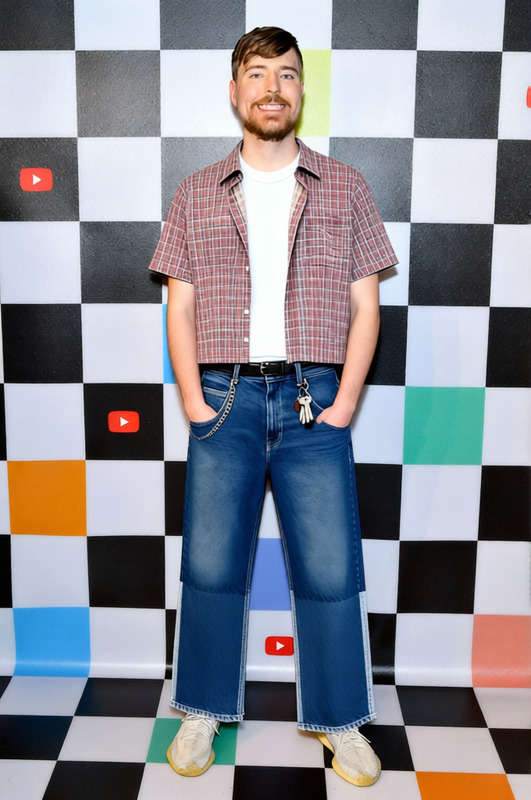
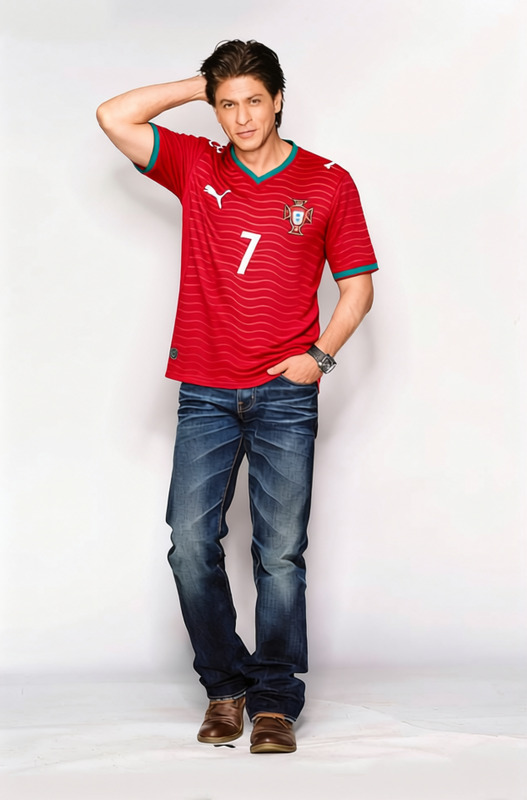
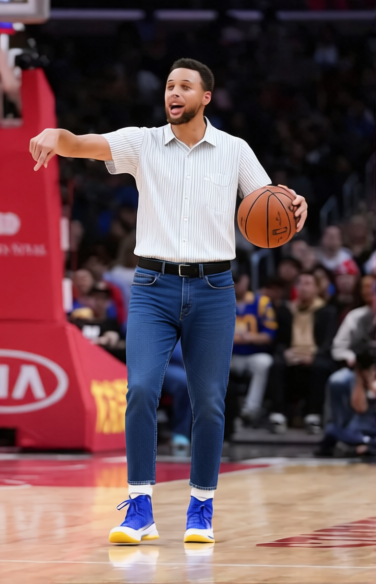
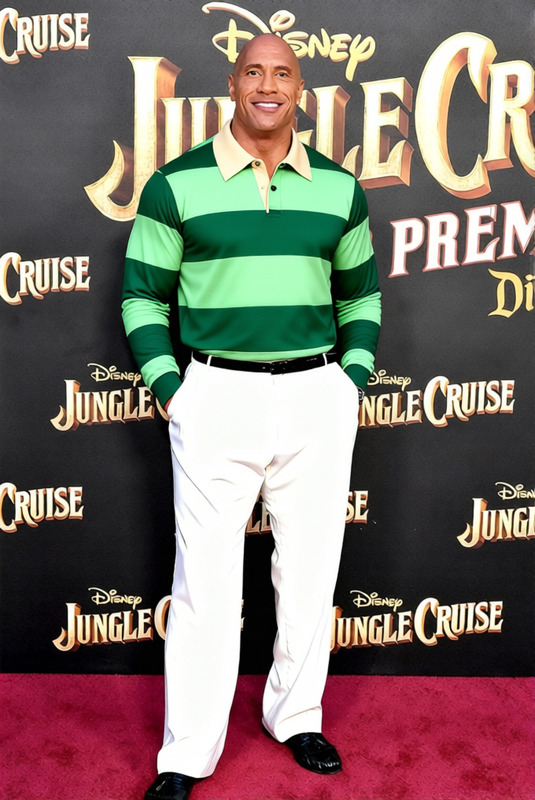
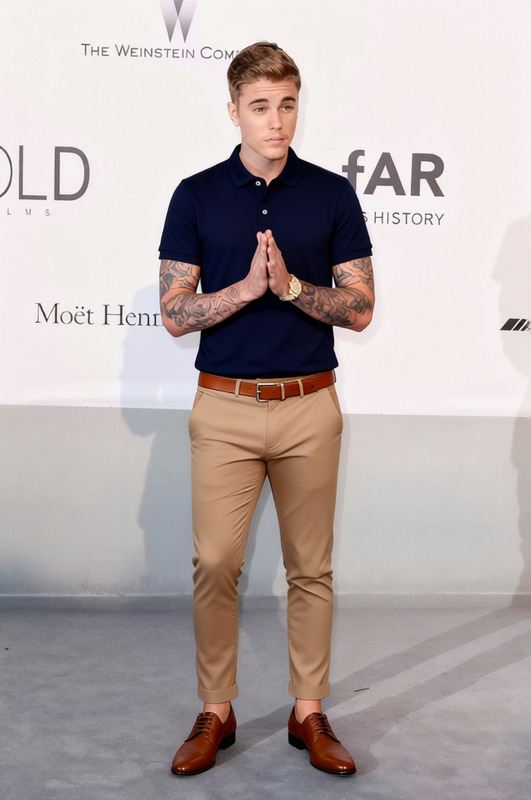
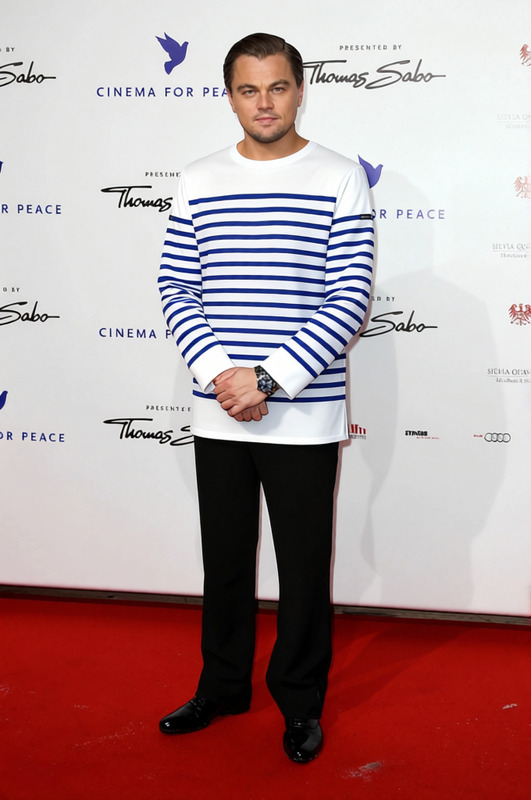
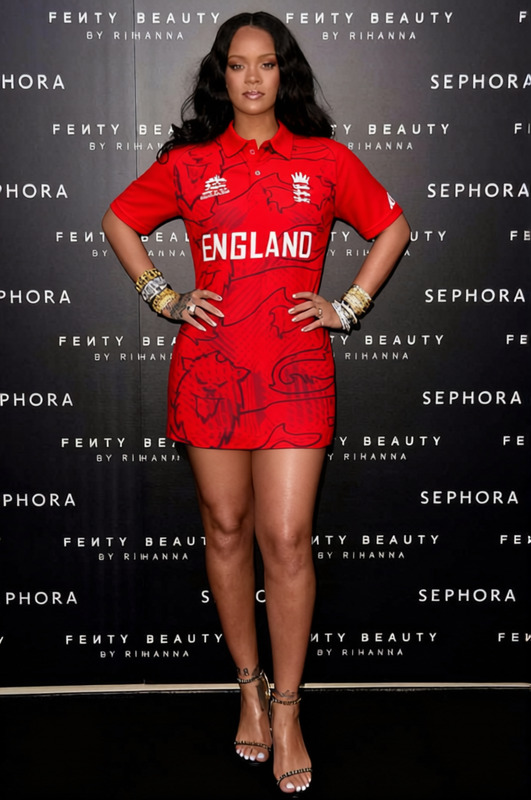
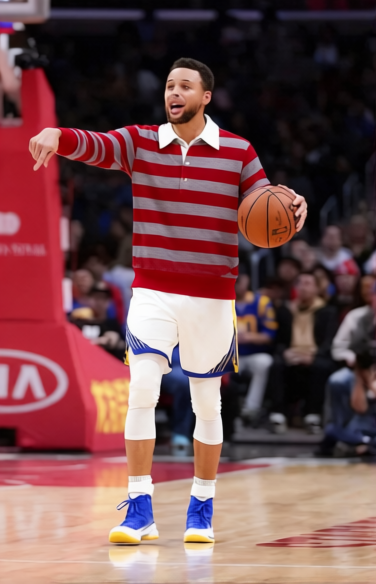
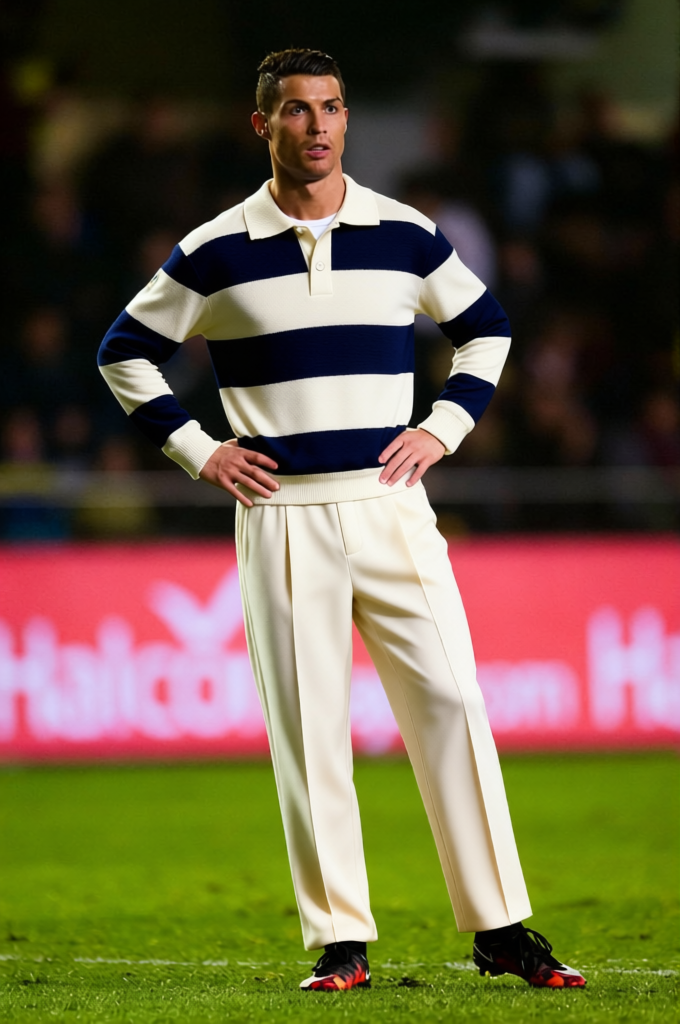
Revamp your wardrobe digitally with the Rugby Shirt Navy And Yellow Striped Rugby Polo template. This versatile Clothes Changer tool allows you to update the appearance of clothing in images, making it perfect for trying new styles virtually or showcasing different designs on existing photos.
What It Does
This template uses advanced AI technology to alter the clothing in photos with precision. By selecting the Rugby Shirt Navy And Yellow Striped Rugby Polo, you can swap out current attire in your images for this iconic style. Perfect for e-commerce and personal styling images, this tool makes it easy to keep your looks fresh and exciting.
Who It's For
This template is ideal for fashion designers, e-commerce platforms, and anyone looking to experiment with virtual clothing changes. If you're a designer looking to prototype new looks, or an online retailer wanting to diversify your product imagery, this Clothes Changer template offers a seamless way to broaden your visual content.
Summary
The Rugby Shirt Navy And Yellow Striped Rugby Polo template provides a dynamic approach to updating fashion imagery. By integrating this tool with other Magic Hour products like the AI Clothes Changer or the AI Face Editor, you can enhance not only the clothing but also the overall look of your images.
How To
Choose

Customize

Generate

Use Cases
E-commerce Imagery
- Show alternative color schemes for products
- Refresh website assets with minimal effort
Fashion Design Prototyping
- Evaluate design ideas quickly
- Share digital prototypes with colleagues
Personal Styling
- Explore clothing that complements your style
- Easily plan outfits for events
Best Practices
Use High-Quality Images
Upload high-resolution photos to ensure the best output quality when changing clothes.Select Clear Backgrounds
Images with simple, unobtrusive backgrounds allow the clothes-changing functionality to perform optimally.Check Lighting Conditions
Ensure the original photo's lighting is consistent with the desired look of the new clothing style.
Frequently asked questions
More Like This