Ted Mosby Henley With Jeans
- Image
- 760 × 1024 px
Any aspect ratio
Overview
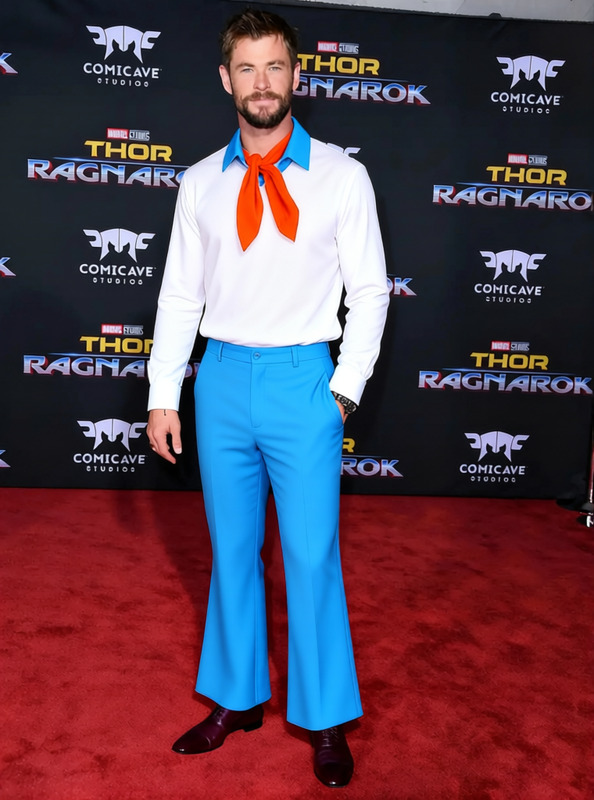
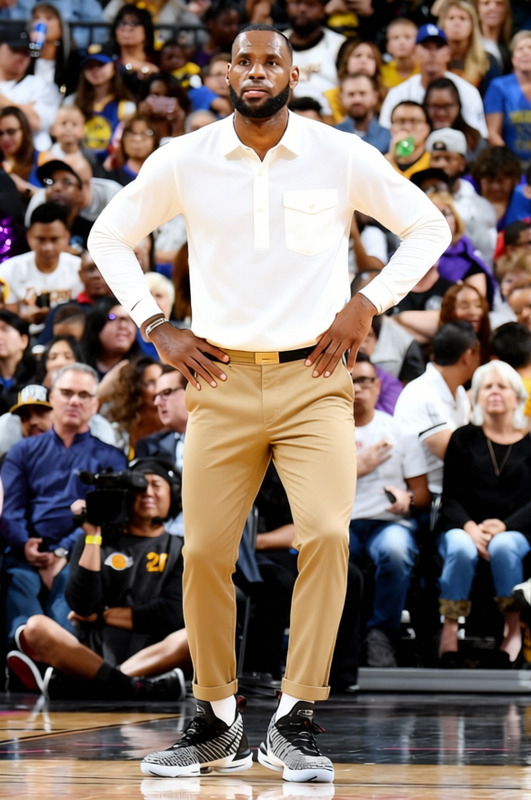
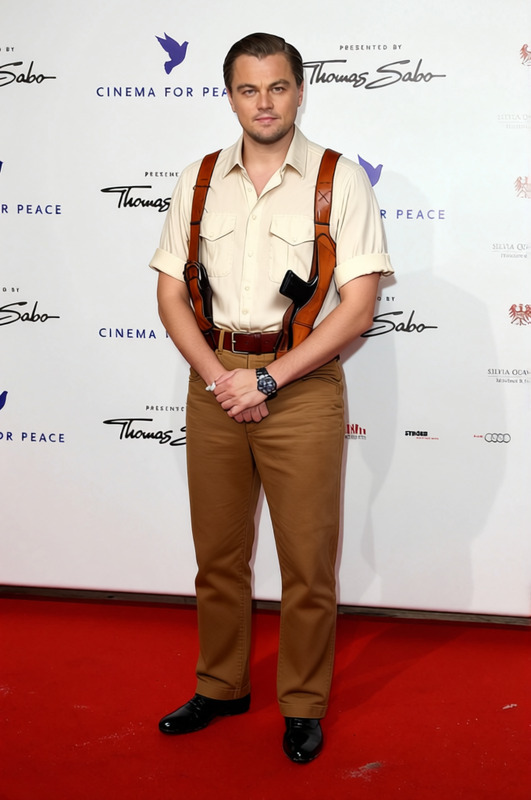
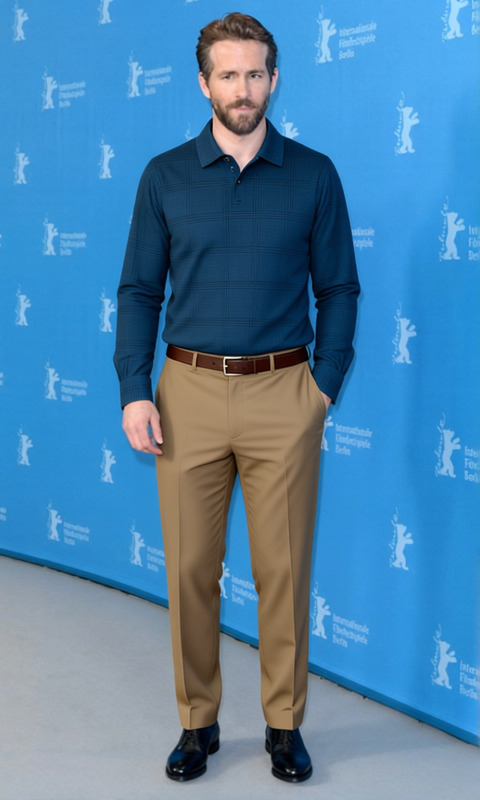
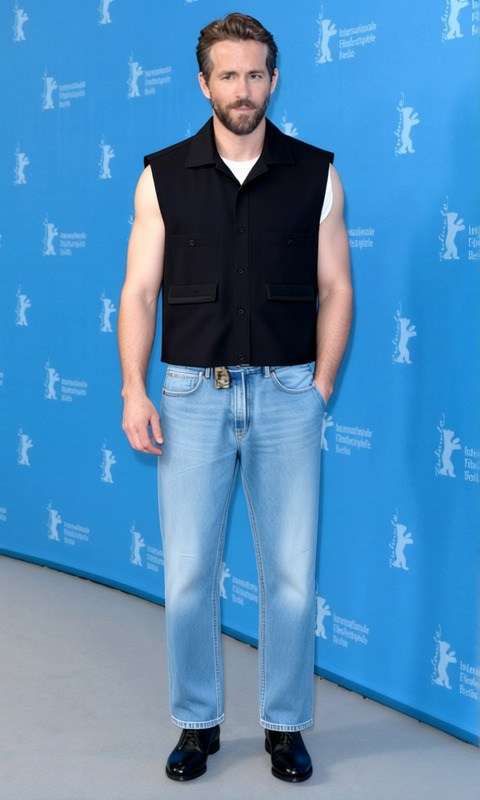
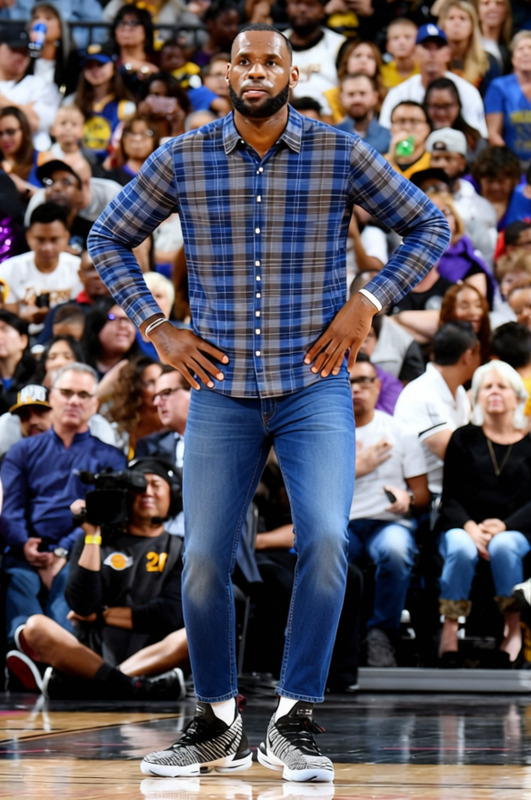
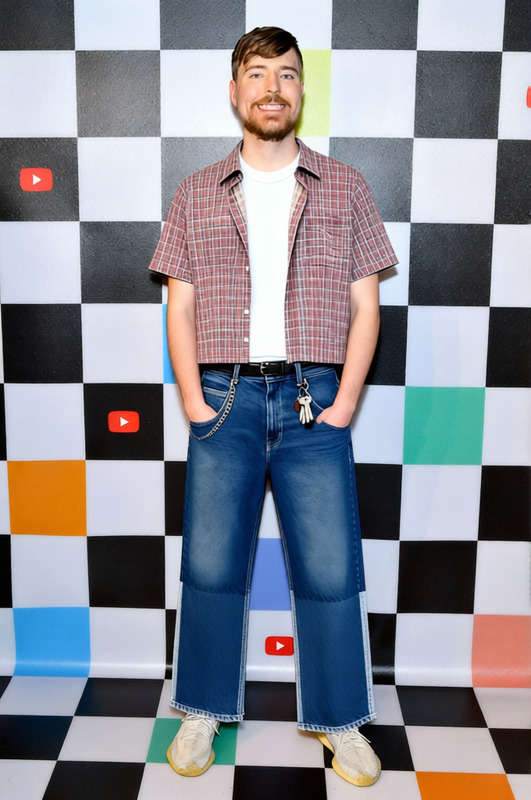
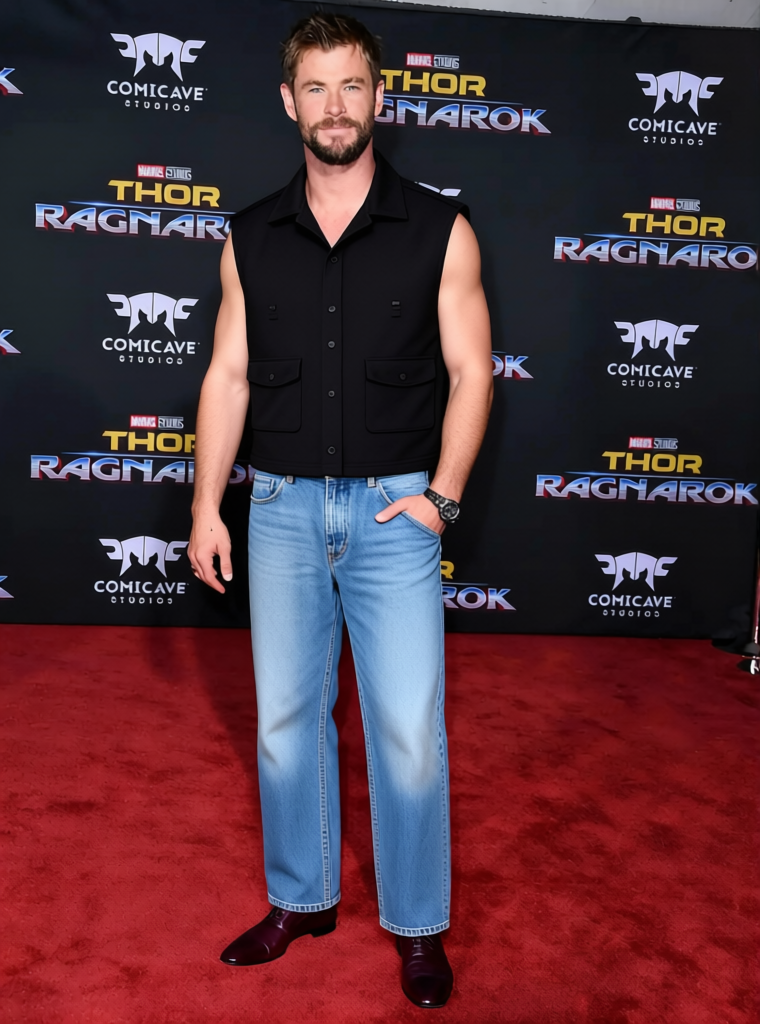
The Ted Mosby Henley With Jeans template in our AI Clothes Changer allows you to update your photos with a stylish henley and jeans look, inspired by the iconic TV character. This template offers a convenient solution for individuals looking to visualize this specific outfit without having to try it on.
What It Does
This template digitally alters personal images, swapping current clothing with a henley and jeans ensemble. Utilizing advanced algorithms, it ensures the new outfit blends seamlessly with the subject's posture and background, giving a realistic appearance. You can explore our Face Swap feature for additional customization options.
Who It's For
Designed for fashion enthusiasts, content creators, and anyone seeking to visualize clothing options, this template is ideal for marketing campaigns and personal projects. Whether you're designing a mood board for a new fashion line or just experimenting with looks, our AI Image Editor can further enhance your images.
Summary
The Ted Mosby Henley With Jeans template offers a straightforward process to swap outfits in photos. It's part of a range of tools designed to expand creative possibilities, from simple image adjustments to complex transformations.
How To
Choose Your Template

Customize Your Image

Generate Your New Look

Use Cases
Fashion Mockups
- Design presentations
- Customer demonstrations
Social Media Content
- Instagram posts
- TikTok videos
E-commerce Listings
- Product page optimization
- Digital catalogs
Best Practices
Choose Clear Images
For best results, use well-lit images where the subject is clearly visible to ensure accurate clothing application.Align with Background
Make sure the replaced clothes align naturally with the background to avoid unnatural appearances.Experiment with Angles
Try different poses and angles to see how the outfit adapts in various settings for a complete wardrobe update.
Frequently asked questions
More Like This